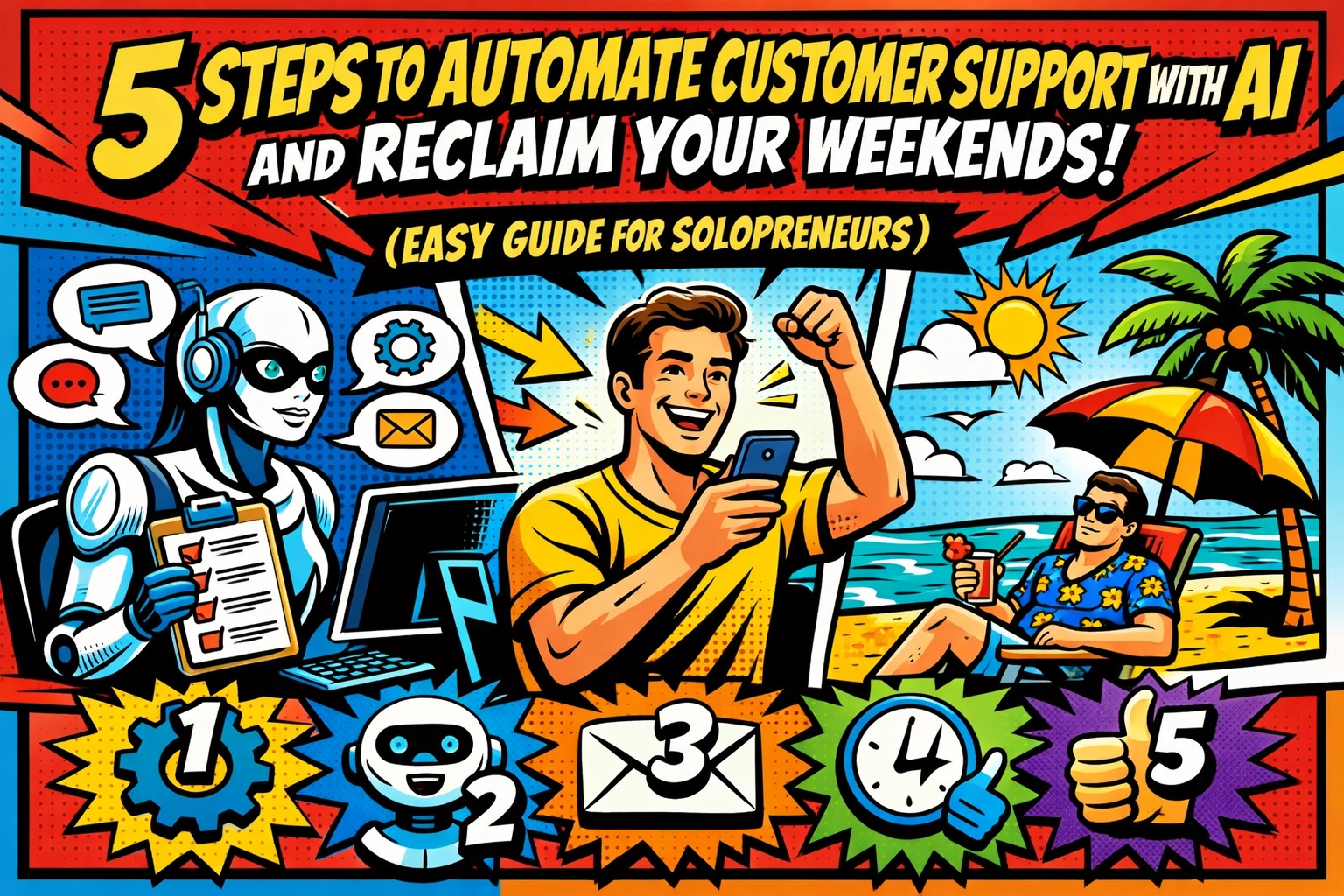
☕ 7:00 AM.
Your eyes aren't even fully open yet. You reach for your phone, not to check the weather, but to check the damage.
The notifications are already screaming.
"Where is my order?"
"Can I get a discount?"
"The link isn't working!"
You haven't even had a sip of coffee, and you're already behind. Your "weekend" was supposed to start three hours ago, but here you are, typing out the same apology for the 400th time this month.
You’re the CEO. The Founder. The Visionary. But right now? You’re just a glorified, unpaid call center worker for your own business. It’s exhausting. It’s draining. And honestly… it’s keeping you from actually growing.
But imagine this instead.
It’s Saturday morning. You wake up. Your phone is silent. No, you didn't turn it off. It’s just… quiet. Because while you were sleeping, someone, or something, was handling the chaos for you. Every "where is my stuff?" was answered. Every "how do I log in?" was solved.
The work is done. And you didn't lift a finger.
That’s the power of an ai virtual assistant for business. If you want your life back, you need to automate customer support with ai.
Here is how you do it in five simple steps.
STEP 1: DRAW A LINE IN THE SAND (AND STICK TO IT)
⌚ 9:00 AM.
The first mistake most solopreneurs make is being too available. You think that by answering a DM at 11:00 PM on a Tuesday, you’re providing "great service."
You’re not. You’re just training your customers to treat you like a 24/7 vending machine.
You need boundaries.
Decide right now: when are you "at work"? If it’s Mon-Fri, 9 to 5, then that needs to be etched in stone. Put it in your email signature. Put it on your "Contact Us" page.
"Support Hours: Mon-Fri, 9 AM – 5 PM EST. We typically reply within 24 hours."
It sounds simple. It sounds almost too basic. But the moment you define these hours, you give yourself permission to stop checking your phone during dinner. You aren't "ignoring" people. You're simply following the schedule you publicly set.
When people know when to expect a reply, the anxiety, on both sides, disappears.
STEP 2: BUILD YOUR FIRST LINE OF DEFENSE
🤝 11:00 AM.
Once you’ve set your hours, you need a gatekeeper. You don't need to hire a human for this. You just need a smart auto-responder.
Think of this as your digital receptionist. When someone emails you, they shouldn't be met with silence. Silence breeds "Did you get my message?" follow-up emails. And follow-up emails are just more work for you.
Your auto-responder should do three things:
- Acknowledge: "Got it! Thanks for reaching out."
- Manage Expectations: "I’m a one-person team, so I’ll get back to you personally within 1 business day."
- Redirect: "While you wait, check out our FAQ page here [Link], most questions are answered there!"

This tiny piece of automation stops the bleeding. It buys you time. It keeps the customer calm. And often, it solves the problem before you even see the email.
If you want to see how deep this rabbit hole goes, check out what we're doing over at Marblism. We help you turn these manual headaches into hands-off systems.
STEP 3: HIRE THE ROBOT (YOUR 24/7 AI CHATBOT)
📱 2:00 PM.
This is where the magic happens. This is where you actually automate customer support with ai.
An ai virtual assistant for business isn't just a fancy "if/then" script. We’re past the days of those annoying "Press 1 for Sales" bots. Modern AI can actually understand what your customers are asking.
Imagine a customer asks: "Hey, I bought the Pro plan but I can't find my receipt. Can you help?"
The AI doesn't wait for you. It scans its data, finds the answer, and says: "Sure thing! You can find all your receipts in the 'Billing' tab of your dashboard. Here is a direct link: [Link]."
Boom. Problem solved. Total time you spent: 0 seconds.
AI chatbots can:
- Answer pricing questions.
- Handle refund requests (by gathering the right info first).
- Troubleshoot common tech bugs.
- Capture leads while you’re out for a run.
Tools like the ones we highlight at https://marblism.link/scott-bowen are designed for solopreneurs. They cost less than your daily latte habit and work harder than any intern you’ll ever find.
STEP 4: CREATE THE "HOLY GRAIL" KNOWLEDGE BASE
🔍 5:00 PM.
"The best customer service interaction is the one that never needs to happen."
Read that again.
If your customers can find the answer themselves, they are happier. They get the solution instantly. They don't have to wait for you to wake up or finish your lunch.
You need a Knowledge Base. This isn't just a list of three questions. This is a searchable, organized library of everything someone might need to know about your business.
Break it down into categories:
- Billing & Subscriptions
- Shipping & Delivery
- Technical Setup
- Product "How-To" Guides
When you build this, your AI chatbot becomes ten times smarter. Why? Because the AI uses your Knowledge Base as its "brain." The more info you give it, the more questions it can answer without ever bothering you.

Building this library might take a weekend of work now, but it will save you 52 weekends of work later. That’s a trade I’d take any day.
STEP 5: BATCH THE REMAINING MESSAGES LIKE A PRO
🌙 8:00 PM.
Even with the best AI, some things will still need a human touch. A complex bug. A sensitive refund. A genuine "thank you" note.
But you should never, ever handle these as they come in.
If you answer every email the second it hits your inbox, you are living in "reactive mode." You can't build a business when you're constantly reacting.
Instead, batch your support.
Pick two times a day: maybe 10:00 AM and 4:00 PM. Spend 30 minutes clearing the deck. Use canned responses (pre-written templates) for the stuff that the AI couldn't quite handle.
Open ticket. Click template. Tweak one sentence. Hit send.
By the time 5:00 PM rolls around, your inbox is at zero, your AI is humming along, and you’re ready to actually enjoy your life.
WHY THIS MATTERS RIGHT NOW
You started your business for freedom. But if your inbox is your boss, you aren't free. You’re just an employee with a fancy title.
Research shows that 80% of solopreneurs who adopt AI automation see a massive drop in administrative grunt work. Some even see their lead conversion jump by 25% because the AI is fast. It never misses a message. It never gets tired.
It’s time to stop juggling and start scaling.
Stop losing your Saturdays to "Where is my login?" emails. Use an ai virtual assistant for business to do the heavy lifting for you.
Ready to see how easy it is to set up?
Click here to see how Marblism can automate your world and give you your time back.
FAQ: COMMON QUESTIONS FROM THE SKEPTICS
Q: Won't my customers hate talking to a robot?
A: They hate waiting for a human more. 80% of customers prefer an instant answer from a bot over waiting 24 hours for a human. If the bot is smart (which it will be), they’ll love it.
Q: Is it expensive to automate customer support with AI?
A: It's way cheaper than your time. Most AI tools for solopreneurs are very affordable. Think "Netflix subscription" prices, not "Corporate Enterprise" prices.
Q: Do I need to know how to code?
A: Nope. If you can send an email, you can set up these tools. Most are drag-and-drop.
Q: What if the AI says something wrong?
A: You control the "brain" of the AI. You tell it what to say. And if it’s ever unsure, it can simply say, "Let me get a human to look at this for you," and pass the ticket to you.
THE BOTTOM LINE
The "hustle" is a lie if it means you're tied to a desk answering the same five questions every day.
You have the tools. You have the guide. Now you just need to make the move.
Reclaim your weekends.
Reclaim your focus.
Start your automation journey right here.
The Saturday morning pancakes are waiting. And this time, your phone is going to stay in the other room.
Organized.
Automated.
Free.
Scaling shouldn't be this easy… but here we are.
Leave a Reply