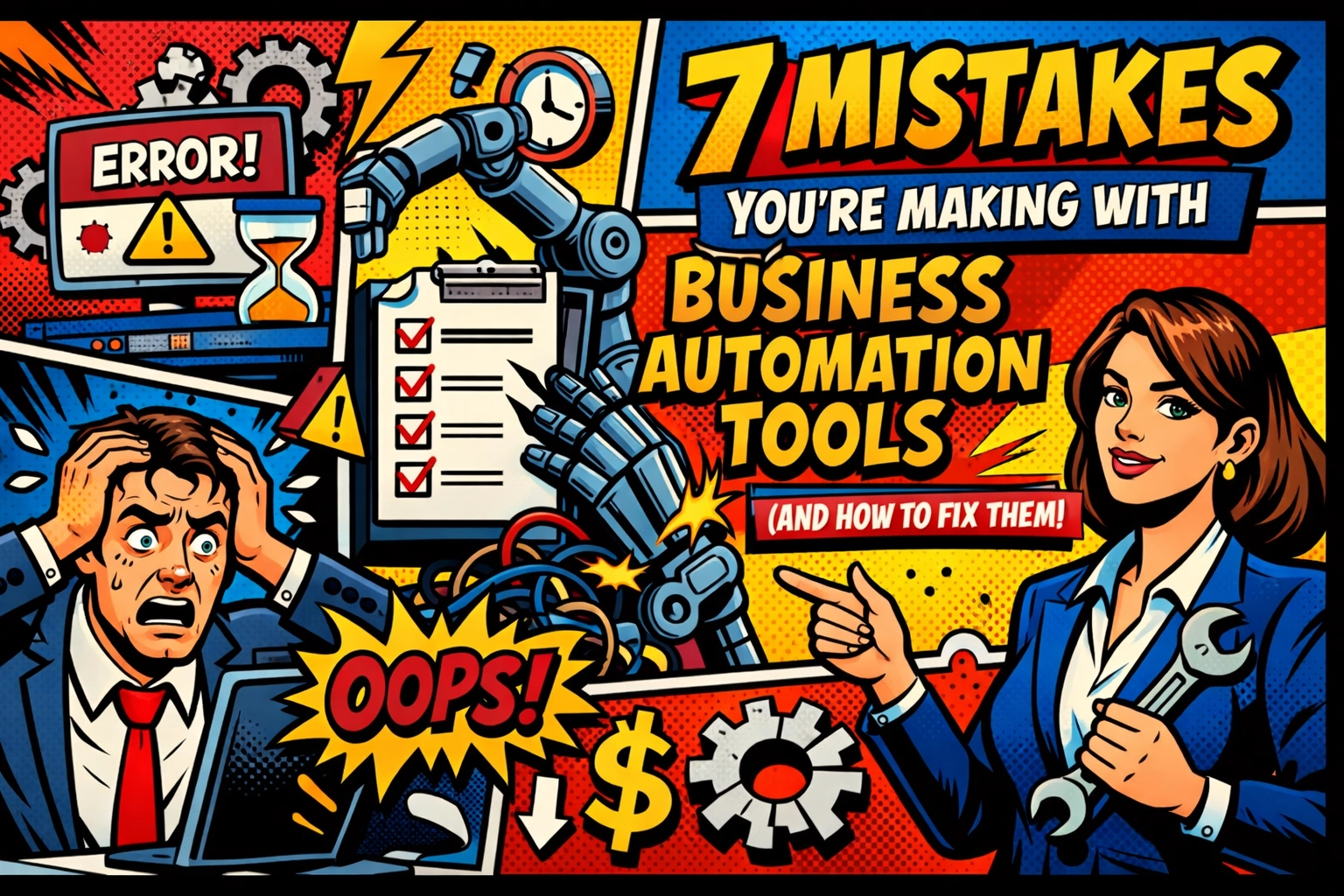
You’re staring at a spreadsheet. Again.
It’s 11:45 PM, the coffee is cold, and you’re wondering why you spent $200 last month on "efficiency software" that seems to produce nothing but error notifications and headaches.
You were promised a beach. You were promised "passive income" while a robot did the heavy lifting. Instead, you’re just a glorified babysitter for a bunch of buggy algorithms.
The truth? Business automation tools aren't broken. Your approach is.
Let’s fix that.
1. You’re Automating a Mess
You can’t automate chaos. If your manual process is a tangled web of "I’ll remember to do that later," putting it into a tool just makes it a faster tangled web.
Research shows that 38% of automation failures happen because people skip the optimization phase. You’re essentially building a house on a swamp.
The Fix: Map it out on paper first. If you can’t explain the process to a five-year-old, don't try to explain it to an AI. Clean the data, standardize the steps, and then let the robots take over.
2. The "Set It and Forget It" Delusion
You think you’re done once you hit "Publish."
…It’s a trap.
Markets change. APIs break. Customer behavior shifts. If you aren't monitoring your workflows, you’re losing ROI every single day. In fact, 62% of organizations see their automation value drop within two years because they stopped paying attention.
The Fix: Schedule a "Robot Performance Review." Once a month, check the logs. Is the tool still doing what it was hired to do? If not, fire it (or at least tweak the settings).
3. Ignoring the Human Element
You bought the tools, but did you ask your team?
Implementing an ai assistant for small business without getting your staff on board is a recipe for internal sabotage. People fear what they don't understand. If they think the robot is there to replace them, they won't use it.
The Fix: Involve them early. Show them that the automation is there to take away the "boring stuff" (like data entry) so they can do the "cool stuff" (like actually talking to humans).

4. Buying Everything at Once
You’re a sucker for a good SaaS landing page. We get it.
But when you automate large, independent tasks instead of small, interconnected components, you create "automation silos." These systems don't talk to each other. You end up with five different tools that all have different versions of the same customer's email address.
The Fix: Start small. Automate one tiny component of a workflow, ensure it works, then build the next block. Think LEGOs, not monoliths.
5. Data Quality is an Afterthought
"Garbage in, garbage out" is a cliché for a reason.
If your CRM is full of duplicates and typos, your business automation tools will happily send personalized emails to "Dear [FirstName] [LastName]" or, worse, to a lead that died in 2019.
The Fix: Use automation to clean your data before you use it to send it. Build workflows that flag discrepancies and enforce data validation rules.
6. You Forgot to Calculate the ROI
"But everyone else is doing it" is not a business strategy.
If you're spending $500 a month to save two hours of work that costs $20 an hour… you’re losing money. It sounds obvious, but surprisingly few people actually sit down and do the math on implementation and training costs.
The Fix: Before you sign up, document the costs: the tool, the setup time, and the training. Only move forward if the math makes sense. If you need a partner who actually understands efficiency, check out Marblism.
7. Choosing the Wrong "Brain"
In 2026, not all AI is created equal. Using a generic bot for a specialized task is like hiring a plumber to fix your laptop.
The Fix: Choose an ai assistant for small business that actually integrates with your specific stack. Don't settle for "good enough."
Automate Admin Tasks: How to Save 10+ Hours Every Week
☕ The day begins.
Usually, you’d spend the first two hours drowning in "quick" tasks. Answering the same five questions in your inbox. Scheduling meetings. Moving data from a form to a sheet.
By 10:00 AM, your brain is already fried. You haven't even started the "real" work yet.
What if those 10 hours just… disappeared?
The "Admin Death Spiral"
Admin tasks are the silent killers of growth. They feel productive because you’re "doing things," but you’re actually just spinning your wheels.
The secret to saving 10+ hours isn't working harder. It’s working fewer minutes on things that don't require a human brain.
Step 1: The Calendar Gatekeeper
Stop the back-and-forth "Does 2:00 PM work for you?" emails. It’s 2026. If you aren't using an automated scheduler, you’re bleeding time.
Step 2: The Inbox Filter
Most of your emails don't need you. They need an answer. An ai assistant for small business can draft responses based on your previous emails, leaving you to just hit "Send."
Step 3: The Seamless Sync
Every time you manually copy an address from an invoice into your accounting software, a little piece of your soul dies. Use business automation tools to bridge the gap.

You just send a thumbs-up. The data moves. The invoice is sent. You go back to your coffee.
Scaling shouldn't be this hard. But here we are. If you’re ready to reclaim your Friday afternoons, it’s time to see what Marblism can do for your workflow.
The Best AI Assistant for Small Business in 2026
📱 Your phone buzzes.
It’s your AI assistant. It noticed a lead came in from your website, researched their company, checked your calendar, and drafted a proposal based on their specific needs.
All while you were at the gym.
This isn't science fiction anymore. It’s Thursday.
Why 2026 is Different
Two years ago, AI was a novelty. Today, it’s a requirement. The "Best" assistant isn't the one with the most features; it’s the one that actually understands your business context.
Meet Your New Team Member
A true ai assistant for small business shouldn't just be a chatbot. It should be a proactive partner.
- Contextual Awareness: It knows who your VIP clients are.
- Cross-Platform Integration: It talks to your CRM, your email, and your project management tools.
- Zero-Maintenance: It learns from your feedback, so you don't have to keep repeating yourself.
Stop juggling. Start leading. The tools are ready when you are. Explore the future here.
AI Content Generator for Small Business: Your Secret Marketing Weapon
🔍 You need a blog post. A LinkedIn update. A newsletter. Five tweets.
The blinking cursor is mocking you. It’s been twenty minutes, and all you’ve written is "Hey everyone."
Content marketing is a beast that never stops eating. If you’re trying to feed it manually, you’re going to starve your business of actual strategy.
The Power of an AI Content Generator for Small Business
The mistake people make is thinking AI should do 100% of the work.
…No.
The AI is your researcher, your drafter, and your editor. It’s the "Secret Weapon" that handles the 80% of the grunt work so you can add the 20% of human soul that actually sells.

How to Use It (Without Looking Like a Robot)
- Feed it the Hook: Give the generator a specific, weird, or controversial opinion you have.
- Let it Expand: Let the ai content generator for small business build the structure and fill in the facts.
- The Human Polish: Spend 10 minutes injecting your voice, your stories, and your "Scott-isms."
Suddenly, a four-hour task takes twenty minutes.
You look like a marketing genius. But it’s quiet: organized. That’s the Marblism way.
Ready to stop clicking and start growing?
See how Marblism automates the boring so you can do the brilliant.
The lights are off. The work is done. You’re already home.
Leave a Reply