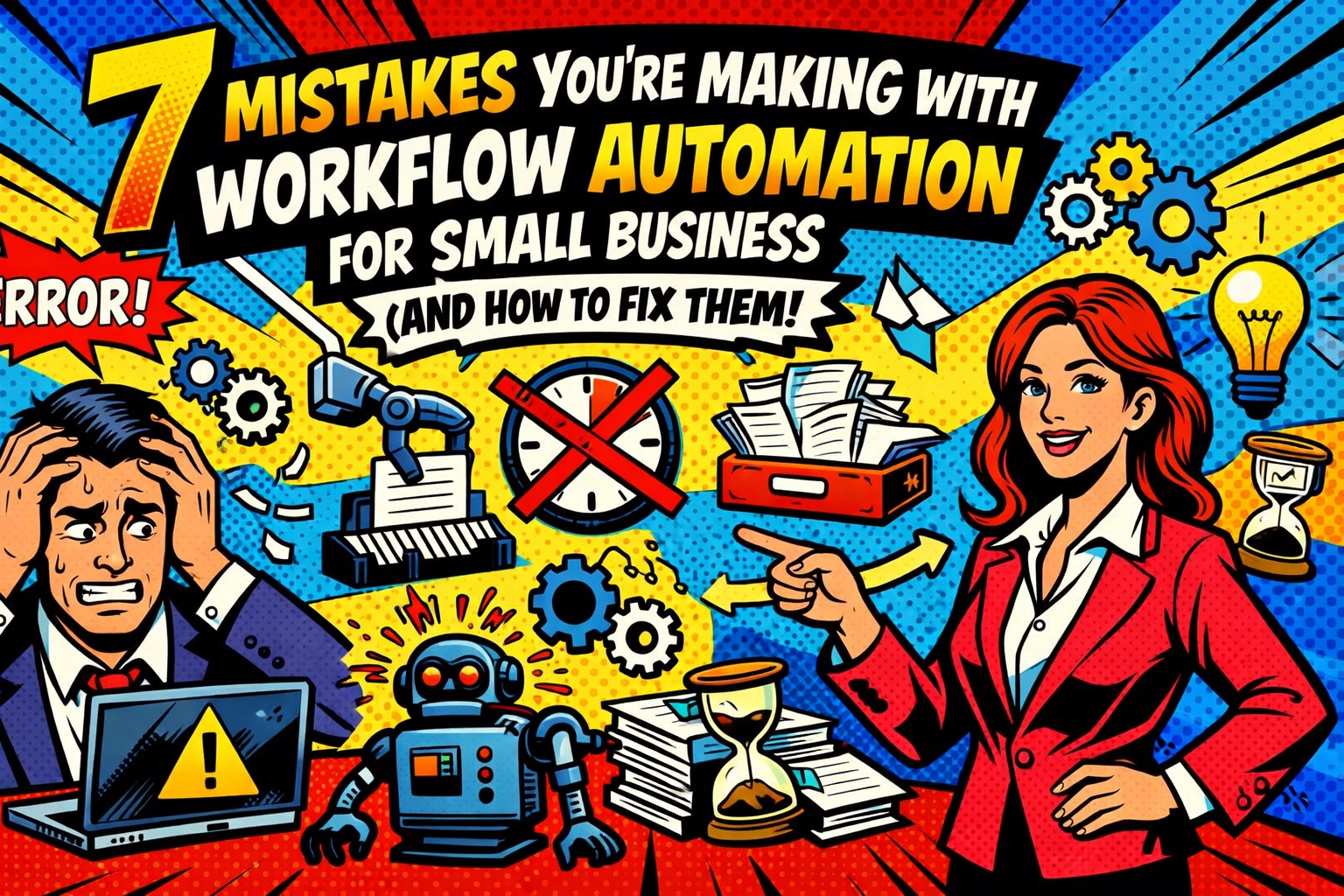
☕ 7:00 AM.
You’re staring at a screen that’s already shouting at you. 42 unread emails, three "urgent" Slack pings, and a spreadsheet that looks like a digital crime scene. You’ve heard about workflow automation for small business. You even tried to set up a few "zaps" or whatever the kids call them.
But instead of sipping your coffee in peace, you’re now debugging an error message that says “Invalid API Key.”
Automation was supposed to be your ticket to freedom. Instead, it’s just another employee who doesn't show up for work and talks back in code.
If your automation feels like it’s creating more work than it’s saving… you’re likely making one of these seven mistakes. Let’s fix that before you throw your laptop out the window.
1. YOU’RE AUTOMATING A TRAIN WRECK
The Mistake: You took a process that was already messy, confusing, and inefficient, and you digitized it.
Digitizing a broken process doesn't fix it. It just makes the mistakes happen faster. If your manual procurement process involves three unnecessary approvals and a carrier pigeon, automating it just means you’re annoying three people and a bird at the speed of light.
The Fix: Map it out first. Strip it down to the studs. If a step doesn't add value, kill it. Only then should you let the robots take over. Build on solid ground, or don't build at all.

2. THE "WIND UP AND PRAY" STRATEGY
The Mistake: Neglecting a real plan. You saw a shiny tool, clicked "buy," and started connecting things without knowing what "success" actually looks like.
Rushing into automation without understanding your pain points is like buying a Ferrari to drive to your mailbox. It’s overkill, and you’re still not getting where you need to go.
The Fix: Define the win. Is success saving five hours a week? Is it reducing data entry errors to zero? Set a goal. Know your bottlenecks. If you don't know where the dam is breaking, you can't plug the leak.
3. AUTOMATING THE WRONG STUFF
The Mistake: You’re automating things that don't matter while your core business bleeds.
Small business owners often get caught up in automating "maintenance" tasks that take five minutes, while ignoring the massive marketing workflow that’s currently handled by a guy named Steve who forgets half his tasks.
The Fix: Prioritize high-impact workflows. Ask yourself: "If this task disappeared, would my revenue grow?" If the answer is yes, that’s your target. Focus on what moves the needle, not just what looks cool in a dashboard.
4. TRYING TO EAT THE WHOLE ELEPHANT
The Mistake: Automating too much, too soon.
You want the "Future-Proof AI Office" by Monday. So you try to link your CRM, your accounting software, your social media, and your coffee machine all at once. Then, one thing breaks, and the whole house of cards collapses.
The Fix: Start small. Automate one component. Watch it. Tweak it. Once it’s bulletproof, move to the next. Gradual wins lead to a system that actually lasts.
5. THE "GHOST IN THE MACHINE" SYNDROME
The Mistake: Skipping clarity on roles. You assume "the system" will handle it, so no one is actually responsible for the output.
When an automated email goes out with the wrong name, who fixes it? If a lead falls through the cracks because a sync failed, who's head is on the block? Without accountability, automation is just a convenient excuse for failure.
The Fix: Every automated step needs a human owner. Specify who approves, who reviews, and who maintains. Even if the AI does the heavy lifting, a human needs to hold the leash.

6. TOOL OVERLOAD (AKA THE FRANKEN-STACK)
The Mistake: Using 15 different tools that don't talk to each other.
You’ve got one tool for data collection, another for notifications, a third for reporting, and a fourth just to keep the first three from fighting. You’re spending more time maintaining the "integrations" than actually working.
The Fix: Consolidate. Choose a platform that handles multiple steps natively. Fewer tools mean fewer breakpoints. Keep your stack lean, mean, and integrated. If you want to see how a streamlined stack actually looks, check out what we're building at Marblism.
7. THE "SET IT AND FORGET IT" MYTH
The Mistake: Treating automation as a one-time setup.
Your business changes. Your team grows. Your customers evolve. If your automation is still running on 2024 logic in 2026, it’s not helping, it’s hurting.
The Fix: Schedule a "check-up." Every quarter, look at your workflows. Are they still saving time? Are there new bottlenecks? Automation isn't a statue; it’s a garden. It needs weeding.
Workflow Automation for Small Business: Stop Doing the Busy Work
You didn't start a business to spend four hours a day copy-pasting data between spreadsheets. You started it to create, to lead, and, let’s be honest, to make some money.
But here you are. Stuck in the "Busy Work" trap.
Busy work is the silent killer of growth. It’s the stuff that makes you feel productive because you’re "doing things," but at the end of the day, your bank account hasn't moved.
Workflow automation for small business isn't about replacing people. It’s about replacing the soul-crushing tasks that people hate doing anyway.
📱 11:00 AM.
Your phone buzzes. It’s a notification that three new leads were captured, vetted, added to your CRM, and sent a personalized welcome deck.
You didn't lift a finger.
That’s the power of a proper setup. When you stop doing the busy work, you start doing the business work. You have the headspace to think about strategy. You have the time to talk to actual humans.
Stop juggling. Start scaling. It starts with one simple choice: letting the machine do what it was built for. Explore how to reclaim your time with Marblism's automation tools.
Why Your Business Needs an AI Virtual Assistant (Before Your Competitors Get One)
Let’s talk about your competitor. You know the one.
They seem to be everywhere. Their follow-ups are instant. Their content is consistent. They never seem "swamped."
They don't have a bigger team than you. They just have an ai virtual assistant for business.
While you’re manually scheduling meetings and hunting for that one PDF in your downloads folder, their AI is:
- Drafting responses to common inquiries.
- Organizing their calendar based on priority.
- Updating project statuses in real-time.
- Finding the exact data point they need in seconds.

🤝 2:00 PM.
You’re in a meeting. Your AI assistant is in the background, transcribing the call, pulling out action items, and assigning them to your team before the "Leave Meeting" button is even clicked.
By the time you walk back to your desk, the work is already moving.
This isn't science fiction anymore. It’s the new baseline. If you aren't using an AI virtual assistant, you’re essentially racing a Ferrari on a bicycle. You might be pedaling as hard as you can, but you're still going to lose.
The gap between businesses that use AI and those that don't is widening every day. Don't be the one left holding the map while everyone else is using GPS.
Scaling shouldn't be this hard. But here we are. It’s time to get your edge back.
Ready to stop the grind?
See how easy it is to put your business on autopilot.
Get started with Marblism and Scott Bowen here.
FAQ: The "No-BS" Edition
Q: Is automation expensive?
A: Doing it manually is more expensive. Calculate your hourly rate. Multiply it by the hours you waste on busy work. That’s your real cost.
Q: Will AI replace my employees?
A: No. It replaces the tasks they hate. It turns your team from data-entry clerks into high-level strategists.
Q: Do I need to be a "tech person"?
A: Not anymore. Modern tools are built for humans, not coders. If you can use an iPhone, you can use Marblism.
Q: How long does it take to see results?
A: Usually, within the first 24 hours of your first workflow going live. The silence of a managed inbox is a beautiful thing.
The chaos is gone before you even take your first sip of coffee.
Scaling shouldn't be a struggle. It should be a system.
Go build yours.
Leave a Reply