You wake up. You reach for your phone. Before your feet even hit the floor, you’re already behind…
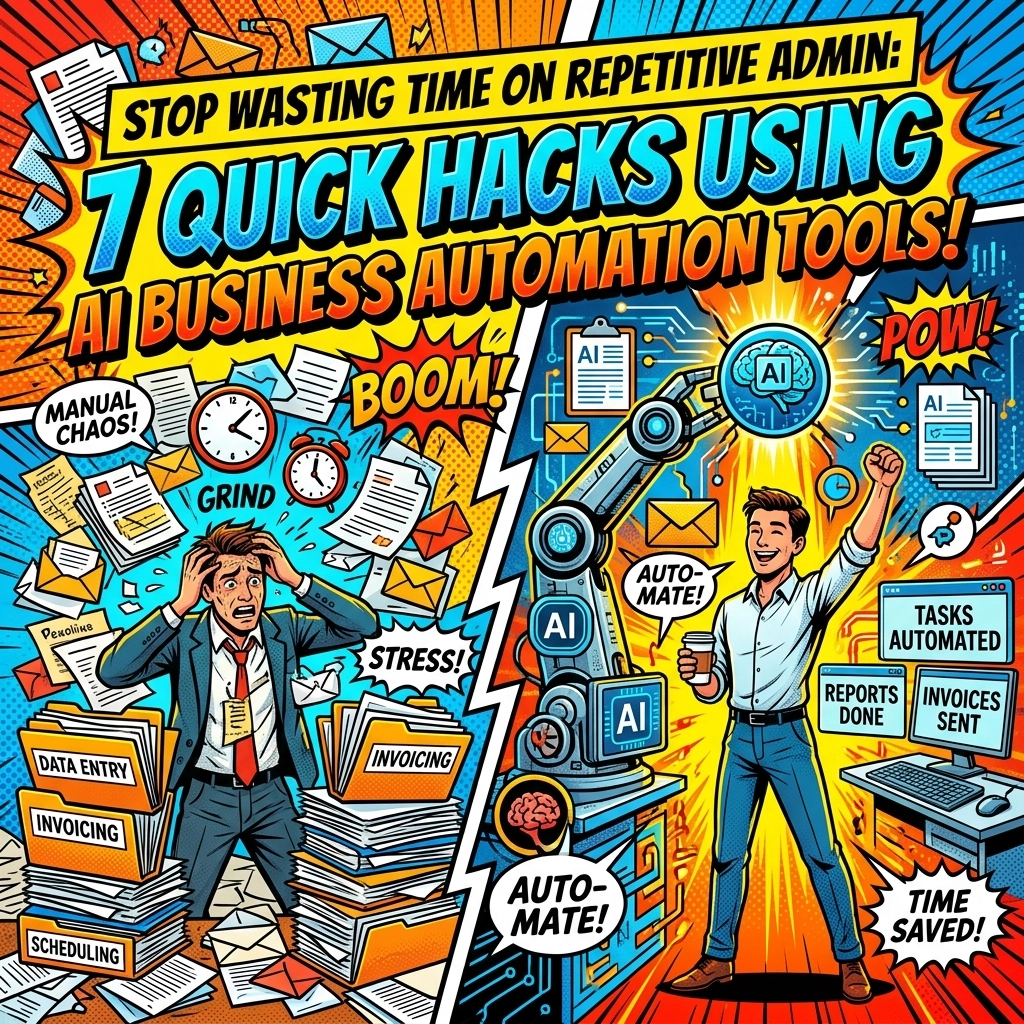
There’s that familiar tightness in your chest. A notification from a client. Three emails from "urgent" leads. A calendar that looks like a game of Tetris played by someone who hates you. This is the "admin tax": the invisible fee you pay just for the privilege of running a business.
But here’s the thing. You didn't start this company to spend four hours a day shuffling data between spreadsheets or playing email tag to find a 15-minute window for a Zoom call. You started it to create, to lead, and: dare we say: to actually enjoy your life.
The secret isn’t working harder. It’s letting the robots take the wheel. AI business automation isn't some futuristic sci-fi concept anymore; it's the difference between scaling your business and burning out by Tuesday.
Let’s walk through a typical day. A day where you aren't the janitor of your own digital office.
THE MORNING TRANSFORMATION
☕ 8:00 AM: The Silence of a Managed Calendar
You’re in the kitchen. The coffee is brewing. Usually, this is when you’d be frantically typing, "Does 2:00 PM work? No? How about Thursday at 10:00?"
But today… it’s quiet.
Hack #1: Automate Calendar Management
Instead of the back-and-forth dance, you’ve deployed AI calendar managers like Motion or Calendly. When someone wants your time, they don't get an email; they get a link. The AI looks at your real-world priorities, blocks out deep-work time, and only shows them what’s left.
Even better? If a task doesn't get finished, the AI automatically reschedules it for tomorrow. No manual dragging and dropping. No guilt. You just sip your coffee and let the algorithm handle the logistics.

📱 9:30 AM: The Inbox Ninja
You sit at your desk. Normally, the sight of 142 unread emails would trigger a mild panic attack. But your inbox looks… different. It’s organized.
Hack #2: Prioritize and Filter Your Email
You’re using tools like Superhuman AI or SaneBox. These aren't just spam filters: they’re digital bodyguards. They’ve already sorted the "must-reads" from the "probably-noise." The AI has flagged a high-value lead and even drafted a suggested response based on your previous emails.
You read the draft. It sounds like you. You hit send. Three seconds of work for a task that used to take ten minutes of agonizing over the perfect "Hey there!"
THE MID-DAY MOMENTUM
🤝 11:00 AM: The Ghostwriter in the Meeting
You’re in a strategy session. In the past, you’d be scribbling notes like a madman, trying to catch every action item while simultaneously trying to actually listen to what the client is saying.
Hack #3: Generate Meeting Summaries Automatically
While you talk, an AI assistant: something like Otter.ai or Jamy: is sitting in the call with you. It’s not just transcribing; it’s thinking.
As soon as the call ends, you don't spend the next hour typing up a summary. Instead, a perfectly formatted recap lands in your inbox and the client’s inbox. It lists the decisions made, the deadlines set, and who is responsible for what.
You didn't take a single note. You just focused on the human connection. Scaling shouldn't be this easy. But here we are.

🔍 1:00 PM: The Data Janitor (Who Isn't You)
Lunch is over. Now comes the part everyone hates: updating the CRM. Copying names from an email. Pasting them into a spreadsheet. Realizing you misspelled "Smythe."
Hack #4: Automate Data Entry and Record Keeping
Stop it. Stop being a highly-paid data entry clerk. By using AI-powered business automation tools like Zapier, you’ve built a bridge between your world and your database.
When a new lead fills out a form, the AI extracts their info, checks if they’re already in your Salesforce, creates a new entry if they aren't, and pings your Slack channel. All while you were eating a sandwich. Zero copy-pasting. Zero errors.
If you’re wondering how to set this up without a computer science degree, check out how we handle the heavy lifting at https://marblism.link/scott-bowen.
THE AFTERNOON ASCENSION
☎️ 3:00 PM: The Project Prophet
The afternoon slump is real. You’re looking at a project board and wondering, "Wait, what is actually overdue?"
Hack #5: Create Task Lists and Summaries with AI
You open your project management tool: maybe it’s ClickUp or Notion. Instead of scrolling through 50 sub-tasks, you just ask the AI: "What’s the status of the Henderson account?"
The AI scans the documents, the chat logs, and the deadlines. "The Henderson account is 80% done, but we're waiting on a logo file from their designer. I’ve already sent them a reminder."
You smile. You’re not managing tasks; you’re managing outcomes.

⚡ 4:30 PM: The Master of Follow-Up
A client meeting is coming up tomorrow. Usually, this means spending 20 minutes digging through old threads to remember what you talked about last month.
Hack #6: Automate Pre- and Post-Meeting Comms
Your AI assistant is ahead of you. It pulls the relevant documents, summarizes the last interaction, and sends a "Looking forward to our chat" email to the client with a brief agenda.
It looks like you have a world-class executive assistant working 24/7. In reality, you just have a few smart business automation tools running in the background while you focus on the big picture.
THE EVENING EASE
🌙 5:30 PM: The Filing Fairy
The day is winding down. The sun is lower. The old you would be staring at a pile of PDFs and receipts, trying to remember which folder "Invoice_Final_FINAL_2.pdf" belongs in.
Hack #7: Streamline Document Management
Your AI document tools have been working in the shadows. Using Optical Character Recognition (OCR), the system reads your incoming documents, names them according to your filing convention, and drops them into the correct folder.
It even pulls the totals and dates into your accounting software. The "paper trail" is now a digital highway that builds itself.
STOP JUGGLING. START LEADING.
Look at your watch. It’s 6:00 PM.
The office is quiet. Your phone isn't buzzing with forgotten tasks. Your inbox isn't a dumpster fire. You actually know what you’re doing tomorrow.
This isn't just about saving five minutes here and ten minutes there. It’s about reclaimed mental bandwidth. When you stop wasting time on repetitive admin, you find the space to be creative again. You find the energy to grow your business instead of just maintaining it.
The "hustle" is a lie if it’s built on manual labor that a 10-dollar-a-month AI could do better.
Is your business still running on manual?
It doesn't have to be. Whether you're a solopreneur or leading a growing team, the tools are ready for you. You just have to decide that your time is worth more than a spreadsheet.
If you want to see how these pieces actually fit together for your specific business, stop guessing. Take the first step toward a business that runs itself.
Ready to automate the boring stuff?
See how Marblism can transform your workflow right here.
FAQ: THE REAL TALK ON AI AUTOMATION
Q: Is this going to take months to set up?
No. Most of these hacks can be implemented in under 15 minutes. Start with one (we recommend the calendar) and feel the relief instantly.
Q: Does AI make my business feel "robotic"?
Only if you let it. The goal isn't to replace your voice; it's to handle the silence between the conversations. AI drafts the email: you give it the final human touch.
Q: Is my data safe?
Yes. Modern AI business automation tools use enterprise-grade encryption. They are designed to assist you, not expose you.
Q: Do I need to know how to code?
Absolutely not. If you can use a smartphone, you can use these tools. Most are "no-code," meaning you just click and connect.
Scaling shouldn't be a struggle. It should be a system.
The lights are off. The day is done. And for the first time in a long time… you're actually finished.
Go home. The robots have it from here.