
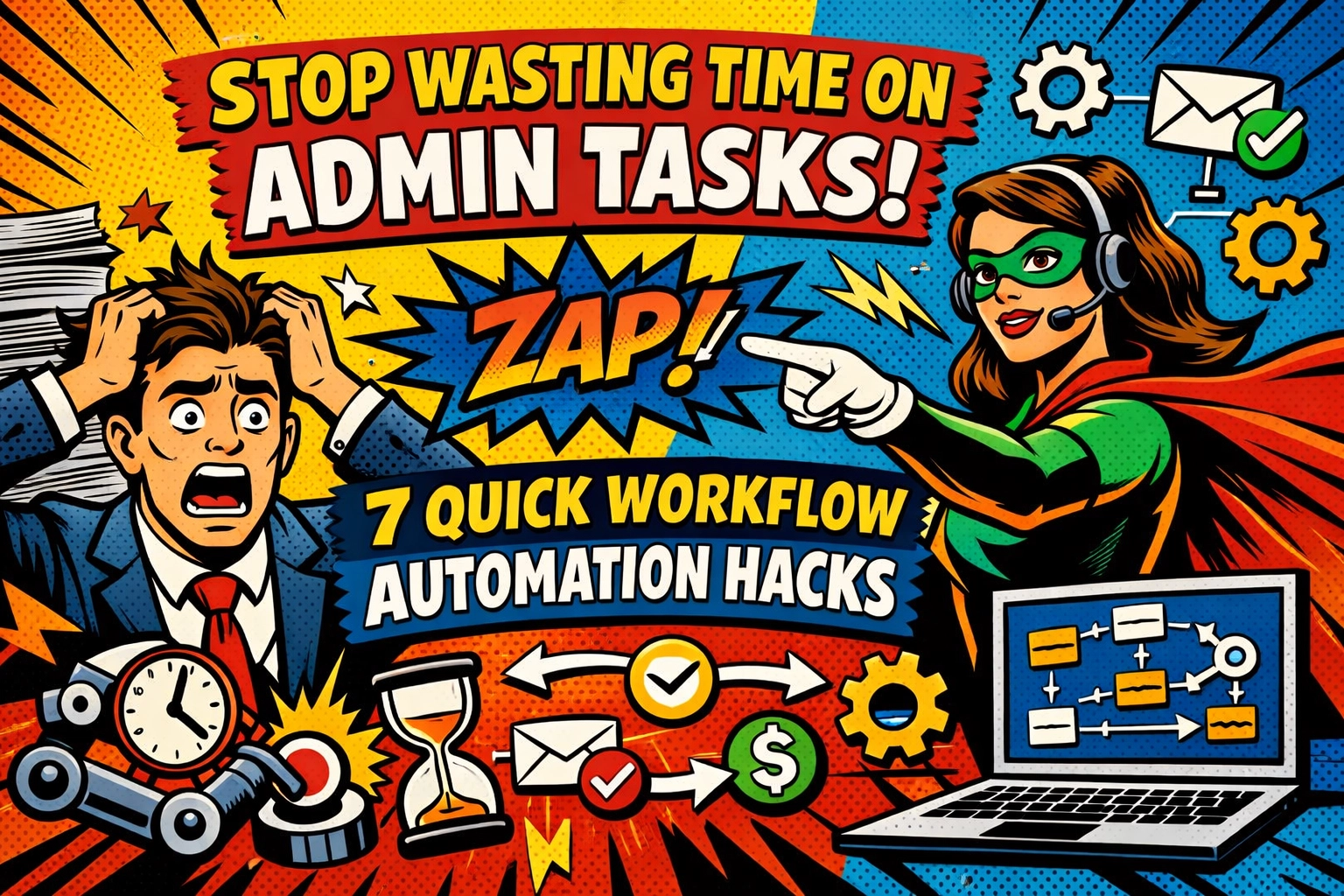
You start your morning with the best intentions.
Coffee's hot. Inbox is open. You've got a plan to finally tackle that project you've been putting off for two weeks.
Then it hits.
An employee can't remember their password. Again. Another one needs Thursday off but you're not sure if that conflicts with someone else's vacation. A client invoice should've gone out yesterday. Your support inbox is a warzone of tickets that need sorting. And it's only 8:47 AM.
The "real work" you planned? It's already drowning under admin quicksand.
Here's the thing: you didn't start your business to become a human task router. But somehow, that's exactly what happened.
Let's fix that.
THE ADMIN TAX YOU'RE PAYING (AND DIDN'KNOW ABOUT)
Every time you manually reset a password, approve a time-off request, or sort through support tickets, you're paying an invisible tax. Not in dollars , in hours.
Those "quick" 5-minute tasks? They're not 5 minutes.
There's the context switching. The mental load of remembering who's off when. The decision fatigue of figuring out which team member should handle which ticket. The follow-ups. The checking back later.
That 5-minute task just became 20 minutes of fragmented focus.
And you're doing it 15 times a day.
But here's what most small business owners don't realize: nearly every repetitive admin task you're doing manually can be automated in minutes. Not someday. Not after you hire more staff. Right now.
HACK #1: SET IT AND FORGET IT , AUTOMATED PASSWORD RESETS

Your IT helpdesk (which is probably just… you) handles the same request 10 times a week: "I forgot my password."
Each reset takes what , 5 minutes? That's 50 minutes a week. Over 40 hours a year. Doing password resets.
The automation: Set up self-service password reset workflows that let employees handle it themselves through verified email or SMS codes. Zero tickets. Zero interruptions.
You just gave yourself a week back. Every year.
HACK #2: STOP PLAYING CALENDAR TETRIS , AUTOMATED SCHEDULING
Here's how employee scheduling works right now:
Sarah emails asking for Friday off. You check your mental calendar. Wait , is Mark already off that day? You open the spreadsheet. Scroll. Calculate coverage. Reply. Update the sheet. Slack the team.
Fifteen minutes gone.
Now multiply that by every schedule request, shift swap, and time-off approval you handle monthly.
The automation: Deploy scheduling forms that auto-populate based on availability, track days off, calculate hours worked, and flag coverage conflicts before they happen.
Requests come in. System checks policies. Approves or flags. Updates everyone.
You just became a spectator to your own scheduling process. And it feels wonderful.
HACK #3: KILL TIMESHEET CHAOS , AUTOMATED TIME TRACKING
Manual timesheets are where good intentions go to die.
Employees forget to log hours. You chase them down. They estimate. You calculate totals. Someone worked overtime but you didn't catch it until payroll. Now you're doing damage control.
The automation: Replace manual entry with systems that auto-calculate weekly hours, track overtime, and flag discrepancies based on employee clock-ins.
No more "I think I worked 42 hours?" guessing games. No more spreadsheet archaeology at month-end.
Just clean data. Automatically.

HACK #4: ROUTE SUPPORT TICKETS LIKE A TRAFFIC COP , WITHOUT BEING ONE
Your support inbox is a mixed bag: billing questions, technical issues, feature requests, complaints, and the occasional "just wanted to say hi."
Right now, you're the sorting hat. Every morning, you triage tickets, assign them to team members, and hope nothing falls through the cracks.
The automation: AI-powered ticket categorization instantly sorts incoming requests by type, priority, and department : then routes them to the right person with automatic Slack or email notifications.
Technical issue? Goes to your developer. Billing question? Finance team gets pinged. Complaint? Your customer success person is notified before you even know it came in.
The system doesn't forget. Doesn't miss patterns. Doesn't need coffee.
This is how you automate customer support with ai without losing the human touch. Because your team isn't wasting time sorting : they're spending time solving.
HACK #5: INVOICE LIKE YOU MEAN IT : AUTOMATED BILLING WORKFLOWS
You finish a project. Great.
Now you need to create the invoice. Send it. Log it. Set a reminder to follow up. Check back in two weeks. Send a gentle nudge. Check again.
That invoice? It's taking up mental real estate for weeks.
The automation: Set up workflows that generate invoices automatically based on project completion or billing schedules, send them to clients, track payment status, and trigger follow-up reminders for overdue accounts.
Your invoices go out on time. Every time. Clients get automatic reminders before you even think about it. Overdue invoices get flagged for your review.
You're not chasing payments anymore. The system is.

HACK #6: ONBOARD NEW HIRES WHILE YOU SLEEP
New employee starts Monday. You've got their welcome email drafted. Their software access needs setting up. Training materials need sending. First-day schedule needs coordinating.
You're spending Sunday night making sure you didn't forget anything.
The automation: Deploy onboarding workflows that trigger automatically when a new hire is added to your system : sending welcome emails, collecting documents, assigning training modules, and scheduling check-ins without you lifting a finger.
They get everything they need. On time. In order. With nothing falling through the cracks.
You're not micromanaging their first week. The workflow is.
HACK #7: APPROVE LEAVE REQUESTS BY NOT APPROVING THEM (MANUALLY)
Time-off requests shouldn't require a committee meeting.
But right now, each request means checking policies, verifying balances, considering team coverage, and manually approving or denying.
The automation: Build leave management workflows that automatically route requests through company policy checks : flagging issues like insufficient PTO balance or coverage conflicts : and auto-approve simple requests that meet all criteria.
Standard requests that check all the boxes? Approved instantly. Edge cases that need human judgment? Routed to you with all the context already gathered.
You're not a bottleneck anymore. You're a reviewer for the exceptions.
THE REAL WIN ISN'T SAVING TIME : IT'S RECLAIMING FOCUS
Here's what happens when you automate these seven workflows:
Your mornings don't start with admin firefighting. Support tickets route themselves. Invoices go out on schedule. Employees get what they need without waiting on you.
And suddenly… you've got headspace.
Not just calendar time. Mental bandwidth.
The kind of focus you need to actually grow your business instead of just running it.
That's what an ai virtual assistant for business actually does. Not replace humans : free them. From the repetitive tasks that don't need human judgment but keep demanding human time.

YOUR NEXT MOVE
You don't need to automate everything at once.
Pick one workflow. The one that's driving you most crazy right now. The password resets. The scheduling chaos. The support ticket sorting.
Start there.
Most automation tools let you set up basic workflows in under 10 minutes. No coding. No complicated integrations. Just connect the dots between "when this happens" and "do this automatically."
And if you want to see how small businesses are using AI to handle customer support, admin tasks, and workflow automation without adding headcount : check this out.
Because here's the truth most business owners figure out too late:
Every hour you spend on repetitive admin tasks is an hour you're not spending on strategy, growth, or building something that actually moves the needle.
You can keep juggling. Keep being the bottleneck. Keep telling yourself you'll "get to it later."
Or you can let the robots handle the boring stuff.
Your move. ☕