You're doing it all.
Manually sending welcome emails to new clients. Copying and pasting invoice details. Chasing down expense reports. Posting the same blog to three different social platforms because you forgot the first time. Scheduling meetings through seventeen back-and-forth emails with people who apparently live in different time zones.
Your to-do list has a to-do list.
And somewhere between "respond to customer inquiry" and "remember to eat lunch," you're supposed to… run a business?
Here's the thing: most of the tasks stealing your time don't need you. They just need to get done. And that's where automation changes everything: without you needing to learn coding, hire a developer, or sacrifice your weekend to YouTube tutorials.
Let's talk about 10 tasks you can automate right now. No tech degree required.
The Tasks That Are Quietly Draining Your Day
☕ 1. New Client Onboarding
Someone just signed up. Amazing.
Now you need to send them a welcome email. Grant access to your client portal. Schedule a kickoff call. Send over those documents. Add them to your project management system…
Stop.
With workflow automation, the moment a new client signs a contract, everything happens automatically. They get a personalized welcome email. Access credentials arrive in their inbox. Documents get shared in a secure space. You get a notification that it's done.
No copy-paste. No wondering if you forgot something. Just smooth, professional onboarding while you're doing literally anything else.

📧 2. Customer Follow-Ups and Surveys
You know you should follow up. Check in after the purchase. Send that satisfaction survey. Ask for a review.
But you're already three weeks behind on everything, so… it doesn't happen.
Automated follow-ups fix this. Set triggers based on customer actions: purchase completed, service delivered, milestone reached: and the right message goes out at exactly the right time. Your customers feel cared for. You don't have to remember to care for them manually.
Stop Playing Calendar Tetris
📅 3. Event and Meeting Scheduling
"What works for you?"
"How's Tuesday?"
"Actually, Wednesday is better."
"Morning or afternoon?"
"Wait, which time zone are you in?"
Twelve emails later, you have a 30-minute meeting scheduled.
Meeting automation tools sync with your calendar, show your actual availability, and let people book time with you directly. No coordination required. The meeting appears on your calendar. They get a confirmation. Both of you get a reminder.
You just saved yourself 15 minutes and the silent frustration of calendar chaos.
Marketing That Runs While You Sleep
✉️ 4. Email Marketing Campaigns
Your email list is growing. That's great.
Segmenting contacts, writing sequences, tracking who opened what, following up with engaged subscribers, updating contact status…
That's a full-time job you don't have time for.
Automated email campaigns handle all of it. Someone downloads your guide? They get added to a nurture sequence. They click a specific link? They move to a different segment. They haven't engaged in 90 days? A re-engagement email goes out.
Your marketing works around the clock. You don't.

📱 5. Social Media Management
You wrote a blog post. Now you need to share it on Twitter, LinkedIn, and Facebook.
And then you need to do it again next week. And the week after. And also remember to engage with comments, track what's working, and add engaged followers to your retargeting list because someone told you that's important…
Social automation platforms post your content across channels automatically. New blog published? It goes live on all your platforms. They schedule follow-up posts. Monitor engagement. Flag high-value interactions.
Your social presence stays consistent. You stay sane.
Sales Workflows That Actually Close Deals
🎯 6. Lead Scoring and Qualification
Your CRM is full of leads. Some are hot. Some are cold. Most are somewhere in the mysterious middle, and you have no idea who to call first.
Automated lead scoring tracks everything: email opens, website visits, content downloads, demo requests: and assigns points. When someone hits your threshold, your sales team gets notified instantly. High-intent leads get immediate attention. Low-engagement contacts get nurtured automatically.
No more guessing. No more missed opportunities because someone got buried in your inbox.
Financial Tasks That Don't Need Your Attention
💰 7. Invoice Generation and Payment Processing
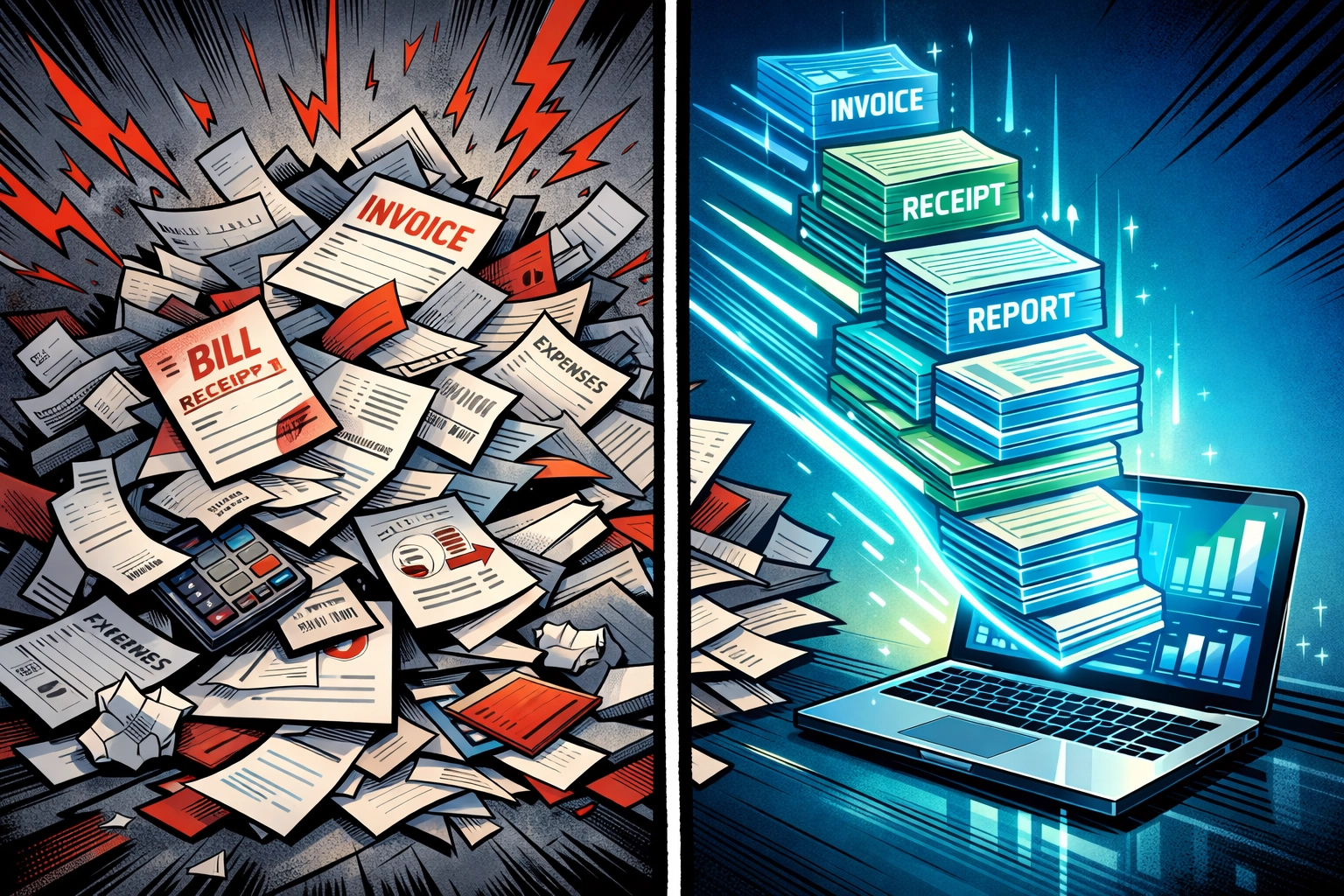
Project complete? Time to create an invoice. Fill in the details. Calculate the total. Send it via email. Wait for payment. Process it. Update your accounting software. Send a receipt.
Or… automation handles all of it.
Project marked complete in your system? Invoice created automatically. Email sent. Payment processed when it arrives. Accounting software updated. Receipt delivered. You get a notification that money just landed in your account.
That's it. You didn't touch a single field or send a single email.
📊 8. Expense Tracking and Approval
Your team submits expense reports. Someone needs to review them. Check policy compliance. Approve or flag issues. Process reimbursement. Update records.
It's tedious. It's time-consuming. It's ripe for automation.
Expense workflows route reports to the right managers automatically. Check submissions against policy rules. Approve straightforward claims instantly. Flag questionable ones for human review. Process approved reimbursements without manual data entry.
Your team gets paid faster. You get your time back.
The Admin Tasks You Didn't Know You Could Automate
📄 9. Document Signing and File Management
Contracts sitting in email threads. Signed PDFs scattered across inboxes. Files requested three times because no one can find the original.
Document automation solves this mess. Contracts get sent for signature automatically when triggered by specific actions. Completed documents route to the right folders. File requests go to clients with clear instructions. Everything lives in one organized location.
No more "Can you resend that?" emails.
The Big One: Customer Support
🎧 10. Customer Support Workflows
Support tickets arrive at all hours. Simple questions. Complex problems. Everything in between.
And somehow, they all need answers.
This is where an AI virtual assistant for business transforms everything. Automate customer support with AI and routine inquiries get instant responses. Tickets route to the right team members based on issue type. Common questions get resolved without human intervention. Your support team focuses on complex issues that actually need their expertise.
Your customers get faster help. Your team stops drowning in repetitive questions.
Ready to see what this looks like in action? Check out how Marblism handles all of this: no coding required, no complicated setup, just automation that actually works.
Getting Started Without the Tech Headache
Here's what you're not hearing: you don't need to automate everything tomorrow.
Start with one task. The one that bugs you most. The repetitive thing you do every single day that makes you think, "There has to be a better way."
Modern automation platforms use drag-and-drop interfaces. Pre-built templates. Visual workflow builders that make sense to actual humans, not just developers.
Pick your highest-frequency pain point: maybe it's lead capture, or customer onboarding, or invoice generation: and automate that first. See how it feels to have that task just… handled.
Then add another.
What Happens Next
You get your time back. Not all at once. Not in some dramatic movie moment where you suddenly have empty calendars and peaceful mornings.
But slowly, quietly, the chaos loosens its grip.
Tasks complete themselves. Follow-ups happen without your involvement. Your business runs smoother while you focus on the work that actually needs your brain, your creativity, your expertise.
The stuff only you can do.
Everything else? That's what automation is for.
And you don't need to be technical to make it happen. You just need to start.