
You're drowning in emails.
Your calendar is a game of Tetris you're losing. Customer support tickets are piling up faster than you can answer them. Lead follow-ups? Those are buried somewhere in your "urgent" folder from three weeks ago.
And here's the kicker , you're working harder than ever, but your revenue? It's flatlined.
You can't hire fast enough. You can't clone yourself. And you definitely can't keep juggling 47 browser tabs while pretending you've got this under control.
But what if you didn't have to?
🚀 Welcome to 2026: The Year Small Businesses Fight Back
Here's the truth nobody's telling you: AI automation isn't a luxury anymore. It's your competitive advantage.
While your competitors are still hiring their way out of chaos (and burning cash doing it), you could be scaling like a Fortune 500 company , without the Fortune 500 headcount.
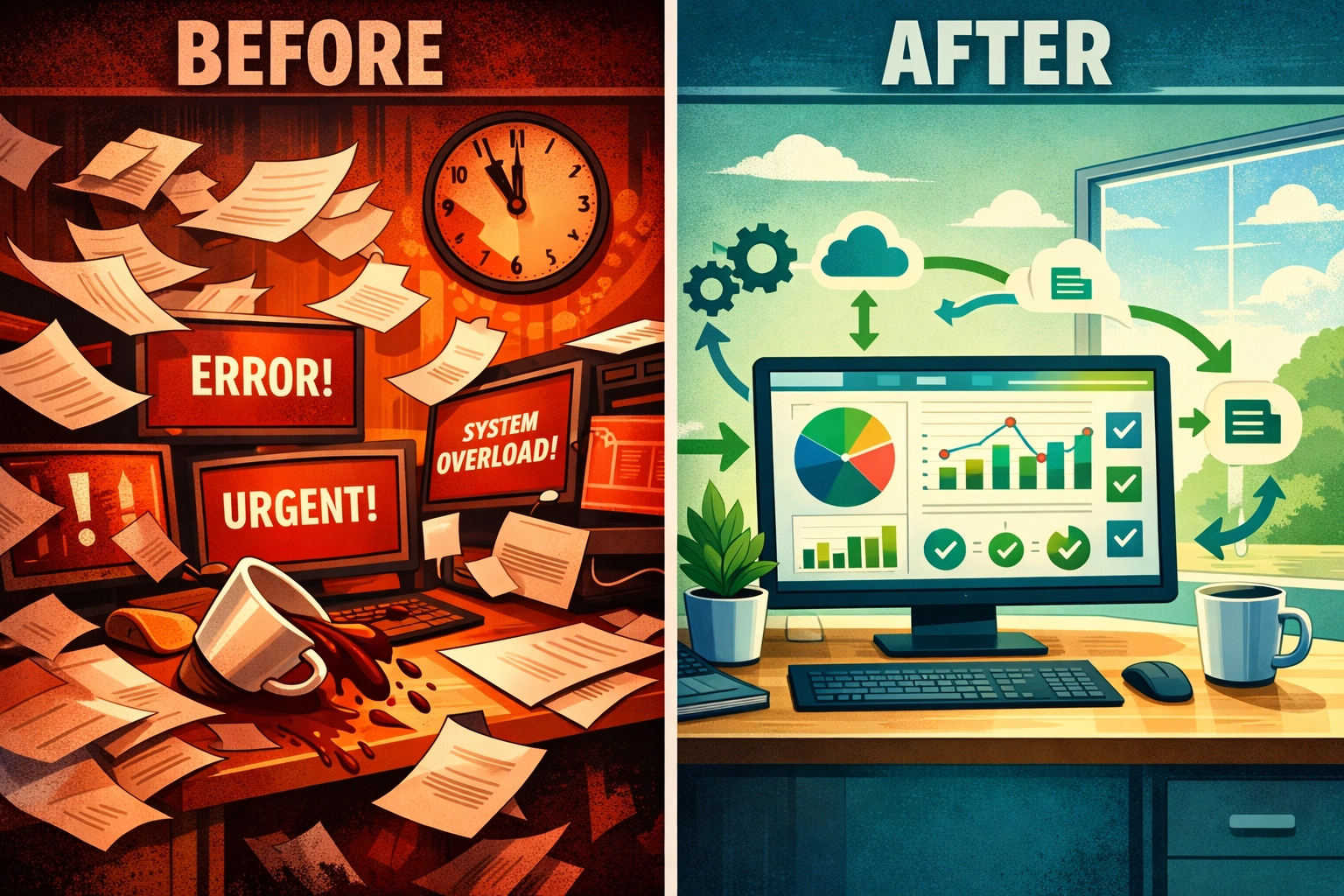
AI business automation in 2026 isn't about replacing humans. It's about replacing the soul-crushing, admin-heavy tasks that keep you stuck in "reactive mode" instead of building your actual business.
Think about it. What if your inbox managed itself? What if leads qualified themselves? What if customer support ran 24/7 without you lifting a finger?
That's not science fiction. That's Tuesday for the businesses that figured this out six months ago.
The 5 Automations That'll Save Your Sanity (And 20+ Hours a Week)
Let's get tactical. These are the five highest-ROI automations you should implement first , ranked by how much time they'll give you back.
1. Email Triage & Response (Saves 5-10 Hours/Week)
Your AI reads every incoming email. It categorizes by urgency. It drafts responses for the common questions. It flags the urgent stuff and lets the rest organize itself.
You wake up to an inbox that's already been handled. Not ignored , handled.
2. Meeting Prep & Follow-Up (Saves 3-5 Hours/Week)
Before your 2 PM call, your AI has already researched the attendees, pulled relevant context, and prepped your talking points.
After the meeting? It sends summaries and tracks action items. You just show up and close deals.
3. Customer Support First Response (Instant Instead of Hours)
AI handles tier-1 support questions the second they come in. Order status? Answered. FAQ? Handled. Password reset? Done.
Your customers get instant responses. You only see the tickets that actually need a human.
4. Lead Qualification & CRM Updates (No More Manual Data Entry)
Leads come in. AI scores them, updates your CRM, and triggers the right follow-up sequence based on their behavior.
You spend time talking to hot leads : not data entry.
5. Invoice Processing & Data Entry (Because Life's Too Short)
Documents come in. AI extracts the data, categorizes it, and files it where it belongs.
No more hunting for receipts or manually entering invoice details at 11 PM.

How to Get Your First Automation Running in Under an Hour
Here's the framework that actually works. No PhD required.
Step 1: Pick ONE automation to start.
Don't try to automate your entire business on day one. That's how you end up overwhelmed and back to manual processes by Friday.
Choose the task that eats the most time and start there. For most small business owners, that's email or customer support.
Step 2: Define what success looks like.
How much time are you spending on this task right now? How many errors happen? What does "good" look like?
Track it. Because in 30 days, you're going to want proof that this was worth it.
Step 3: Choose a no-code platform.
You don't need to hire a developer. Most AI automation platforms have drag-and-drop builders that let you design workflows visually.
Look for platforms with pre-built templates you can customize. Free trials are your friend : use them to validate fit before committing.
Step 4: Connect your tools.
Most platforms integrate with Gmail, Slack, your CRM, and thousands of other business apps through simple one-click connections.
This literally takes two minutes.
Step 5: Describe what you want in plain English.
No flowcharts. No coding. Just tell the AI what you need : like you're briefing a new assistant.
"When an email comes in asking about pricing, send them our pricing page and log it in the CRM."
Test it with real data. Tweak until it works. Launch it.
The Biggest Mistakes You'll Make (And How to Avoid Them)
Mistake #1: Trying to automate everything at once.
Start small. Validate. Iterate. Don't build a Rube Goldberg machine when a simple workflow will do.
Mistake #2: Removing humans entirely.
AI should assist, not replace critical thinking. Use human-in-the-loop features for anything that requires judgment or approval.
Mistake #3: Ignoring the data.
Track KPIs from day one : processing time, accuracy, adoption rate, error rate. If you don't measure it, you can't improve it.
Mistake #4: Skipping the parallel testing phase.
Run your automation alongside your manual process for the first week. Catch issues before they become disasters.
What This Actually Looks Like in Real Life
Let's paint a picture.
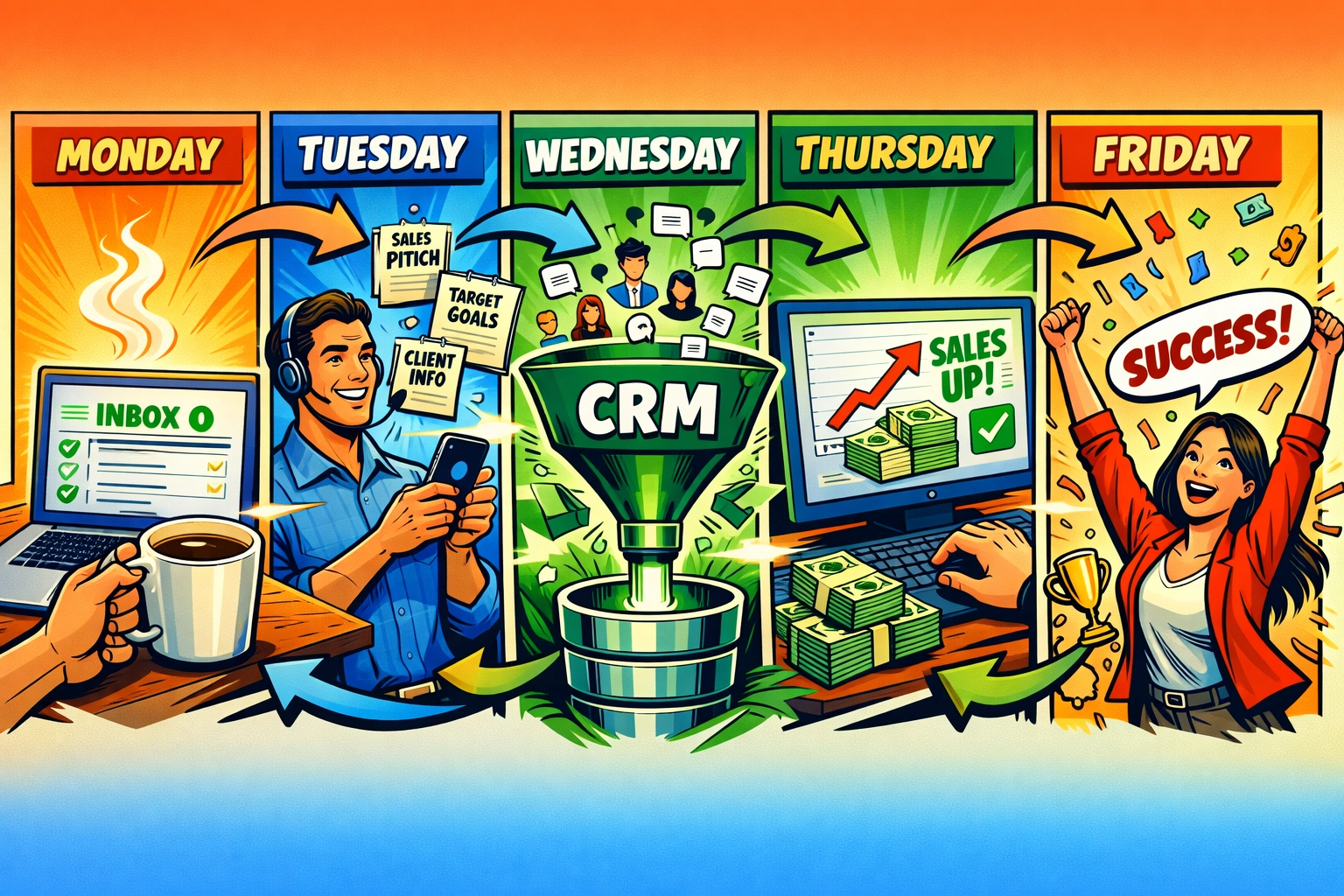
☕ Monday, 7:00 AM: You open your inbox. Your AI has already triaged 87 emails overnight. 64 are answered. 12 are flagged as "needs your input." 11 are filed for later.
You start your day focused : not reactive.
📞 Tuesday, 2:00 PM: You're on a sales call. Your AI prepped the talking points, researched the prospect's company, and flagged three pain points they mentioned on their website.
You sound like you've been following them for months. The call closes in 20 minutes.
🤝 Wednesday, 11:00 AM: A lead fills out your contact form. Your AI scores them, updates your CRM, and triggers a personalized follow-up sequence : all while you're in a meeting.
By the time you check your dashboard, the lead's already booked a demo.
🔍 Thursday, 9:00 AM: A customer support ticket comes in. Your AI handles it instantly, checks the order status, and sends tracking info.
The customer leaves a 5-star review 10 minutes later. You never saw the ticket.
That's not a fantasy. That's what AI business automation looks like when you stop juggling and start delegating to systems that don't sleep.

Your Next Move
Look : you didn't start a business to spend 60 hours a week answering emails and updating spreadsheets.
You started it to build something meaningful. To scale. To have freedom.
AI automation in 2026 isn't about replacing you. It's about giving you back the time to do what only you can do : close deals, build relationships, and grow your vision.
The businesses that figured this out six months ago? They're scaling faster, working less, and sleeping better than their competitors who are still "planning to automate next quarter."
You can keep juggling. Or you can let AI catch the balls while you focus on what actually moves the needle.
Ready to see what this looks like for your business? Check out how other small business owners are using AI to scale without the chaos: https://marblism.link/scott-bowen
The Bottom Line
AI business automation isn't coming. It's here.
And the small businesses winning in 2026 aren't the ones with the biggest teams or the deepest pockets. They're the ones who figured out how to scale smart : not just hard.
You can either spend the next six months doing what you did the last six months… or you can automate the chaos, reclaim your time, and finally build the business you actually want.
The choice is yours. But if you're still reading this, I think you already know which direction you're heading.