☕ 7:00 AM.
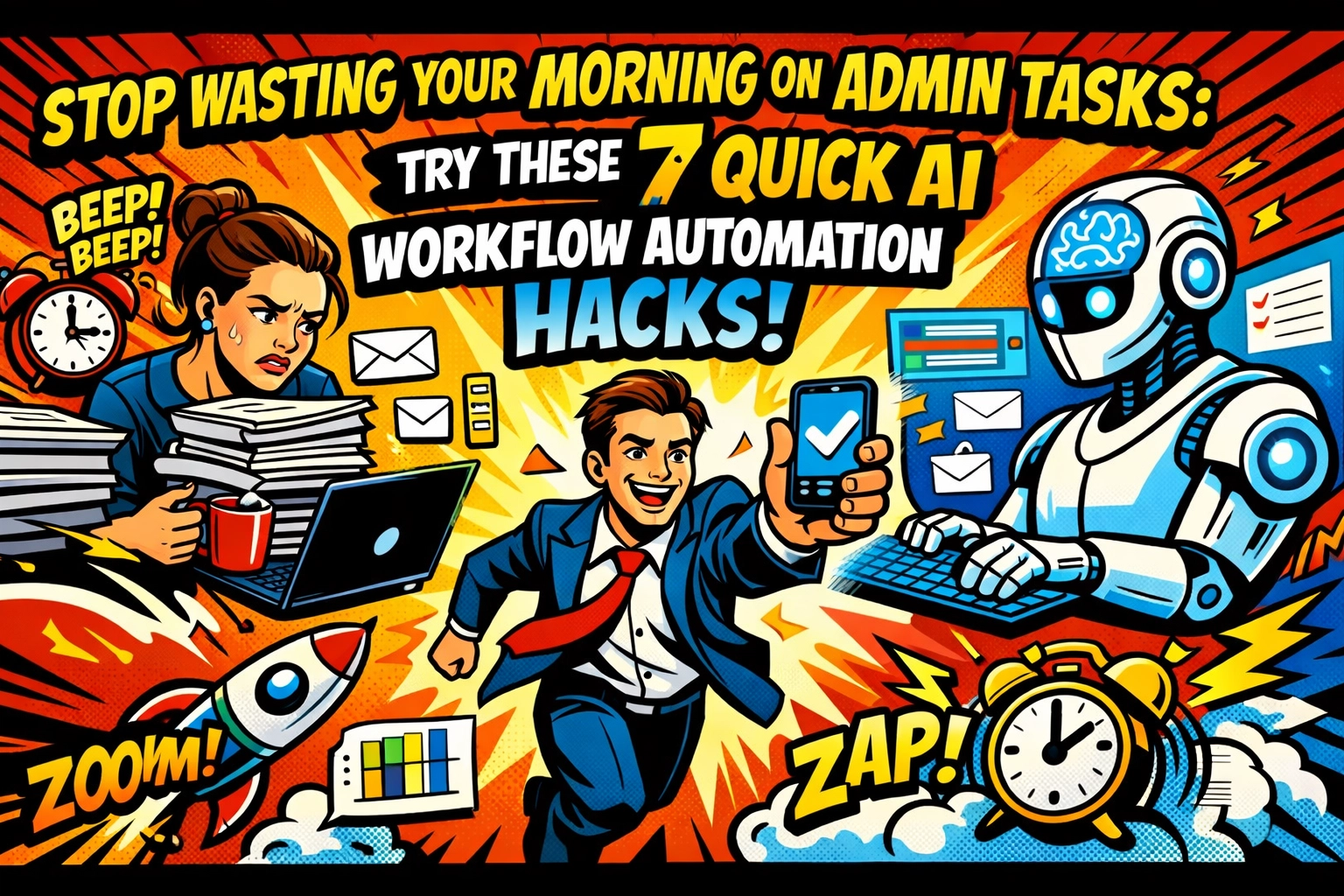
The alarm goes off. You reach for your phone, not to check the weather, but to check the damage. Your inbox is already screaming. 42 unread messages. Three "urgent" client requests. An invoice that needs a signature. A calendar that looks like a game of Tetris gone wrong.
You haven't even had a sip of coffee yet, and you’re already behind.
This is the "Admin Tax." It’s the price you pay for being the boss, and honestly? It’s a rip-off. You didn't start a business to become a professional data-entry clerk. You started it to build, to create, and to win. But here you are, drowning in the shallow end of the digital pool.
But imagine this…
You open your laptop at 9:00 AM. The inbox is clean. The invoices are sorted. The "urgent" requests have already been acknowledged. The day isn't a mountain to climb, it's a path already cleared.
This isn't a dream. It’s just ai business automation. And it’s a lot easier than you think.
1. THE INBOX GATEKEEPER
☕ 7:30 AM
Most people spend their first hour of work playing "Email Detective." You open a message, try to figure out what they want, decide if it's important, and then… maybe… move it to a folder.
Stop it.
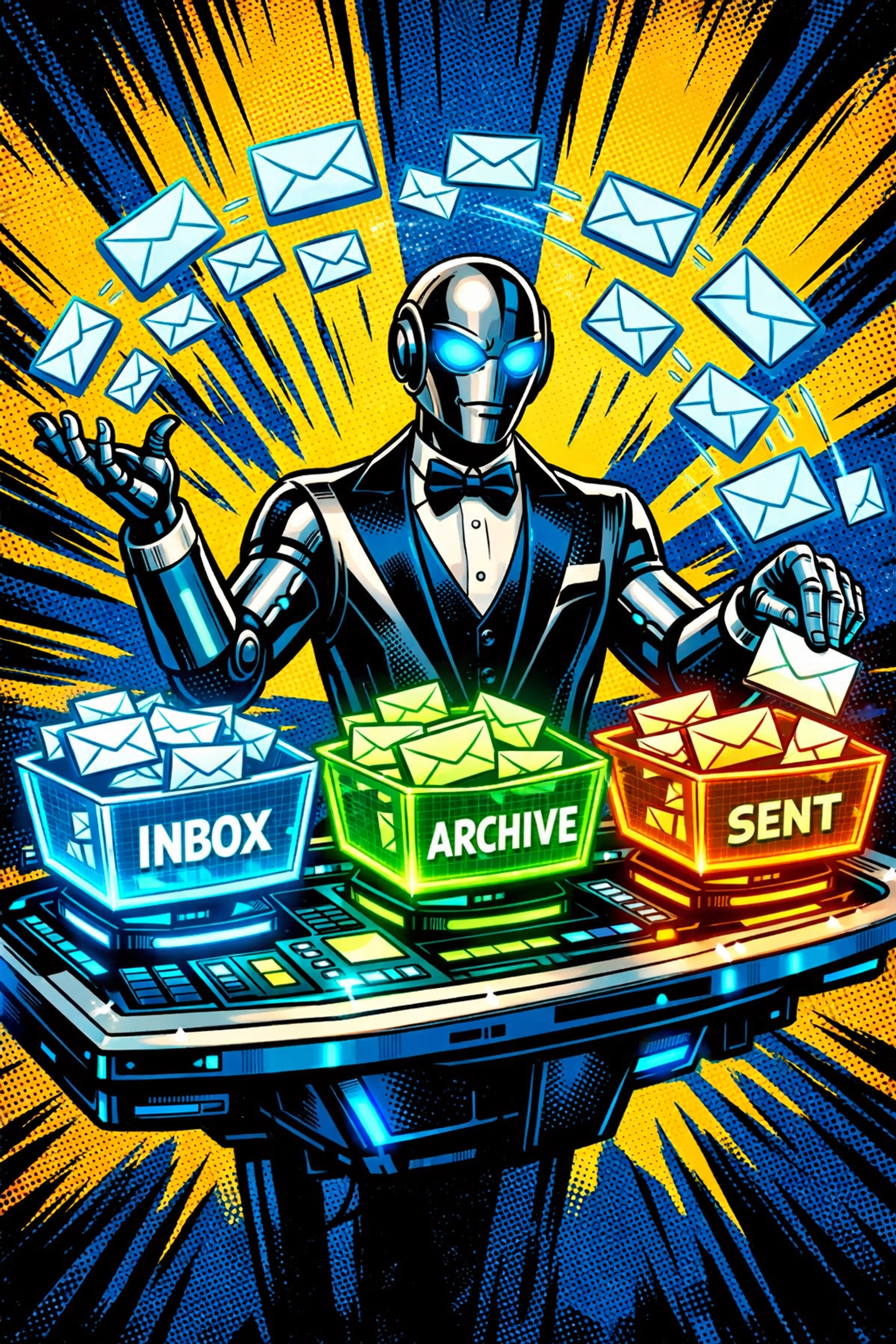
You can set up a simple ai business automation trigger. When a new email hits your inbox, an AI model (like GPT-4) reads it instantly. It doesn't just look for keywords; it understands the intent.
If it’s a refund request? It tags it as "High Priority" and drafts a polite response. If it’s a newsletter? It gets archived. If it’s a potential new client? It extracts their info and puts it straight into your CRM.
You don't "check" your email anymore. You just review the actions your AI already took.
2. THE INVOICE GHOST
📱 8:15 AM
Remember that pile of receipts sitting on your passenger seat? Or the dozen PDF invoices buried in your "Downloads" folder? They’re eating your time.
Manual expense tracking is the ultimate joy-killer. Instead, use business automation tools that leverage OCR (Optical Character Recognition) and AI.
The workflow is simple: You snap a photo or forward an email. The AI "sees" the vendor, the date, the tax, and the total. It categorizes it under "Travel" or "Software" and pushes it straight to your accounting software.
The data entry is gone. The errors are gone. The headache of tax season? Also gone. You're not "doing books." You're just approving them.
3. THE INSTANT QUOTE ENGINE
🤝 9:30 AM
A lead reaches out. They want a quote. They want it now.
But you’re in a meeting. Or you’re driving. Or you’re just trying to eat a sandwich. By the time you get back to your desk, research their needs, and type out a professional quote, they’ve already emailed three of your competitors.
Speed is the ultimate lead generation hack.
Set up an AI workflow where a form submission on your website triggers an AI analysis. The AI looks at their requirements, matches them against your pricing sheet, and drafts a customized quote template.
It sits in your drafts, ready for a 10-second "looks good" check. You look like a genius who works at the speed of light. In reality, you were just finishing your sandwich.
Find out how to set this up at https://marblism.link/scott-bowen.
4. THE MEETING MEMORY BANK
🔍 10:45 AM
"Wait, who was supposed to follow up with Sarah?"
"Did we agree on the 15th or the 20th?"
We’ve all been there. You spend an hour in a Zoom call, only to spend another twenty minutes trying to remember what actually happened.
Stop taking notes. It's 2026.
Use an AI bot to join your calls. It records, transcribes, and, most importantly, summarizes. Within three minutes of the "Leave Meeting" button being pressed, you get a Slack message with:
- The 3 key decisions made.
- The 5 action items assigned to specific people.
- The date of the next check-in.
The "meeting after the meeting" is dead. You just saved an hour of your life.
5. THE LEAD ENRICHMENT SQUAD
☎️ 1:00 PM
You got a new lead. Great! Now you have to spend fifteen minutes Googling them. Where do they work? What's their LinkedIn? How big is their company?
This is manual labor disguised as "research."
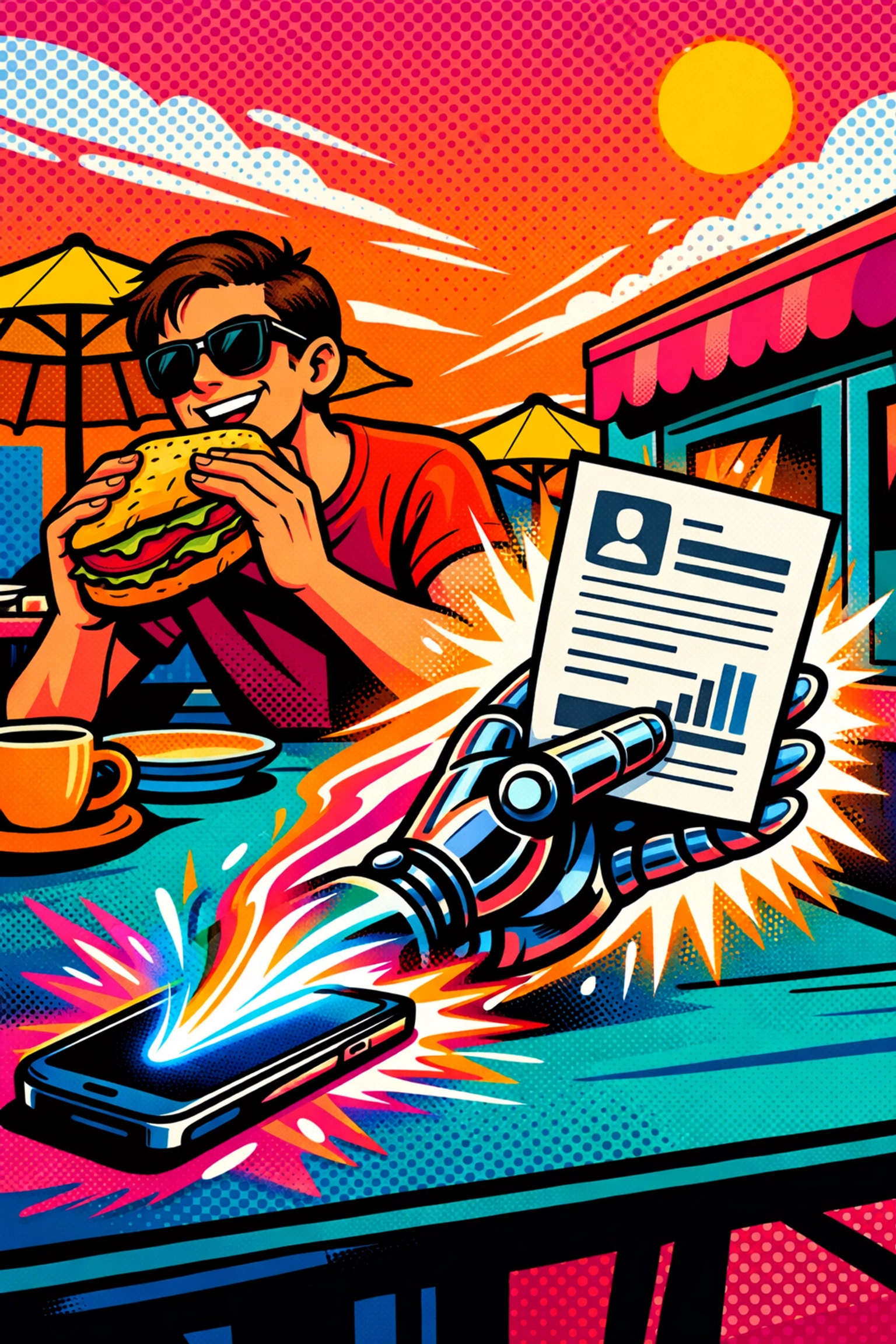
With ai business automation, the moment a lead enters your system, an AI agent goes to work. It scrapes their LinkedIn, finds their company's recent news, and identifies their likely pain points.
When you finally sit down to call them, you have a "Cheat Sheet" waiting for you. You aren't cold calling; you’re having a warm, informed conversation.
It’s lead generation on steroids, and it happens while you’re at lunch.
6. THE CONTENT MULTIPLIER
📱 2:30 PM
You know you need to be on LinkedIn. And X. And Instagram. But writing posts feels like pulling teeth.
Here is the hack: You write one good thing. One blog post, one long email, or even a voice memo of you ranting about an industry problem.
Feed that "seed" into your AI workflow. It will:
- Turn it into a 5-post LinkedIn series.
- Create 10 punchy tweets.
- Draft a newsletter summary.
- Suggest captions for Instagram.
You aren't a content creator anymore. You're an editor-in-chief. Your brand stays active, your authority grows, and you didn't have to stare at a blinking cursor for four hours.
7. THE HR ASSISTANT WHO NEVER SLEEPS
🌙 4:00 PM
If you have a team, you have admin. "How many PTO days do I have left?" "Where is the brand guide?" "How do I file an expense?"
These tiny interruptions are productivity killers.
Create a simple AI chat interface for your internal documents. Instead of your team asking you, they ask the bot. The AI reads your handbook, your Notion pages, and your SOPs to give them an instant answer.
"You have 4 days of PTO left, and here is the link to the request form."
You didn't have to say a word. The team stays moving, and you stay focused.

THE THREE-STEP FORMULA FOR FREEDOM
Setting this up sounds complicated. It’s not. Every single one of these hacks follows the same three-step logic:
- The Trigger: Something happens (An email arrives, a form is filled, a meeting ends).
- The AI Processing: The "brain" does the work (Summarizing, extracting, categorizing).
- The Action: Something is created (A draft is saved, a CRM is updated, a message is sent).
You don’t need to be a coder. You don’t need a degree in Data Science. You just need to stop accepting "that’s just how long it takes" as an answer.
STOP JUGGLING. START SCALING.
The truth is, your competitors are already doing this. They aren't smarter than you, and they aren't working harder. They’ve just realized that humans are for high-level strategy and AI is for the grunt work.
Every minute you spend manually moving data from one spreadsheet to another is a minute you aren't growing your revenue. It's a minute you aren't spending with your family. It's a minute you're essentially throwing in the trash.
Scaling shouldn't be this hard. And honestly? It isn't. Not anymore.
You can keep the chaos… or you can choose the calm.
If you’re ready to see how these business automation tools can actually work for your specific business, it’s time to move. No more "I'll do it next week." Next week is just another week of 7:00 AM inbox dread.
Let's fix it today.
Check out how we can help you build your custom AI team here: https://marblism.link/scott-bowen
The chaos is gone before you even take your first sip of coffee.
You just send a thumbs-up.
And then? You finally enjoy your morning.
FAQs About AI Business Automation
Q: Is this going to be expensive?
A: Actually, most of these tools have free or very low-cost tiers. The "cost" of not doing it, in lost time and missed leads, is much higher.
Q: Do I need to know how to code?
A: No. Tools like Zapier, Make, and the platforms we build at Marblism are designed for "no-code" or "low-code" use. If you can use a mouse, you can use these tools.
Q: Will the AI make mistakes?
A: AI is a "drafting" tool, not a "final" tool. We always recommend a "Human-in-the-Loop" workflow. The AI does 95% of the work, and you spend 5 seconds giving it the final "Okay."
Q: How long does it take to set up?
A: You can have your first "Inbox Gatekeeper" running in about 15 minutes. It’s that fast.
Scaling shouldn't be a struggle. But here we are, making it easy.
See you on the other side. 🌙