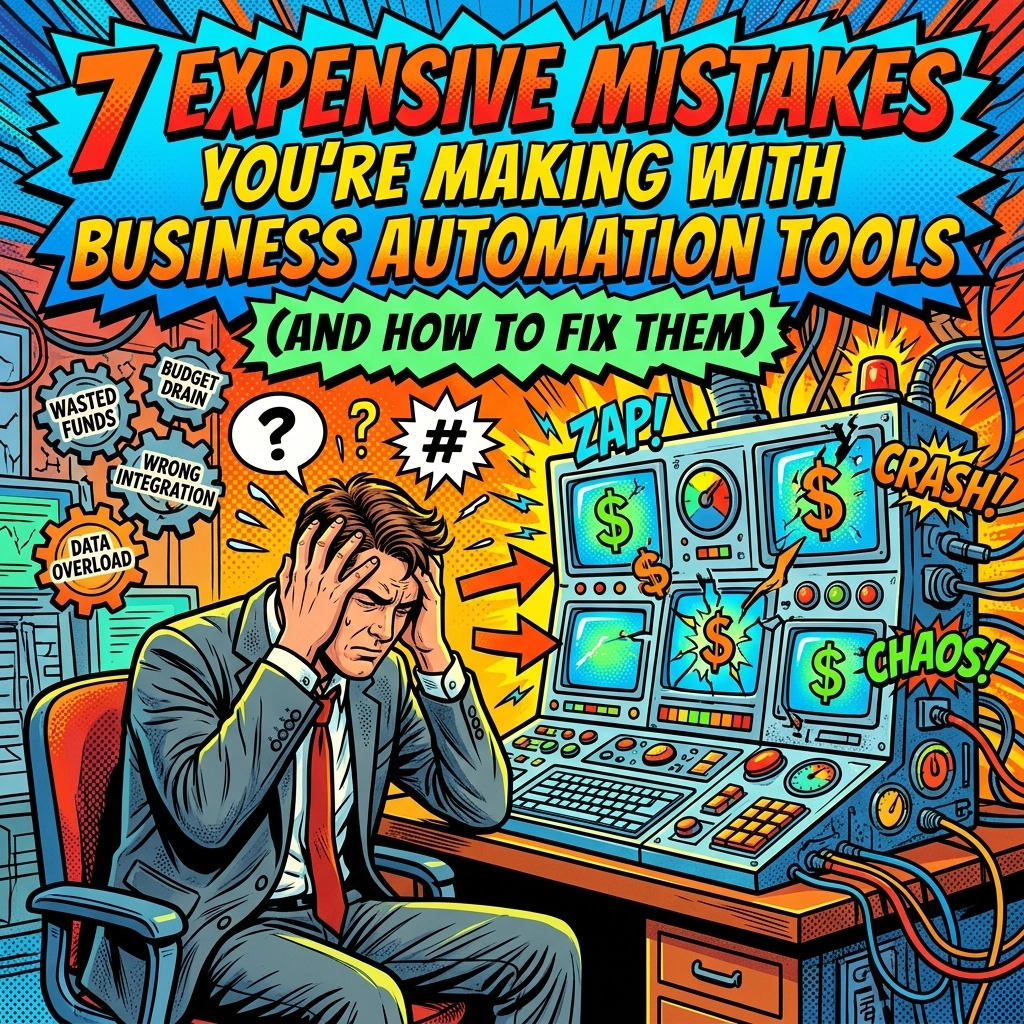
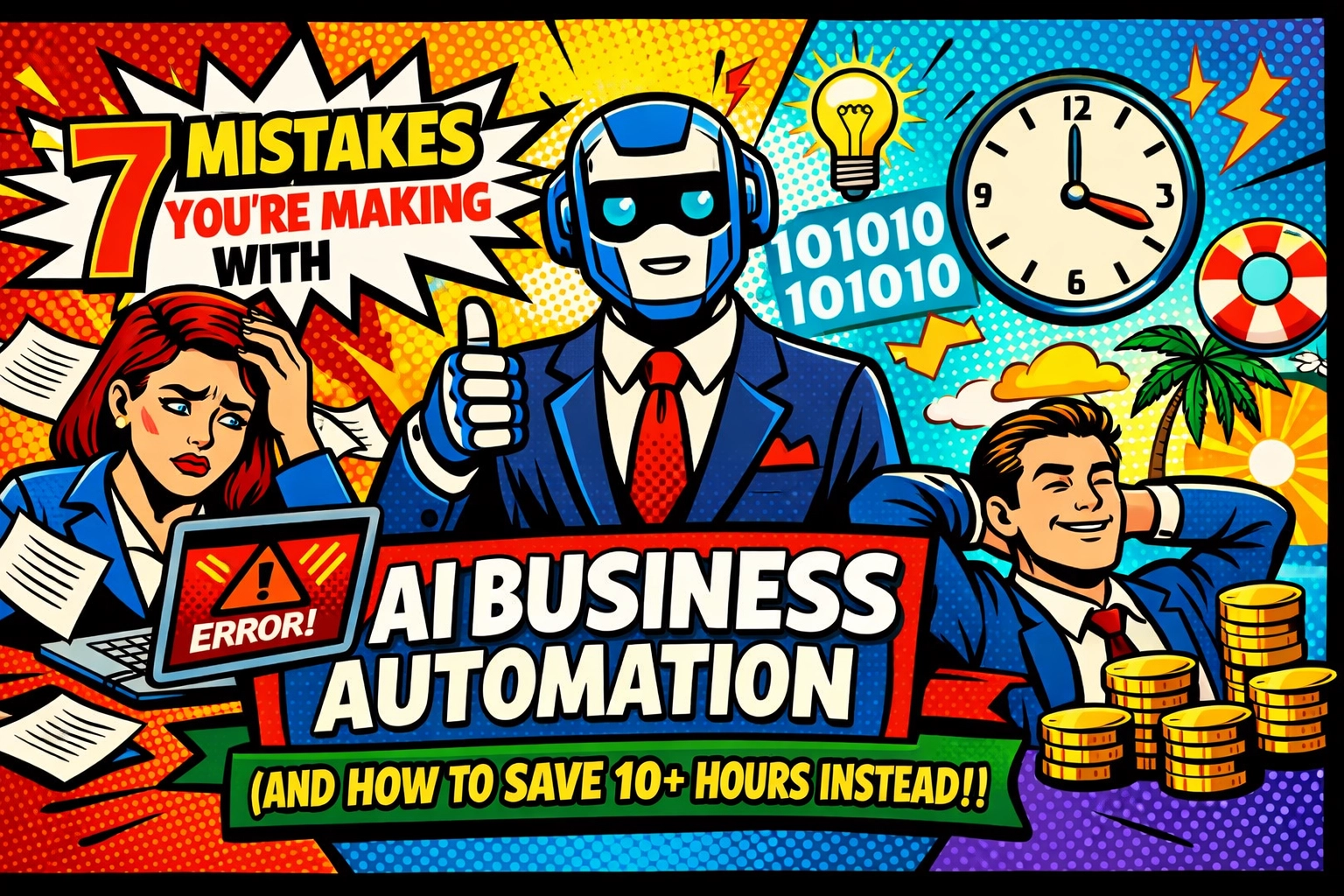
☕ 7:00 AM. Your eyes fly open.
Before you’ve even reached for the French press, the mental list starts. There are invoices to send, three social media posts that were due yesterday, and 47 emails that seem to have multiplied like wet Gremlins overnight.
You’ve heard the hype. You’ve signed up for ten different "miracle" tools. But somehow, you’re still working until 9:00 PM.
If your AI journey feels more like a part-time job than a shortcut, you’re likely falling into one of the common traps. But don't worry… we're going to fix that.
AUTOMATE ADMIN TASKS: HOW TO SAVE 10+ HOURS EVERY WEEK
The biggest lie people tell about business automation tools is that they are "set it and forget it."
If you set it and forget it, you’ll eventually wake up to a catastrophe.
Mistake #1: Automating High-Stakes Tasks Without a Human Filter
You wouldn’t let a toddler handle your payroll or sign your legal contracts. So why are you letting an unguided AI do it?
AI is a confident liar. It will cite policies that don’t exist and miscalculate numbers with the bravado of a Wall Street shark.
The Fix: Use AI to gather the data and draft the document. Then, set a 15-minute "Power Review" block in your calendar. You save hours on the "blank page" phase, but you keep your professional reputation intact.
Mistake #2: Starting with a Digital Junk Drawer
You can’t automate chaos.
If your spreadsheets have three different naming conventions and your CRM is full of "Test Test" entries from 2022, the AI will get confused. It will see a one-off refund as a permanent trend and tell you your business is tanking when it’s actually thriving.
The Fix: Spend two hours today cleaning your data. Centralize it. Tag the weird stuff. It’s the boring work that makes the magic possible.

Mistake #3: The "Shiny Object" Tool Sprawl
You have a tool for captions. A tool for scheduling. A tool for "vibes."
Suddenly, you’re spending four hours a week just moving data between apps. This isn't automation… it's a digital circus.
The Fix: Look for an all-in-one ai assistant for small business that talks to your existing tech. If it doesn't integrate, it doesn't stay. Check out how we streamline this at Marblism.
THE BEST AI ASSISTANT FOR SMALL BUSINESS IN 2026
📱 10:30 AM. You’re in the flow.
Instead of jumping between tabs, you ask one question. You get one answer.
The landscape has changed. In 2026, the best assistant isn't the one with the most features, it’s the one that actually understands your business.
Mistake #4: Ignoring the "Privacy Tax"
Pasting your client’s sensitive tax IDs or your proprietary trade secrets into a random free AI tool is like shouting your bank PIN in a crowded elevator.
Free tools often use your data to train their models. That means your "secret sauce" could end up as a suggestion for your competitor.
The Fix: Use enterprise-grade solutions. If the tool is free, you are the product. Invest in a secure platform where your data stays yours.
Mistake #5: Automating the Wrong Things First
Most people try to automate the hardest thing they do.
"I’ll have AI write my 50-page business strategy!"
Bad idea. That’s complex, nuanced work. You’ll spend more time fixing the AI’s hallucinations than if you’d just written it yourself.
The Fix: Automate the repetitive, "brain-dead" tasks.
- Appointment scheduling.
- Data entry from receipts.
- Standard email replies.
These are the tasks that eat your soul ten minutes at a time. Automate them, and suddenly you have 10+ hours back.
AI CONTENT GENERATOR FOR SMALL BUSINESS: YOUR SECRET MARKETING WEAPON
🤝 1:00 PM. Lunch is over, and it’s time to be "online."
Marketing usually feels like screaming into a void while trying to look pretty. But it doesn't have to.
Mistake #6: Sounding Like a Corporate Robot
We’ve all seen it. The LinkedIn post that starts with "In the ever-evolving landscape of digital synergy…"
Yawn.
Your customers want you. They want your wit, your edge, and your specific way of solving problems. If your ai content generator for small business isn't trained on your brand voice, it’s just noise.
The Fix: Create a "Brand Bible" prompt. Feed the AI your best-performing emails and posts. Tell it: "Don't use jargon. Keep it punchy. Use em dashes."
Mistake #7: The "Set and Forget" Social Media Strategy
AI can generate 30 days of posts in 30 seconds. But if you don't check the context, you might end up posting a "Happy Monday!" graphic during a literal hurricane.
The Fix: AI generates the volume; you provide the soul. Use tools to create the drafts, but take 10 minutes to tweak the hooks so they land with your specific audience.
HOW TO ACTUALLY RECLAIM YOUR CALENDAR
🌙 4:00 PM. The sun is starting to dip.
Normally, this is when the "afternoon slump" hits and you realize you haven't touched your actual work because you were stuck in admin hell.
But not today.
Today, your business automation tools handled the heavy lifting.
- Your leads were sorted and tagged.
- Your invoices were generated.
- Your social media drafts are waiting for your final nod.
You just send a thumbs-up.
Your 10-Hour Savings Breakdown:
- Email Management: 3 hours/week saved by AI-drafted replies.
- Social Media Production: 4 hours/week saved by using an ai content generator for small business.
- Data Entry & Reporting: 3 hours/week saved by automated syncing.
Stop juggling. It’s making you dizzy.
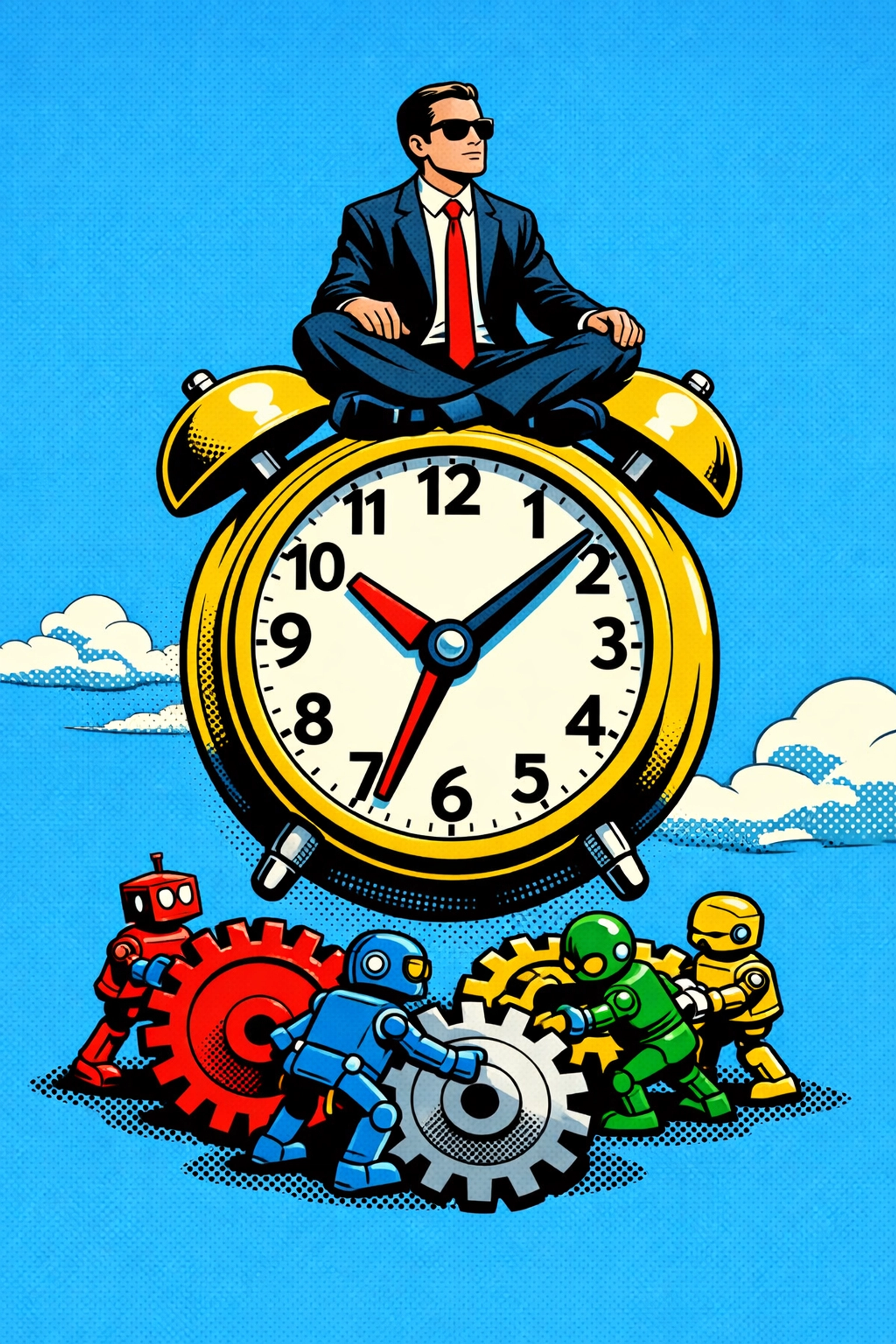
Scaling shouldn't be this hard. But here we are, in a world where you can clone your best processes and let them run while you sleep.
If you’re ready to stop making these mistakes and start actually growing, you need a partner who knows the ropes. Scott and the team at Marblism are building the future of how small businesses actually get things done.
QUICK ANSWERS (FAQ)
Can AI really save me 10 hours a week?
Yes. If you focus on high-frequency, low-complexity tasks (like scheduling and data entry), 10 hours is actually a conservative estimate.
Is it expensive to set up?
No. Most small businesses lose more money in "lost time" than a high-quality ai assistant for small business costs per month.
Will my customers know I'm using AI?
Not if you do it right. The goal isn't to replace the human touch, but to remove the human "busy work" so you can actually talk to your customers.
Which tool should I start with?
Start with a platform that integrates your most common tasks into one place. Check out Marblism to see how we handle the heavy lifting for you.
The chaos is gone before you even take your last sip of coffee.
You step back into your day.
Organized.
Efficient.
Human.
The machines are working. Now, you can finally get back to the work you actually love.
But only if you stop making those seven mistakes.
The clock is ticking. Go get those 10 hours back. 🤝