You decided to automate. Smart move.
You bought the tools. Set up the workflows. Connected the apps. And yet… something's off.
Your customer support still feels clunky. Your admin tasks are still eating your day. And that "automation" you built? It's creating more problems than it solves.
Here's the truth: automation isn't the problem. How you're automating is.
Most business owners make the same five mistakes when they jump into automation. And these mistakes don't just waste time, they waste money, frustrate teams, and sometimes make things worse than doing it all manually.
But here's where it gets interesting. AI virtual assistants don't just automate tasks. They fix the fundamental mistakes that make automation fail in the first place.
Let's break down what you're probably doing wrong (no judgment, we've all been there) and how AI actually solves it.
Mistake #1: You're Automating the Wrong Things
You wake up Monday morning. ☕ Inbox: 247 unread.
So you think: "I'll automate email responses!"
You set up canned replies. Auto-responders. Templates for everything. And suddenly… your customers are getting generic responses that don't answer their actual questions. Your team is spending more time fixing automated mistakes than they ever spent answering emails manually.
The mistake: You automated the output (sending emails) without understanding the input (what customers actually need).
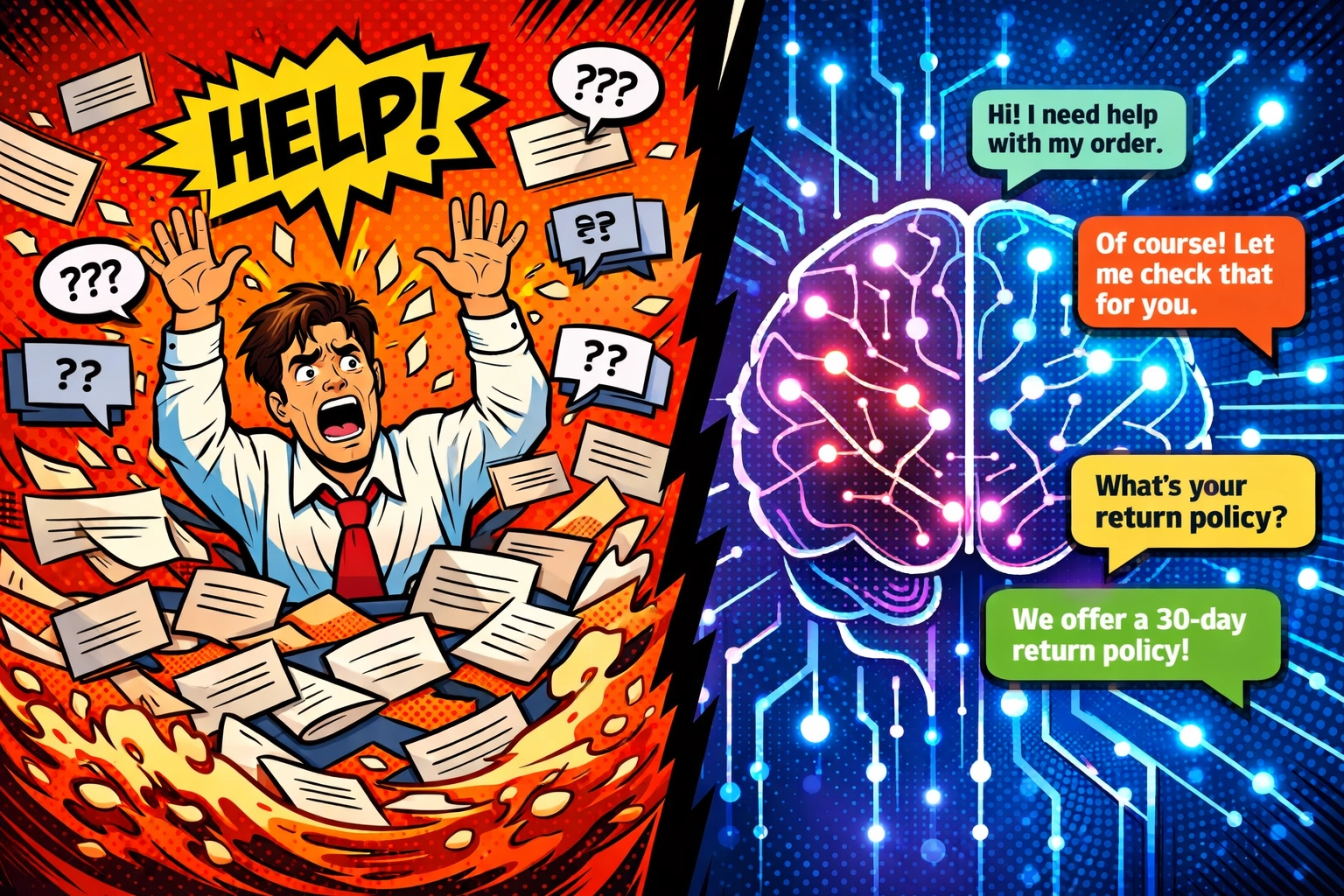
How AI fixes it:
An AI virtual assistant for business doesn't just send pre-written responses. It reads. It understands. It adapts.
When someone emails asking about your refund policy, your AI doesn't just blast them with your full terms and conditions. It pulls the relevant section, explains it in plain English, and even customizes the response based on their specific situation.
You're not automating responses. You're automating understanding.
That's the difference between a chatbot and an actual virtual assistant. One follows scripts. The other follows context.
Mistake #2: You're Going Too Big, Too Fast
Remember that time you tried to automate your entire customer onboarding process in one weekend?
Yeah. How'd that work out?
You mapped out this massive workflow. Connected seven different tools. Built conditional logic that would make a programmer weep. And then… one thing broke, and the whole system collapsed like a house of cards.
The mistake: You treated automation like a light switch, all or nothing.
How AI fixes it:
Smart automation starts small. Really small.
Instead of automating your entire customer support workflow, you automate customer support with AI for the first touchpoint, initial responses. Just that.
Your AI virtual assistant handles the "Hi, I have a question" moment. Gets the details. Understands the urgency. Routes it appropriately.
Then, once that's running smooth? You expand. Add another piece. Then another.
But each piece works independently. If one breaks, the others keep running. You're building layers, not a single fragile machine.
The best part? Your AI learns as it goes. It's not a rigid workflow you built once and forgot. It adapts, improves, and gets smarter with every interaction.
Mistake #3: Your Team Thinks Automation Is the Enemy
📱 Your phone lights up. It's Sarah from customer support.
"This new system isn't working. I'm spending more time training it than helping customers."
Ouch.
The mistake: You installed automation without involving the people who actually do the work.
Here's what happens: You get excited about efficiency. You buy the tools. You roll them out. And your team? They see it as a threat, not a help. Or worse, they see it as more work they didn't ask for.

How AI fixes it:
AI virtual assistants don't replace your team. They work alongside them.
Think of it this way: your customer support AI handles the repetitive questions, password resets, order tracking, basic FAQs. The stuff your team finds mind-numbing anyway.
But when a complex issue comes in? One that needs human judgment? The AI knows. It routes to your team with full context, complete conversation history, and all relevant account details already pulled up.
Your team isn't training the AI to replace them. They're training it to handle the tasks that were keeping them from doing their best work.
Sarah isn't fighting with the system anymore. She's working with it. And she's finally spending her day solving interesting problems instead of answering "Where's my order?" for the hundredth time.
Mistake #4: You Never Actually Calculated If It's Worth It
Be honest. Did you buy that automation tool because it would save you money… or because everyone said you should automate?
You're paying $200/month for software you barely use. You spent 40 hours setting up workflows that save you maybe 2 hours a week. And you have no idea if you're actually ahead or just… busy.
The mistake: You automated because you could, not because you should.
How AI fixes it:
AI virtual assistants come with built-in ROI tracking. Not in some vague "improved efficiency" way, in actual numbers.
Hours saved. Tickets resolved. Response times cut. Customer satisfaction scores up.
You see exactly how many customer inquiries your AI handled this week. How many your team didn't have to touch. How much faster customers got help.
And here's the kicker: AI gets more valuable over time. Unlike a tool you set up once and it does the same thing forever, your AI virtual assistant learns. It handles more. It gets better. Your ROI compounds.
Month one? Maybe it saves you 10 hours. Month six? It's saving you 50.
You're not guessing if it's worth it. You're watching the numbers.
Mistake #5: You Set It and Forgot It
🌙 It's 11 PM on a Tuesday. Your automated customer support has been sending the wrong information about your pricing for three days.
You find out Wednesday morning when five angry customers email your personal account.
The mistake: You thought automation meant you could walk away completely.

How AI fixes it:
Good automation needs oversight. Great AI provides it automatically.
Your AI virtual assistant doesn't just run in the background hoping for the best. It monitors itself. Flags issues. Asks for help when it's unsure.
When a customer asks about something your AI hasn't been trained on yet? It doesn't guess. It escalates, intelligently. To the right person. With context.
And you get reports. Not overwhelming data dumps, but actual insights: "Hey, 15 customers asked about international shipping this week. Might want to add that to the FAQ."
Your AI isn't a black box doing mysterious things. It's transparent. It learns. It tells you what it's doing and when it needs guidance.
You're not abandoning your automation. You're supervising intelligently: spending 10 minutes reviewing insights instead of 10 hours fixing mistakes.
The Real Fix: Understanding What AI Actually Does
Here's what most people miss about AI virtual assistants:
They're not just faster automation. They're smarter automation.
Traditional automation follows rules. If this, then that. It's rigid. Literal. It breaks when anything unexpected happens.
AI virtual assistants understand intent. They read between the lines. They handle the messy, unpredictable reality of actual customer conversations.
You're not building workflows. You're training a team member who never sleeps, never gets frustrated, and gets better at their job every single day.
Stop Making It Harder Than It Needs to Be
You already know your business needs automation. You're dealing with too many admin tasks, too many repetitive questions, too much manual work that's keeping you from actually growing.
The question isn't whether to automate. It's how to automate without making these five mistakes that derail everyone else.
Start with one AI virtual assistant. Let it handle customer support. Just that. Watch it work. See the mistakes it doesn't make: the ones you've been making with traditional automation.
Then expand from there.
Want to see how an AI virtual assistant for business actually handles real customer conversations without falling into these traps? Check out how real businesses are using AI to automate customer support without the usual automation headaches.
The difference between automation that fails and automation that scales? It's not the tools.
It's understanding what you're actually trying to accomplish: and using AI smart enough to help you get there.
Leave a Reply