Author: admin

  • The Proven Hotel Automation Framework That Cuts Manual Tasks by 50%

    The Proven Hotel Automation Framework That Cuts Manual Tasks by 50%

    Your front desk staff shouldn't be drowning in spreadsheets. Your night auditors shouldn't be manually reconciling data until 2 AM. And your general managers definitely shouldn't be spending 20 hours a week on admin tasks that a good hotel PMS could handle automatically.

    Here's the thing: automation isn't about replacing your team. It's about freeing them to do what actually matters: creating memorable guest experiences and driving revenue.

    The hospitality industry has been talking about automation for years, but many hotels still struggle with where to start. That's where a proven framework comes in. Real properties are using systematic automation approaches to cut manual tasks by 50% or more. Let's break down exactly how they're doing it.

    Why Most Hotels Get Automation Wrong

    Most hotels approach automation backwards. They see a shiny new tool, implement it without a strategy, and wonder why it doesn't deliver results. Or worse: they try to automate everything at once and overwhelm their team.

    The properties seeing real results take a different approach. They start small, target high-impact areas, and scale progressively. They focus on connecting existing systems behind the scenes rather than ripping everything out and starting over.

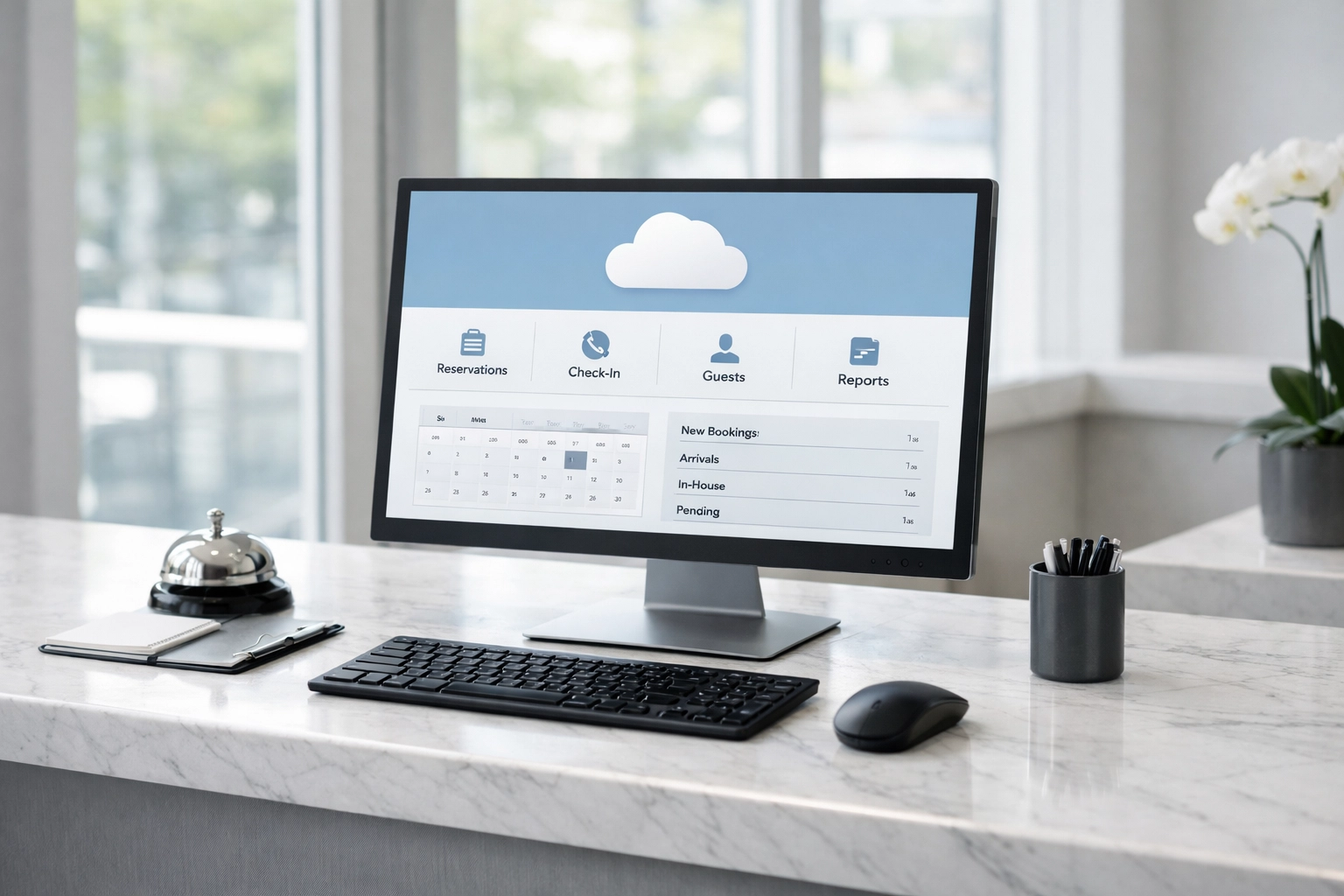
    This is exactly what makes cloud-native hotel management software like Mews so effective. It's built to integrate with your existing tech stack and automate workflows without disrupting your operations.
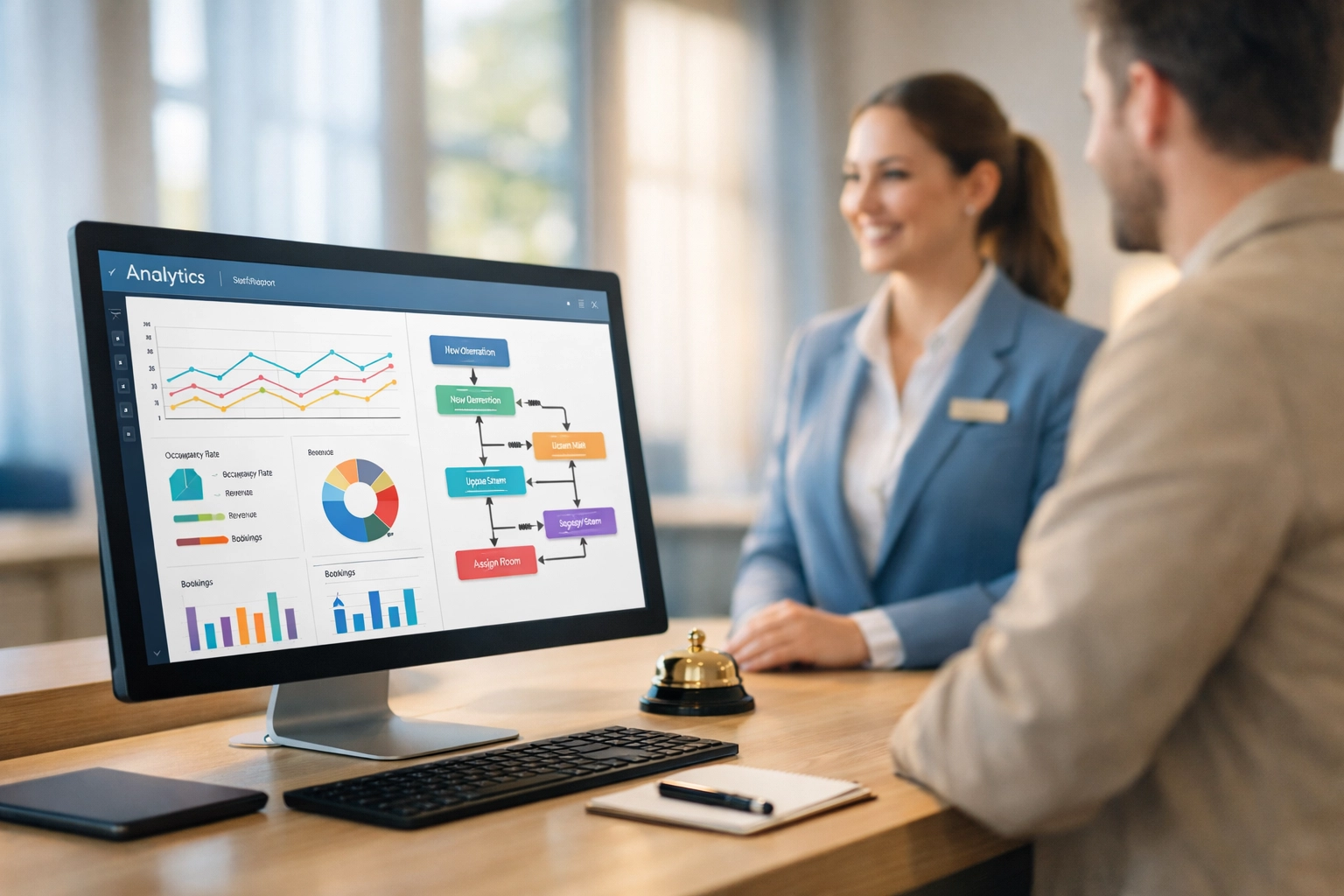
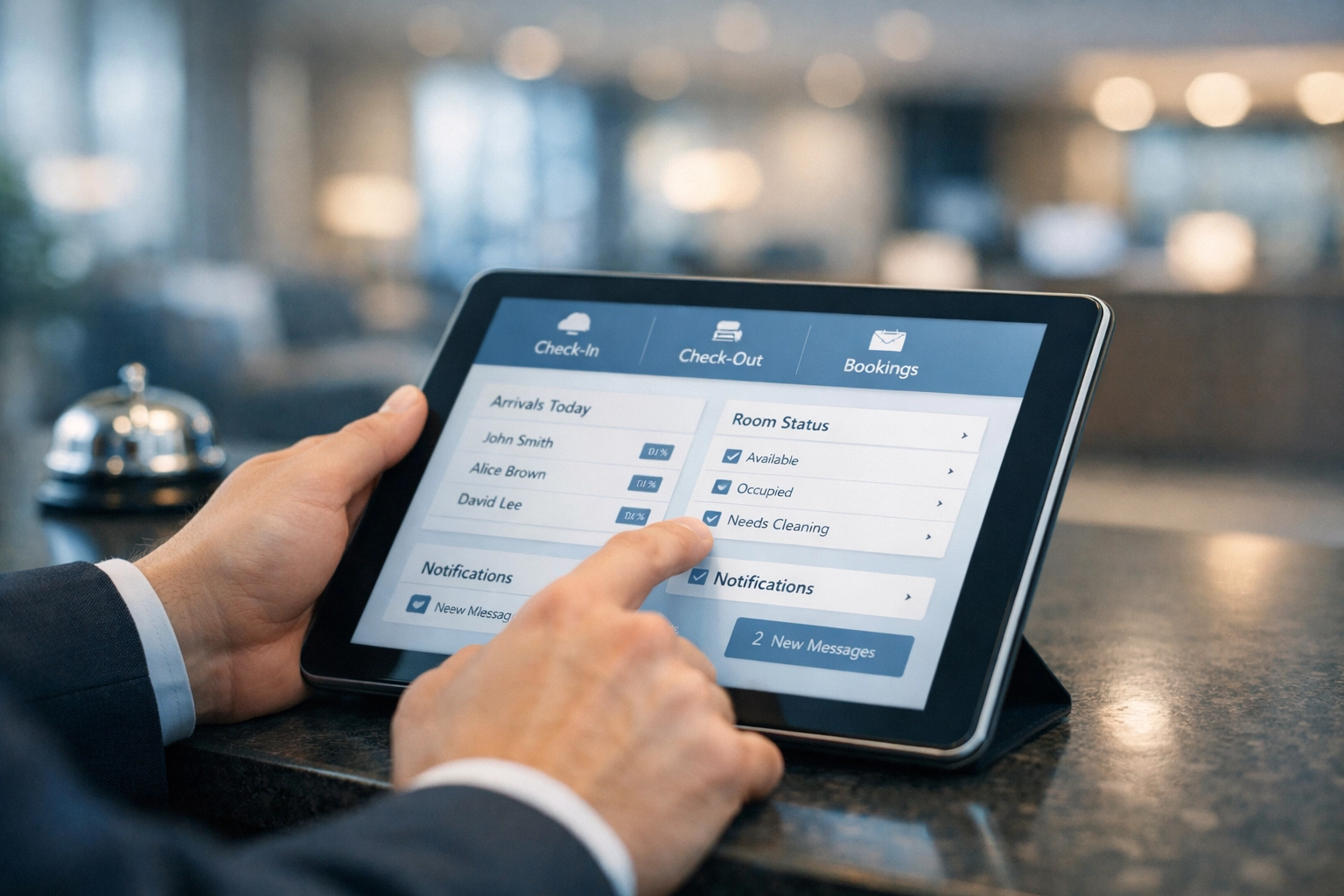
    Hotel front desk with automated PMS dashboard and staff assisting guest with personalized service

    The Framework: Seven Areas That Deliver Results

    The most successful hotel automation strategies target seven key operational areas. Let's walk through each one and the impact you can expect.

    1. Data Aggregation and Night Audits

    Night audit shouldn't take all night. When your hotel PMS automatically compiles and verifies daily reports, you eliminate hours of manual spreadsheet work.

    For multi-property groups, the savings multiply exponentially. One European hotel group documented saving more than 50 working days per year for each workflow they automated. That's nearly two months of labor saved: per property.

    2. Front Desk Operations

    Check-in shouldn't be a bottleneck. Self-check-in kiosks and mobile check-in capabilities reduce wait times and free your front desk team to focus on guest interaction, not data entry.

    Modern booking engines integrated with your hotel PMS let guests complete the entire check-in process before they arrive. Your team greets them with a key and a smile, not a clipboard full of forms.
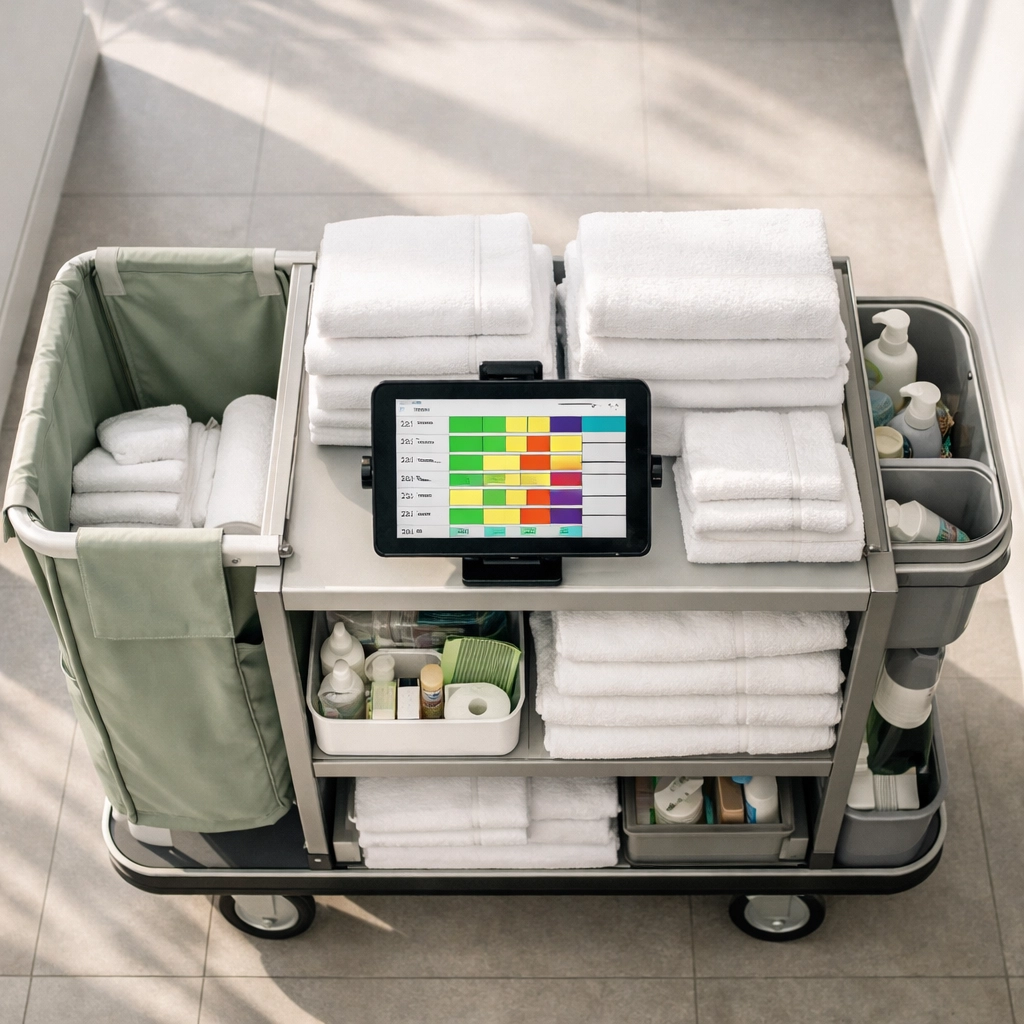
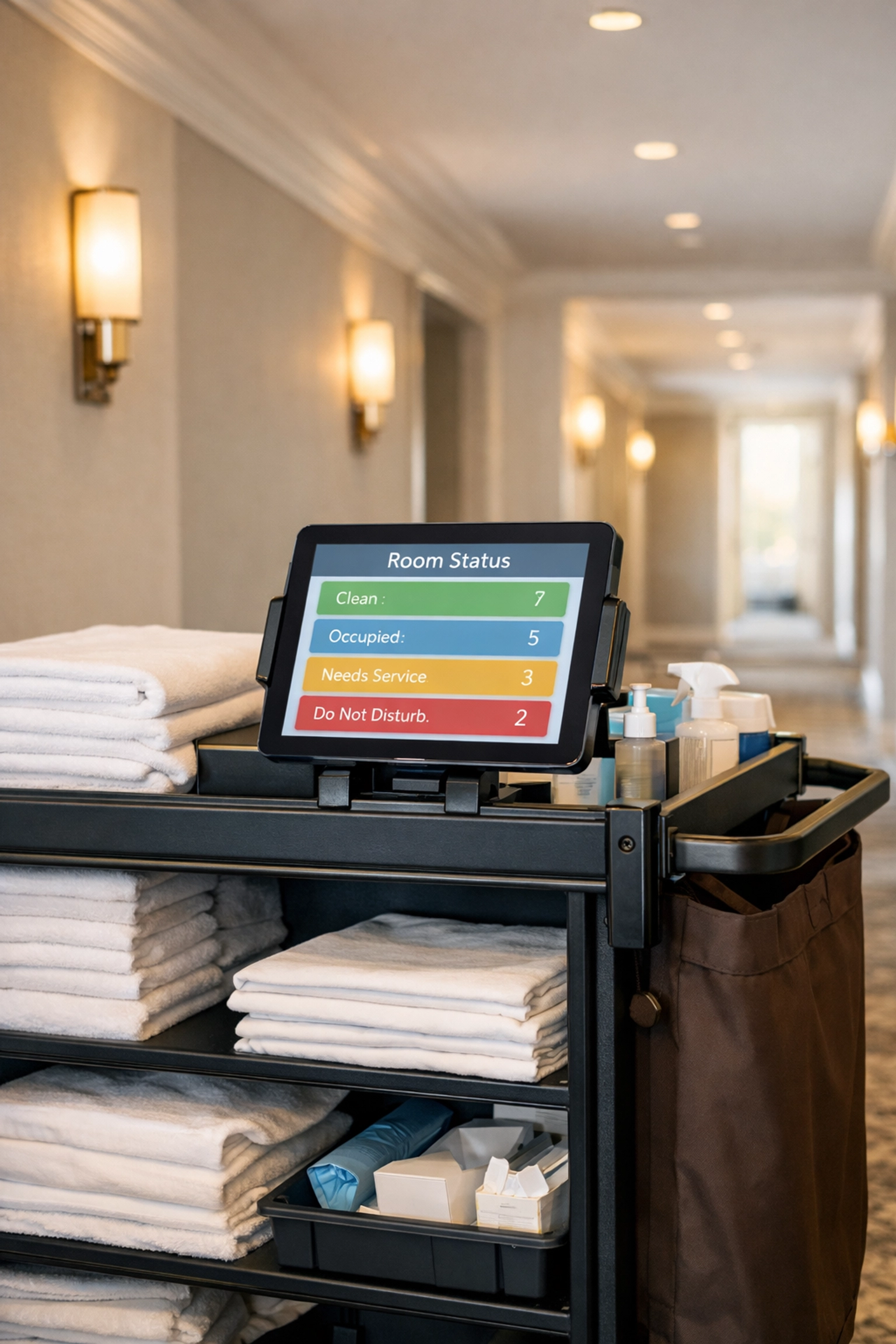
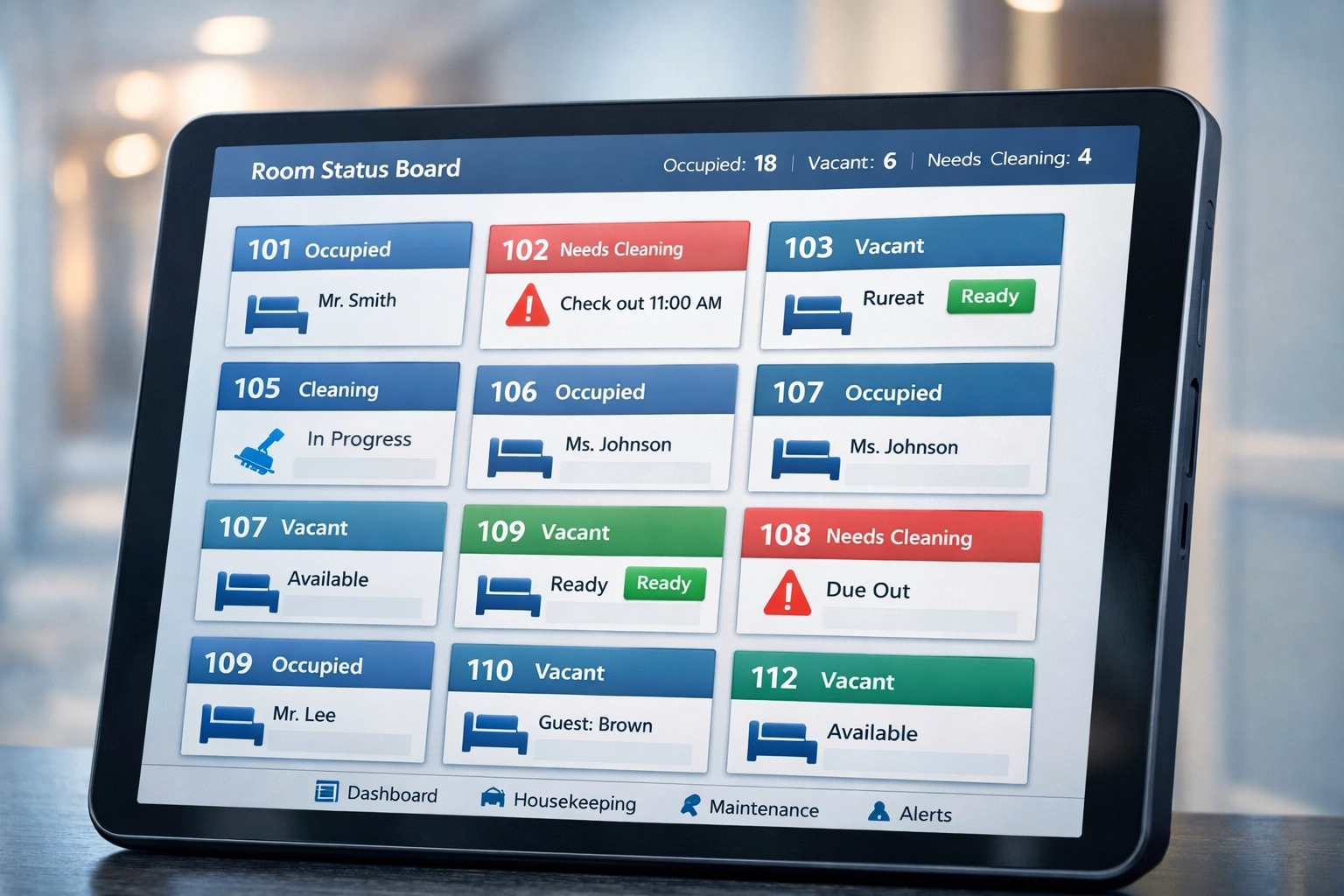
    Housekeeping cart with digital tablet displaying automated room scheduling and assignments

    3. Vendor Payments and Accounts Payable

    Nobody got into hospitality because they love cutting checks and routing invoices. Automating invoice verification, approval workflows, and payment processing eliminates manual errors and saves your accounting team hours every week.

    The impact here goes beyond time savings. Fewer errors mean fewer vendor relationship issues and better cash flow management.

    4. Housekeeping and Scheduling

    Your housekeeping team's schedule shouldn't be a guessing game. Dynamic shift assignment based on occupancy forecasts optimizes labor allocation during peak periods.

    A good channel manager feeds real-time booking data into your system, so your housekeeping schedule adjusts automatically. Your team knows exactly where they're needed, when, and for how long.

    5. Income Audits and Bank Reconciliation

    Pulling transaction data from your PMS and point-of-sale systems, then manually matching everything for reconciliation, is time-intensive and error-prone. Automation pulls the data seamlessly and flags discrepancies instantly.

    This is where cloud-native architecture really shines. Everything lives in one system with real-time updates, so there's nothing to manually reconcile.
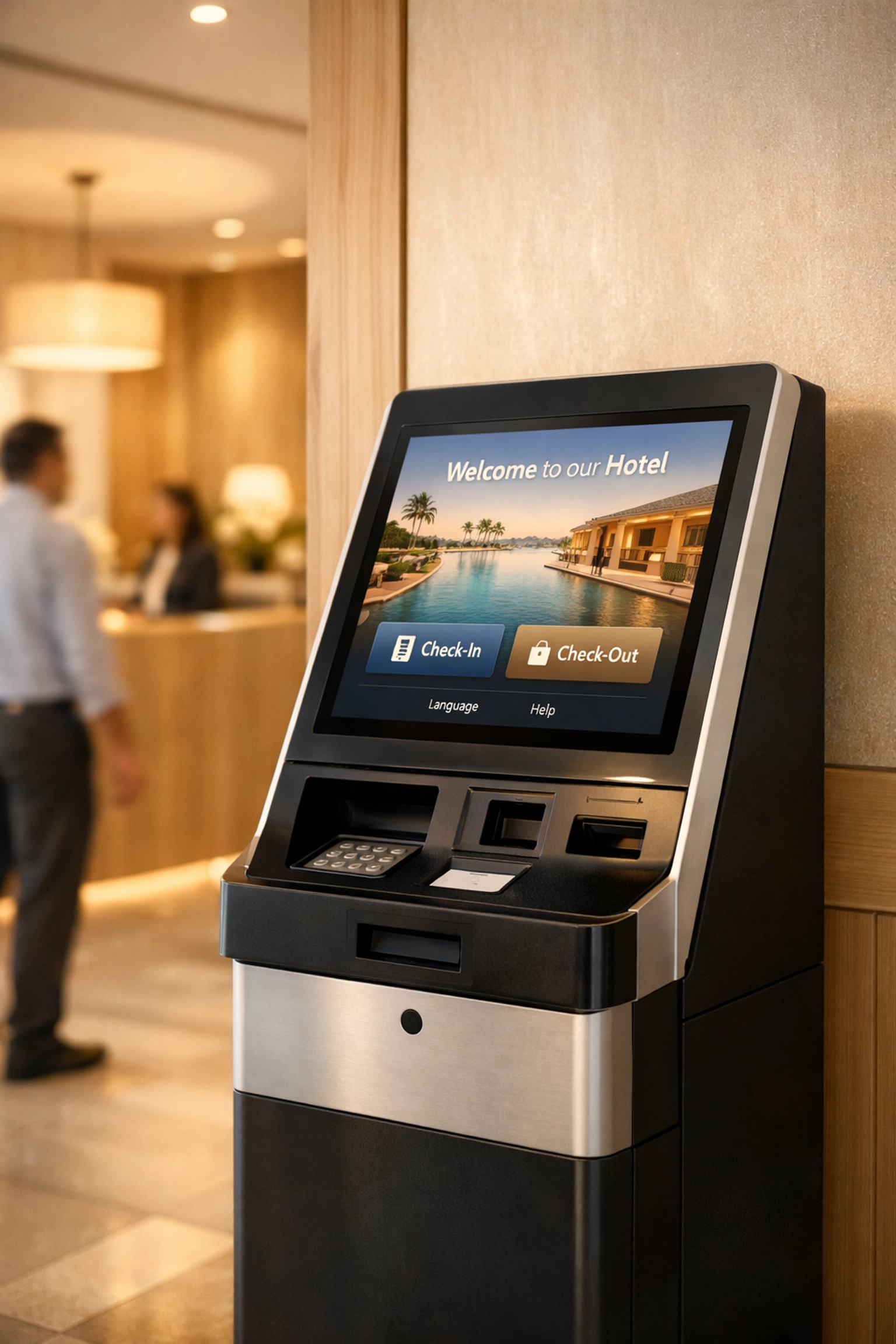
    Modern self-check-in kiosk in hotel lobby enabling contactless guest arrival automation

    6. Guest Communication and CRM

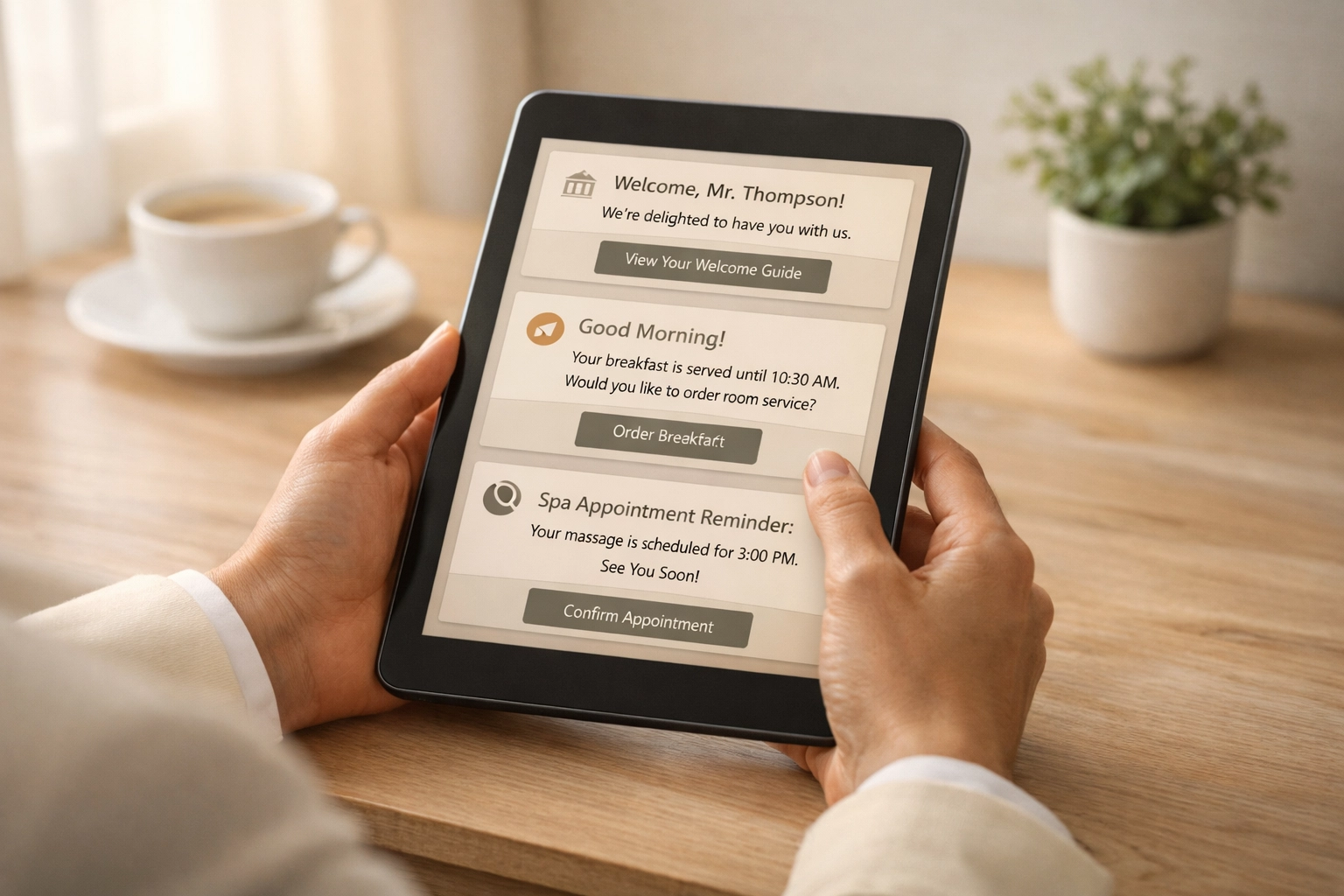
    Sending pre-arrival emails, post-stay surveys, and review requests manually doesn't scale. An integrated CRM automates these touchpoints while maintaining personalization.

    The best systems learn from guest preferences and behavior, so communications become more relevant over time: not more generic.

    7. Revenue Management and Reporting

    Real-time dashboards beat manual reports every time. When your hotel PMS automatically generates performance reports and revenue insights, you spot trends and opportunities faster.

    Automation here doesn't just save time: it makes you money. Faster insights mean faster revenue decisions.

    Real Results from Real Properties

    Five Rivers Hospitality cut the time their general managers spend on administrative tasks by 50% using automated back-office solutions. That's 10-20 hours per week redirected toward revenue-generating activities and guest experience improvements.

    Another property group documented the savings mentioned earlier: more than 50 working days per year saved for each automated workflow. Multiply that across multiple properties and workflows, and you're looking at thousands of hours reclaimed annually.

    These aren't outliers. According to Deloitte, organizations that moved beyond piloting automation achieved an average cost reduction of 32%. The key word there is "beyond piloting." Testing automation is one thing. Systematically implementing it is what delivers results.
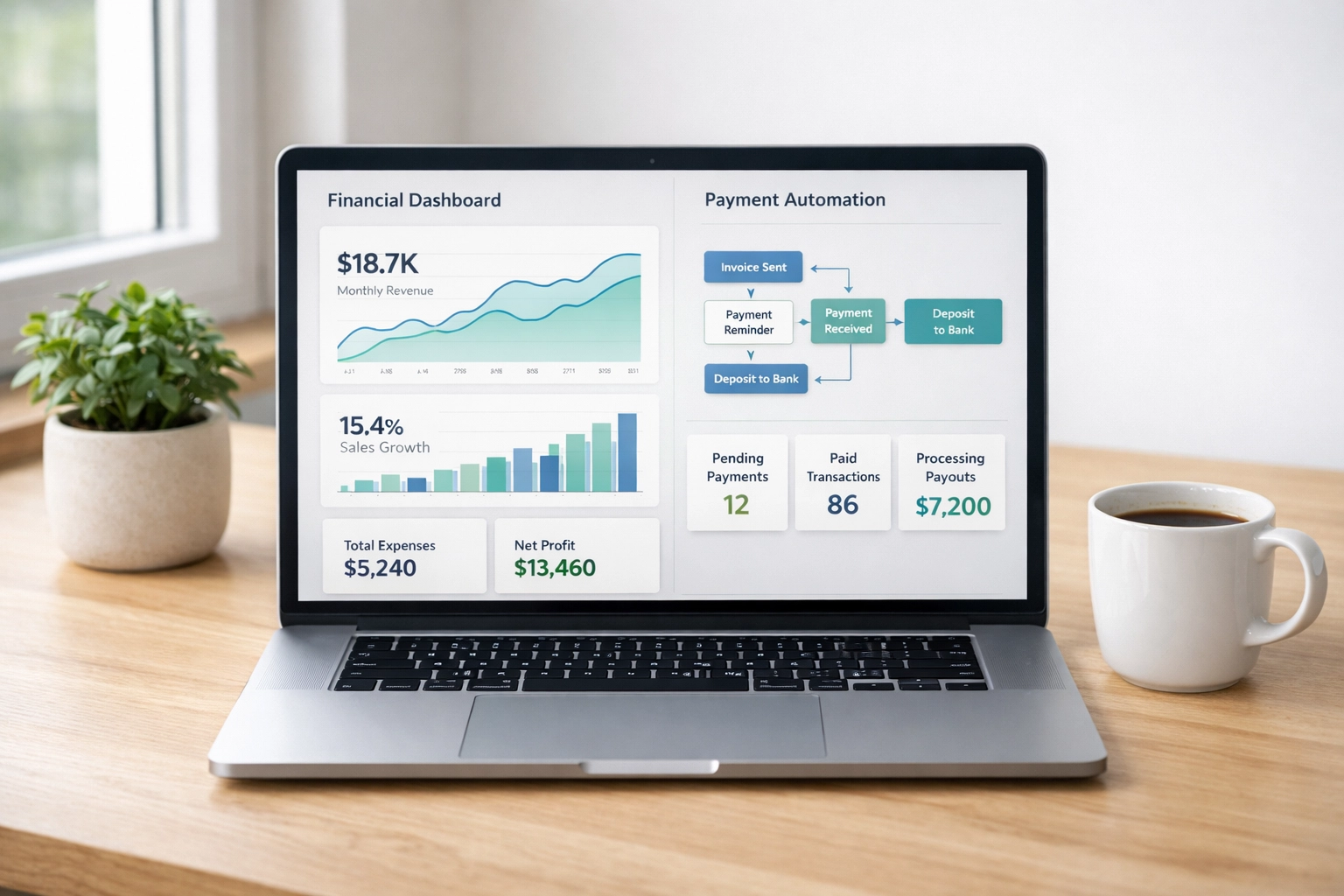
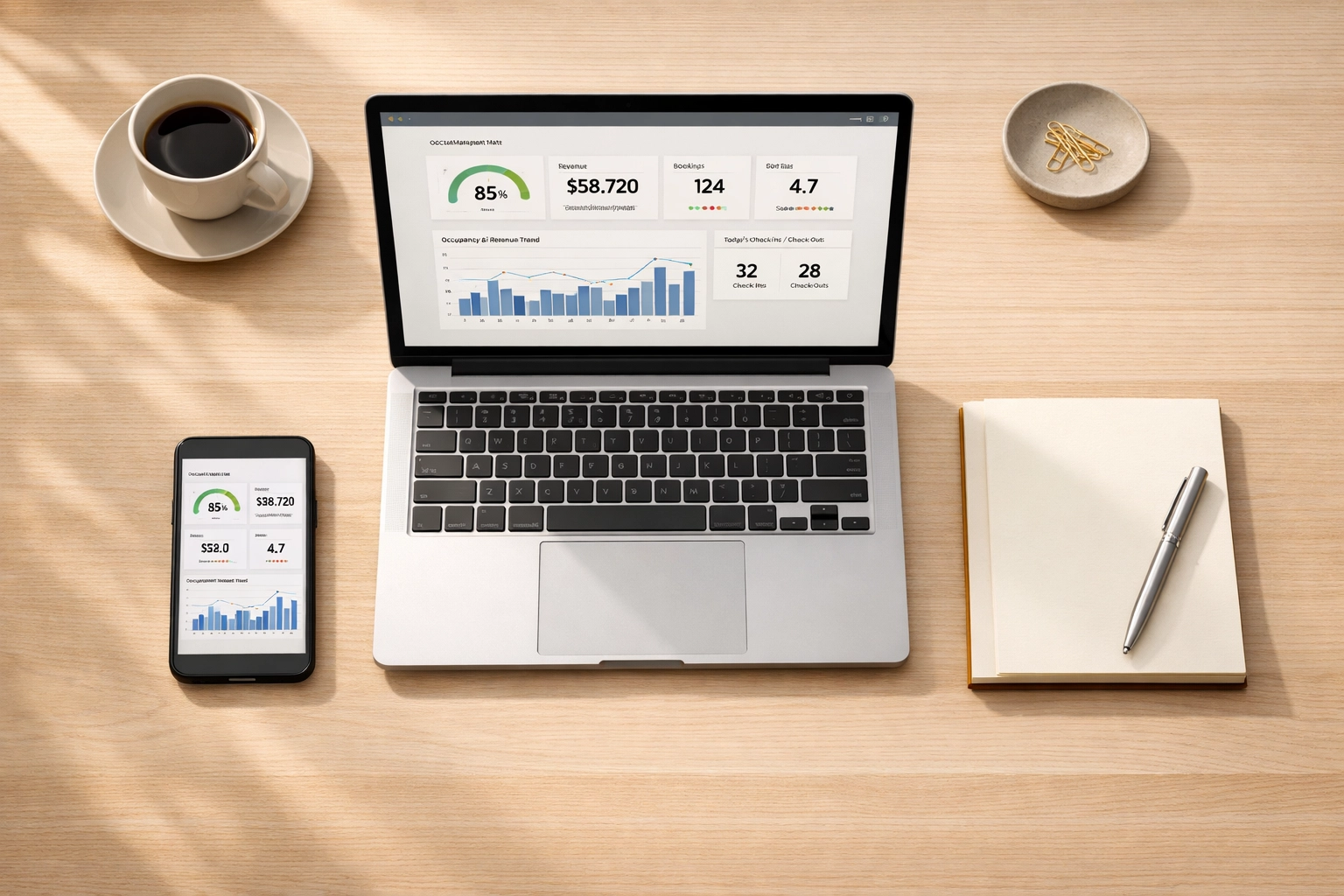
    Hotel automation dashboard showing financial analytics and workflow reports on laptop screen

    How to Get Started (Without Overwhelming Your Team)

    The framework works because it's progressive. You don't need to automate everything tomorrow. Here's how to start:

    Step 1: Audit your current manual tasks. Where does your team spend the most time on repetitive work?

    Step 2: Identify the highest-impact opportunities. Which manual tasks are time-consuming, error-prone, and don't require human judgment?

    Step 3: Start with one workflow. Pick something measurable, like night audit or vendor payments.

    Step 4: Choose technology that integrates with your existing systems. A cloud-native hotel PMS designed for automation makes this easier.

    Step 5: Train your team and measure results. Document time savings and identify the next automation opportunity.

    Step 6: Scale progressively. Once one workflow is running smoothly, move to the next.

    Step 7: Optimize continuously. Automation isn't set-it-and-forget-it. Review and refine as your operations evolve.

    The properties seeing 50% reductions in manual tasks didn't get there overnight. They got there by taking small, consistent steps toward systematic automation.

    Why Cloud-Native Architecture Matters

    Not all hotel management software is built the same. Legacy systems require costly middleware and complex integrations to connect with modern tools. Cloud-native platforms like Mews are built for automation from the ground up.

    What does that mean for you? Easier integrations with booking engines, channel managers, payment processors, and guest communication tools. Real-time data across all systems. And automation that actually works instead of creating more headaches.

    When your hotel PMS, booking engine, and CRM live in the same cloud-native ecosystem, automation happens seamlessly. No manual exports, imports, or reconciliations. Just workflows that run automatically while you focus on running your property.
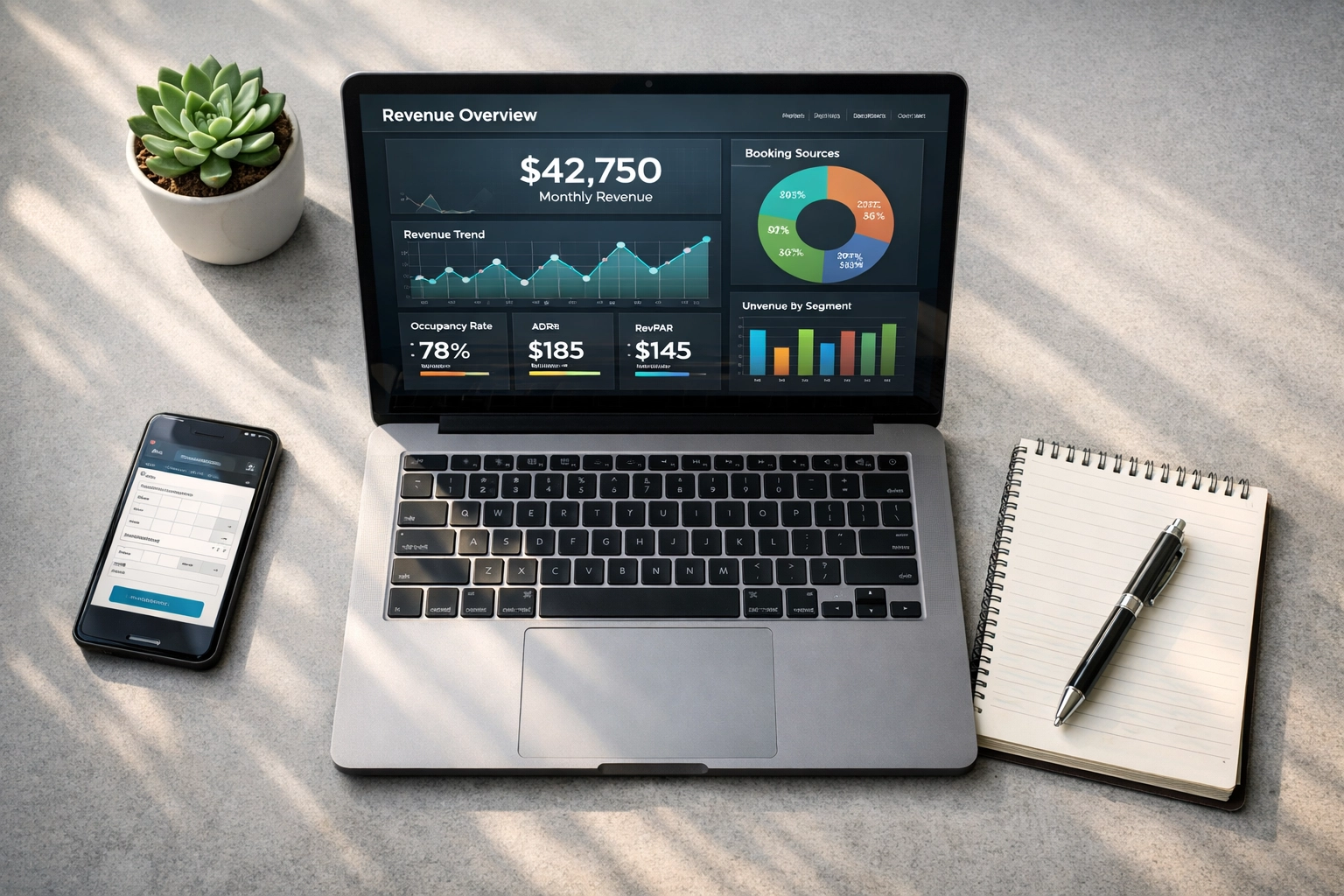
    Hotel manager reviewing real-time revenue analytics and performance data on cloud-based PMS

    Start Cutting Manual Tasks Today

    Automation isn't the future of hospitality: it's the present. Properties using systematic frameworks are already cutting manual tasks by 50% or more while improving guest experiences and team satisfaction.

    The question isn't whether to automate. It's where to start.

    If you're ready to explore how cloud-native hotel management software can transform your operations, check out Mews and see how automation can work for your property. The platform connects your hotel PMS, booking engine, channel manager, and CRM into one intuitive system designed for automation.

    Your team deserves to spend their time on work that matters. Let automation handle the rest.
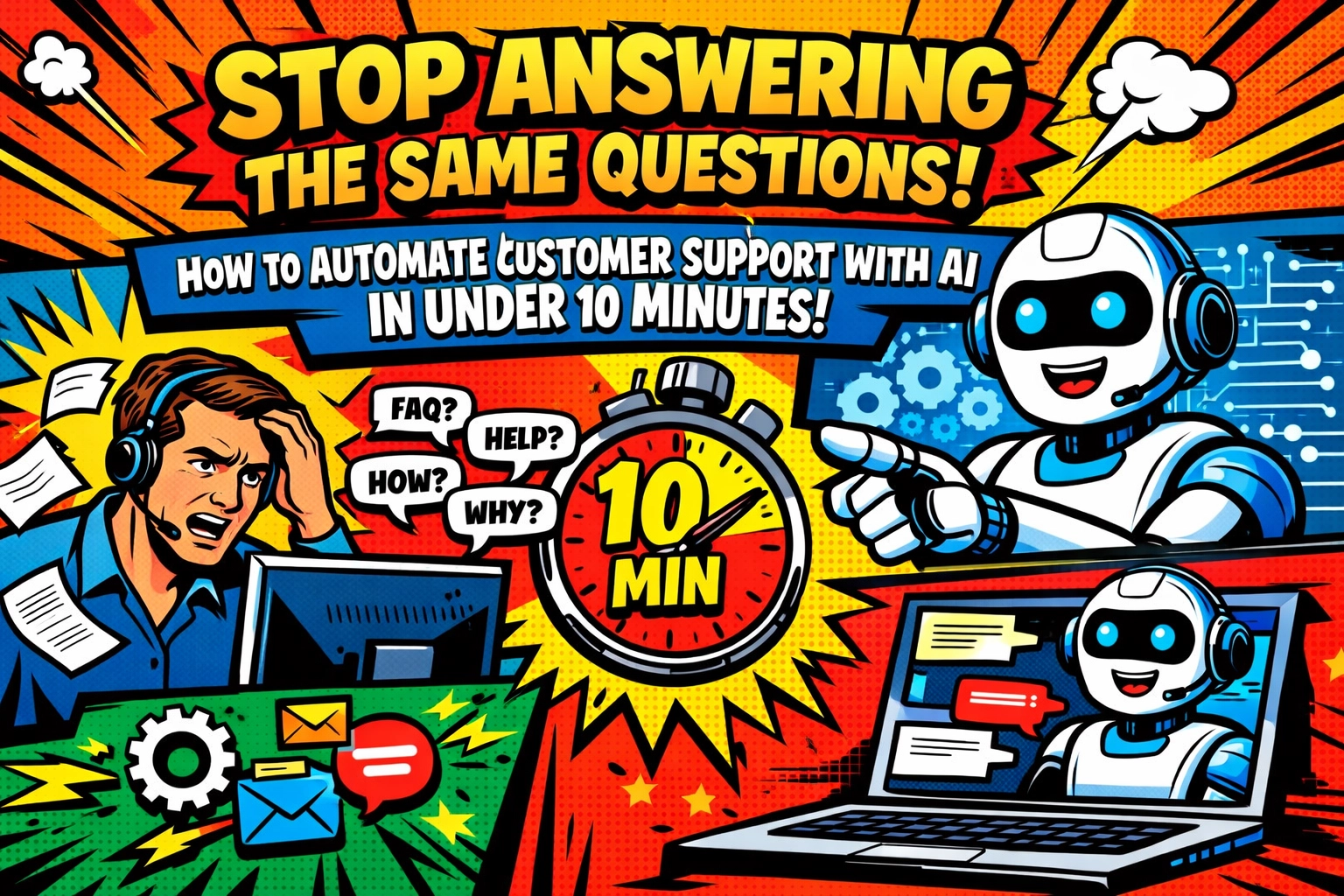
  • Stop Answering the Same Questions: How to Automate Customer Support With AI in Under 10 Minutes

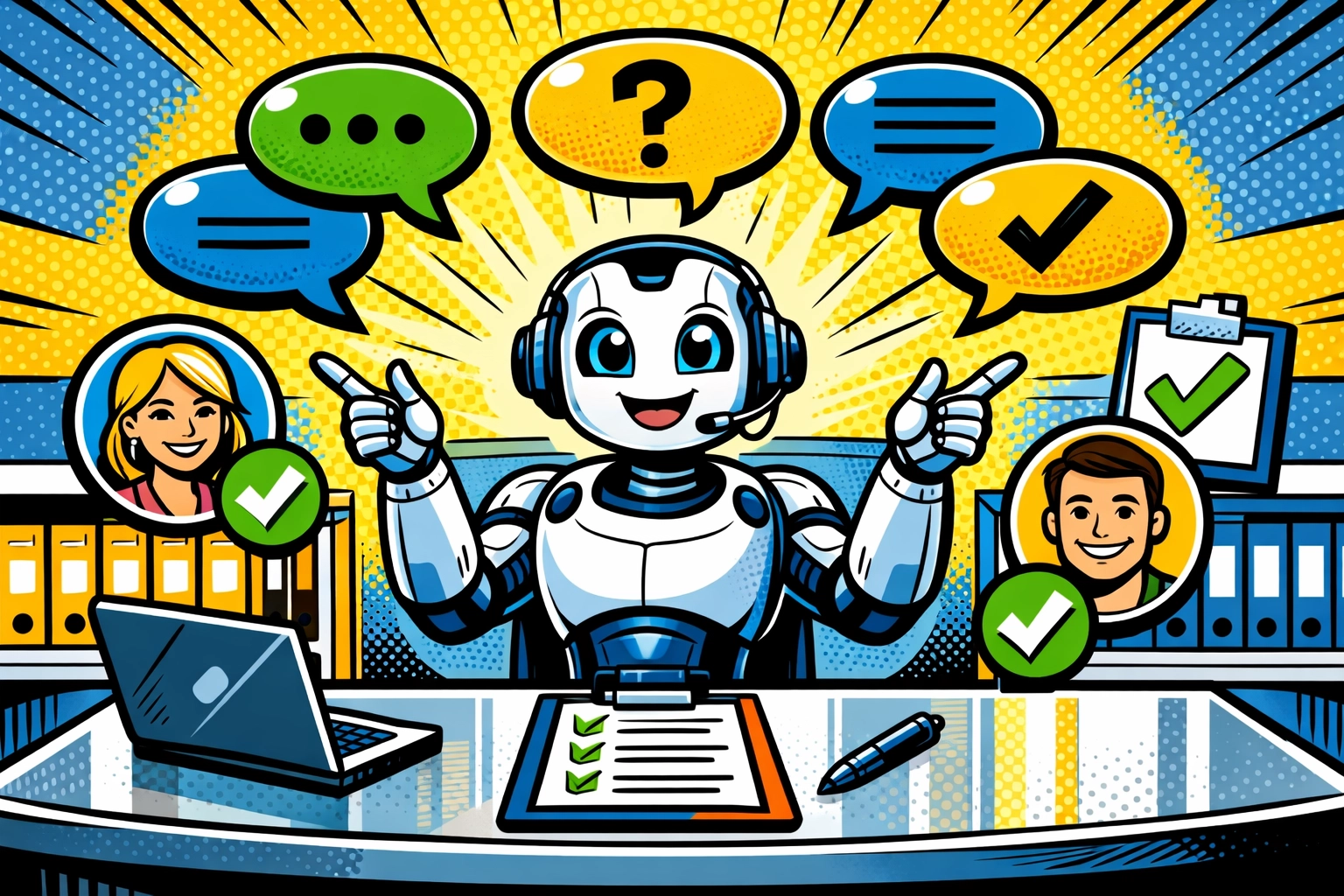
    Stop Answering the Same Questions: How to Automate Customer Support With AI in Under 10 Minutes

    📧 "What's your return policy?"

    You type the answer. Again.

    Copy. Paste. Send.

    Three minutes later, a new email. Same question. Different customer.

    You glance at your inbox. Twelve more messages waiting. You already know what half of them ask before opening them.

    "How do I track my order?"

    "When will my refund arrive?"

    "What are your business hours?"

    The same questions. Every. Single. Day.

    Your coffee's getting cold. Your actual work : the stuff that grows your business : sits untouched in another tab. But here you are, answering question #47 about shipping times like it's the first time you've ever been asked.

    There's a better way. And it takes less time than your morning coffee run.

    THE 10-MINUTE REVOLUTION

    Forget everything you think you know about setting up automation. No coding. No "AI training sessions." No week-long implementation plans.

    You can automate customer support with AI in under 10 minutes. Actually under 10 minutes : not "tech company under 10 minutes" where they mean 10 hours.

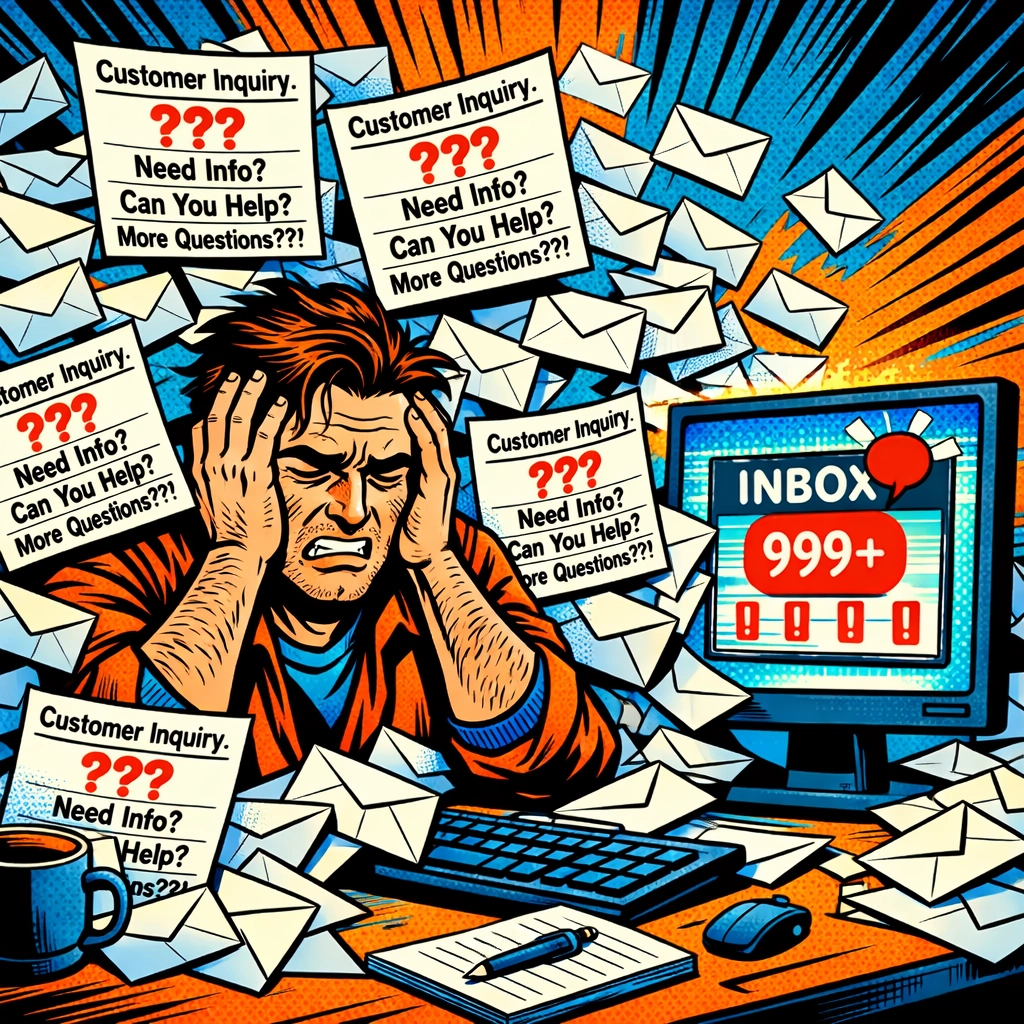
    Business owner overwhelmed by repetitive customer support emails before automating with AI

    Here's what happens when you deploy an AI virtual assistant for business the right way:

    Minute 1-3: You connect your existing knowledge base. The AI reads everything you've already written : your FAQs, help docs, past emails. It's learning how you talk, what your customers ask, and how you solve problems.

    Minute 4-6: You customize the tone. Professional? Friendly? Somewhere in between? Your AI assistant adopts your brand voice automatically. It even handles 40+ languages if your customers need it.

    Minute 7-9: You let it scan your ticket history. This is where it gets smart. The AI sees real conversations between you and real customers. It learns from your best responses : the ones that actually solved problems.

    Minute 10: You turn it on.

    That's it.

    No prompt engineering. No feeding it training data manually. No debugging mysterious error messages at 11 PM.

    Your AI assistant starts handling customer questions immediately.

    WHAT IT ACTUALLY DOES (WHILE YOU DO LITERALLY ANYTHING ELSE)

    Let's get specific. Because "automates customer support" sounds vague and corporate : and you need to know exactly what you're getting.

    Your AI virtual assistant handles:

    The Repeat Questions : All those "What's your return policy?" emails that made you want to print the answer on your forehead. The AI answers them instantly, accurately, every time. Zero copy-paste from you.

    Order Status Updates : "Where's my package?" gets an instant response with real tracking information. Your AI pulls the data, formats it nicely, and sends it before the customer can refresh their inbox.

    Basic Account Actions : Password resets. Account updates. Subscription changes. The boring stuff that takes 30 seconds each but eats your whole morning when you get 50 of them.

    After-Hours Support : It's 2 AM. Someone in a different timezone has a question. Your AI answers it. You're asleep. Everyone's happy.

    AI virtual assistant automatically resolving customer questions and support tickets in real-time

    Studies show AI agents handle over 70% of Tier 1 tickets automatically. That's not "someday with perfect conditions" : that's what happens in the first week.

    Seventy percent of your support volume… just gone.

    THE PART WHERE IT GETS SMARTER (WITHOUT YOU LIFTING A FINGER)

    Here's what separates a dedicated AI virtual assistant for business from just slapping ChatGPT on your website:

    It learns.

    Every conversation makes it better. Every customer interaction teaches it something new. Every feedback loop from your team refines its responses.

    You're not maintaining it. You're not retraining it. You're not updating prompts every Tuesday.

    It's just… improving. Quietly. In the background.

    While you're in meetings, your AI is getting better at helping customers. While you're finally tackling that product launch, your AI is learning from edge cases. While you're on vacation (remember those?), your AI is handling support like you never left.

    AI customer support system learning and improving from customer conversations and support data

    And when a question comes in that's too complex for AI? It routes it to your team instantly. No customer waits in limbo wondering if anyone's reading their message. The AI knows its limits and escalates gracefully.

    THE REAL TRANSFORMATION

    Let's talk about what your day actually looks like after you automate customer support with AI.

    7:00 AM
    You open your laptop. Inbox has 12 messages. But they're not the usual suspects. No "What's your return policy?" No "How do I reset my password?"

    Just the interesting ones. The edge cases. The conversations that actually need your expertise.

    Your AI handled everything else overnight.

    11:30 AM 📱
    A customer emails asking about a product feature. Your AI responds in 30 seconds with accurate information pulled from your documentation. The customer replies "Perfect, thanks!" before you even see the first message.

    You don't interrupt your focus. The conversation resolved itself.

    3:00 PM 🔍
    You check your dashboard. Your AI virtual assistant has handled 47 conversations today. Resolved 39 of them completely. Escalated 8 to your team : all complex questions worth your time.

    You smile. That's 39 conversations you didn't copy-paste through.

    8:00 PM 🌙
    Your phone doesn't buzz with urgent customer questions. Because there aren't any. The AI's got it covered.

    You close your laptop and actually disconnect.

    This isn't fantasy. This is what happens when you stop treating customer support like something only humans can do and start treating it like the repeatable process it actually is.

    YOUR NEXT 10 MINUTES

    You've spent longer reading this post than it would take to set up AI customer support.

    The questions are still piling up in your inbox right now. While you're here. While you're thinking about it.

    Or they could be getting answered automatically.

    Small business owner relaxing while AI virtual assistant handles multiple customer support conversations

    The beauty of modern AI virtual assistants is they're built for people like you : small business owners who need things to work NOW, not after a six-week implementation project.

    No technical degree required. No hiring AI consultants. No "we'll get to it next quarter."

    Just 10 minutes and a decision to stop answering the same questions manually.

    If you're ready to see how this actually works for your business, check out what Marblism can do. It's built specifically for small businesses that want to automate customer support with AI without the usual headaches.

    Ten minutes from now, you could be done setting this up.

    Or you could be answering "What's your return policy?" for the 83rd time this month.

    Your inbox. Your choice.

    But the questions aren't going to stop coming.

  • 7 Mistakes You’re Making with Your Home Espresso Setup (and How to Fix Them)

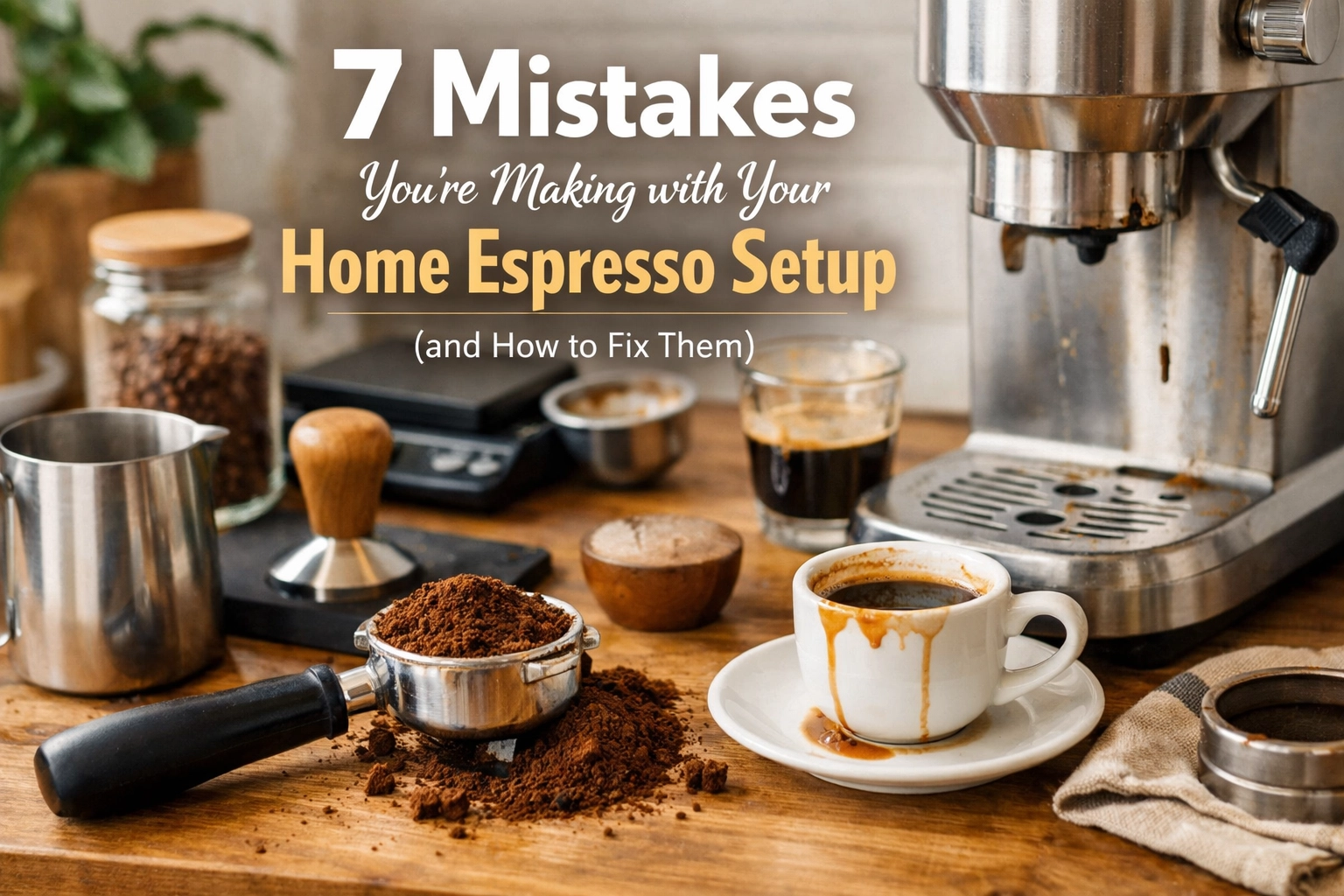
    7 Mistakes You’re Making with Your Home Espresso Setup (and How to Fix Them)

    Look, we've all been there. You've invested in a proper espresso machine, a decent grinder, and you're ready to ditch the coffee shop queue forever. But somehow, your shots taste… off. Sour one day, bitter the next, and occasionally just downright disappointing.

    Here's the thing: most home espresso problems aren't about your equipment. They're about technique. After years of training baristas and helping home brewers troubleshoot their setups, we've noticed the same mistakes popping up again and again. The good news? They're all fixable.

    So let's dive into the seven most common espresso mistakes we see – and more importantly, how to actually fix them.

    1. You're Eyeballing Your Coffee Dose (Instead of Weighing It)

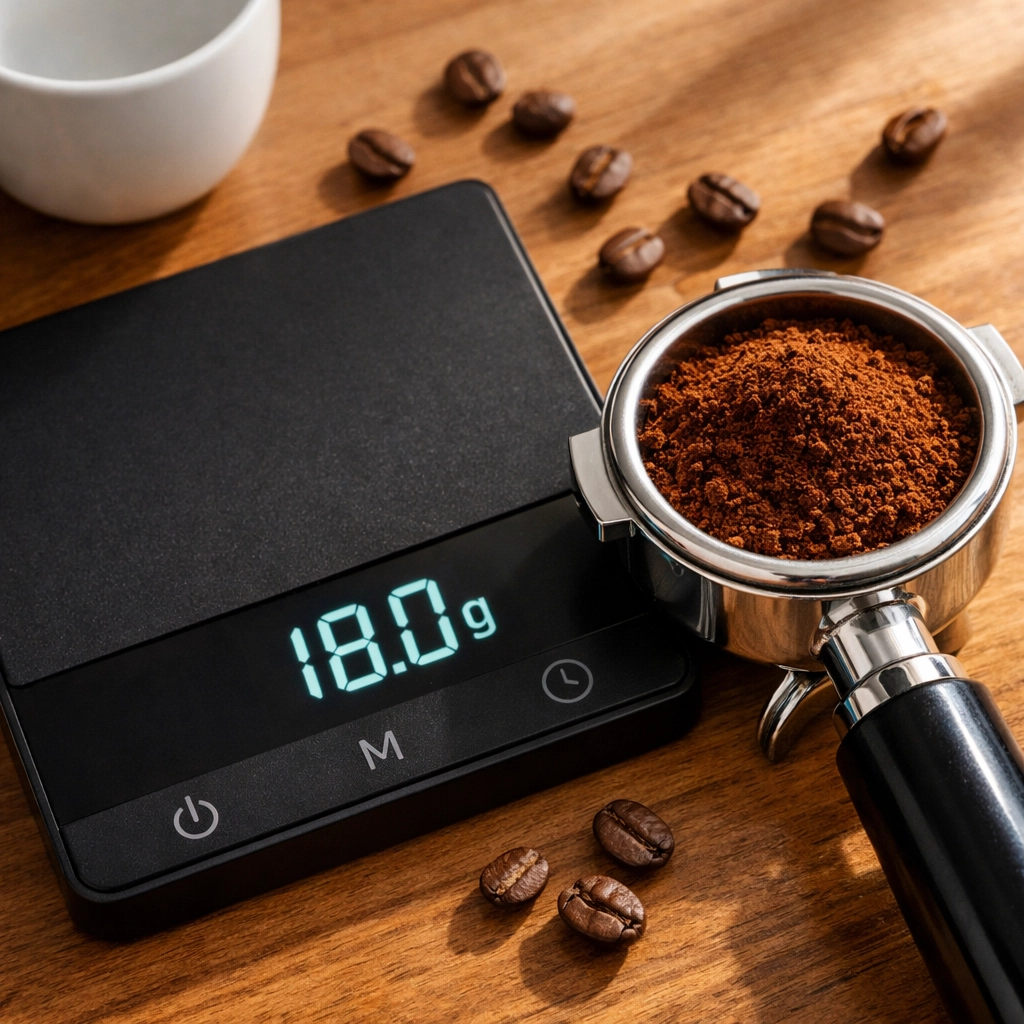
    This is the big one. We'd estimate that 95% of inconsistency issues with home espresso come down to not using a scale. When you're scooping coffee by eye or using volumetric measurements, you might think you're being consistent, but you're probably off by 2-3 grams every time.

    Doesn't sound like much? If you're aiming for an 18g dose and you're actually using 20g, that's an 11% error. That's the difference between a balanced shot and something that tastes like you're chewing on coffee grounds.

    The fix: Invest in a decent kitchen scale – doesn't need to be fancy, just accurate to 0.1g. Weigh your input dose every single time. We typically work with a 1:2 to 1:2.2 ratio, so if you're dosing 18g of coffee, you want to pull around 36-40g of espresso out.

    This gives you actual data. When something tastes off, you can identify what changed. Without a scale, you're just guessing.

    Digital scale weighing 18g espresso dose in portafilter for consistent home coffee brewing

    2. Your Grind Size is All Over the Place

    We see this constantly: people adjusting their grinder multiple times per day, chasing the perfect shot without understanding what they're actually changing. Or worse, grinding way too coarse because they read somewhere online that "espresso should flow like warm honey" and their shots are running like water.

    The grind is crucial – it's your main extraction variable. Too coarse and you'll get a sour, under-extracted shot that runs in 15 seconds. Too fine and you'll choke your machine, getting a bitter, over-extracted mess (if you get anything at all).

    The fix: Start with your machine's manual. Seriously. Most machines have recommended grind settings for a reason. Begin there, then make small adjustments based on taste and timing.

    If your shot is pulling too fast (under 25 seconds) and tastes sour or weak, go finer. If it's taking forever (over 35 seconds) and tastes harsh or bitter, go slightly coarser. But here's the key – only change one variable at a time. Adjust grind, then dial in your dose and ratio before making more changes.

    3. You're Not Dosing Enough Coffee

    This one surprises people. Many home brewers underfill their portafilter basket, thinking they're saving coffee or being conservative. But if you're using 14g in an 18g basket, you're preventing your machine from building proper pressure.

    Espresso extraction needs resistance to reach the optimal 9 BAR of pressure. Without enough coffee in the basket, water just flows through without extracting properly. You'll get thin, weak shots no matter how fine you grind.

    The fix: Check your basket size (it's usually stamped on the side or in your manual) and dose to its recommended capacity. If you've got an 18g basket, use 18g of coffee. Every single time. Consistency is what lets you actually improve – when everything else is constant, you can taste what individual changes do.

    Coffee grind sizes from coarse to fine showing proper espresso grinder adjustment

    4. Your Tamping Technique Needs Work

    Tamping seems simple – just press down the coffee, right? But inconsistent tamping pressure or an uneven tamp creates channels in your puck. Water takes the path of least resistance, so it rushes through the thinner sections while leaving the thicker parts under-extracted.

    The result? A shot that's simultaneously sour and bitter. Not ideal.

    The fix: Tamp with consistent pressure (around 30 pounds of force) and make sure the tamp is perfectly level every time. The technique matters more than the strength. We like to press straight down, give a light polish, and check that the puck surface is completely flat.

    Some people swear by distribution tools or WDT (Weiss Distribution Technique) to break up clumps before tamping. They're not necessary for everyone, but if you're seeing inconsistent extractions, they're worth trying.

    5. You're Ignoring Water Quality and Temperature

    Here's something that doesn't get enough attention: your water matters. A lot. If you're pulling shots with hard tap water or water that's been sitting in your machine's reservoir for a week, you're compromising flavor before you even start.

    Temperature is equally crucial. Even a few degrees can swing your extraction from sour (too cool) to bitter (too hot). Most home machines struggle with temperature stability, especially single boilers.

    The fix: Use filtered water. If your machine doesn't have a built-in filter, a simple Brita will do. Change it regularly.

    For temperature, flush a bit of water through the group head before pulling your shot. This achieves two things: it clears any stale water and helps stabilize the temperature. Also, preheat your cup – pouring espresso into a cold cup drops the temperature significantly.

    If your machine has temperature control, aim for 92-95°C (197-203°F) as a starting point, then adjust based on taste and the specific beans you're using.

    Perfectly level tamped espresso puck in chrome portafilter with tamper

    6. You're Not Cleaning Your Machine Properly

    We get it – cleaning isn't glamorous. But espresso machines operate at high pressure with oily coffee grounds. Without regular cleaning, you get buildup in the group head, screen, and portafilter that affects water flow and taste.

    Old coffee oils go rancid. They make everything taste stale and bitter, no matter how fresh your beans are.

    The fix: Develop a cleaning routine. Daily: rinse your portafilter and basket thoroughly, wipe down the group head and screen. Weekly: backflush if your machine allows it, deep clean the basket and shower screen. Monthly: descale according to your machine's requirements.

    This maintenance sounds like a lot, but it takes five minutes and makes a massive difference. Plus, it extends your machine's life significantly.

    7. You're Using Stale Coffee (or Haven't Read Your Manual)

    This might sound obvious, but we constantly see people trying to dial in espresso with beans that are weeks or months past roast. Coffee degasses over time, and espresso is particularly sensitive to freshness. Those pre-ground supermarket bags? They're stale before you even open them.

    And the manual thing – look, we know reading instructions isn't exciting. But your machine's manual contains specific guidance on optimal dosing, recommended grind sizes, and features you might not even know exist.

    The fix: Buy fresh, whole bean coffee and grind it immediately before brewing. At Limini Coffee, our beans are roasted to order, so you're getting them at peak freshness – usually within days of roasting. The difference is genuinely night and day.

    And yes, read your manual. At least the espresso-specific sections. It'll save you hours of frustration and wasted coffee.

    Home espresso machine with water filter pitcher for optimal coffee extraction

    Bringing It All Together

    Here's the thing about espresso: it's unforgiving, but it's also incredibly rewarding. Once you nail these fundamentals, you'll be pulling café-quality shots at home. And then the real fun begins – experimenting with different beans, trying single origins, exploring the nuances of different roast profiles.

    The key is consistency. Get your basics dialed in – proper dosing, consistent grinding, good technique, fresh beans – and you create a stable foundation. From there, every adjustment you make teaches you something.

    Start with one fix at a time. Don't try to overhaul everything overnight. Maybe this week you focus on weighing every dose. Next week, you work on your water quality. The improvements compound.

    And remember, even professional baristas had to learn these lessons. The difference is they probably had someone showing them – consider this your crash course. Now get out there and make some proper espresso.

    Want to level up your coffee game with beans that actually do justice to your technique? Check out our selection at Limini Coffee – we're obsessed with sourcing exceptional beans that shine in espresso.

  • Cloud-Native vs Cloud-Based: Which Hotel PMS Actually Saves You Time?

    Cloud-Native vs Cloud-Based: Which Hotel PMS Actually Saves You Time?

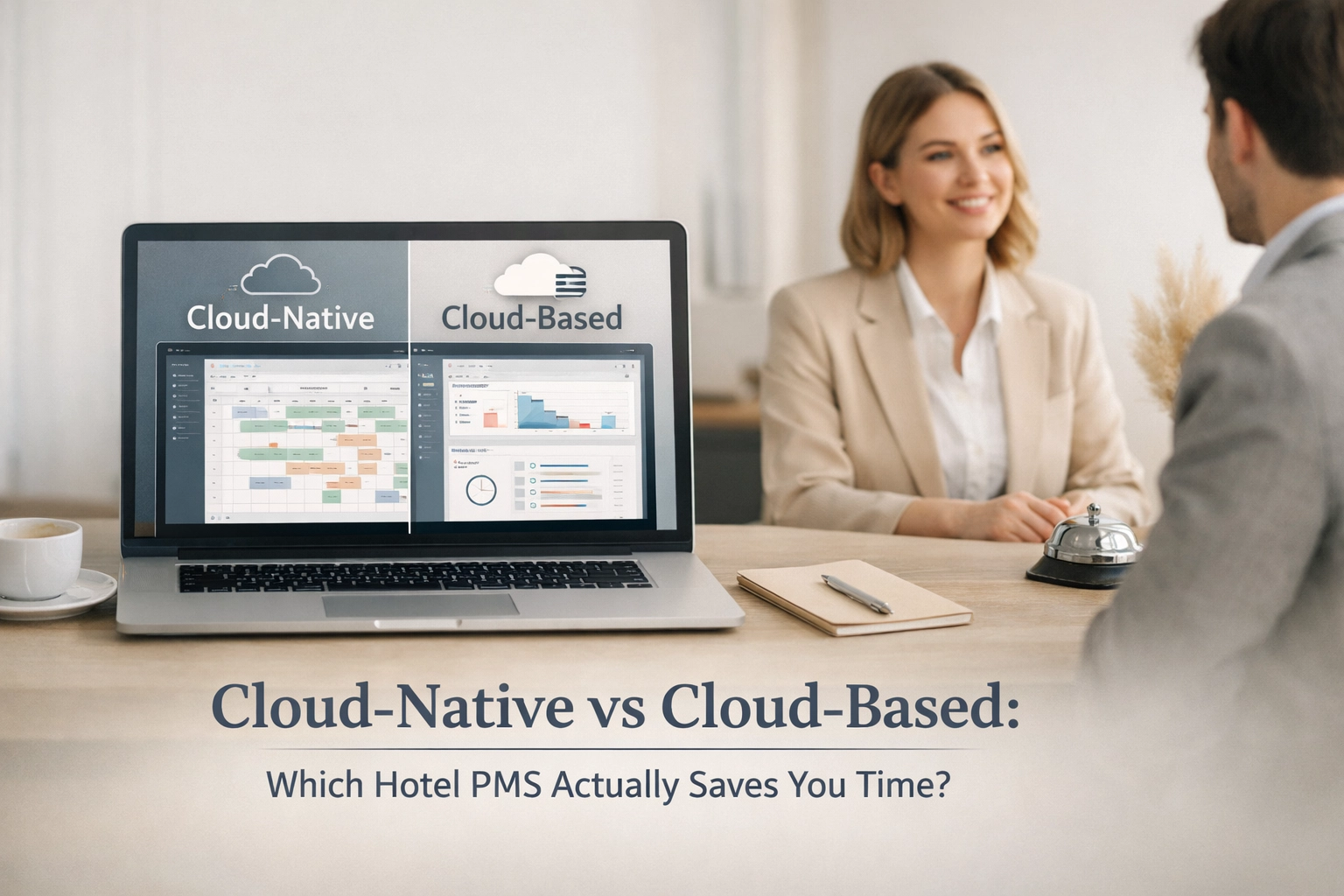
    You've probably heard both terms thrown around. Cloud-native. Cloud-based. They sound similar, right?

    Here's the thing, they're not the same. And the difference could save you hours every single week.

    Most hoteliers think moving to "the cloud" means they've modernized. But if you're using a cloud-based system (as opposed to cloud-native), you might still be dealing with legacy headaches dressed in modern clothing.

    Let's break down what actually matters for your daily operations.

    The Real Difference (And Why It Matters)

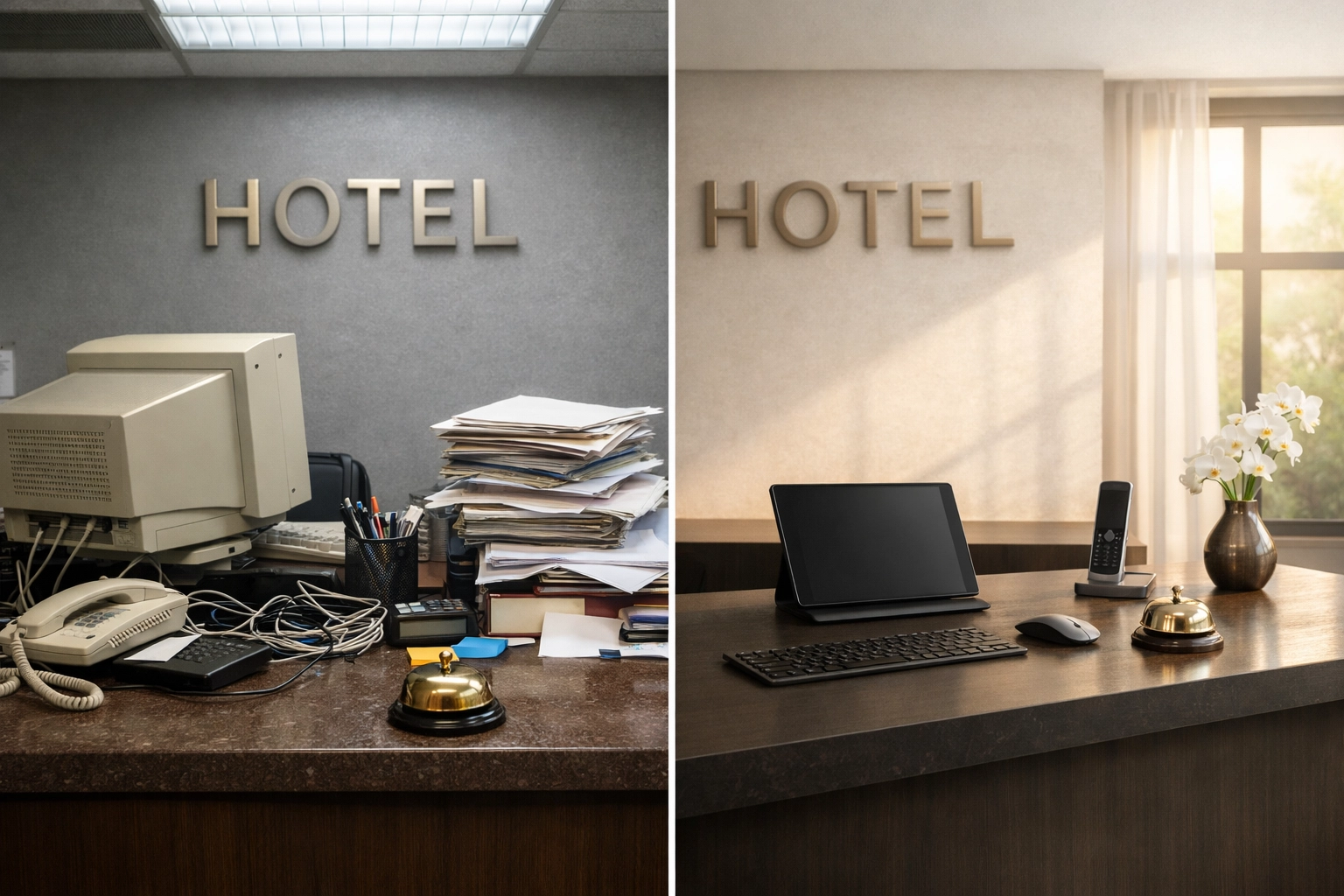
    Cloud-based systems are essentially old-school, on-premise software that's been moved to a server somewhere on the internet. Think of it like taking your filing cabinet and putting it in a storage unit across town. Sure, it's not in your lobby anymore, but you're still dealing with the same clunky filing system.

    Cloud-native systems are built from scratch for the cloud. They're designed to be fast, flexible, and constantly updated. No retrofitting. No workarounds. Just modern architecture that works the way hotels actually operate today.

    The time-saving difference? Massive.

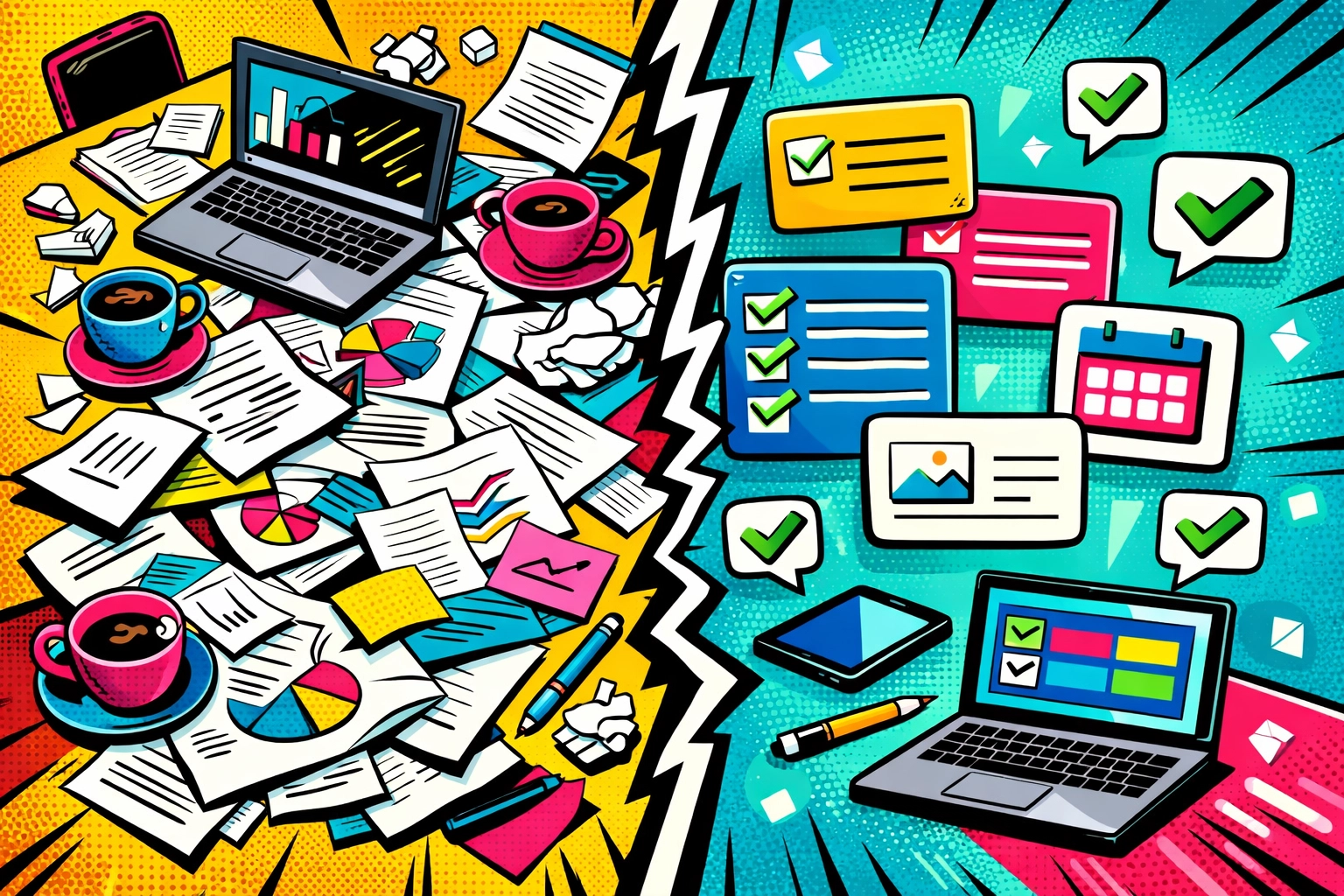
    Comparison of cluttered traditional hotel desk versus modern cloud-native PMS setup

    Where You Actually Lose Time (And Don't Realize It)

    Most hotel PMS time-drains happen in places you've just accepted as "normal." Manual updates. System crashes during peak check-in. Waiting for IT support to fix integration issues. Juggling multiple logins for your booking engine, channel manager, and CRM.

    Sound familiar?

    Cloud-based systems often require manual updates that create downtime. You know the drill: schedule the update for 2am, hope nothing breaks, and deal with the fallout if it does. That's time and stress you don't need.

    Cloud-native platforms like Mews update automatically. No downtime. No manual intervention. You wake up to new features and improvements without lifting a finger.

    The Integration Time Sink

    Here's where things get really interesting.

    Traditional cloud-based hotel PMS solutions often bolt on integrations. Your channel manager connects through an API. Your booking engine lives in a separate system. Your self-check-in kiosks need their own platform. Each integration is a potential failure point: and a time drain when things go wrong.

    According to industry research, 91% of hospitality businesses using genuinely modern cloud software report faster operational performance. But that number only applies when everything actually works together seamlessly.

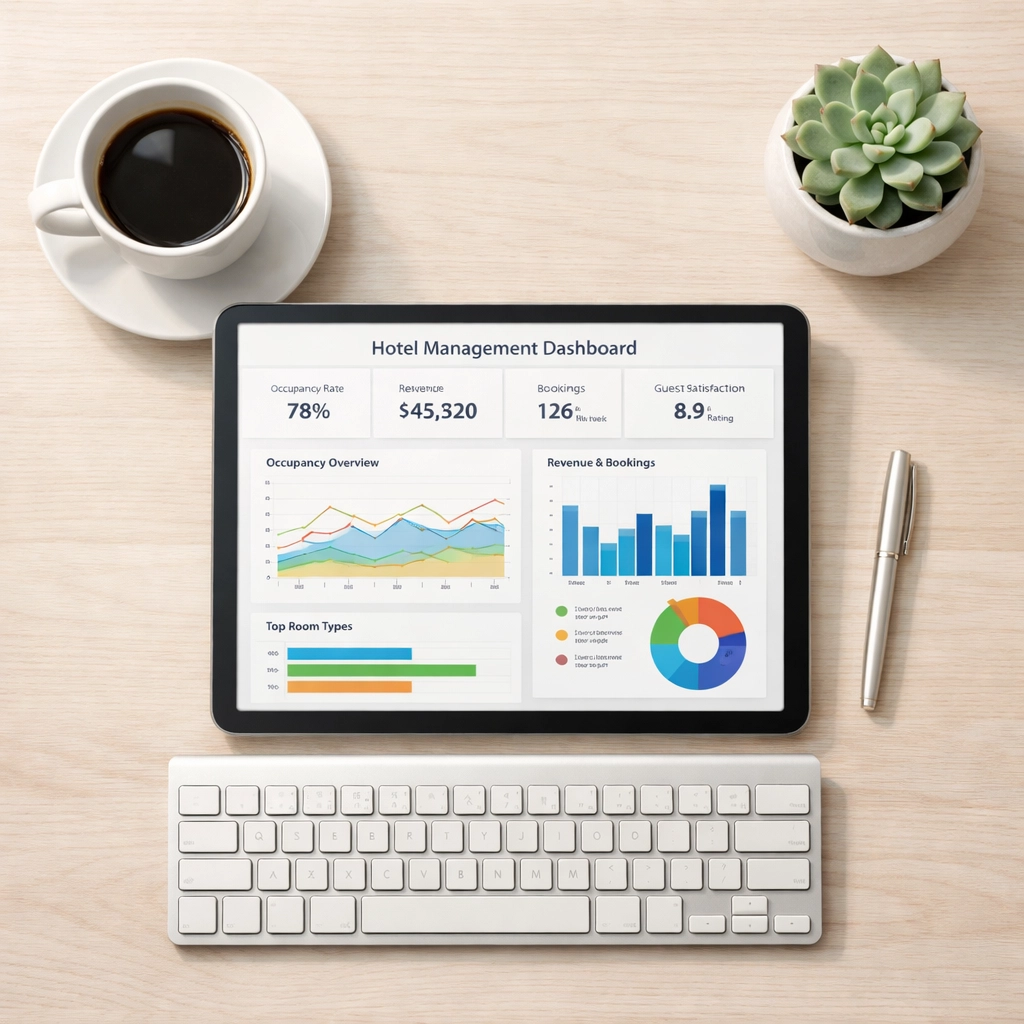
    Cloud-native systems are built with integrations at their core. Mews operates as a unified platform where your hotel PMS, booking engine, channel manager, and CRM all speak the same language. Real-time synchronization. No manual updates. No checking three different systems to confirm one reservation.

    Hotel manager reviewing cloud-native PMS dashboard on tablet at modern workspace

    Real-World Time Savings: The Math

    Let's get specific. Where does the time actually go back into your day?

    Updates and maintenance: Cloud-based systems might require 2-4 hours monthly for updates and troubleshooting. Cloud-native? Zero hours. It's automatic.

    Channel management: Manually updating rates and availability across OTAs takes about 30-60 minutes daily. An integrated channel manager in a cloud-native system does this in real-time. That's 15-30 hours saved monthly.

    Double-entry work: When your booking engine and PMS don't talk to each other properly, staff spend time re-entering data. Even at just 10 minutes per booking error, you're looking at hours of wasted time weekly.

    System troubleshooting: Cloud-based systems average more support tickets because of integration failures and legacy issues. Cloud-native platforms have fewer moving parts to break down.

    Add it up, and you're looking at 20-40 hours saved per month. That's an entire work week back in your pocket.

    The Automation Advantage

    Here's where cloud-native really pulls ahead.

    True automation only works when your entire system is designed for it. Cloud-based systems that patch together different tools struggle with automation because each component operates independently.

    Cloud-native platforms enable automation across the entire guest journey. Automatic pre-arrival emails. Self-check-in kiosks that update your PMS instantly. Dynamic pricing that adjusts in real-time based on demand. Automated upsells sent at exactly the right moment.

    Hotel staff using mobile hotel PMS on smartphone for guest check-in automation

    When your hotel PMS is truly cloud-native, automation isn't an add-on feature: it's baked into everything. Mews automates routine tasks so your staff can focus on what actually matters: creating memorable guest experiences.

    Speed When It Counts

    Implementation speed matters. A lot.

    Cloud-based systems typically take weeks to months to implement because they're more complex and require extensive IT involvement. Cloud-native platforms? Days to weeks.

    Mews properties regularly go from signing to operating in under two weeks. That's revenue-generating time you're not losing to endless setup meetings and technical configuration.

    But speed isn't just about initial setup. It's about daily operations. When a system is cloud-native, response times are faster. Pages load instantly. Reports generate in seconds, not minutes. Every click saves you 2-3 seconds: multiply that across hundreds of daily interactions and you're saving hours.

    The Mobile Reality

    Your staff isn't chained to a desktop. Why should your hotel PMS be?

    Cloud-based systems often have clunky mobile interfaces because they weren't designed for mobile-first access. They were desktop systems adapted for smaller screens: and it shows.

    Cloud-native platforms work seamlessly on any device. Your front desk team can check someone in from a tablet. Housekeeping can update room status from their phone. Management can review reports from anywhere with internet access.

    This flexibility doesn't just save time: it creates operational efficiency that compounds throughout your day.

    Hotel receptionist using tablet with cloud-native PMS in modern lobby

    What This Actually Means for Your Hotel

    Let's bring this back to reality.

    You're not choosing between cloud-native and cloud-based because you love technical specifications. You're choosing because you need more time in your day. Because manual processes are killing your efficiency. Because your guests expect seamless experiences that legacy systems can't deliver.

    Cloud-native isn't just a buzzword: it's a fundamentally different approach that gives you time back. Time to grow your business. Time to train your team. Time to focus on revenue strategy instead of fighting with technology.

    Mews serves over 5,000 properties worldwide because cloud-native actually delivers on the promise of modern hotel management. No retrofitted solutions. No workarounds. Just hospitality technology that works the way hotels need it to work.

    Making the Switch

    Moving from a cloud-based system to cloud-native feels like a big decision. It isn't.

    The implementation is faster. The learning curve is shorter. The time savings start immediately. Properties switching to Mews consistently report they wish they'd made the move sooner.

    The question isn't whether cloud-native saves time. The data is clear: it does. The question is how much longer you're willing to lose hours to systems that weren't built for modern hospitality.

    Ready to see what a truly cloud-native hotel PMS can do for your property? Check out Mews and discover how automation-focused, easy-to-use technology can transform your daily operations.

    Your time is valuable. Your system should respect that.

  • Wholesale Specialty Coffee: Why Your Roaster Should Be Your Business Partner (Not Just a Supplier)

    Wholesale Specialty Coffee: Why Your Roaster Should Be Your Business Partner (Not Just a Supplier)

    Let's be honest: if you're starting a café or running an established coffee business, choosing your coffee supplier is one of the most critical decisions you'll make. And yet, so many businesses treat it like they're just ticking a box. Find a roaster, order some beans, job done.

    The problem is this approach leaves massive amounts of value on the table.

    When you work with the right specialty coffee roaster, you're not just buying coffee. You're entering a partnership that can fundamentally shape your business success, your brand identity, and your ability to deliver exceptional experiences to your customers. So let's talk about what that actually means in practice.

    The Real Difference Between a Supplier and a Partner

    Here's the thing about distributors versus roasters: distributors give you access to lots of products from different brands. Convenient, sure. But what they can't give you is deep coffee knowledge, flexibility, or direct communication with the people who actually roast your coffee.

    Café owner meeting with wholesale coffee roaster to discuss partnership and coffee samples

    When you partner directly with a specialty roaster, you get something completely different. Communication is quicker. You can have actual conversations about roast profiles, origin characteristics, and what's working (or not working) for your customers. The roaster knows your business by name, not by account number.

    And perhaps most importantly, you get flexibility. Want to adjust your blend? Need to trial a new single origin? Have a special request for a private event? With a true partner, these conversations happen easily. With a distributor acting as middleman, you're stuck with what's on the catalogue.

    What Real Support Actually Looks Like

    So what does partnership-level support actually include? Let's break it down.

    Barista Training

    Your staff are the ones pulling shots and steaming milk every single day. They need to understand the coffee they're working with. A proper wholesale coffee roaster provides comprehensive training: not just a one-time session when you first sign up, but ongoing support as your team develops and new staff come onboard.

    This matters because even the best beans in the world can taste mediocre if they're extracted poorly. Training ensures your team can showcase each coffee's potential, whether it's highlighting the bright citrus notes in an Ethiopian natural or the chocolate sweetness of a Brazilian blend.

    Equipment Support

    Here's something that catches a lot of café owners off guard: equipment issues. Your grinder isn't dialling in right. Your machine is losing pressure. These problems can cost you serious money in lost sales and technician fees.

    The right roaster often provides equipment support as part of the partnership. This might include loaning or leasing espresso machines, helping with grinder selection, troubleshooting issues remotely, or even having technicians on call. Some roasters: like us at Limini Coffee: build long-term relationships where equipment support and coffee supply work hand-in-hand.

    Recipe Development

    Want to create a signature latte? Develop a house cold brew concentrate? Build a seasonal menu that actually excites customers?

    A partner roaster helps you develop recipes that work specifically with their coffees. They understand the flavour profiles, they know what brewing parameters work best, and they can collaborate with you to create drinks that differentiate your café from the competition.

    Coffee roaster providing barista training on espresso grinder adjustment and brewing techniques

    Strategic Support That Actually Impacts Your Bottom Line

    Beyond the day-to-day operational support, a true partner brings strategic value that generic suppliers simply cannot match.

    Market Insights

    Your roaster works with multiple cafés and businesses. They see trends developing across the industry. They know what's gaining traction, what customers are asking for, and what's becoming yesterday's news.

    This intelligence is incredibly valuable. It helps you make informed decisions about menu development, pricing strategy, and which coffees to feature. You're not operating in isolation: you're benefiting from the collective knowledge your roaster has gathered from their entire client base.

    Marketing and Branding Support

    Many specialty roasters provide marketing assets, help with social media content, and even custom packaging options. This isn't just nice-to-have fluff. In a competitive market, professional branding and compelling storytelling around your coffee offering can be the difference between another café and a destination.

    Some roasters offer analytics as well: data on what's selling, seasonal patterns, and customer preferences. This kind of insight helps you stock smarter and reduce waste.

    Why Generic Coffee Is a Trap

    Consumers today aren't settling for mediocre coffee. They've been educated by the third wave movement, they care about origin and ethics, and they can absolutely taste the difference between fresh specialty coffee and stale commodity coffee from a big distributor.

    When you source generic coffee: whether from local stores or large distributors: you're compromising on quality and uniqueness. You end up serving the same coffee as dozens of other cafés in your area. There's no story to tell, no distinctive flavour profile, nothing that makes customers choose your café over the one down the street.

    Specialty coffee drinks including latte art, pour-over, and single-origin samples with recipe notes

    A specialty roaster gives you access to unique single-origin coffees, custom blends developed specifically for your business, and the kind of quality that builds reputation. These are coffees your customers literally cannot get anywhere else.

    And here's the kicker: offering premium specialty coffee doesn't necessarily mean charging premium prices everywhere. Many roasters work with you to develop blends that hit different price points, so you can offer both accessible everyday options and special showcase coffees.

    The Operational Benefits You Might Not Expect

    Let's talk about the practical, behind-the-scenes benefits of partnership that often get overlooked.

    Eliminating Overhead

    If you tried to source, store, and manage coffee quality yourself, you'd need dedicated space, equipment, expertise, and time. Your roaster handles all of this. They manage the green coffee sourcing, the roasting facility, quality control, proper storage, and logistics.

    This isn't just convenient: it's cost-effective. You get to focus on what you do best (running your café and serving customers) while they focus on what they do best (sourcing exceptional coffee and roasting it perfectly).

    Consistent Quality and Reliability

    Established specialty roasters operate with strict quality control standards. They roast in consistent batches, they cup and evaluate constantly, and they ensure on-time deliveries.

    This reliability matters tremendously when you're running a busy café. You need to know that your coffee will arrive when promised, taste consistent batch to batch, and meet the quality standards your customers expect. Amateur roasters or unreliable suppliers create stress and operational headaches you simply don't need.

    Building a Two-Way Relationship

    Here's what separates a true partnership from a transactional supplier relationship: communication flows both ways.

    Your feedback about roast profiles, customer preferences, and what's working in your café directly influences how your roaster serves you. Maybe customers are loving a particular origin and you want to feature it more prominently. Maybe your morning rush needs a quicker-extracting blend. Maybe you've noticed demand for decaf increasing.

    A partner roaster listens to this feedback and adapts. They might develop new blends based on your input, adjust roast profiles to better suit your equipment and customer base, or bring in new origins they think will resonate with your clientele.

    This collaborative approach means you both grow together. Your success directly contributes to their success, creating aligned incentives and a genuine partnership dynamic.

    Coffee cupping and quality assessment comparing specialty coffee roasts in professional tasting

    What to Look for in a Roaster Partner

    So how do you actually find the right partner? A few things to consider:

    Direct Communication – Can you speak with roasters and coffee experts directly, or are you going through account managers who don't know the product intimately?

    Training and Support – What's included beyond just coffee delivery? Do they offer barista training, equipment support, and ongoing consultation?

    Transparency – Are they open about sourcing, roasting methods, and pricing? Do they share origin information and traceability?

    Flexibility – Can they customize blends, adjust roast profiles, and accommodate your specific needs?

    Values Alignment – Do their approach to quality, ethics, and sustainability match your café's values?

    If you're exploring wholesale options, check out what partnership looks like with a roaster like Limini Coffee. The right relationship should feel collaborative from the first conversation.

    The Bottom Line

    Choosing wholesale coffee suppliers isn't just about finding beans at the right price point. It's about finding a partner who's invested in your success, who brings expertise and support beyond the product itself, and who helps you differentiate your café in an increasingly competitive market.

    The roasters who understand this distinction: who see themselves as partners rather than just suppliers: are the ones who help cafés thrive, not just survive.

    So when you're evaluating coffee suppliers or wholesale coffee roasters, ask yourself: are they offering me partnership-level support, or are they just trying to sell me beans? The answer to that question might just determine whether your café becomes another coffee shop or a genuine destination.

  • Stop Wasting Time on Admin Tasks: 7 AI Business Automation Hacks You Can Set Up Today

    Stop Wasting Time on Admin Tasks: 7 AI Business Automation Hacks You Can Set Up Today

    You know the drill.

    It's 9:47 AM. You've got three browser tabs open, two spreadsheets crying for attention, and your inbox just hit 147 unread. That "strategic planning session" you scheduled for yourself? Yeah, it got bumped. Again.

    Because someone needs to copy data from the CRM to the project tracker. Someone needs to follow up on those client emails. Someone needs to turn last week's meeting notes into actual action items.

    That someone is you.

    But here's the thing , it doesn't have to be.

    The ai business automation revolution isn't coming. It's already here. And I'm about to show you seven business automation tools you can set up before lunch, freeing up hours of your week for… well, literally anything else.

    1. Let ChatGPT Handle Your Email Inbox (Without Sounding Like a Robot)

    Your inbox is a time vampire. Every templated response, every "just checking in" email, every data entry request that somehow ends up in your Gmail , it's death by a thousand paper cuts.

    ChatGPT Enterprise can draft all those responses for you.

    Train it on your email style once. Show it your standard templates for customer inquiries, internal updates, and follow-ups. Then let it generate contextual responses based on incoming messages.

    The setup takes 30 minutes. The time saved? Hours every single week.

    You'll still review and approve before sending (because you're not reckless). But instead of staring at a blinking cursor trying to politely say "no" for the fifteenth time today, you've got a draft ready in seconds.

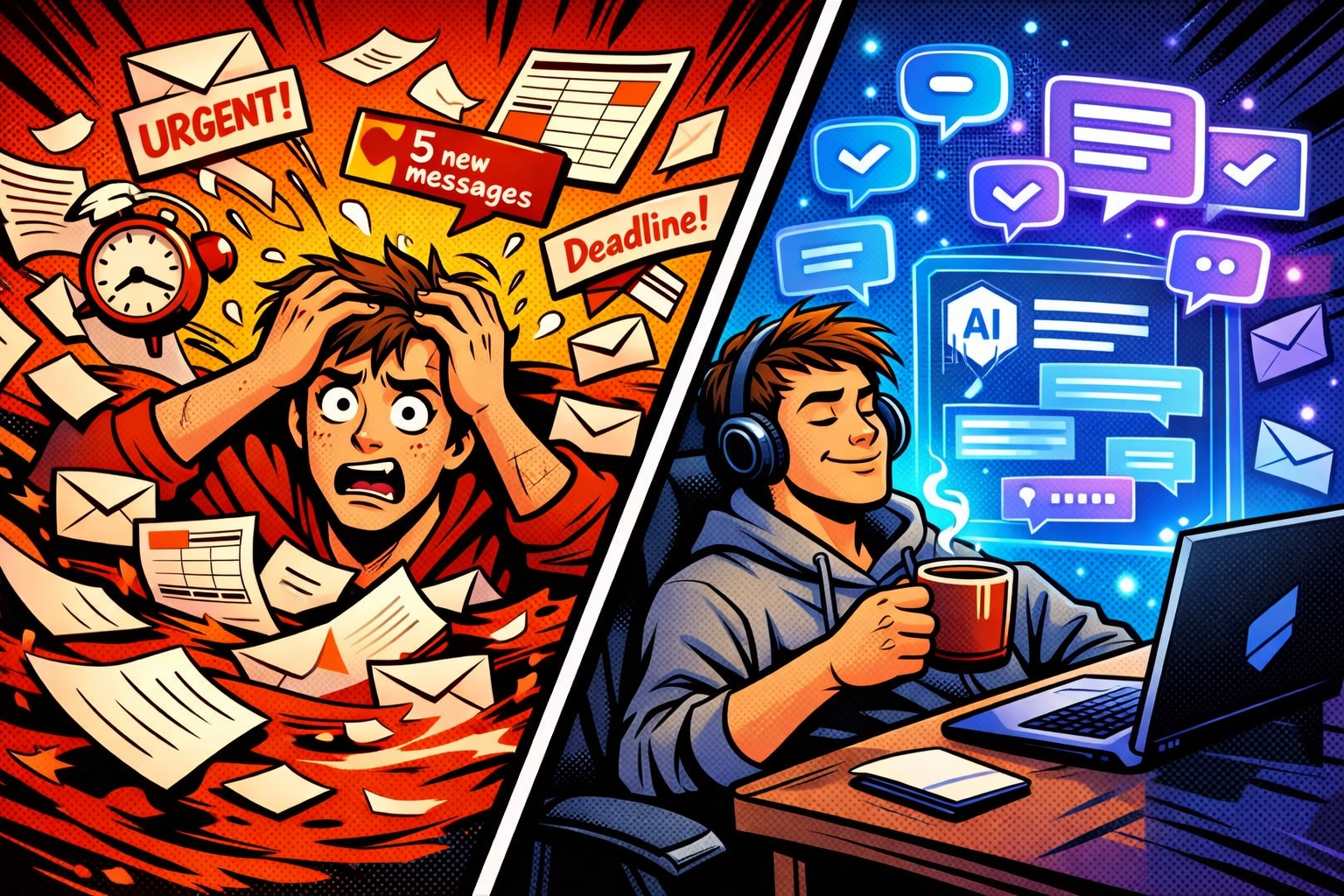
    AI email automation transforming chaotic inbox into organized messages using ChatGPT

    2. Turn Meeting Rambles Into Action Items Automatically

    Meetings generate information. Then that information… just sits there. In recordings. In scattered notes. In someone's illegible handwriting.

    You know you should turn those notes into tasks and SOPs. You also know you won't, because who has time to transcribe and organize an hour-long conversation?

    Notion AI does.

    Upload your meeting recording or paste your notes. It extracts every action item, assigns ownership (if you've mentioned names), organizes by priority, and even formats it into clean standard operating procedures.

    What used to take an hour of post-meeting admin work now takes three minutes of reviewing an AI-generated task list.

    The meetings are still boring. But at least you're not manually creating to-do lists from them anymore.

    3. Repurpose Your Content Without Hiring a Voice Actor

    You wrote that killer blog post. Now marketing wants it as a podcast. And a YouTube voiceover. And translated into three languages for international clients.

    Cool. When exactly are you supposed to do that?

    ElevenLabs turns text into studio-quality audio in minutes. Upload your written content, choose a voice that doesn't sound like a GPS from 2009, and you've got professional audio content ready to go.

    One blog post becomes six pieces of content across multiple formats and languages. While you're in another meeting pretending to pay attention.

    This is the kind of ai business automation that feels like cheating. It's not. It's just smart.

    Meeting notes automatically converting to organized task lists with AI automation tools

    4. Set Workflows on Autopilot with Zapier AI Agents

    You've got apps. So many apps. And they all need to talk to each other, but they don't speak the same language.

    So you play translator. Moving data from your email to your CRM. Updating spreadsheets when forms are submitted. Sending Slack notifications when deals close.

    Manually.

    Like it's 2015.

    Zapier AI Agents watch you do a workflow once, then automate it forever. You show it how to sync data between your apps, and it handles every instance after that. No coding. No complex setup. Just "here's what I do" and the AI takes over.

    It runs in the background while you do literally anything else. Including taking that lunch break you keep skipping.

    5. Make Microsoft 365 Actually Work For You

    You're already paying for Microsoft 365. Most people use about 12% of what it can do.

    Microsoft Copilot lives inside the tools you already use : Outlook, PowerPoint, Excel, Word : and handles the tedious stuff automatically.

    Summarize a 47-email thread into three bullet points. Generate a PowerPoint presentation from a Word doc. Clean messy Excel data without hunting for the right formula. Rewrite that passive-aggressive email draft into something your HR department won't flag.

    It's already integrated into your existing workflow. You don't need to learn a new platform or migrate data or convince your team to adopt another tool.

    You just… use the tools you have, but with an AI assistant doing the grunt work.

    Content repurposing automation turning text into podcasts and audio using AI technology

    6. Stop Guessing About Project Timelines

    Your project management is reactive. Something falls behind schedule, and you scramble to fix it. Tasks pile up on team members who are already drowning. Deadlines get missed because nobody saw the bottleneck coming.

    ClickUp Brain predicts project delays before they happen.

    It analyzes your team's capacity, automatically assigns tasks based on who has bandwidth, and optimizes timelines so work flows smoothly instead of piling up.

    You're not manually shuffling tasks at 6 PM on a Friday anymore. The system handles resource allocation. You just approve the plan and watch your projects actually stay on track.

    These business automation tools don't just save time. They save your sanity.

    7. Tame Your Messy Data Without a Computer Science Degree

    You've got data everywhere. In emails. In PDFs. In business systems that export files in formats nobody asked for.

    And you need to turn that chaos into something useful. Financial reports. Digitized documents. Inventory management that doesn't require three people and a prayer.

    Parabola handles the messy data work with a visual, drag-and-drop interface. No coding required. No technical team needed.

    It pulls data from your emails, PDFs, and business systems, then processes it automatically. Financial audits run themselves. Documents get digitized. Inventory updates happen in the background.

    You set up the workflow once. It runs forever.

    Automated workflow showing connected business apps and data integration systems

    The Real Secret? Just Pick One

    Here's where most people stall. They read about seven ai business automation hacks and think "I should implement all of these!"

    Then they implement none of them.

    Because it feels overwhelming. Because they're not sure which one to start with. Because they'll "do it next week when things slow down."

    Things will not slow down next week.

    Start with one. Whichever automation addresses your biggest current pain point. Spend 30 minutes setting it up today. Let it run for a week. Watch hours of admin work disappear.

    Then add another one.

    This isn't about revolutionizing your entire business overnight. It's about reclaiming one hour today. Then another tomorrow. Then realizing you've automated away 15 hours of admin work and you're actually focusing on strategy for once.

    Ready to see how ai business automation could transform your specific workflow? Check out what's possible when you stop doing admin work manually and start building systems that actually scale.

    The admin tasks aren't going away. But you don't have to be the one doing them anymore.

    Your move.

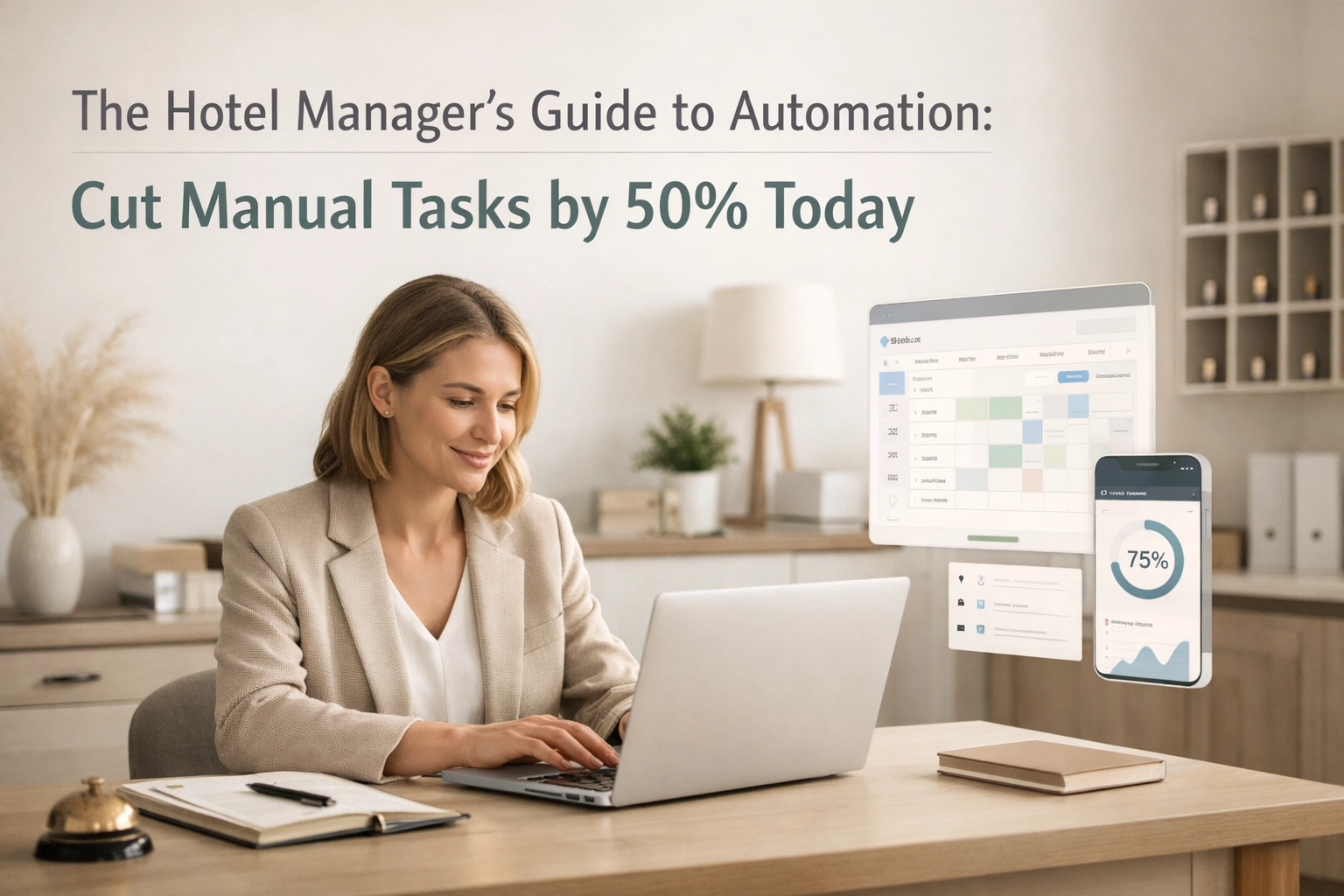
  • The Hotel Manager’s Guide to Automation: Cut Manual Tasks by 50% Today

    The Hotel Manager’s Guide to Automation: Cut Manual Tasks by 50% Today

    Let's be honest. Your team is drowning in repetitive tasks. Manual check-ins. Endless emails. Night audits that take hours. Invoice approvals that never end.

    What if you could cut that workload in half? Not by hiring more people or working longer hours: but by automating the stuff that shouldn't require human brainpower in the first place.

    Hotels implementing smart automation are reducing manual tasks by 50% or more. They're freeing their staff to do what actually matters: creating memorable guest experiences. And they're doing it without turning their property into some soulless tech dystopia.

    Here's how you can do the same.

    Start With Your "Why"

    Before you automate everything in sight, pause. What's actually driving you crazy right now?

    Maybe it's errors in guest data that cascade into billing nightmares. Or labor costs that keep climbing while your occupancy rates stay flat. Or staff burnout from doing the same mind-numbing tasks day after day.

    Define your automation goals clearly. Write them down. Make them specific. "Reduce front desk admin time by 30%" beats "make things better" every single time.

    Start with low-hanging fruit: simple, repetitive tasks that deliver quick wins. These early victories build momentum and get your team on board with bigger changes down the road.

    Map Your Automation Opportunities

    Walk through your daily operations with a critical eye. Where are the bottlenecks? Which tasks take forever? What processes make your best employees want to quit?

    Look for three red flags:

    • High volume (you're doing it constantly)
    • High repetition (it's the same steps every time)
    • High error rate (humans keep messing it up)

    These are your automation goldmines.

    Time-consuming, structured processes make perfect candidates. If you can document the steps in a checklist, you can probably automate it.

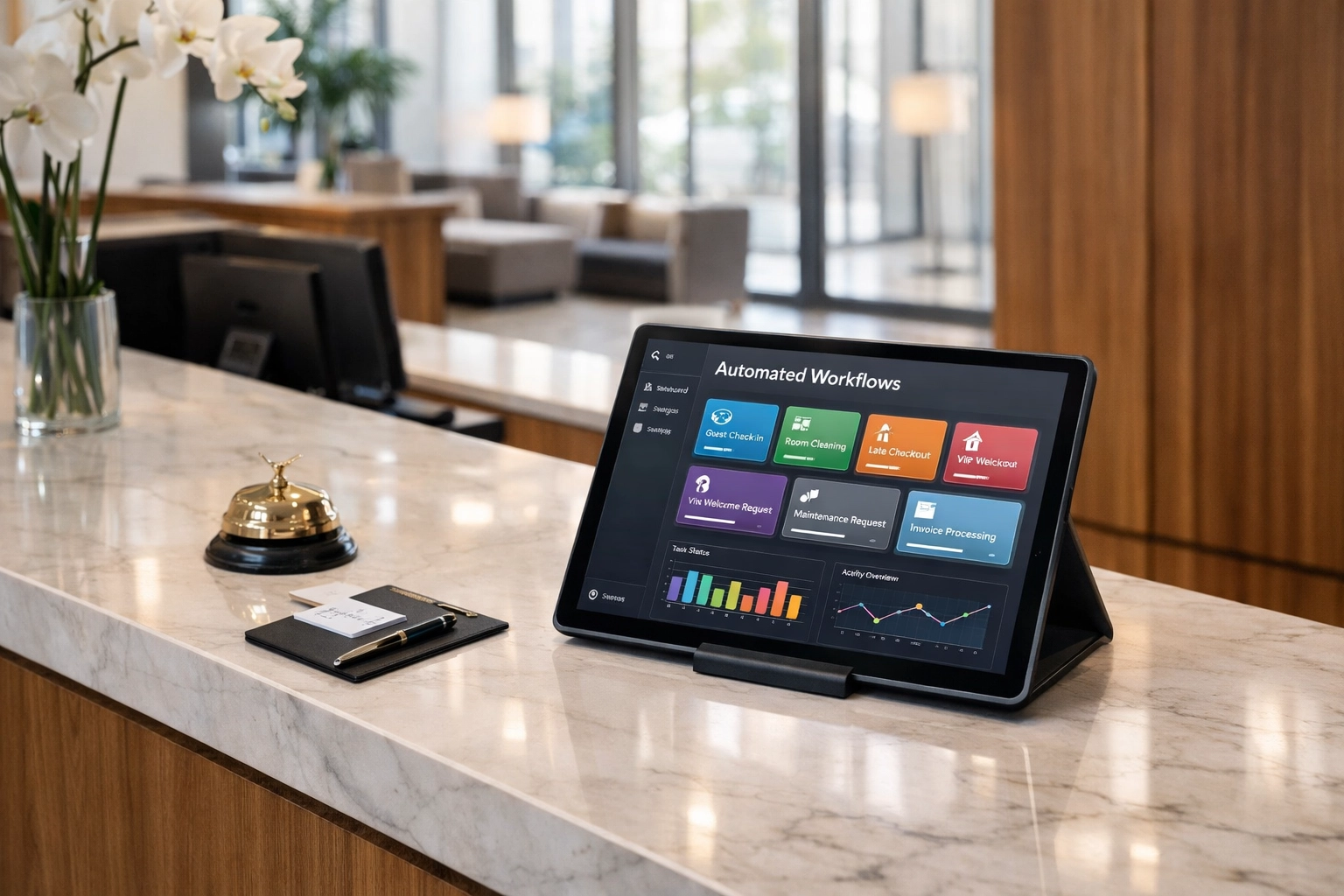
    Hotel front desk with automated PMS dashboard on tablet display

    The Big Six: Where Automation Delivers Maximum Impact

    1. Reservations and Front Desk Operations

    Your booking engine and front desk are prime territory for automation. Think about all those confirmation emails, pre-arrival messages, and room assignment tasks your team handles manually.

    Automate booking confirmations the moment a guest reserves. Set up intelligent room assignments based on guest preferences. Deploy self-check-in kiosks for guests who want to skip the queue entirely.

    A modern hotel PMS handles this seamlessly. Guests get instant responses. Your staff gets their time back.

    2. Night Audit (The Biggest Time Suck)

    If your night audit still takes hours, you're burning money and staff energy. Some properties have cut their manual night audit process from several hours to just minutes.

    Automate income journaling. Let your system reconcile financials automatically. Set up vendor payments to process without manual intervention.

    The right hotel management software turns this multi-hour ordeal into a background task that happens while you sleep.

    3. Accounts Payable and Invoice Processing

    Properties that automate AP workflows cut invoice processing time in half. No more chasing down approvals. No more data entry nightmares. No more missing payments because someone forgot to check their email.

    Centralize back-office tasks so your general managers can focus on guests instead of paperwork. Let automation route invoices to the right people, flag exceptions, and keep everything moving.

    4. Housekeeping and Maintenance Coordination

    Real-time updates transform housekeeping from chaos to choreography. Automate room status changes. Prioritize cleaning schedules based on arrival times. Flag maintenance issues instantly.

    Your housekeeping team gets clear priorities without constant radio calls. Maintenance knows about problems before guests complain. Rooms turn faster. Everyone's happier.

    Housekeeping cart with tablet showing automated room status updates

    5. Guest Communication That Feels Personal

    Here's where automation gets interesting. Deploy automated reminders for online check-in, upcoming payments, arrival times, and missing details.

    But make it smart. Use your CRM to personalize messages based on guest history. Send the vegetarian guest info about your plant-based menu. Remind the business traveler about express checkout.

    Automation keeps guests informed without your team sending thousands of individual messages. That's time back in their day for actual conversations with guests who need help.

    6. Data Aggregation and Reporting

    Stop copying data between systems. Your property management system, point-of-sale, channel manager, and CRM should talk to each other automatically.

    For multi-property portfolios, this scales exponentially. Properties using centralized data management reclaim thousands of labor hours monthly. No more "swivel-chair" operations where someone manually transfers information between platforms.

    How to Actually Implement This

    Start Small, Scale Smart

    Don't try to automate everything on day one. Pick one high-impact task. Optimize it. Learn what works. Then expand.

    This reduces risk and helps your team adapt. Nobody likes having their entire workflow upended overnight.

    Maintain the Human Touch

    Automation augments your staff: it doesn't replace them. It shifts them from data entry robots to hospitality professionals.

    Properties operating 150+ locations saw compliance rates jump from 85% to over 98% while reducing staff burden through smart automation. The staff didn't disappear. They just started doing more valuable work.

    Hotel staff managing guest communication through automated hotel management system

    Choose Flexible Systems

    Every hotel is different. Your automation should bend to your needs, not the other way around.

    Look for platforms that let you choose what to automate and what to keep manual. You need visibility into every automated flow and the ability to adjust settings on the fly.

    Cloud-native systems give you this flexibility without IT headaches. They update automatically. They scale with you. They integrate with the tools you already use.

    The Mews Advantage

    We built Mews specifically to solve these problems. Cloud-native from day one. Automation-focused by design. Easy enough that your team won't hate you for implementing it.

    Our hotel PMS handles everything from booking engine integration to channel manager connectivity. Your CRM, self-check-in kiosks, and guest communication tools all work together seamlessly.

    Properties using Mews report cutting manual tasks by 50% or more. They reallocate those hours to guest service, strategic planning, and actually going home at a reasonable hour.

    That's not marketing speak. That's what happens when you stop fighting your technology and start using it properly.

    Real Talk: What to Expect

    Implementation takes time. Not years: but it's not instant either. Budget a few weeks for setup and training. Plan for some adjustment as your team learns new workflows.

    The payoff? Reduced labor costs. Fewer errors. Faster processes. Better guest reviews. Staff who don't want to quit.

    Most hotels hit their stride within the first month. By month three, they wonder how they ever operated any other way.

    Your Next Steps

    Audit your current workflows this week. List the tasks that make your staff groan. Calculate how many hours you spend on purely administrative work.

    Then imagine cutting that in half.

    The technology exists today. Properties just like yours are already doing this. The question isn't whether automation works: it's whether you're ready to stop working harder and start working smarter.

    Check out how Mews can help you automate the manual tasks stealing your time. Your team: and your bottom line( will thank you.)

  • How to Automate Customer Support With AI in 5 Minutes (No Tech Skills Required)

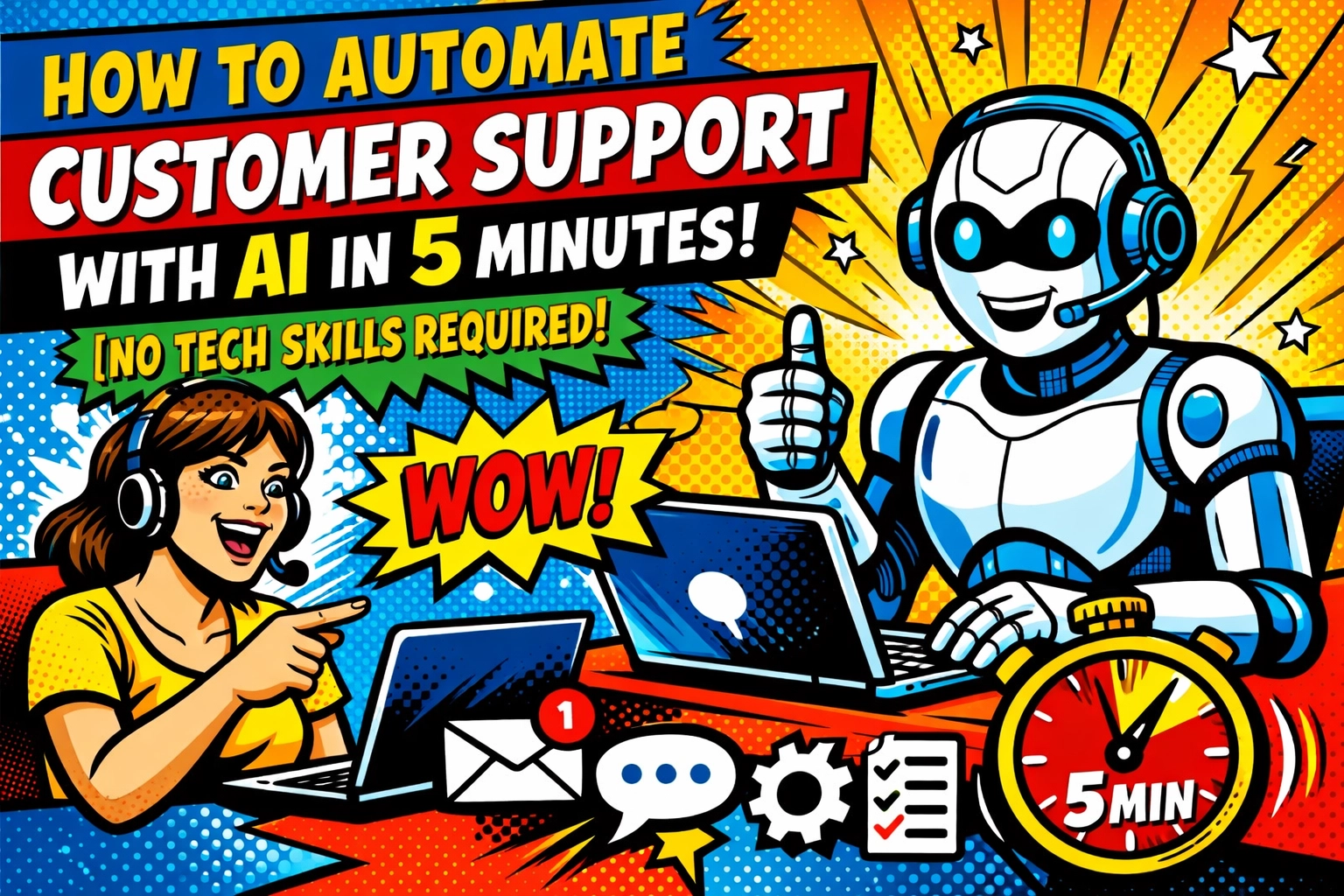
    How to Automate Customer Support With AI in 5 Minutes (No Tech Skills Required)

    Your inbox is exploding.

    Same questions. Different customers. "Where's my order?" "How do I reset my password?" "What are your hours?" Over and over and over.

    You're copy-pasting the same responses for the tenth time today… and it's only 11 AM.

    Every customer deserves a reply. But you also deserve to actually run your business instead of being chained to your support inbox like some kind of customer service robot.

    Here's the thing: You don't need to hire another support person. You don't need to learn coding. You don't even need to spend your entire afternoon setting something up.

    You can automate 80% of your customer support with AI in about 5 minutes.

    Yeah, I said 5 minutes.

    The "Too Good to Be True" Promise That's Actually True

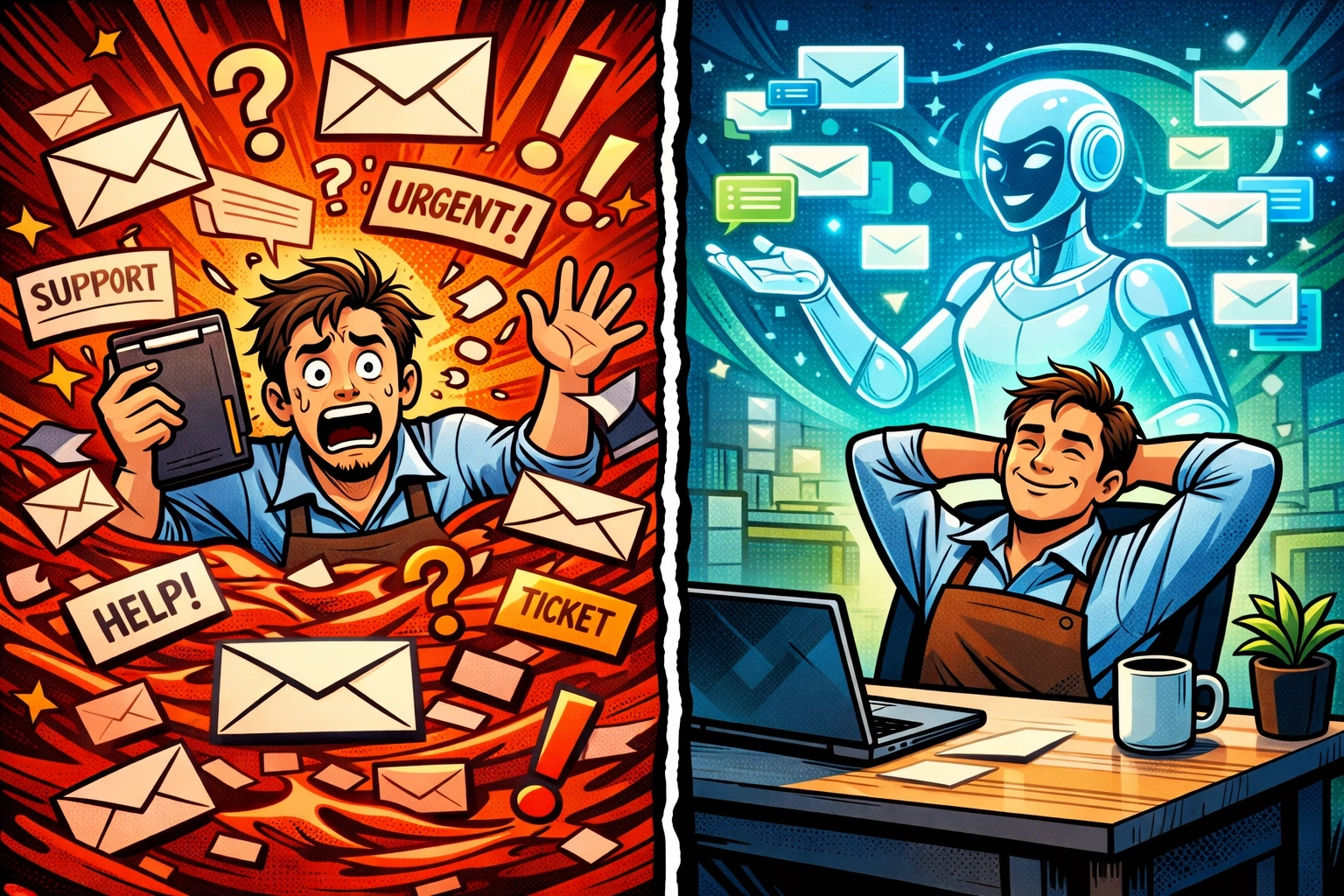
    Business owner overwhelmed by support tickets vs relaxed with AI automating customer support

    Let me guess , you're skeptical. "5 minutes? To automate customer support? Sure, Jan."

    I get it. Every SaaS company promises the moon and delivers… a complicated dashboard that takes 6 hours to configure and requires a PhD in computer science to understand.

    But here's what's changed: No-code AI platforms have gotten ridiculously good. Like, "your grandma could set this up" good.

    The secret? Pre-built templates that already know how to handle customer support. You're not building from scratch , you're filling in the blanks.

    Think of it like this: Instead of constructing a house from individual bricks, you're moving into a fully furnished apartment. You just need to hang your pictures and stock the fridge.

    Your 5-Minute Setup (Seriously)

    Minute 1: Pick Your One Thing

    Don't try to automate everything on day one. You'll overwhelm yourself and quit before lunch.

    Instead, pick ONE repetitive task that's eating your day. The one that makes you groan every time you see it.

    For most businesses, it's one of these:

    • Order status questions
    • Password reset requests
    • Pricing and basic product info
    • Business hours and location
    • Return policy explanations

    Choose the question you answer most often. That's your starting point.

    Minute 2: Feed It Your Answers

    Here's where people think it gets complicated. It doesn't.

    You already have the answers to these questions , they're in your FAQ page, your previous email responses, your product documentation.

    Modern AI platforms let you just… upload that stuff. Or paste it in. Or even just point to your website.

    The AI reads it. Learns it. Done.

    You're not training a robot. You're giving it your cheat sheet.

    AI virtual assistant efficiently managing multiple customer support conversations and inquiries

    Minute 3: Set Your Boundaries

    This is the most important minute.

    You want to tell your AI exactly when to handle things on its own, and when to tap out and grab a human (you).

    Set it up so the AI handles the simple stuff , the questions with clear, straightforward answers. Anything complicated, emotional, or unusual? It immediately routes to your inbox with a flag.

    Think of it as hiring the perfect receptionist who knows exactly when to handle things and when to knock on your door.

    Minute 4: Connect It to Your Channels

    Your customers aren't all emailing you. They're messaging on Facebook, commenting on Instagram, filling out your website contact form, using that chat widget…

    Pick your main support channel (probably email or your website chat) and connect it. Most platforms have one-click integrations.

    That's it. Your AI is now monitoring that channel 24/7.

    Minute 5: Test It

    Send yourself a test message as if you're a customer.

    "Where's my order #12345?"

    Watch the AI respond. If it nails it , you're done. If it's a little off, tweak the knowledge you gave it and test again.

    This shouldn't take more than a minute or two unless you're really picky (in which case, come back to it later , done is better than perfect).

    And… that's it.

    You just automated customer support.

    What Actually Happens Next

    🌙 7:00 PM , While You're Making Dinner

    A customer emails asking about your return policy.

    Your AI reads it. Checks your knowledge base. Sends a friendly, accurate response within 30 seconds.

    The customer gets their answer immediately. You don't even know it happened.

    11:00 PM , While You're Asleep

    Three more questions come in. Business hours. Product specifications. Shipping information.

    All answered before you even dream about checking your inbox.

    7:00 AM , While You're Having Coffee

    You open your email expecting chaos.

    Instead, you see a clean summary: "12 questions answered automatically. 2 flagged for your review."

    Those 2 flagged questions? They're actually complex and need your human brain. The other 12? Would've each taken you 5 minutes to research and respond to.

    That's an hour of your morning saved.

    You just sip your coffee and handle the two real questions that actually need you.

    24/7 AI customer support responding to customers around the clock on multiple devices

    The Part Nobody Tells You

    Your AI gets smarter every single day.

    Every question it handles teaches it something new. Every time you correct it or add information, it remembers.

    In week one, it might handle 60% of your questions.

    By week four? You're looking at 80-85%.

    And here's the beautiful part: You're not spending more time. You're spending less. The AI is learning from the work it's already doing.

    It's like having an employee who gets better at their job every single day without asking for a raise.

    "But What About My Brand Voice?"

    Valid question.

    You don't want your AI sounding like a corporate robot or some overly-cheerful chatbot from 2015.

    Good news: You control the tone. Most platforms let you set personality guidelines.

    "Be friendly but professional."
    "Use casual language, no jargon."
    "Be helpful and concise."

    Your AI adapts. If you sound like a witty friend in your marketing, your AI can too. If you're formal and professional, it matches that.

    You're not losing your brand voice. You're scaling it.

    The Real ROI Nobody Calculates

    AI learning and improving over time to automate customer support more effectively

    Let's do the math you're probably not doing.

    If you spend 2 hours a day on repetitive customer support questions, that's 10 hours a week. 40 hours a month.

    An entire work week. Every month. Just answering the same questions.

    Now cut that by 80%.

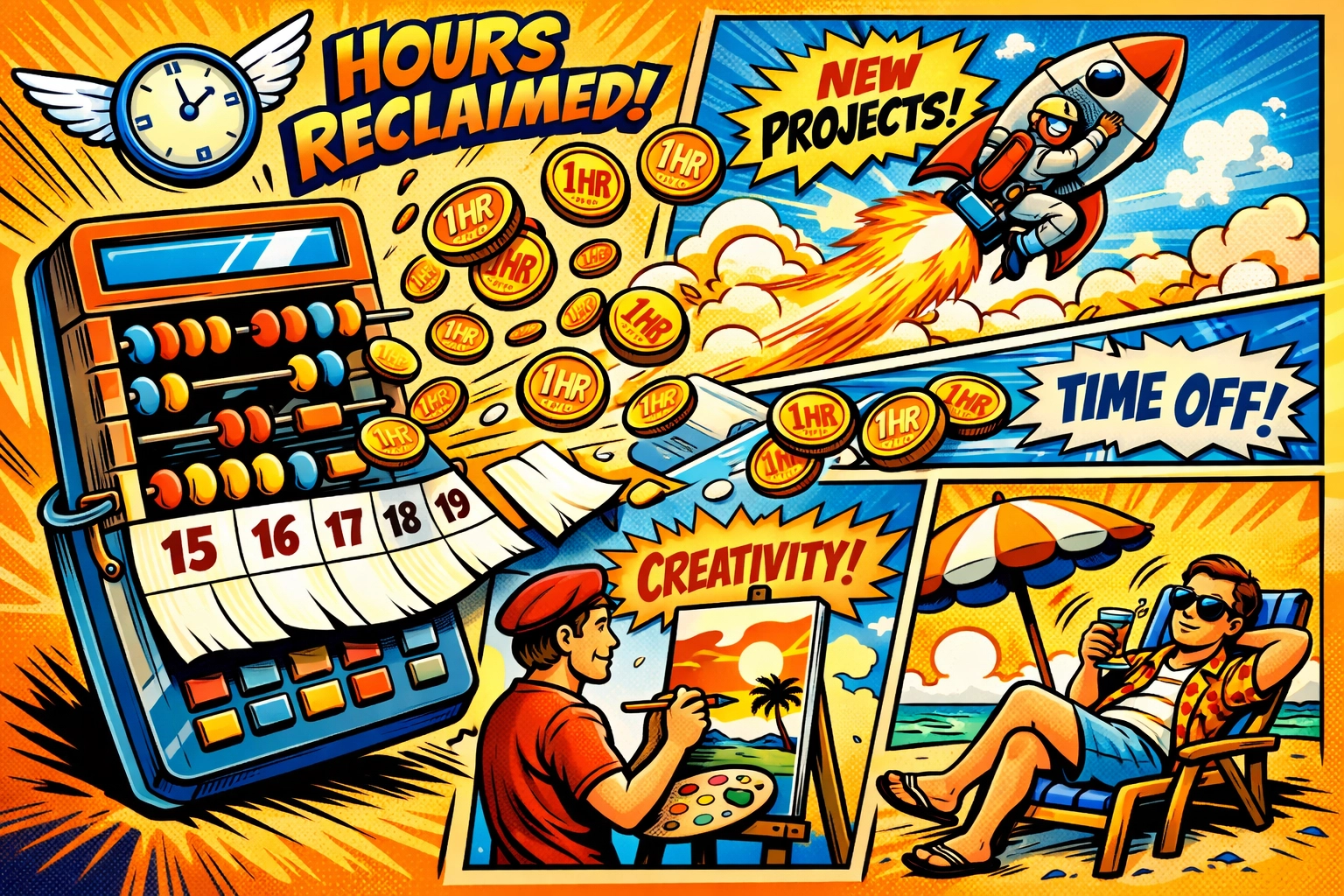
    You just got 32 hours of your life back. Every. Single. Month.

    What would you do with an extra week every month? Build that new product? Finally launch that marketing campaign? Maybe… take an actual day off?

    That's the real value. Not saving money on support staff (though you will). Getting your time back.

    Start Right Now (Like, Actually Right Now)

    You've read this far, which means you're either procrastinating or genuinely interested.

    If you're procrastinating , hey, at least you learned something.

    But if you're interested? Stop reading and start doing.

    Five minutes. That's all you need to get started.

    Try it yourself with this interactive demo and see how fast you can set up an AI virtual assistant for business. No credit card. No commitment. Just you and a timer to prove me right (or wrong, but I'm pretty confident).

    The Question You're About to Ask

    "What if it messes up?"

    It will. Sometimes.

    Not often, but it'll happen. Your AI will occasionally misunderstand a question or give a wonky answer.

    But here's the thing: Humans mess up too. You've sent a response to the wrong customer before. You've misread an email. You've had a distracted moment and given incomplete information.

    The difference? Your AI learns from every mistake and never makes that specific one again.

    You? You're human. You'll make the same typo 47 times and not even notice.

    What This Actually Looks Like in Real Life

    📱 Real customer. Real question. Real AI response.

    Customer: "Do you ship internationally?"

    AI: "Yes! We ship to over 50 countries. Shipping costs are calculated at checkout based on your location. Most international orders arrive within 7-14 business days. Let me know if you have any questions about shipping to your specific country!"

    Time to respond: 12 seconds.

    Your time spent: 0 seconds.

    Customer satisfaction: They got an immediate answer instead of waiting hours for you to see the email.

    That's not hypothetical. That's Tuesday.

    The Truth About "Automation"

    Here's what nobody tells you about automating customer support with AI: It doesn't replace you.

    It replaces the boring, repetitive, soul-crushing parts of customer support that make you want to throw your laptop out the window.

    It leaves you with the interesting stuff. The complex questions. The opportunities to build real relationships. The moments where your human expertise actually matters.

    You become the specialist, not the answering machine.

    Your AI handles the "where's my order" questions.

    You handle the "I have this specific use case and need advice" conversations.

    Guess which one makes you a better business owner?

    Here's What Happens If You Don't Do This

    Nothing dramatic.

    You'll keep doing what you're doing. Answering the same questions. Feeling a little more burned out each week. Wondering when you'll find time to actually grow your business instead of just maintaining it.

    Your competitors who do automate? They'll have more time. More energy. Better response times. Happier customers who got instant answers at 2 AM instead of waiting until you checked your email the next morning.

    It's not a catastrophe. It's just… slow erosion.

    Death by a thousand "What are your business hours?" emails.

    Five Minutes. That's All.

    Small business owner reclaiming time by using AI to automate repetitive customer support tasks

    Set a timer on your phone right now.

    Head here, pick your most annoying repetitive question, and see how far you get before the timer goes off.

    Worst case? You spend 5 minutes learning something new and decide it's not for you.

    Best case? You never manually answer "What's your return policy?" ever again.

    The timer's running.

    What are you waiting for?

  • The Ultimate Saturday Brunch Coffee: Pairing Beans with Food

    The Ultimate Saturday Brunch Coffee: Pairing Beans with Food

    Saturday morning. The smell of butter sizzling in the pan. Fresh bread toasting. And that beautiful moment when you realize you have absolutely nowhere to be and all the time in the world to enjoy a proper brunch.

    But here's the thing that most people miss: the coffee you choose matters just as much as whether you're making eggs Benedict or fluffy pancakes. And we're not just talking about brewing a good cup, we're talking about actually pairing your beans with your food like you would wine with dinner.

    Sounds fancy? It's really not. It's just about understanding which flavors work together and which ones fight each other on your palate. So let's dive into the delicious world of coffee and brunch pairings, because your Saturday morning deserves better than just "whatever's in the cupboard."

    Why Bother Pairing Coffee with Food?

    You might be thinking, "Coffee is coffee, right?" Well, not exactly.

    Different coffees have wildly different flavor profiles. Some are bright and fruity. Others are rich and chocolatey. Some have nutty undertones while others taste like they've been kissed by caramel. These flavors can either complement your food beautifully or completely clash with it.

    Think about it this way: would you pair a delicate smoked salmon with a bold, spicy red wine? Probably not. The same logic applies to coffee. A bright, acidic Ethiopian coffee might be perfect with citrusy pastries but could taste a bit odd next to rich, savory bacon and eggs.

    The goal is simple, create harmony on your palate where both the coffee and the food taste better together than they would separately.

    Light, medium, and dark roast coffee beans displayed in bowls showing roast level variations

    Understanding Your Coffee Options

    Before we get into specific pairings, let's quickly break down the main categories of coffee you'll be working with. Don't worry, this isn't a chemistry lesson.

    Light Roasts are where you taste the coffee's origin most clearly. They're bright, often fruity or floral, with higher acidity. Think berry notes, citrus, jasmine, sometimes even tea-like qualities. These beans are roasted for less time, preserving the unique characteristics of where they were grown.

    Medium Roasts are the sweet spot for many brunch scenarios. They balance the bean's origin flavors with some of those developed roast characteristics. You get smoothness and body while still maintaining brightness. Chocolate, caramel, nuts, these flavors start showing up more prominently.

    Dark Roasts are bold, full-bodied, and dominated by the roasting process itself. Lower acidity, heavier mouthfeel, with strong notes of dark chocolate, toasted nuts, and sometimes a pleasant bitterness. These are your traditional, robust coffees.

    So which one is best for brunch? Honestly, all of them, it just depends on what you're eating.

    The Sweet Stuff: Pastries, Pancakes, and French Toast

    Let's start with the fun part, the sweet brunch items.

    For pastries, croissants, and Danish, we love a medium roast with nutty, caramel notes. Why? Because butter. These baked goods are all about rich, creamy, buttery flavors, and a coffee with complementary sweetness and nuttiness just works. The coffee shouldn't overpower the delicate flavors of a good croissant but should provide a nice contrast to all that richness.

    Pancakes and waffles with syrup call for something that can stand up to all that sweetness. This is where a slightly darker medium roast or even a smooth dark roast shines. You need body and depth to cut through the maple syrup. Look for coffees with chocolate or molasses notes, they'll create this beautiful sweet-bitter balance that keeps your palate from getting overwhelmed.

    Weekend brunch spread with croissants, pancakes, and French toast paired with pour-over coffee

    French toast and cinnamon rolls pair beautifully with coffees that have warm spice notes or dried fruit characteristics. A naturally processed coffee from Brazil or a washed Colombian with brown sugar notes? Perfect. The coffee should echo those warming spices without competing with them.

    Here's a fun tip: if you're adding fruit to your pancakes, blueberries, strawberries, whatever, consider reaching for a lighter, fruitier coffee. A bright Kenyan or Ethiopian can create this lovely berry-on-berry situation that's surprisingly delightful.

    The Savory Side: Eggs, Bacon, and All Things Salty

    This is where things get interesting, and honestly, where most people don't think enough about their coffee choice.

    Eggs Benedict or any rich, creamy egg dish benefits from a coffee with good acidity to cut through all that hollandaise. A medium roast with bright citrus notes works beautifully here. The acidity refreshes your palate between bites, preventing that heavy, coated feeling you can get from too much richness.

    Bacon, sausage, and other breakfast meats need a coffee that can match their intensity. We're talking fuller body here. A medium-dark roast with chocolatey, nutty notes complements the savory, salty, smoky flavors without getting lost. The coffee's natural sweetness also provides a nice contrast to the salt.


    For avocado toast (yes, we're going there), you want something clean and balanced. The creamy, mild flavor of avocado doesn't need to be overpowered. A medium roast with good clarity and maybe some gentle fruit notes lets both the coffee and the avocado shine.

    Smoked salmon and bagels are probably the trickiest pairing. The smokiness and saltiness of the fish, combined with cream cheese, needs a coffee that's smooth and won't compete. We'd suggest a medium roast with low acidity: nothing too bright or fruity. Think balanced, maybe with subtle chocolate or nut undertones.

    The In-Between: Yogurt Bowls and Granola

    Yogurt bowls with granola, fruit, and honey are having a moment, and they deserve thoughtful coffee pairings too.

    For berry-heavy bowls, go lighter and brighter with your coffee. Those natural fruit acids in the yogurt and berries play nicely with a light to medium roast that has fruity notes of its own. It's like they're speaking the same flavor language.

    Granola with nuts and honey calls for something with more body and sweetness. A medium roast with caramel or brown sugar notes echoes the honey while complementing the toasted nuts in the granola.

    Savory brunch plate with poached eggs, bacon, and avocado served alongside freshly brewed coffee

    Practical Tips for Saturday Morning Success

    So you're ready to start pairing: brilliant. Here are some practical things to keep in mind:

    Brew method matters. A French press will give you a fuller body and more oils, which works great with heartier foods. A pour-over will be cleaner and brighter, perfect for lighter dishes. An espresso or Aeropress gives you intensity, which can stand up to bold flavors.

    Don't overthink it. These are guidelines, not laws. If you love a particular coffee with a particular food, that's the right pairing for you. Your palate is unique, and that's the beauty of coffee.

    Explore different origins. Browse the selection at Limini Coffee and try beans from different regions. Africans tend to be brighter and fruitier. Central Americans are often balanced with chocolate and nut notes. Indonesian coffees can be earthy and full-bodied. Each brings something different to your brunch table.

    Temperature coordination is sneaky important. Your coffee should be hot enough to be enjoyed but not so scalding that you can't taste anything. Similarly, if your food is too hot, you won't pick up on the subtle flavor interactions. Let things cool just slightly: your taste buds will thank you.

    Keep a coffee journal. Sounds nerdy, we know. But jot down what worked and what didn't. "Ethiopian Yirgacheffe with blueberry pancakes = amazing" or "Dark roast with fruit salad = not so much." You'll build your own personal pairing guide over time.

    Mix and Match Your Own Adventure

    Here's the thing about brunch: most of us aren't having just one thing. You've got eggs AND toast AND maybe a pastry because it's the weekend and rules don't apply.

    So what do you do when you're having a mixed plate? Go for versatility. A medium roast with balanced acidity and moderate body is your friend here. It's the little black dress of coffee: works with almost everything. Something with chocolate and nut notes, maybe a hint of fruit, will complement both your savory eggs and your sweet jam on toast.

    If you're doing multiple rounds (and honestly, who doesn't linger over Saturday brunch?), consider having two different coffees. Start with something brighter and lighter with your fruit and pastries, then move to something fuller-bodied when you switch to the eggs and bacon. Your palate will stay engaged, and you'll appreciate both the food and the coffee more.

    The Bottom Line

    Coffee and brunch pairing isn't about being pretentious or making your Saturday morning complicated. It's about paying attention to what tastes good together and making small, easy choices that elevate the whole experience.

    Start with what you like. Experiment with different beans from Limini Coffee's range. Notice what works. Adjust accordingly. There's no wrong answer if you're enjoying yourself.

    So next Saturday morning, when you're planning your brunch spread, think about the coffee too. Consider the flavors you're working with. Make an intentional choice. Your taste buds will notice the difference, and honestly, isn't that extra bit of thoughtfulness what makes a lazy Saturday morning feel special?

    Now if you'll excuse us, we have some pancakes calling our name, and there's a beautiful medium roast Ethiopian that we think will pair perfectly. Happy brunching, and even happier coffee drinking.

  • Why Mews? The Game-Changer Your Hotel Has Been Waiting For

    Why Mews? The Game-Changer Your Hotel Has Been Waiting For

    Let's be honest. Your hotel management system probably feels like it was built in a different century. Multiple logins. Clunky interfaces. Manual processes that eat up hours of your team's day. And integration nightmares that require a small IT department just to keep the lights on.

    What if there was a better way?

    Modern hotel front desk with cloud-based PMS on computer screen

    Cloud-Native Speed That Actually Moves at Cloud Speed

    Here's the thing about Mews, it was born in the cloud. Not migrated to it. Not retrofitted for it. Built from the ground up to live there.

    That means no installations. No updates to schedule. No servers gathering dust in your back office. Just instant access from anywhere, on any device, with lightning-fast performance that doesn't make your front desk team want to throw their computers out the window.

    Over 12,500 properties worldwide have already made the switch. They're processing check-ins in seconds, not minutes. They're accessing real-time data without waiting for systems to sync. And they're managing everything from a single dashboard that actually makes sense.

    An Interface So Intuitive, You'll Forget It's There

    We've all suffered through "training" that takes weeks and still leaves staff confused. Mews took a different approach.

    The interface is clean. Purposeful. Designed by people who actually understand how hotels work. Your team can learn it in hours, not weeks, even if they've never touched a PMS before.

    Hotel staff using intuitive tablet interface at reception desk

    Here's what that looks like in practice:

    • Check-ins that take 60 seconds instead of five minutes
    • Finding guest information without clicking through six different screens
    • Making changes on the fly without calling support
    • Onboarding new staff without dedicating a full-time trainer

    One hotel manager put it this way: "I was up and running in a day. My front desk team stopped complaining about the system, that alone was worth it."

    Automation That Gives You Your Time Back

    Let's talk about all those tasks eating up your day. The manual payment processing. The housekeeping coordination spreadsheets. The endless back-and-forth emails with guests about check-in times.

    Mews automates it all.

    Self-check-in kiosks let guests breeze through arrival while your team focuses on the VIPs who actually need attention. Automated service requests route housekeeping tasks to the right staff without a manager playing traffic controller. Smart payment processing captures cards at booking, processes charges automatically, and reduces chargebacks by up to 30%.

    The result? Properties report saving 10+ hours per week on administrative tasks alone. That's time you get back to actually run your hotel instead of babysitting your software.

    Hotel manager's workspace with synchronized devices and dashboards

    Everything Under One Roof (Yes, Everything)

    Here's where Mews really separates from the pack. It's not just a reservation system. It's not just a payment processor. It's a complete operating system for your property.

    Reservations. Obviously. But also hourly bookings, dynamic pricing, and flexible room management that adapts to how you actually operate.

    Payments. Embedded directly into the platform. No third-party processors. No manual card entry. No reconciliation nightmares at month-end.

    Housekeeping. Real-time room status updates. Automated task assignments. Mobile access for your cleaning team.

    Guest communications. Automated pre-arrival emails. In-stay messaging. Post-departure follow-ups. All tracked and managed in one place.

    F&B and ancillary services. Restaurant reservations. Spa bookings. Parking. Mini-bar charges. Everything connected to the guest profile and automatically billed.

    Revenue management. AI-powered rate recommendations through Atomize RMS that help properties capture up to 5% more revenue during peak periods.

    Over 1,000 integrations in the Mews Marketplace mean you can connect everything else, too. Channel managers. Accounting systems. Door locks. Reputation management tools. Build your perfect tech stack without duct-taping systems together.

    AI That Actually Helps (Not Just Buzzword Fluff)

    Everyone's slapping "AI-powered" on their product these days. Mews actually delivers something useful.

    Smart Tips sits at the heart of the platform, analyzing guest data in real-time to surface opportunities your team would otherwise miss. Returning guest checking in? The system flags it. Guest who typically books spa services? Upsell suggestion appears. High-value customer in the lobby? Everyone knows it.

    Guest checking in at hotel self-service kiosk with staff assistance

    The AI isn't replacing your staff: it's making them better. It's giving them the information they need exactly when they need it, so every guest interaction feels personal and every revenue opportunity gets captured.

    Properties using Smart Tips report noticeable increases in ancillary revenue. Not from pushy sales tactics. Just from being smarter about who to offer what, and when.

    Built for Growth (Whether You Have 10 Rooms or 1,000)

    Maybe you're running a boutique hotel right now. Or managing a hostel. Or overseeing a luxury resort with multiple F&B outlets and a spa.

    Mews scales with you.

    The platform handles everything from single-property operations to multi-property groups with centralized management. Same system. Same interface. Same ease of use: just expanded to match your needs.

    Boutique hotels love the flexibility. Hostel operators appreciate the pricing for bed-level inventory. Luxury properties benefit from the guest profiling and revenue optimization. Serviced apartments get long-term booking support built right in.

    One system. Every property type. No limitations.

    The Numbers Don't Lie

    Here's what happens when properties switch to Mews:

    5% revenue increase during high-demand periods through smarter pricing

    30% reduction in payment chargebacks with automated processing

    10+ hours saved per week on administrative tasks

    60-second check-ins replacing five-minute manual processes

    1,000+ integrations available to build your perfect tech stack

    These aren't marketing promises. These are results from real properties that made the switch.

    Hotel room status dashboard showing real-time availability on mobile device

    Ready to See What Mews Can Do?

    Your hotel deserves better than clunky, outdated systems that slow you down. You deserve technology that actually helps you run your property, capture more revenue, and deliver better guest experiences: without requiring a computer science degree to operate.

    Mews delivers all of that. Cloud-native speed. Intuitive design that your team will actually enjoy using. Automation that gives you hours back every week. And a complete platform that manages everything from reservations to parking.

    Over 12,500 properties have already made the switch. They're faster, smarter, and more profitable because of it.

    Want to see how Mews could transform your property? Book a demo here and discover why forward-thinking hoteliers are leaving their legacy systems behind. A 30-minute conversation could change how you run your hotel forever.

    The future of hotel management is already here. The only question is when you're ready to join it.