Category: Category 1

Use this description to tell users what kind of blog posts they can find in this category.

  • Is Your Hotel Management Software Slowing You Down? 7 Signs It’s Time to Switch

    Is Your Hotel Management Software Slowing You Down? 7 Signs It’s Time to Switch

    Your hotel PMS should be your secret weapon. Not your daily headache.

    But here's the thing: most hoteliers don't realize their property management system is holding them back until they experience something better. You've probably convinced yourself that clunky workflows and manual processes are just "part of the job."

    They're not.

    Modern hotel management software should automate tedious tasks, give you real-time visibility into operations, and help your team deliver exceptional guest experiences. If yours isn't doing that, it's time for a change.

    Here are seven clear signs your current system is slowing you down.

    1. You're Drowning in Manual Data Entry
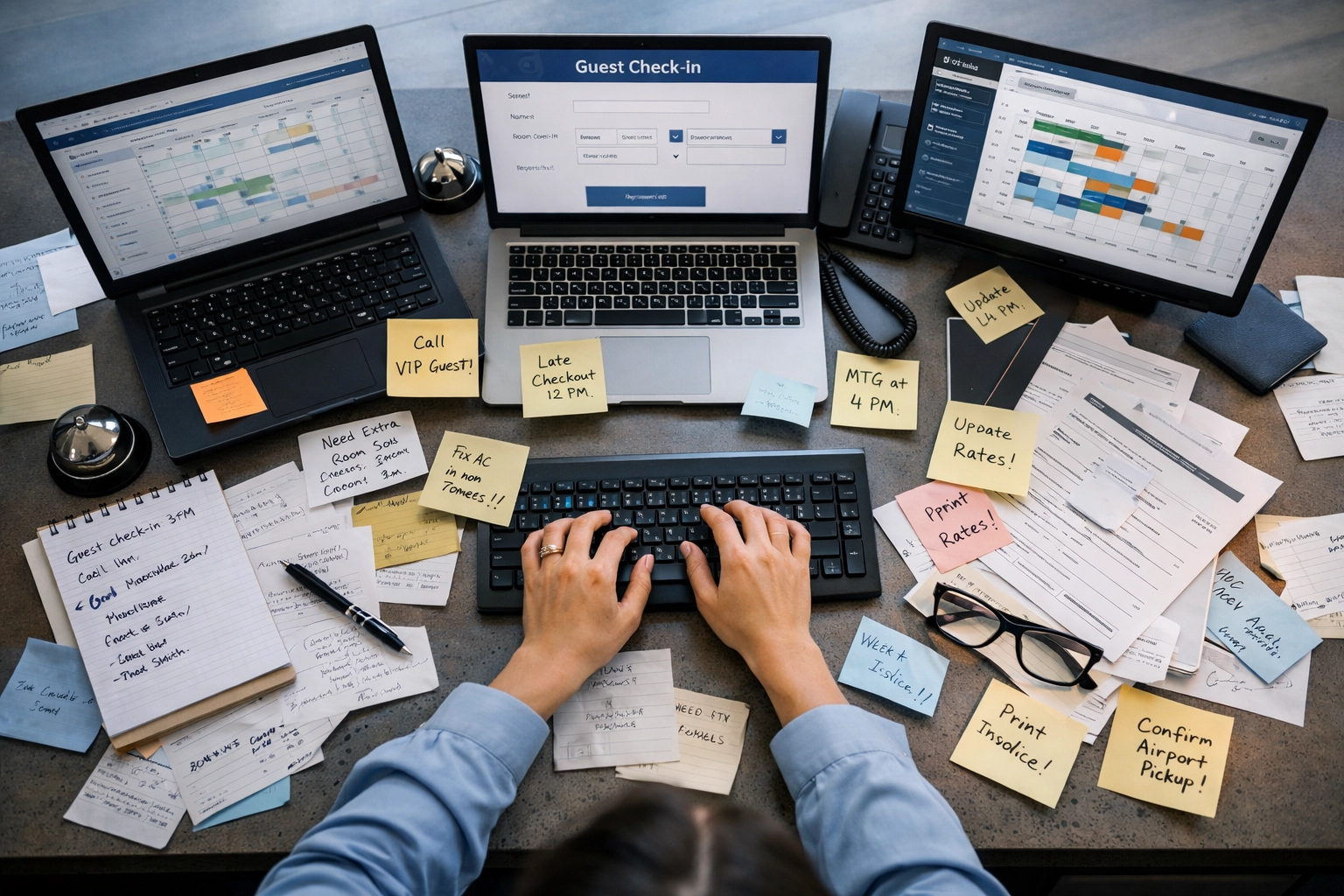
    Hotel front desk overwhelmed with manual data entry and multiple software screens

    Typing the same guest information into multiple systems. Manually updating room availability across booking channels. Creating reports by copying and pasting data into spreadsheets.

    Sound familiar?

    Excessive manual work kills team morale and efficiency. Your front desk staff shouldn't be data entry clerks: they should be creating memorable guest experiences.

    Modern cloud-native systems connect seamlessly with your channel manager, booking engine, and other tools. Guest information flows automatically between systems. Room inventory updates in real-time across all channels. Reports generate themselves on schedule.

    The result? Your team focuses on guests, not keyboards.

    2. Simple Tasks Take Way Too Long

    Check-in shouldn't require navigating five different screens. Making a folio correction shouldn't take ten minutes. Moving a guest to a different room shouldn't feel like defusing a bomb.

    If everyday operations feel slow and clunky, your PMS is outdated.

    We think hotel software should be intuitive. Fast. Built for the way people actually work: not how software engineers think they should work.

    Look for systems with:

    • Single-screen workflows for common tasks
    • Drag-and-drop functionality
    • Mobile-responsive interfaces
    • Quick keyboard shortcuts

    Every minute your staff spends clicking through confusing menus is a minute they're not spending with guests.

    3. You Can't Get the Reports You Actually Need

    Modern hotel reception area with efficient tablet-based check-in system

    Here's a question: Can you pull up your occupancy forecast for next month in under 30 seconds? Can you see which room types are most profitable? Can you identify your top revenue-generating guest segments?

    If not, you're flying blind.

    Limited operational visibility makes it nearly impossible to make informed decisions. You can't optimize what you can't measure.

    Modern hotel PMS platforms offer real-time dashboards, customizable reports, and automated analytics. Revenue managers can spot pricing opportunities instantly. General managers can track KPIs without pestering the front desk for numbers. Owners get transparent financial data whenever they want it.

    All from one centralized, cloud-based platform.

    4. Automation? What Automation?

    Booking confirmations sent manually. Pre-arrival emails typed individually. Post-stay surveys forgotten entirely.

    Your PMS should be an automation powerhouse.

    Automated confirmations when guests book. Scheduled pre-arrival emails with check-in instructions and upsell opportunities. Automatic post-stay surveys that gather feedback while experiences are fresh. Dynamic pricing adjustments based on demand.

    This isn't luxury: it's standard. Modern systems handle these tasks automatically, freeing your team to focus on high-value work.

    If you're still doing this stuff manually, you're wasting hours every single day. Hours that add up to weeks and months over time.

    5. Booking Issues Keep Popping Up

    Double bookings. Overbooking during peak season. Under-booking when you have availability.

    These problems destroy guest experiences and hurt your reputation. One bad review about a booking mishap can cost you dozens of future reservations.

    The root cause? Your hotel PMS isn't properly integrated with your channel manager and booking engine. Real-time inventory synchronization is essential: not optional.

    Cloud-native systems update availability instantly across all channels. When a room is booked on your website, it's immediately removed from OTA availability. When a guest extends their stay, the system automatically blocks those dates everywhere.

    No delays. No discrepancies. No disasters.

    6. Training New Staff is a Nightmare
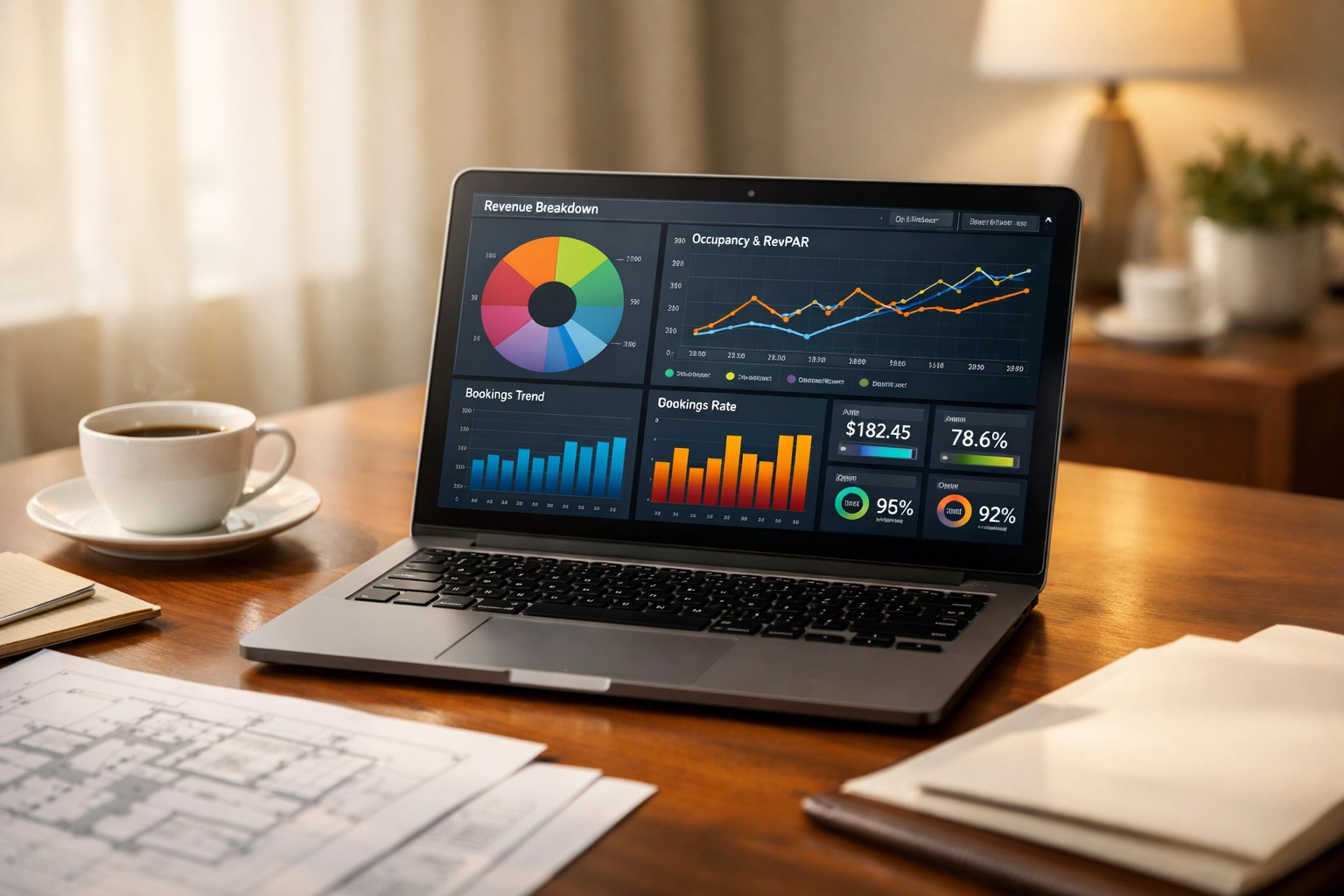
    Hotel management dashboard showing real-time analytics and reporting data

    "It takes about three months before new front desk agents really understand the system."

    If that sentence describes your property, your software is the problem.

    User-friendly systems require minimal training. New team members can handle basic tasks within hours, not weeks. The interface makes sense intuitively because it's designed around actual hotel workflows.

    Complex, outdated systems require extensive training manuals, constant questions to experienced staff, and months of hand-holding. That's expensive, frustrating, and completely unnecessary in 2026.

    Modern hotel management software is built for humans. Clean interfaces. Logical workflows. Helpful prompts and error prevention built in.

    7. Your System Runs Your Hotel: Not the Other Way Around

    "We'd love to offer mobile check-in, but our PMS doesn't support it."

    "Self-check-in kiosks? Our system can't do that."

    "Dynamic pricing? We're stuck with manual rate updates."

    Here's the truth: Your technology stack should enable your vision for your property. If you're constantly hearing "the system can't do that," it's time to switch.

    Guest expectations evolve quickly. Self-check-in kiosks, mobile keys, automated upselling, integrated CRM: these aren't nice-to-haves anymore. Properties that can't deliver these experiences are falling behind.

    Cloud-based platforms like Mews update regularly with new features and capabilities. You get access to innovation automatically, without expensive upgrades or system replacements.

    Hotel staff transitioning from manual logbooks to automated hotel management software

    Making the Switch is Easier Than You Think

    We get it. Changing your hotel PMS sounds intimidating. Migration concerns, data transfer worries, staff retraining: it feels overwhelming.

    But modern vendors make transitions surprisingly smooth. Data import assistance is standard. Dedicated launch support walks you through every step. Most properties complete migrations within days, not months.

    The hardest part? Admitting your current system isn't working.

    Once you acknowledge that, the path forward becomes clear. Cloud-native platforms offer pay-as-you-go pricing, so you're not locked into expensive long-term contracts. Free updates mean you're always running the latest version. And compatibility with other hotel technologies ensures everything works together seamlessly.

    What Great Hotel Software Actually Looks Like

    The best hotel management systems share three qualities: they're cloud-native, incredibly easy to use, and automation-focused.

    Cloud-native means access from anywhere, automatic backups, and no server maintenance headaches. Easy to use means your team can focus on guests instead of wrestling with software. Automation-focused means repetitive tasks happen automatically, every time, without human intervention.

    When these three elements combine, magic happens. Check-ins take 60 seconds instead of five minutes. Revenue management becomes proactive instead of reactive. Guest communication becomes personalized at scale.

    Your front desk team gets home on time. Your guests leave better reviews. Your revenue grows.

    That's what modern hotel technology should deliver.

    Ready to Stop Letting Your PMS Slow You Down?

    If you recognized your property in three or more of these signs, it's time to explore alternatives.

    Mews is built specifically for hoteliers who want to automate operations, delight guests, and focus on growth instead of software headaches. Our cloud-native platform integrates your PMS, booking engine, channel manager, and CRM into one seamless system.

    Over 5,000 properties worldwide have made the switch. They're checking in guests faster, automating routine tasks, and finally getting the visibility they need to make smart decisions.

    Your hotel management software should work for you: not against you. If it's slowing you down, you know what to do.
  • 7 Quick Hacks to Supercharge Your AI Assistant for Small Business Today

    7 Quick Hacks to Supercharge Your AI Assistant for Small Business Today

    You finally took the plunge. You got yourself an AI assistant.

    But now… it's just sitting there. Like that gym membership you swore you'd use. You open it, stare at the blank prompt box, and think "what now?"

    The problem isn't the AI. It's knowing how to actually make it work for your business. The small stuff. The daily chaos. The tasks eating up your Tuesday afternoons.

    Let's fix that.

    1. Start Where It Hurts Most

    Here's what you shouldn't do: try to AI-ify your entire business at once.

    Here's what works: Pick the one task that makes you want to throw your laptop out the window.

    For most small business owners, it's content creation or email management. You know , the stuff that takes three hours and feels like it should take twenty minutes.

    That's your starting point. Not because it's trendy. Because it's actually costing you time you don't have.

    Feed your AI assistant that specific problem. Give it context. Show it examples of what you need. Then watch it handle the grunt work while you handle the business decisions.

    Quick wins build momentum. And momentum keeps you using the tool instead of abandoning it by next month.

    Small business owner's desk with AI assistant on laptop showing breakthrough moment

    2. Build Your Prompt Library (Yes, Really)

    You're not going to write brilliant prompts from scratch every single time. That's exhausting.

    Instead, create templates for the things you do weekly:

    • Client onboarding emails
    • Social media captions
    • Meeting follow-ups
    • Proposal summaries

    Save them. Reuse them. Tweak them when they don't quite hit the mark.

    Think of prompts like your favorite recipes. You don't reinvent pasta from scratch , you follow a reliable recipe and maybe add extra garlic. Same principle here.

    The beauty? Once you have five solid prompts, using your AI assistant becomes as automatic as checking email. No friction. No "what should I ask it?" paralysis.

    Just results.

    3. Turn Your Meetings Into a Personal Coach

    ☕ You just finished a sales call. It went… okay? Maybe?

    Here's the hack: Use AI meeting recorders like Otter.ai or Fireflies.ai to transcribe everything automatically.

    Then , and this is where it gets good , ask your AI assistant to analyze the transcript:

    • What objections did the prospect raise that you missed?
    • Where did you lose their attention?
    • What follow-up actions should you prioritize?

    Suddenly, every meeting becomes a training session. You're not just talking. You're learning. Improving. Getting better at the exact moments that matter most.

    Most small business owners don't have time for professional coaching. This is the next best thing. Actually, it might be better , because it's based on your actual conversations, not generic advice.

    4. Let AI Guard Your Calendar

    Your calendar is probably a mess. Back-to-back meetings. No buffer time. Tasks scheduled during your least productive hours.

    Connect your AI assistant to your calendar system. Let it:

    • Suggest better meeting times based on your energy patterns
    • Block focus time automatically
    • Flag scheduling conflicts before they become problems
    • Prioritize tasks around your actual commitments

    It's like having an executive assistant who actually understands that you can't do deep work at 4:47 PM on a Friday.

    Context-aware AI business automation isn't some future concept. It's available right now. And it stops you from saying "yes" to meetings that wreck your workflow.

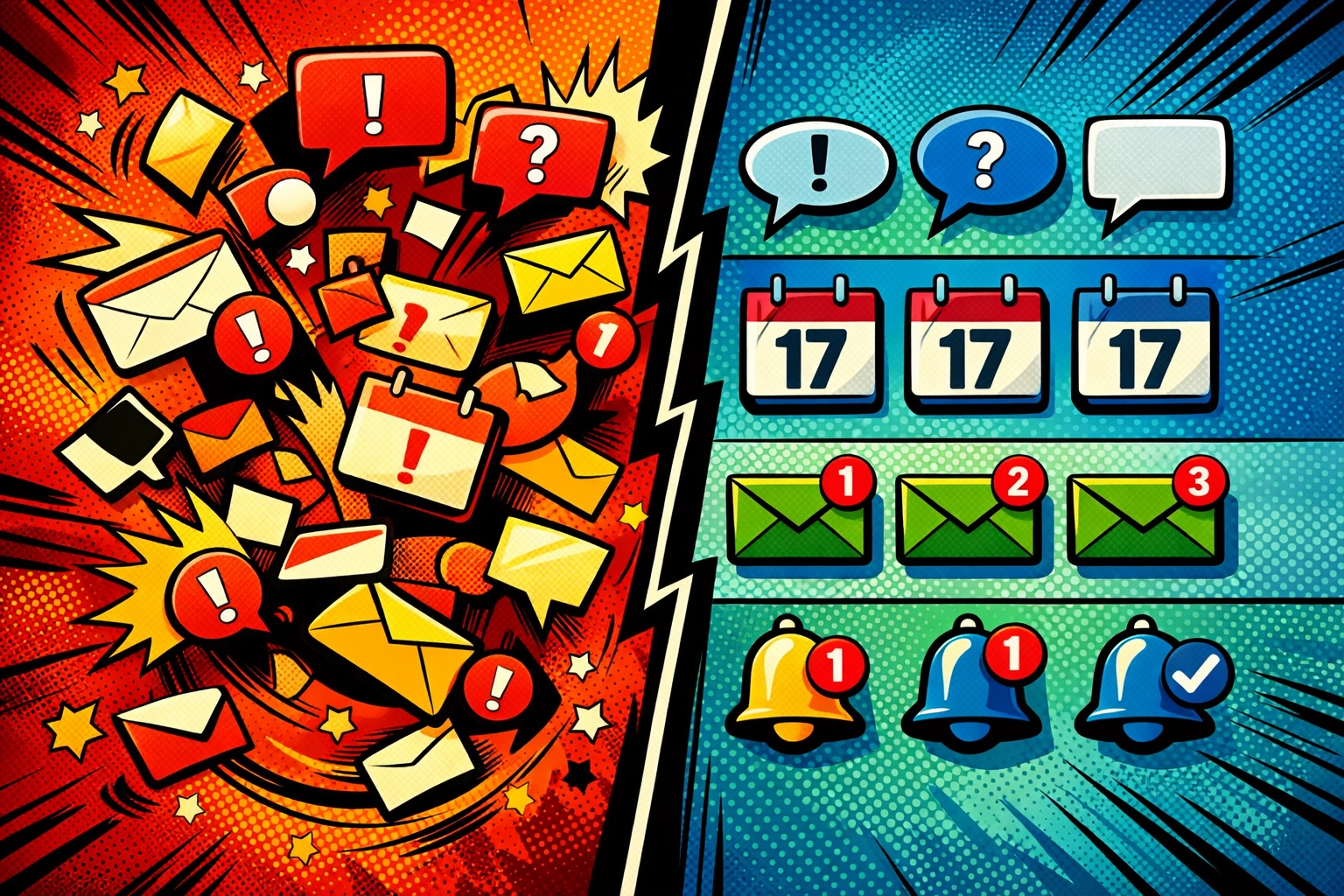
    Before and after view of AI organizing chaotic business communications and calendar notifications

    5. Stop Reading Everything (Let AI Do It)

    That 47-page contract. The quarterly industry report. The email thread with seventeen replies.

    You don't need to read all of it. You need the highlights.

    Feed long documents into your AI assistant and ask for executive summaries. Get the key points, the action items, the stuff that actually matters for your decision-making.

    Research shows this alone saves small business owners hours every week. Hours you can spend on strategy instead of skimming through fluff.

    The best part? You're not missing important details. You're just filtering out the noise faster than humanly possible.

    6. Automate Customer Responses Without Losing Your Voice

    Here's the worry: "If I use AI for customer emails, won't they sound… robotic?"

    Only if you set it up badly.

    The hack: Train your AI assistant with examples of how you actually write. Your phrases. Your tone. Your weird habit of ending emails with "Cheers" or "Talk soon."

    Then create templates for common inquiries:

    • Pricing questions
    • Onboarding instructions
    • FAQ responses
    • Follow-up check-ins

    Your customers get fast, helpful responses. You get your evenings back. Everyone wins.

    And if you're worried about authenticity : good. That means you'll actually review and refine the outputs instead of blindly sending them. That's exactly the right approach.

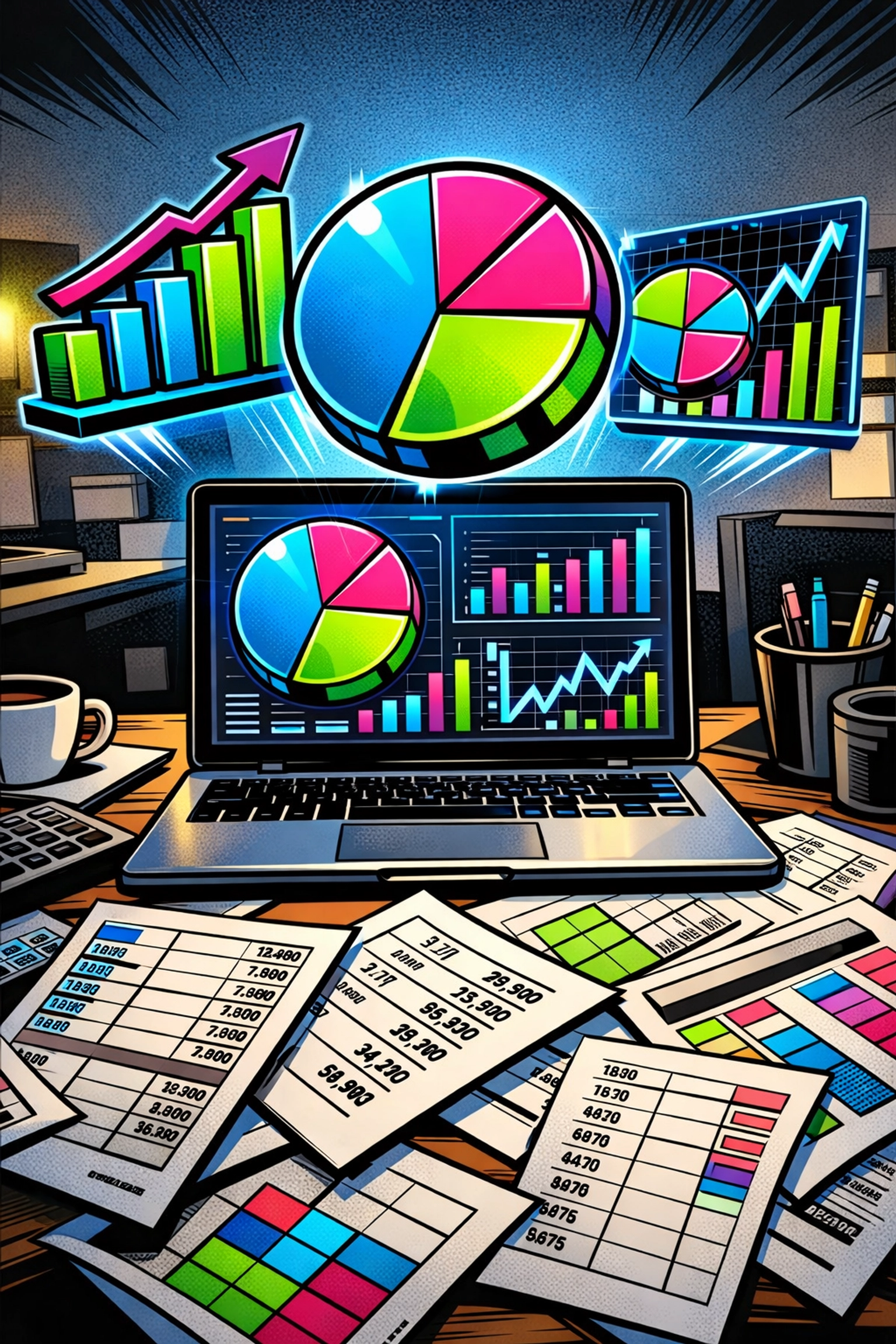
    AI assistant analyzing business data with charts and visualizations on laptop screen

    7. Turn Your Business Data Into Actual Insights

    You have data. Invoices. Customer records. Sales numbers. Inventory logs.

    What you don't have is time to analyze all of it and figure out what it means.

    That's where AI becomes your data analyst. Upload your business information and ask questions like:

    • Which customer segments are most profitable?
    • Where are our operational bottlenecks?
    • What pricing adjustments would improve margins?

    No spreadsheet PhD required. No expensive consultant. Just business automation tools doing what they do best : finding patterns in data that would take you days to spot manually.

    Small business owners using AI for data analysis report making better strategic decisions faster. Because they're working with insights, not guesses.

    The Real Impact

    Let's be honest. These hacks aren't magic. They're practical adjustments that add up.

    Small business owners who actually implement ai business automation strategically report reclaiming at least four hours per week. Some see 30% productivity increases. Others save 10+ hours weekly on routine tasks.

    But here's what matters more than the numbers: they're spending their time on the work that actually grows their business. The strategy. The relationships. The creative problem-solving that AI can't do.

    The repetitive stuff? The admin work? The content that drains your soul?

    That's handled.

    Want to see how this actually works in practice? Check out what's possible when you stop fighting your AI assistant and start using it strategically: https://marblism.link/scott-bowen

    Because the difference between small businesses that thrive with AI and those that struggle isn't the technology.

    It's knowing these seven hacks.

    And now you do.

  • The Weekend Rush: How to Prep Your Café for Maximum Efficiency

    The Weekend Rush: How to Prep Your Café for Maximum Efficiency

    Let's be honest: weekends are when your café either shines or falls apart spectacularly.

    Friday through Sunday represent roughly 40% of your week but often account for 60-70% of your revenue. The mums with prams, the laptop crowd, the brunch brigade, the "can I get that oat milk latte extra hot with an extra shot?" customers, they all descend at once. And if you're not ready, you'll spend your entire weekend in the weeds, watching your Google reviews plummet in real-time.

    So how do you prep your café to handle the weekend rush without losing your mind (or your staff)? We've spent years working with café owners across the UK, and we've seen what separates the smooth operators from the cafés where the queue snakes out the door and nobody's smiling.

    Here's what actually works.

    Get Your Staffing Right (Or Everything Else Falls Apart)

    You cannot, and we really mean cannot, handle weekend volume with your Tuesday staffing levels.

    Start by pulling your till data from the last month. When do the rushes actually hit? For most cafés, it's 9:00 AM to 11:30 AM on Saturday and Sunday, with a secondary surge around 1:00 PM to 3:00 PM. Your staffing needs to reflect that reality, not what feels comfortable.

    The minimum weekend setup: Two baristas on bar at all times during peak. Not one person trying to solo hero their way through 40 tickets while the grinder's running low. Two. This gives you redundancy if someone's sick, but more importantly, it lets you divide responsibilities intelligently. One person focuses on drinks, the other handles food orders, restocking, and customer service overflow.

    Two baristas working together at espresso bar during busy weekend café rush

    We recommend overlapping shifts during your busiest period. So if your peak is 9:00 AM to noon, schedule one barista from 8:00 AM to 2:00 PM and another from 9:30 AM to 3:30 PM. That extra coverage during the chaos makes all the difference, and you're not paying for dead time before or after the rush.

    And cross-train everyone. Your best Saturday barista should be able to work the register, clear tables, and restock milk without needing supervision. Flexibility is what saves you when things go sideways, and they will go sideways.

    Your Layout Is Either Helping or Hurting You

    Walk through your café right now and watch how your baristas move during a rush. Are they taking five steps to grab milk pitchers? Reaching across each other for cups? Fighting for space at the grinder?

    Every unnecessary movement adds seconds. Multiply those seconds by 200 drinks on a Saturday morning, and you've added nearly an hour of wasted motion to your service time.

    Station setup basics: Your most-used items, milk, cups, lids, syrups, need to be within arm's reach of the machine. If your barista has to turn around or walk away from the espresso machine to grab a cup, your layout is costing you money. Install shelving above or beside your machine. Use wall-mounted holder systems for cups if bench space is tight.

    Think about customer flow, too. Do people know where to queue? Where to wait for drinks? If your collection point blocks the ordering queue, you've created a bottleneck that no amount of speed will fix. We've seen cafés dramatically improve throughput just by moving their pickup area two metres to the left.

    And please, for the love of good coffee, make sure your menu is visible before customers reach the counter. Nothing slows down service like someone standing at the till for 45 seconds trying to decide between a flat white and a cappuccino while twelve people queue behind them.

    Batch Prep Like Your Weekend Depends On It (Because It Does)

    Friday afternoon is your secret weapon.

    This is when you prepare for Saturday's chaos. Portion your syrups into squeeze bottles. Pre-weigh your coffee for bulk filter batches. Prep any food items that can be made ahead: cookie dough, sandwich fillings, muffin batter. Slice your cake portions and wrap them individually. Stock your fridges completely.

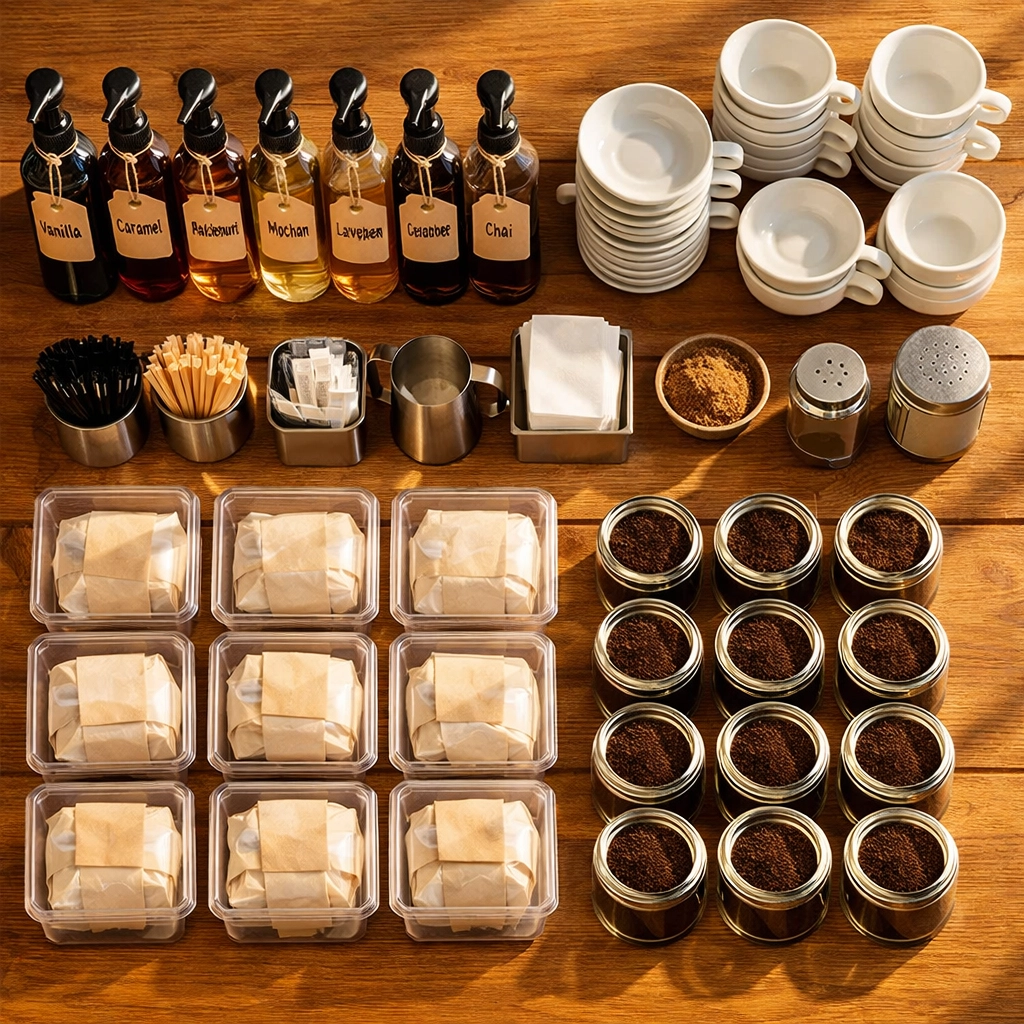
    Organized café prep station with pre-portioned supplies ready for weekend service

    The goal is to eliminate every possible prep task from Saturday morning. Your opening barista should be able to walk in, fire up the machine, and start serving customers within 15 minutes: not spending half an hour slicing brownies and refilling syrup bottles.

    We believe in the 80/20 rule here: identify the 20% of your menu that accounts for 80% of your orders. For most cafés, that's flat whites, cappuccinos, and lattes, plus maybe two or three food items. Make sure those items are prepped, portioned, and ready to fly out the door. Everything else can be handled as-needed.

    Coffee supply is critical. Running out of your signature blend at 11:00 AM on a Saturday is a nightmare scenario. We've seen it happen, and it's not pretty. If you're working with Limini Coffee, you already know we can turn around wholesale orders quickly, but don't leave it to chance. Check your stock Thursday evening, not Saturday morning when it's too late.

    Keep backup bags of your main blend on hand: at least enough to get through an entire weekend even if your delivery doesn't arrive. Fresh is best, absolutely, but having coffee is better than having no coffee.

    Equipment Checks: The Boring Stuff That Saves Your Weekend

    Saturday morning at 8:45 AM is not the time to discover your grinder burrs are worn out or your espresso machine is losing pressure.

    Friday evening equipment routine:

    • Clean your grinder thoroughly and check for any unusual sounds or inconsistent grinds
    • Backflush your espresso machine and inspect group head seals
    • Descale if you're due (you should be tracking this, not guessing)
    • Check your steam wands aren't blocked and are producing consistent pressure
    • Test your grinder calibration and dial in fresh for Saturday's service
    • Ensure your water filter is functioning properly
    • Check milk fridge temperatures (should be 3-5°C)

    We see cafés skip these checks all the time, then wonder why their shots are pulling weirdly on their busiest day. Equipment maintenance isn't glamorous, but it's the difference between smooth service and panicked phone calls to your technician while 40 people wait for drinks.

    Barista performing espresso machine maintenance and cleaning before weekend rush

    Your grinder deserves special attention. If you're using a grind-by-weight system, verify the calibration. If you're dosing manually, make sure your timer is accurate and consistent. Inconsistent grinding is the fastest way to destroy shot quality when you're under pressure, and customers absolutely notice when their flat white tastes different than the one they had last Saturday.

    If you need guidance on equipment setup or maintenance, Limini's training resources cover the technical details that matter for consistent quality during high-volume service.

    The Quality Question (And Why Cutting Corners Will Haunt You)

    Here's the tension: you need to move quickly during the weekend rush, but you can't sacrifice quality. Sounds impossible, right?

    It's not. But it requires systems.

    Standardization is your friend. Use dosing tools, tamping pressure guides, milk jugs with measurement lines: anything that reduces decision-making and variation. Your baristas shouldn't be eyeballing doses or guessing at milk temperature. The less they have to think about technique, the more they can focus on speed and customer service.

    This is where proper training pays off. A barista who understands extraction theory doesn't panic when they need to adjust the grind mid-rush. They know what to look for, how to taste-test quickly, and how to make micro-adjustments without derailing service.

    We're not saying you need to become robots. The beauty of specialty coffee is in the craft and attention. But there's a difference between thoughtful technique and chaotic inconsistency. During weekend rushes, thoughtful technique is what separates memorable customer experiences from "just another coffee shop."

    Create station-specific checklists that live at each workstation. For the bar: check shot time, monitor crema quality, maintain steam wand cleanliness, monitor milk temperature. For the register: greet customers, repeat orders, upsell appropriately, manage the queue. This isn't about micromanaging: it's about maintaining standards when everything's moving at double speed.

    Communication Systems That Actually Work Under Pressure

    When you're slammed, clear communication becomes everything.

    We recommend a simple cup-marking system that your entire team understands. Abbreviations are your friend: FW (flat white), C (cappuccino), L (latte), OAT (oat milk), XH (extra hot), XS (extra shot). Write it on the cup with a marker or print it on your till receipt. No confusion, no remade drinks, no wasted time.

    Kitchen display systems are brilliant if you've got the budget. Orders appear on a screen the moment they're entered, eliminating the "did you hear me call out that order?" problem entirely. But even if you're working with handwritten tickets, the principle is the same: one system, everyone trained on it, no exceptions.

    Verbal communication matters too. Agree on call-outs before the rush starts. "Two flat whites up!" means the drinks are ready for collection. "Checking shots!" means someone's adjusting the grinder and bar might pause briefly. These tiny verbal cues prevent collisions, mistakes, and that panicked feeling when nobody knows what anyone else is doing.

    Coffee cups with handwritten order markings lined up during busy café service

    The Friday Pre-Shift Briefing (Five Minutes That Save Hours)

    Right before you close on Friday, gather your weekend team. Five minutes. That's all it takes.

    Cover the weekend weather forecast (sunny weather means patio service, rain means everyone's crammed inside). Mention any special events happening nearby that might drive traffic. Review who's doing what on Saturday and Sunday. Confirm that everyone knows the weekend specials or promotions.

    This is also when you ask: "What do we need to make this weekend run smoothly?" Maybe someone's noticed the portafilter baskets are getting gunked up. Maybe the till system has been glitchy. Maybe you're low on takeaway cups. Better to hear about it Friday at 5:00 PM than Saturday at 9:30 AM when you're already in the weeds.

    Your team should leave Friday feeling prepared, not anxious. That mindset shift matters more than you might think.

    The Monday Morning Review

    After the weekend dust settles, spend 20 minutes reviewing what happened. Pull your sales data. What sold well? What didn't move? Were there any stock issues? Equipment problems? Staffing gaps?

    This isn't about blame: it's about continuous improvement. Maybe you realize you need more oat milk than you thought. Maybe that new pastry supplier isn't reliable enough for weekend volume. Maybe your Saturday afternoon barista is actually better suited for the morning rush.

    The cafés that consistently nail their weekend service are the ones who treat it like an ongoing optimization project, not a weekly crisis to survive.

    You've Got This

    Weekend service will always be intense. That's the nature of the business. But intense doesn't have to mean chaotic.

    With proper staffing, smart prep work, maintained equipment, and clear systems, you can handle the weekend rush without burning out your team or compromising on quality. Your customers will notice the difference. Your staff will be happier. And your till receipts will reflect the efficiency gains.

    If you're looking to upgrade your coffee supply or need guidance on wholesale arrangements for your café, the team at Limini Coffee works with cafés across the UK to ensure consistent, quality coffee even during peak demand periods. Because running out of great coffee on a Saturday morning? That's not something you want to experience twice.

    Now go prep for this weekend. You've got customers waiting, and they're going to love what you're serving them.

  • How to Choose the Best Hotel PMS in 2026: Cloud-Native vs. Legacy (Compared)

    How to Choose the Best Hotel PMS in 2026: Cloud-Native vs. Legacy (Compared)

    Your hotel PMS is the operational backbone of your property. Pick the wrong one, and you're stuck with clunky workflows, frustrated staff, and guests who expect more than your system can deliver.

    In 2026, the choice is clearer than ever: cloud-native or legacy. Both have their place, but understanding which fits your property requires looking beyond marketing promises to real operational impact.

    What Actually Makes a Hotel PMS Cloud-Native?

    Cloud-native isn't just "hosted on the cloud." It's built from the ground up for modern hotel operations.

    Real cloud-native systems offer:

    • Access from anywhere. Your team checks in guests from a tablet. You review revenue reports from your phone. No VPN. No waiting until you're back at the front desk.

    • Automatic updates. No more scheduled downtime or paying IT consultants to install patches. Your system updates in the background while you sleep.

    • Mobile-first design. The interface works on any device because it was designed that way: not retrofitted for mobile after being built for desktop.

    Modern platforms like Mews integrate your hotel PMS, booking engine, and channel manager in one system. Everything talks to each other natively. No middleware. No sync delays. No duplicate data entry.

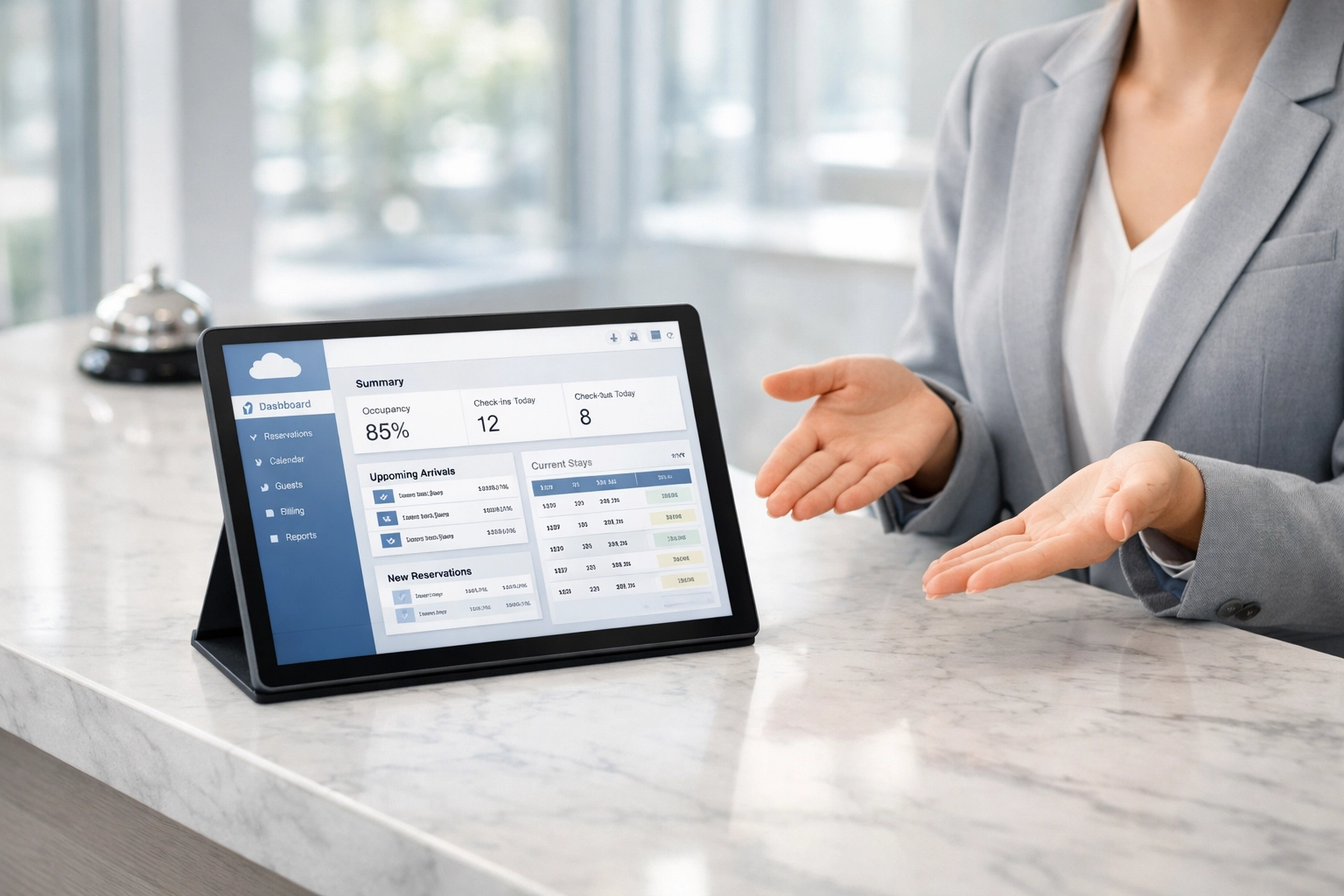
    Hotel receptionist using cloud-native PMS on tablet at modern front desk

    The Cloud-Native Advantage: Speed and Simplicity

    Hotels running cloud-native systems report setup times measured in days, not months. Staff training happens in hours, not weeks.

    Why? Because the interface is intuitive. Think about apps you use daily: ordering food, booking rides, checking your bank. Cloud-native hotel PMS platforms follow the same design principles. Your team already knows how to use them.

    Automation capabilities separate modern systems from their predecessors. Automated emails confirm bookings. Self-check-in kiosks reduce front desk queues. Guest messaging happens without staff intervention. Your team focuses on hospitality, not paperwork.

    Properties using cloud-native systems see:

    • 40% faster check-in times
    • 60% reduction in manual data entry
    • 24/7 booking capability without human intervention

    These aren't abstract benefits. They translate directly to labor savings and revenue growth.

    When Legacy Systems Still Make Sense

    Not every property needs to jump on the cloud-native train immediately.

    Legacy or on-premises systems work well when:

    You operate multiple properties under strict brand standards. Large chains often require specific configurations that established systems have perfected over decades.

    Your hotel has complex, custom workflows. Some properties have built intricate processes around their existing PMS. Migration would mean retraining hundreds of staff members.

    You're in a region with unreliable internet. If connectivity drops regularly, on-premises systems keep operations running. Cloud-native systems need consistent internet access.

    You have dedicated IT infrastructure. Legacy systems require maintenance, updates, and troubleshooting. If you already have the IT team, the cost equation changes.

    But here's the reality: these scenarios apply to fewer properties every year. Internet reliability improves. Cloud systems add offline modes. The barriers to cloud adoption keep shrinking.

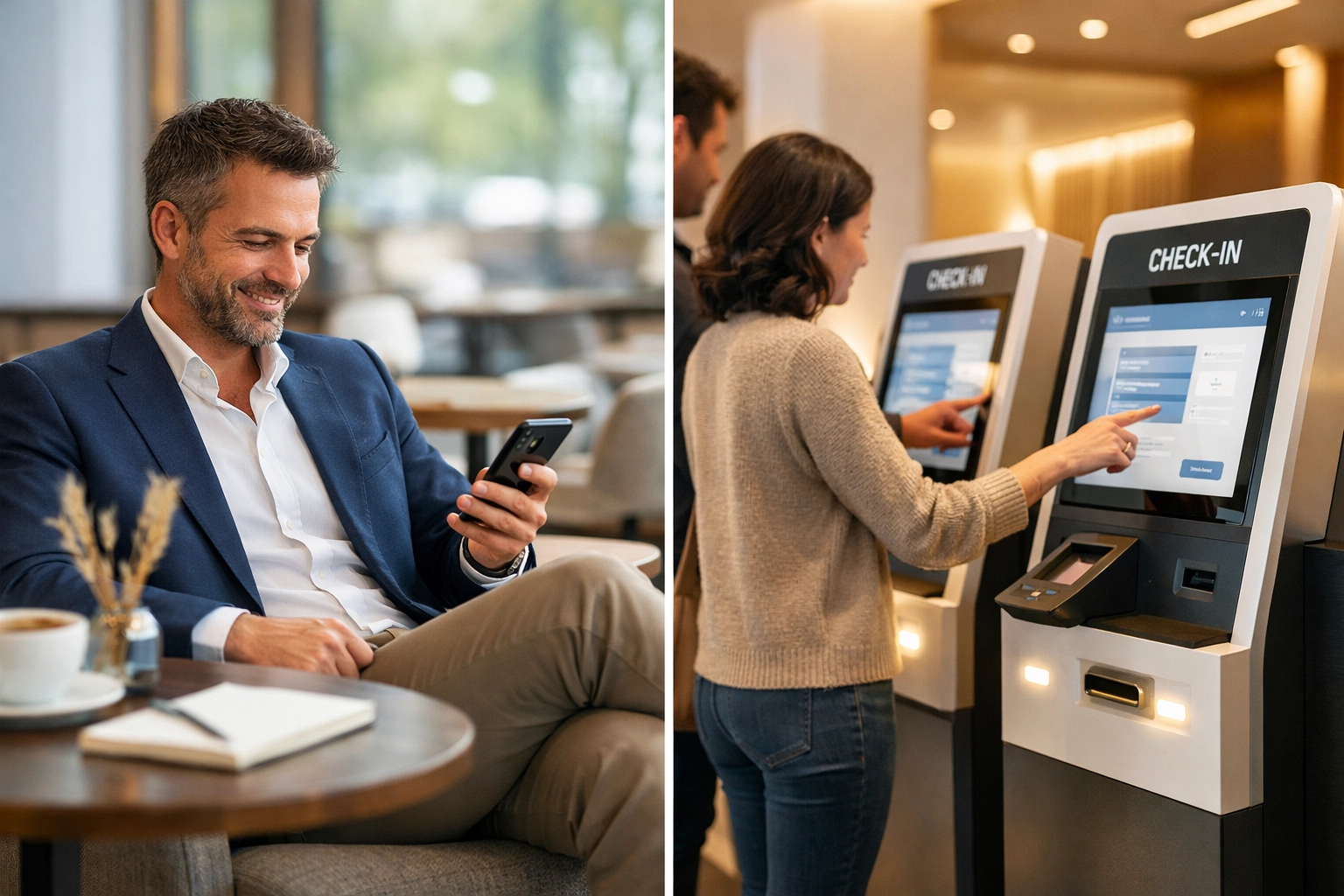
    Hotel manager using mobile PMS and guests at self-check-in kiosks in modern lobby

    Cloud-Native vs. Legacy: Direct Comparison

    Feature Cloud-Native Legacy/On-Premises
    Setup time Days to weeks Months
    Initial investment Low (subscription model) High (license + hardware)
    Updates Automatic, included Manual, often extra cost
    Remote access Built-in, any device Requires VPN or workarounds
    Staff training Hours to days Weeks to months
    IT requirements Minimal Dedicated staff needed
    Scalability Add rooms instantly Hardware limitations
    Integration API-first, marketplace Custom development
    Disaster recovery Automatic backups Manual backup systems
    Total cost (5 years) Lower Significantly higher

    The numbers tell the story. Cloud-native systems reduce both upfront costs and ongoing operational expenses.

    How to Actually Choose

    Start with these questions:

    How tech-savvy is your team? Cloud-native systems assume basic digital literacy. If your staff struggles with smartphones, factor in extra training time.

    What's your property size? Independent hotels and small groups benefit most from integrated cloud platforms. Large chains might need enterprise-grade legacy systems.

    Do you need specific integrations? Check what each system connects with. Your POS, door locks, revenue management system: everything should communicate seamlessly.

    What's your growth plan? Adding properties? Cloud-native scales effortlessly. Staying single-site? Either option works.

    How often do you innovate? Cloud systems release features monthly. If you want access to the latest hospitality tech: self-check-in kiosks, mobile keys, AI-powered pricing: cloud-native delivers faster.

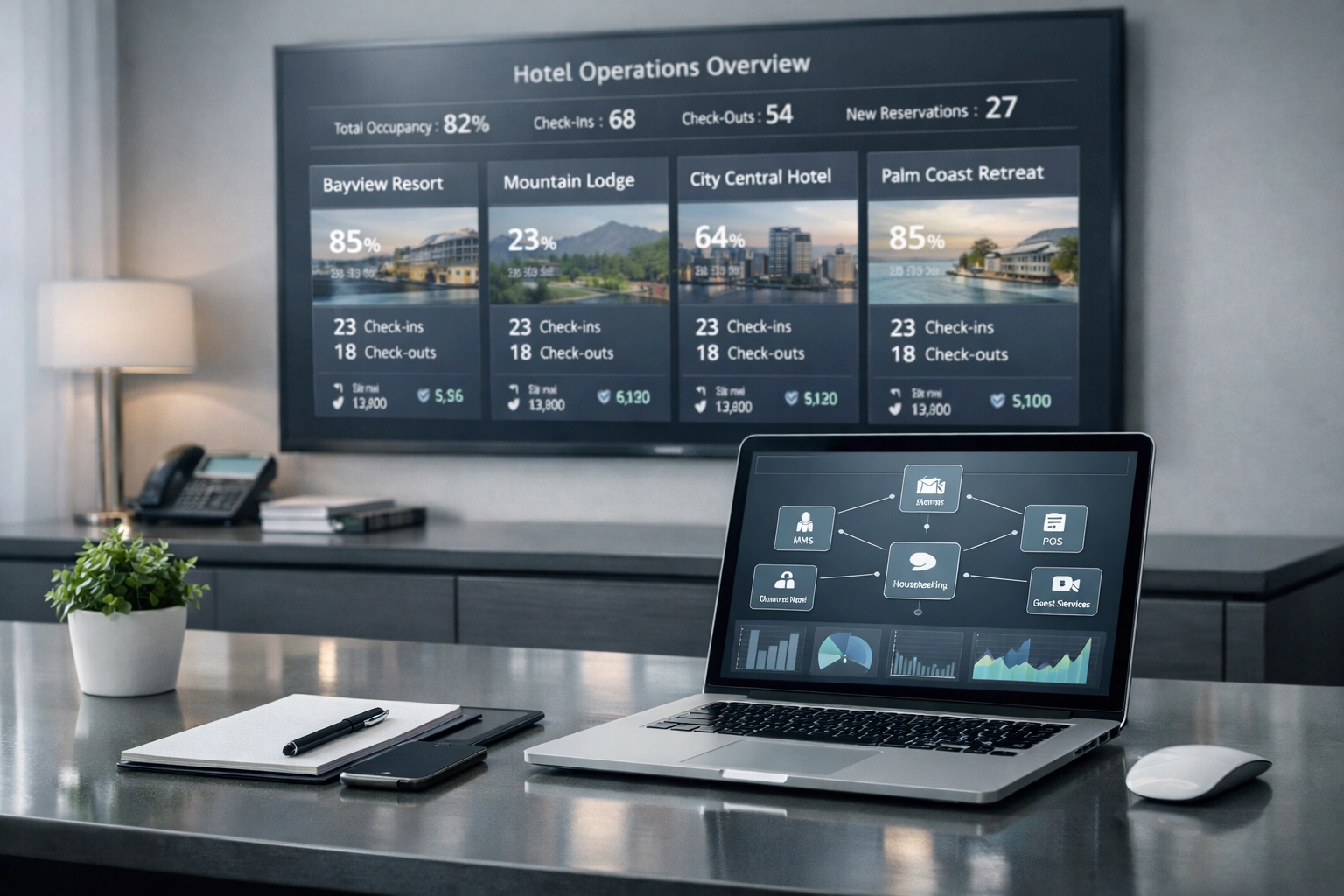
    Cloud-native hotel PMS dashboard displaying multiple properties on desktop screen

    Why Mews Represents the Cloud-Native Standard

    We believe hotel technology should be invisible to guests and effortless for staff.

    That's why over 5,000 properties worldwide trust Mews as their hotel PMS. The platform combines property management, booking engine, channel manager, and guest CRM in one cloud-native system.

    What sets Mews apart:

    • Built for automation from day one. Pre-arrival emails, post-stay reviews, upsell offers: all happen automatically based on rules you set.

    • Actually easy to use. Your team starts working productively within hours, not weeks.

    • Open API ecosystem. Connect with 1,000+ partners for payments, door locks, revenue management, and more.

    Independent hotels use Mews to compete with chains. Small groups use it to manage multiple properties from one dashboard. Hostels use it to handle high-volume bookings with minimal staff.

    The system grows with you. Start with core PMS features. Add self-check-in kiosks when you're ready. Integrate a sophisticated channel manager as your distribution strategy evolves.

    Making the Switch

    Worried about migrating from your current system? The process is simpler than you think.

    Cloud-native platforms like Mews handle data migration as part of onboarding. Your historical bookings, guest profiles, and rate configurations transfer over. Most properties complete the switch with zero downtime.

    Training happens fast. The interface is intuitive enough that staff learn while working. No need to schedule extensive training sessions or hire consultants.

    Ongoing support is included. You're not maintaining servers or troubleshooting software issues. The cloud provider handles infrastructure. You handle guests.

    The Bottom Line

    In 2026, legacy systems serve specific use cases: mainly large chains with complex requirements and dedicated IT teams. For everyone else, cloud-native is the clear choice.

    You get lower costs, faster implementation, better staff experiences, and access to modern features your guests expect. The technology disappears into the background. Your team focuses on hospitality.

    Ready to see what a modern, cloud-native hotel PMS can do? Check out Mews and discover why properties are making the switch.

    Your PMS should enable great hospitality, not complicate it. Choose accordingly.

  • Stop Wasting Time on Admin Tasks: 5 AI Tools That Work While You Sleep

    You know the feeling. It's 6:47 PM. The lights are still on in your office. And you're… copying data from one spreadsheet to another. Again.

    Or maybe you're forwarding that same email response you've written seventeen times this week. Or manually updating your CRM because someone filled out a contact form. Or scheduling another meeting. Or sending another follow-up. Or…

    Stop.

    There's a better way. And it doesn't involve hiring another assistant or working until midnight. It involves letting AI virtual assistants for business do the grunt work while you focus on things that actually move the needle.

    These aren't futuristic concepts. They're tools you can set up this afternoon. And by tomorrow morning, they'll already be working in the background: updating records, sending emails, syncing data between your apps: while you're sleeping.

    Here are five AI tools that handle admin tasks automatically. No babysitting required.

    1. Zapier: The Universal Connector That Never Sleeps

    Automated workflow connecting multiple business apps with data streams

    Zapier connects over 6,000 apps and makes them talk to each other. Without you lifting a finger.

    Someone fills out a contact form on your website? Zapier automatically adds them to your CRM, sends a welcome email, creates a task in your project management tool, and notifies your sales team. All in the time it takes you to blink.

    The beauty of Zapier is its simplicity. You set up "Zaps": simple if-this-then-that workflows. When X happens in one app, do Y in another app. It runs 24/7, processing thousands of tasks in the background while you're doing literally anything else.

    What it handles: Data syncing between apps, automated notifications, moving information between systems without manual copy-paste marathons.

    The scenario: You wake up to find that all your new leads from yesterday have been automatically sorted, tagged, and assigned to the right team members. The follow-up emails have been sent. The records are updated. The chaos is gone before you even take your first sip of coffee.

    That's Zapier doing its thing.

    2. Lindy: Your AI-Powered Background Agent

    Think of Lindy as an AI virtual assistant for business that actually understands context. Not just moving data around: actually making decisions.

    Lindy deploys AI agents across your Gmail, Notion, HubSpot, and Slack. These agents understand what's important and what's not. They qualify leads, send follow-ups at the right time, update your CRM with relevant information, respond to routine emails, and schedule meetings without you being involved.

    The difference? Lindy doesn't just automate tasks. It learns your patterns. How you communicate. What matters to you. And it handles things accordingly.

    What it handles: Email management, lead qualification, CRM updates, meeting scheduling, follow-up sequences that feel human.

    The scenario: 11:00 AM. A potential client emails asking about pricing. Lindy reads it, understands the context, checks your calendar, sends a personalized response with the right information, and books a meeting for next Tuesday. You get a notification. You just send a thumbs-up.

    While you were in your actual meeting, Lindy handled three more inquiries. Two got scheduled. One got redirected to the right team member. None of them waited.

    3. Microsoft Power Automate: The Enterprise Workhorse

    AI virtual assistant managing multiple business tasks simultaneously

    If you're deep in the Microsoft ecosystem: Office 365, Teams, SharePoint: Power Automate is your best friend.

    It goes beyond simple automation. Power Automate includes RPA (Robotic Process Automation) capabilities. That means it can handle desktop tasks, not just cloud workflows. Document approvals, Teams notifications, complex business processes that used to require three people and two days: now automated.

    And it runs unattended. Set it up once, and it keeps running in the background. Forever.

    What it handles: Document approvals, Office 365 automation, Teams notifications, business process workflows, desktop automation for repetitive tasks.

    The scenario: Every Monday morning, Power Automate pulls last week's sales data, generates a report, formats it properly, sends it to the right stakeholders, and creates action items in Teams: all before your first meeting. You show up prepared. Every time.

    Nobody knows your secret is a robot doing the boring stuff while you sleep.

    4. n8n: For When You Want Full Control

    Not everyone wants a plug-and-play solution. Some of you want to build something custom. Something that fits your exact workflow. Something you control completely.

    That's n8n.

    It's open-source, developer-friendly, and can be deployed on your own servers. You're not locked into someone else's platform. You build the automation logic you need, connect to any API, create complex workflows with branching logic, and run it all in your own environment.

    What it handles: Custom data workflows, API integrations, complex automation logic that other tools can't handle.

    The scenario: You've got a unique business process. Three different systems need to talk to each other. Data needs to transform in specific ways. None of the cookie-cutter tools can handle it. So you build it in n8n. Once. And it runs forever. Exactly how you want it.

    While you're scaling your business, n8n is scaling with you: handling thousands of background tasks without breaking a sweat.

    5. Airtable Automations: Your Database That Takes Action

    Automated database workflow processing documents and data efficiently

    Airtable is part spreadsheet, part database, part project management system. And its automation features turn it into an active participant in your workflow.

    Instead of just storing data, Airtable can act on it. When a record status changes, it automatically sends notifications. When a deadline approaches, it assigns tasks. When a form is submitted, it validates the data and updates related records.

    Everything happens inside your database. No need to connect external tools for simple automations.

    What it handles: Automated record updates, status tracking, notifications, data validation, task assignment: all within your existing database structure.

    The scenario: A client project moves from "In Progress" to "Needs Review." Airtable automatically notifies the right team member, updates the project timeline, creates a checklist in the review table, and sends the client a status update. You didn't touch anything. The system took care of it.

    By the time you check in, the work is already moving to the next stage.

    But Here's the Real Secret…

    These tools are powerful. But they're just the beginning.

    The future isn't about setting up five different automation tools and hoping they work together. It's about having one integrated system that understands your business and handles everything: customer support, admin tasks, lead qualification, scheduling: all in one place.

    That's where platforms like Marblism come in. Instead of duct-taping together five different tools, you get an AI virtual assistant for business that actually understands your workflows. One that can automate customer support with AI, handle administrative tasks, and scale with you as you grow.

    The best part? You don't need a technical degree to set it up. You don't need to spend weeks connecting APIs and testing workflows. You just… start using it.

    Want to see how it works? Check out Marblism and see how it can transform your admin workflow. Set it up once. Let it run forever.

    The Bottom Line

    You didn't start your business to spend your days copying data between spreadsheets and sending the same email for the 47th time this month.

    You started it to build something. To serve customers. To grow.

    Let the AI handle the boring stuff. While you sleep. While you're in meetings. While you're actually doing the work that matters.

    These five tools are just the start. Pick one. Set it up today. By tomorrow morning, you'll already see the difference.

    And if you want to skip the setup marathon and get straight to having an AI assistant that just… works?

    That's what Marblism is for.

    The admin tasks can wait. But your business growth can't.

  • The History of Espresso: From Italy to Your Kitchen

    The History of Espresso: From Italy to Your Kitchen

    There's something special about that first sip of espresso in the morning. Rich, intense, topped with a layer of golden crema, it's a little moment of perfection before the day really gets going. But have you ever wondered how that tiny cup of concentrated coffee made its way from the cafés of Milan to your kitchen counter?

    The journey of espresso is a fascinating story of innovation, persistence, and a distinctly Italian obsession with doing things properly. So let's take a quick trip through time and explore how espresso went from a 19th-century industrial experiment to the global phenomenon that fuels millions of us every single day.

    Coffee Arrives in Italy

    Before we can talk about espresso, we need to talk about coffee itself arriving on Italian shores. Venetian merchants brought coffee beans from the East during the 16th century, and Venice quickly became one of Europe's first coffee-loving cities. The famous Caffè Florian opened its doors in 1720 and is still serving coffee today, talk about staying power.

    But here's the thing: brewing coffee back then was slow. Really slow. You'd boil water, steep the grounds, wait around, and eventually get your cup. For a culture that values efficiency and quality in equal measure, this just wouldn't do. Italian café owners in the late 19th century were looking for ways to serve more customers, faster, without sacrificing the quality of the brew.

    That's where our story really begins.

    Antique Italian espresso machine from early 1900s in vintage café setting

    The First Espresso Machines

    In 1884, an entrepreneur named Angelo Moriondo from Turin created what's considered the first espresso machine. His invention used steam pressure to force water through coffee grounds, a radical departure from traditional brewing methods. The machine was patented and even displayed at the General Expo in Turin, but it never really took off commercially. Moriondo's design brewed coffee in bulk rather than individual servings, which wasn't quite the revolution cafés were looking for.

    Enter Luigi Bezzera, a Milanese inventor who took Moriondo's concept and ran with it. Around 1901, Bezzera developed an improved machine that featured groupheads and portafilters, components that are still fundamental to espresso machines today. His design could brew individual cups quickly, made "expressly" for each customer. That's actually where the name comes from: "espresso" means "expressed" or "pressed out" in Italian, but it also carries the meaning of something made quickly, in the moment.

    Bezzera's machine was revolutionary, but he was better at inventing than marketing. That's where Desiderio Pavoni comes in. In 1903, Pavoni bought Bezzera's patents, refined the design with a pressure-release valve, and launched commercial production of the "Ideale" espresso machine at the 1906 Milan Fair.

    These early machines were impressive from an engineering standpoint, they could theoretically produce up to 1,000 cups per hour. But there was a problem. The high-pressure steam created extremely hot water, which resulted in bitter, burnt-tasting coffee. The technology was there, but the taste? Not quite right yet.

    The Gaggia Revolution

    The real breakthrough came in 1938, thanks to Achille Gaggia. This Milano café owner wasn't satisfied with the steam-driven machines everyone else was using. He developed a lever-operated piston system that used spring tension to force hot (not boiling) water through finely-ground coffee at around 9 BAR of pressure.

    The result? Game-changing.

    Golden espresso crema layer on freshly pulled shot in white cup

    Gaggia's system produced something no one had seen before: a thick, golden layer of foam on top of the espresso. This creamy topping, which we now call crema, became the signature of a properly pulled shot. Initially, some customers were suspicious of this strange foam, but Gaggia marketed it as "caffè crema" and positioned it as a natural, luxurious element of fresh espresso. He was right. That layer of crema became the benchmark for quality espresso, and it still is today.

    Gaggia's machines didn't just make better coffee, they created the espresso culture we recognize now. The ritual of watching a barista pull a lever, hearing the hiss and gurgle of the machine, seeing that perfect shot emerge with its crown of crema… it all started with Gaggia's innovation.

    World War I had already helped spread coffee culture throughout Italy as soldiers consumed it during military service, but post-war, espresso bars became social hubs. Standing at the counter for a quick espresso before work or meeting friends for a mid-morning break became woven into the fabric of Italian daily life.

    Espresso Goes Global

    By the mid-20th century, espresso culture was spreading beyond Italy's borders. Italian immigrants brought their coffee traditions to cities worldwide, opening cafés in London, New York, Melbourne, and São Paulo. Each place added its own twist, Australians developed their renowned flat white, Americans supersized everything (including their lattes), and the British… well, we eventually came around.

    The technology kept evolving too. In 1961, the Faema company introduced the first semi-automatic pump-driven machine. Instead of relying on manual lever operation, these machines used electric pumps to create consistent pressure and quickly heat water. This made espresso machines more compact, reliable, and user-friendly. Suddenly, you didn't need the strength to pull a lever or the years of experience to maintain perfect consistency.

    These innovations democratized espresso. As machines became more accessible and affordable, coffee culture exploded globally. By the 1980s and 90s, specialty coffee shops were popping up everywhere, and people were becoming genuinely interested in where their coffee came from, how it was roasted, and most importantly, how to make it properly.

    Modern home espresso machine setup on kitchen counter with coffee beans

    The Home Espresso Revolution

    Here's where things get really interesting for us home coffee lovers. For decades, pulling a proper espresso shot was something you could only experience in a café. Home coffee was instant granules or drip coffee, fine for caffeine delivery, but not exactly exciting.

    But technology has caught up. The same engineering innovations that made café machines more reliable have filtered down to home espresso machines. Now, you can buy machines with temperature stability, pressure profiling, and precise control, features that were once only available to professionals.

    Modern home espresso machines range from simple single-boiler setups to sophisticated dual-boiler systems with PID temperature control. Grinder technology has improved dramatically too, which is crucial because freshly ground coffee makes all the difference. You can now recreate that Italian café experience in your own kitchen, experimenting with different beans, adjusting your grind, perfecting your tamping technique.

    The learning curve is real, we'll be honest. Dialing in your first proper espresso shot takes practice. But that's part of the joy, understanding the craft, tasting the improvements, finally pulling that perfect shot that rivals anything you'd get at your favourite café.

    Bringing Italian Magic Home with Limini Coffee

    So you've got the machine, you're learning the technique… but here's what really matters: the coffee itself.

    This is where we come in. At Limini Coffee, we're slightly obsessed with sourcing and roasting beans that work beautifully as espresso. Whether you prefer a classic Italian-style blend with rich chocolate notes and a syrupy body, or a single-origin bean that showcases fruity complexity, we've got options that'll make your home espresso setup shine.

    Our espresso blends are developed specifically to create that perfect balance of sweetness, body, and crema, yes, that golden layer that Gaggia worked so hard to create back in 1938. We roast in small batches to ensure freshness, because espresso is unforgiving when it comes to stale coffee. Fresh beans mean better crema, clearer flavours, and that satisfying complexity in every cup.

    And single-origin espressos? They're a revelation. You get to taste the distinct character of beans from Ethiopia, Colombia, Brazil, or wherever your coffee adventure takes you that week. It's like traveling the world, one shot at a time.

    Check out our full range of espresso-perfect coffees at https://www.liminicoffee.co.uk/?af=1471531379787, and start exploring what your home setup can really do.

    The Beautiful Circle

    It's quite something when you think about it. What started as an industrial solution to speed up service in Italian cafés has become a global ritual, a daily pleasure, an art form practiced by millions of people in their own homes.

    From Bezzera's groupheads to Gaggia's crema, from massive commercial machines to compact home setups, the technology has evolved dramatically. But the essence remains the same: forcing hot water through finely-ground coffee under pressure to create something concentrated, intense, and absolutely delicious.

    Every time you pull a shot at home, you're participating in over a century of innovation and tradition. You're connecting with that lineage of inventors, café owners, and coffee lovers who believed that a small cup of perfectly made espresso was worth pursuing.

    So whether you're just starting your home espresso journey or you've been pulling shots for years, remember: you're part of this story. And with quality beans from roasters who care about the craft: like the selection we offer at https://www.liminicoffee.co.uk/?af=1471531379787: you can create that Italian magic right in your own kitchen.

    Now, if you'll excuse us, all this talk about espresso has made us need one. Time to fire up the machine.

  • Reclaim Your Friday: How Automation Gives Business Owners Their Lives Back

    Reclaim Your Friday: How Automation Gives Business Owners Their Lives Back

    It's 3:00 PM on Friday.

    You know what you're NOT doing?

    Frantically catching up on invoices. Chasing down approval emails. Manually updating spreadsheets while everyone else is already mentally checked out for the weekend.

    You're just… done.

    The work is handled. The clients are happy. The systems are humming along without you babysitting them.

    And you're about to do something revolutionary: leave on time. Maybe even early.

    Remember when Fridays used to feel like punishment?

    THE FRIDAY FEELING (THE OLD WAY)

    Friday, 9:00 AM

    Your week is a mess of loose ends. Invoices that should've gone out Tuesday. Follow-up emails you meant to send Wednesday. Reports your team is waiting on. Data entry that somehow multiplied overnight.

    You start making a list of everything you need to wrap up before 5:00 PM.

    The list is… long.

    You know you're staying late. Again. Your partner already knows too, they stopped asking if you'd make dinner plans on Fridays months ago.

    Friday, 1:00 PM

    You're still in it. Manually pulling reports. Copy-pasting data between systems. Sending the same "just checking in" emails to three different clients because you forgot who you already contacted.

    Your inbox hasn't shrunk. It's grown.

    Someone on your team pops their head in: "Quick question about next week…"

    You help them. Because that's what you do. But now it's 2:30 PM and you've barely made a dent in your own pile.

    Friday, 5:47 PM

    The office is empty. The lights feel harsh. You're still clicking through tasks, knowing you'll probably log in from home later to finish what you couldn't get to.

    This is freedom?

    Running a business was supposed to give you more control over your time. Instead, you're trapped in an endless cycle of administrative quicksand that pulls you under every single week.

    WHAT IF FRIDAY LOOKED DIFFERENT?

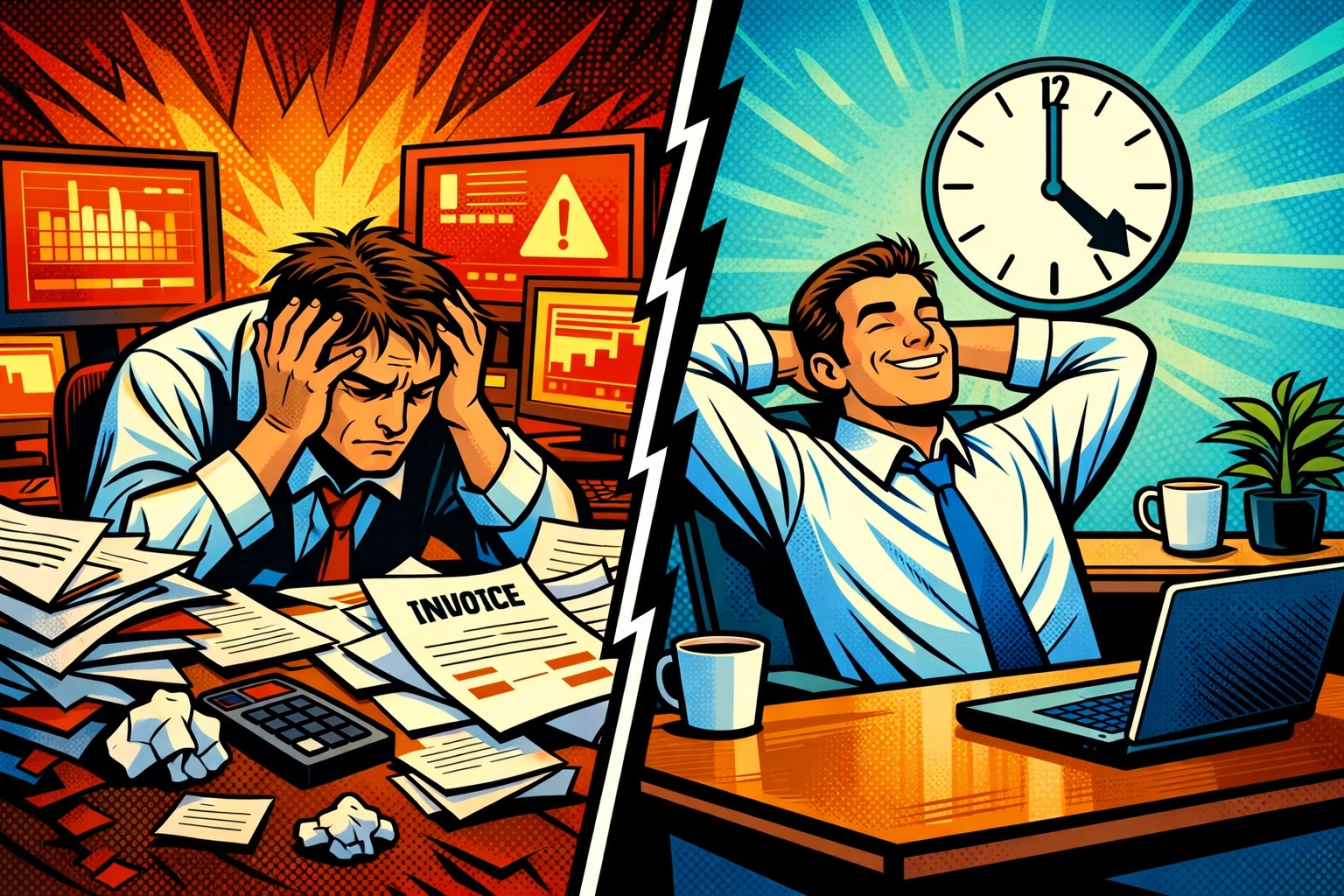
    Business owner before and after automation: stressed at chaotic desk versus relaxed at organized workspace

    Here's what business owners don't talk about enough: you could save 360 hours a year just by automating the routine stuff that's eating your Fridays alive.

    That's 45 workdays. Nearly two months of your life… back.

    For your team? Another 240 hours annually. That's 30 full workdays they could spend on actual meaningful work instead of digital paper-pushing.

    But it's not just about the hours. It's about what those hours feel like.

    FRIDAY WITH AI BUSINESS AUTOMATION

    ☀️ Friday, 9:00 AM

    You open your laptop with your coffee still hot.

    Your AI assistant already sent this week's invoices. Followed up with the three clients who hadn't responded. Organized your pipeline data into a clean dashboard you can actually read. Updated your team's project tracker.

    All before you took your first sip.

    The chaos is gone before you even start your day.

    You check the summary: everything that needed to happen… happened. Your workflow automation for small business handled the grunt work while you were sleeping, commuting, living your actual life.

    You have a thought you haven't had in months: What should I focus on today?

    Not "what fires do I need to put out." Not "what am I behind on."

    What do you actually want to work on?

    📊 Friday, 11:30 AM

    A potential client emails asking for a proposal. The old you would've spent 90 minutes customizing a document, double-checking pricing, formatting everything just right.

    Today? Your AI pulls together a personalized proposal in minutes. It knows your services. Your pricing tiers. Your previous similar projects. It even references the conversation you had with them last week because it was listening, learning, organizing.

    You review it. Make two small tweaks. Send it.

    Twelve minutes total.

    You lean back. You might actually take a real lunch today.

    Automated business dashboard showing workflow metrics and task completion for small business efficiency

    🤝 Friday, 2:00 PM

    Your phone buzzes. It's your partner: "Any chance you're free for an early dinner?"

    You look at your screen. Nothing urgent. Nothing screaming for attention.

    Your ai business automation is handling the weekly wrap-up tasks that used to consume your Friday afternoon. Client check-ins? Scheduled and sent. Data backup? Running. Next week's prep work? Already queued up.

    You type back: "Yeah. I'm leaving at 4:00."

    You haven't said that sentence on a Friday in two years.

    THE NUMBERS DON'T LIE

    When automation takes over the repetitive stuff, something shifts.

    80% of employees, your team included, report having more time to actually connect with customers. To take on interesting projects instead of just surviving the task list. To learn new skills instead of drowning in data entry.

    And here's the kicker: 88% report higher job satisfaction. Not because work got easier. Because work got more meaningful.

    They're not robots anymore. They're not glorified copy-paste machines.

    They're doing the work they were actually hired to do.

    You're doing the work you actually started this business to do.
    That's the difference.

    WHAT FRIDAY FREEDOM ACTUALLY LOOKS LIKE

    🌅 Friday, 4:15 PM

    You close your laptop.

    Not because you're abandoning ship. Not because you're sneaking out. Not because you'll "just finish this later at home."

    Because you're done.

    The work that matters is complete. The systems are running. Your business doesn't need you hovering over every little task because your AI team doesn't take weekends off.

    They'll keep organizing. Following up. Monitoring. Preparing for Monday.

    You? You get to be a human again.

    You meet your partner for that early dinner. You're actually present: not checking your phone every five minutes or mentally calculating what you still need to finish.

    Someone asks how work's going.

    You realize you're smiling when you answer.

    Business owner confidently leaving office at sunset after implementing workflow automation

    THE SHIFT YOU DIDN'T KNOW YOU NEEDED

    This isn't about working less. It's about working right.

    Before workflow automation for small business became this accessible, you had two choices: hire more people (expensive, complicated, time-consuming) or work yourself into the ground trying to do it all.

    Now there's a third option.

    Let AI handle the 80% of tasks that don't actually need your brain. The data entry. The scheduling. The follow-ups. The status updates. The report generation. The routine client communications.

    All those little things that individually take "just a few minutes" but collectively devour entire days of your week.

    Your AI team works 24/7. Never calls in sick. Never needs training on the same process twice. Never complains about the boring stuff.

    And you? You get to think again. Strategize. Build relationships. Solve actual problems. Maybe even remember why you started this business in the first place.

    THIS ISN'T FUTURE TECH. IT'S FRIDAY.

    The business owners who already made this shift aren't smarter than you.

    They aren't running bigger operations with massive budgets.

    They just decided they were done sacrificing their Fridays: and their lives: to administrative chaos that could be solved.

    They're the ones leaving at 4:00 PM today. The ones who'll actually enjoy their weekend instead of catching up on the work that buried them this week.

    The ones who realized that scaling their business doesn't mean scaling their stress.

    Want to see what your Friday could look like? Take a look at what's possible here. See how ai business automation actually works in real business scenarios: not some fantasy version where everything magically fixes itself, but the real, practical version where your Fridays stop feeling like punishment.

    Because here's what nobody tells you about running a business:

    The goal isn't to work harder. It's to build something that doesn't require you to choose between growth and life.

    You can have both.

    You just need to stop doing the work that shouldn't require you in the first place.

    It's Friday afternoon. What are you doing with yours?

  • Decaf Doesn’t Have to Suck: The Magic of the Swiss Water Process

    Decaf Doesn’t Have to Suck: The Magic of the Swiss Water Process

    Let's address the elephant in the room: decaf coffee has a terrible reputation.

    And honestly? For a long time, it deserved it. Cardboard water masquerading as coffee. The drink you ordered at 9 PM when you wanted the ritual without the 2 AM ceiling-staring session. The disappointing backup option.

    But here's the thing – that reputation is based on old methods and bad decaf. Modern decaffeination, particularly the Swiss Water Process, has completely changed the game. We're talking about decaf that actually tastes like… coffee. Proper coffee. The kind that makes you question whether they accidentally gave you the full-strength stuff.

    So if you've been avoiding decaf because you think it's destined to be rubbish, stick with us. We're about to blow your mind.

    Why Did Decaf Get So Bad in the First Place?

    The problem isn't decaffeination itself – it's how most coffee gets decaffeinated.

    Traditional methods use chemical solvents like methylene chloride or ethyl acetate to strip caffeine from green coffee beans. These chemicals are effective at removing caffeine, we'll give them that. But they're also really good at removing flavour compounds, oils, and basically everything that makes coffee taste like coffee.

    The result? Flat, one-dimensional brews that taste more like brown water than the complex, nuanced beverage we know and love.

    It's like trying to remove just the seeds from a strawberry and ending up with a pale, flavourless ghost of fruit. Technically it's still a strawberry, but would you want to eat it?

    Chemical solvents used in traditional coffee decaffeination methods

    Enter the Swiss Water Process

    This is where things get interesting.

    The Swiss Water Process is a completely chemical-free decaffeination method that uses only water, temperature, time, and some seriously clever science to remove 99.9% of caffeine while keeping the flavour intact.

    No solvents. No chemicals. Just pure H₂O doing what it does best.

    Developed in Switzerland (hence the name) and perfected in British Columbia, Canada, this method has been quietly revolutionizing decaf coffee for decades. The difference when you taste it? Honestly remarkable.

    How Does It Actually Work?

    Here's where we get a bit technical, but stay with us – it's genuinely fascinating.

    The magic ingredient is something called Green Coffee Extract, or GCE for short. Think of it as a flavour-saturated water solution that contains all of coffee's soluble compounds except caffeine. Basically, it's caffeine-free coffee water that's absolutely loaded with all the good stuff – the oils, the sugars, the flavour compounds that make each origin unique.

    When green coffee beans are soaked in this GCE, something clever happens. Because the GCE is already saturated with flavour compounds, those compounds have no reason to leave the beans – they're in equilibrium. But caffeine? Caffeine isn't in the GCE, so it migrates out of the beans through diffusion, seeking balance.

    It's selective extraction at its finest. The caffeine leaves. The flavour stays.

    The entire process takes about 8-10 hours and unfolds in four main stages:

    Preparation: Green beans are cleaned and pre-soaked to expand them to the perfect moisture level for decaffeination.

    Caffeine Migration: Beans are immersed in the GCE, where caffeine molecules naturally diffuse outward while flavour compounds remain locked inside the bean structure.

    Carbon Filtration: The now caffeine-saturated GCE is passed through activated carbon filters that specifically trap caffeine molecules while preserving all those precious flavour components. This refreshed GCE is then ready to use again for the next batch.

    Drying: Finally, the decaffeinated beans are carefully dried at low temperatures with custom airflow patterns tailored to each coffee's specific origin and characteristics.

    Swiss Water Process decaffeinating green coffee beans with pure water

    Why Does This Matter for Taste?

    Because the Swiss Water Process is so selective about what it removes, the coffee's original character stays intact.

    A bright, fruity Ethiopian decaf still tastes bright and fruity. A chocolatey Brazilian decaf still has those cocoa notes. A complex Colombian blend maintains its complexity.

    We've done blind tastings here at Limini where experienced coffee drinkers genuinely couldn't tell which was the decaf. Not because the regular coffee was bad, but because the decaf was genuinely that good.

    This is a complete game-changer for anyone who loves speciality coffee but needs to limit their caffeine intake. You're not sacrificing quality. You're not settling for second best. You're getting proper, delicious coffee that just happens to be 99.9% caffeine-free.

    Who Should Be Drinking Swiss Water Decaf?

    Honestly? More people than you'd think.

    Yes, the obvious candidates are those who are caffeine-sensitive or have medical reasons to limit intake. Pregnant folks. People with anxiety disorders that are aggravated by caffeine. Anyone who's discovered the hard way that espresso after 3 PM means no sleep before 2 AM.

    But there's a whole other category: coffee lovers who want to drink more coffee without turning into jittery, sleepless wrecks.

    You know that feeling when you've already had your morning coffee, but you'd really love an afternoon brew with your cake? Or when you're out for dinner and actually want to enjoy an after-meal espresso without writing off the entire night's sleep? That's where quality decaf becomes a revelation rather than a compromise.

    We've noticed more and more home brewers keeping both caffeinated and decaf beans on hand. Morning brew? Full strength. Afternoon flat white? Decaf. Evening experimenting with your new pour-over technique? Definitely decaf.

    It means you can enjoy the ritual, the flavour, and the experience of great coffee without the cumulative caffeine load.

    Afternoon decaf coffee with book on table - enjoying caffeine-free coffee

    What About Limini's Decaf?

    We're pretty proud of our decaf offerings, if we're honest.

    All our decaf coffees at Limini Coffee use the Swiss Water Process exclusively. We wouldn't have it any other way. When you're sourcing the quality of green coffee we work with – carefully selected, ethically sourced, speciality-grade beans – it would be criminal to strip them of their character with harsh chemical processes.

    Our decaf options change seasonally, just like our regular offerings, because we're always chasing the best beans available. But whether it's a decaf from Colombia, Ethiopia, or anywhere else, you can trust that it's been decaffeinated gently and thoughtfully.

    And because the Swiss Water Process leaves no chemical residue whatsoever, it's also completely organic-compliant. So if that's important to you, you're covered.

    The best part? When people try our decaf for the first time, the most common response is surprise. "Wait, this is decaf?" Exactly.

    Brewing Tips for Decaf

    Here's something worth knowing: decaf beans are slightly more soluble than their caffeinated counterparts.

    This means they extract a bit faster, which can lead to over-extraction and bitterness if you're using the exact same parameters as your regular coffee. The solution is simple – grind slightly coarser or shorten your brew time just a touch.

    For espresso, you might find you need to back off the grind setting by a notch or two. For pour-over, maybe reduce your total brew time by 15-20 seconds. For French press, well, French press is forgiving enough that you probably won't notice much difference.

    The key is to taste and adjust. Start with your regular recipe and tweak from there. Don't assume decaf needs radically different treatment – it doesn't. Just a gentle nudge in parameters.

    And please, for the love of coffee, don't store your decaf any differently than your regular beans. Airtight container, cool and dark location, used within a few weeks of roasting. Decaf deserves the same respect as your prized single-origin.

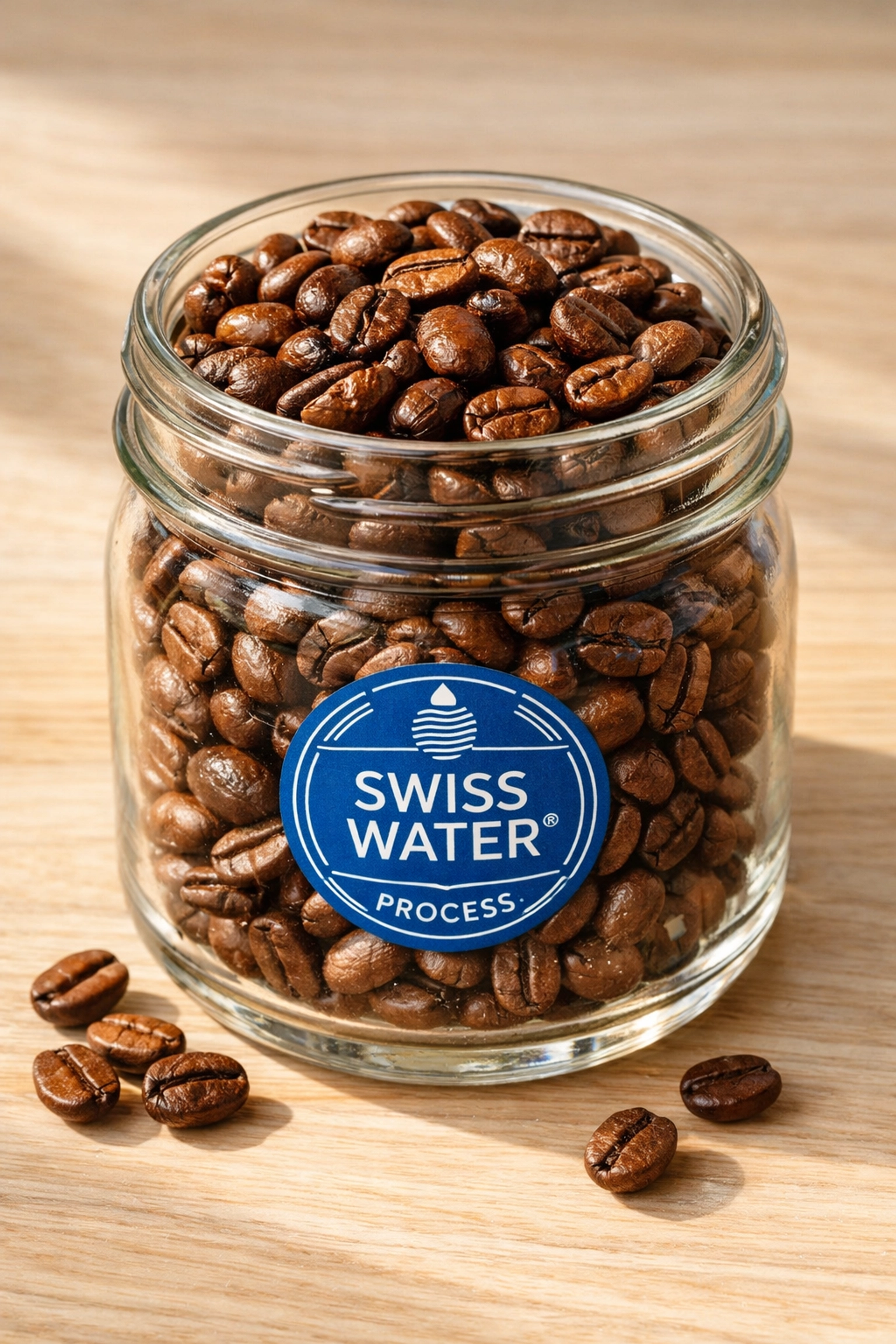
    Premium Swiss Water Process decaf coffee beans in glass jar

    The Bottom Line

    Decaf doesn't have to be disappointing. It really doesn't.

    When it's done right – when it's high-quality green coffee decaffeinated using the Swiss Water Process and roasted with care – it's just… coffee. Delicious, complex, satisfying coffee that happens to let you sleep at night.

    The old stigma is based on old methods and old expectations. We've moved on. The technology has improved. The quality has skyrocketed.

    So if you've been curious about decaf but hesitant to try it, or if you tried it years ago and were disappointed, give it another shot. Specifically, give Swiss Water Process decaf a shot. Pop over to Limini Coffee and grab a bag of our current decaf offering.

    Brew it properly, give it the same attention you'd give any speciality coffee, and taste for yourself.

    We reckon you'll be pleasantly surprised. And your sleep schedule will definitely thank you.

  • The 5-Minute Hotel Tech Audit: Is Your PMS Slowing You Down?

    Your hotel PMS should speed things up. Not slow them down.

    But here's the thing: most hoteliers don't realize their property management system is the bottleneck until they've lost hours of productivity: or worse, a guest. The average hotel staff member wastes 45 minutes per shift fighting their PMS. That's nearly 6 hours per week. Per employee.

    Time for a reality check. This quick audit takes five minutes and reveals whether your hotel PMS is helping or hurting your operation.

    The 5-Minute Test: Five Critical Checkpoints

    Grab a coffee and let's run through this together. Be brutally honest with your answers.

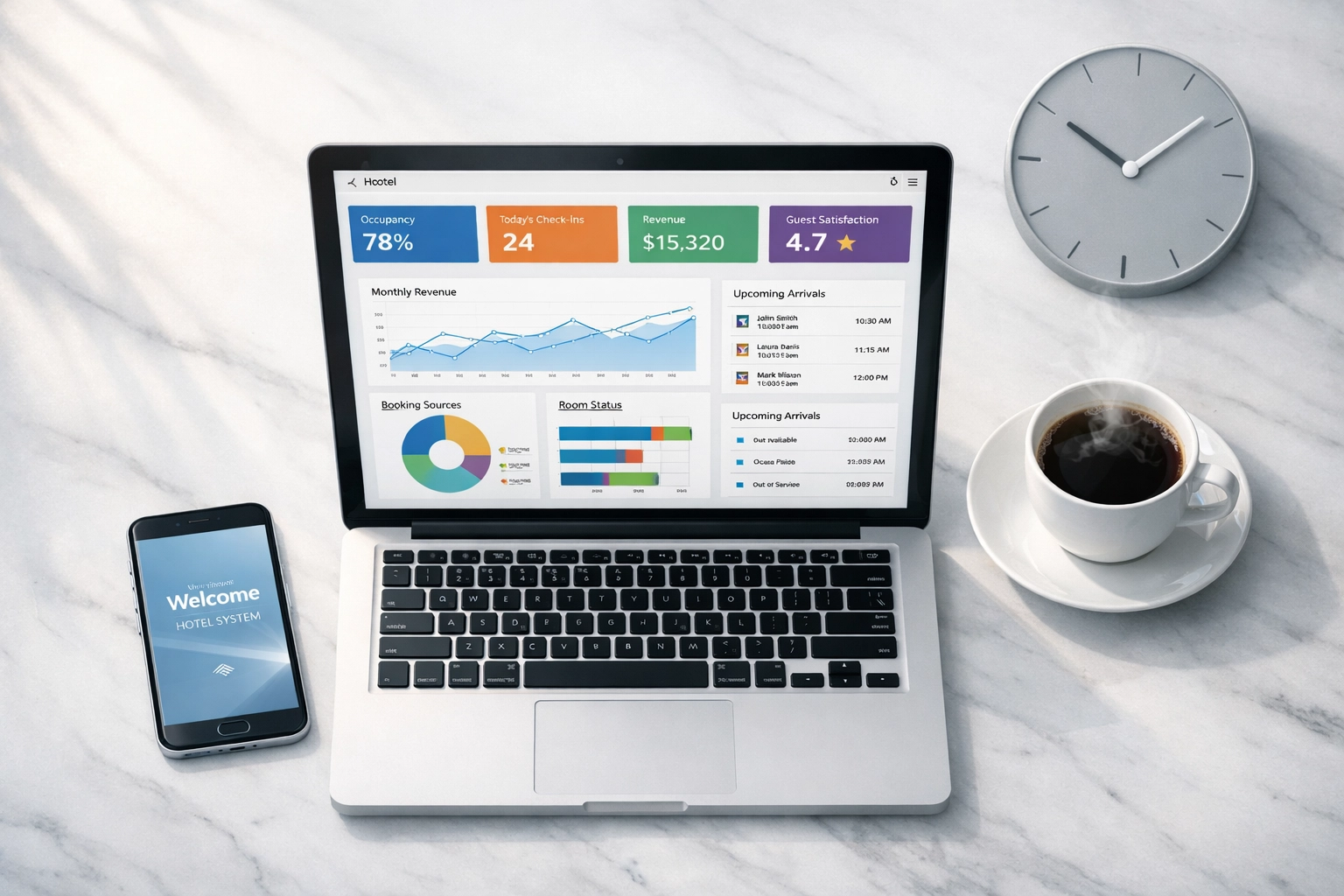
    Hotel PMS dashboard on laptop during morning tech audit with coffee and clock

    1. The Morning Startup Test (60 seconds)

    Open your PMS first thing tomorrow morning. Time how long it takes to:

    • Log in
    • Load the dashboard
    • Access today's arrivals

    Your benchmark: Under 2 minutes total. If you're waiting longer, your system is already costing you time before the day even starts. Cloud-native systems load instantly because they're not running on clunky on-premise servers.

    Red flag: If you're clicking refresh multiple times or hearing "the system is slow today" from your team, you've got a problem.

    2. The Integration Reality Check (90 seconds)

    Count how many separate platforms you log into daily:

    • Your hotel PMS
    • Booking engine
    • Channel manager
    • CRM system
    • Revenue management tool
    • Point of sale system

    Your benchmark: Ideally, everything talks to each other through seamless integrations or: better yet: lives in one unified platform. If you're manually entering the same guest information in multiple places, you're wasting time and creating opportunities for errors.

    Red flag: Your staff shouldn't need a spreadsheet to track where guest data lives. Disconnected systems create security gaps and operational chaos.

    3. The Mobile Functionality Test (60 seconds)

    Pull out your phone. Can you:

    • Check today's occupancy?
    • Update a reservation?
    • Check in a guest?
    • Access housekeeping status?

    Your benchmark: Full mobile access for critical functions. Your team shouldn't be chained to the front desk computer. Housekeepers, maintenance staff, and managers need real-time information on the go.

    Red flag: If the answer is "we have an app but nobody uses it," that's a sign your PMS wasn't built for modern workflows. Self-check-in kiosks and mobile check-in aren't nice-to-haves anymore: they're expectations.

    Hotel manager using smartphone for mobile PMS access in hotel lobby

    4. The API and Automation Assessment (90 seconds)

    Ask yourself:

    • Can your PMS integrate with new tools easily through an open API?
    • Are routine tasks automated (confirmation emails, pre-arrival messages, upsell offers)?
    • Does your system automatically update availability across all OTA channels?

    Your benchmark: Automation should handle repetitive tasks. Your channel manager should sync in real-time. Adding a new integration shouldn't require weeks of IT work or expensive consultants.

    Red flag: If you're still manually sending confirmation emails or updating rates on multiple platforms, your PMS is stuck in 2015.

    5. The Peak Performance Test (60 seconds)

    Think about your busiest times: check-in rush, high-season weekends, when multiple staff members need access simultaneously.

    Does your system:

    • Slow down or crash?
    • Lock you out?
    • Force you to wait for others to log off?

    Your benchmark: Zero performance degradation during peak hours. Cloud-based hotel PMS solutions scale automatically to handle demand spikes. You shouldn't even notice the difference between 10 guests checking in and 100.

    Red flag: "The system can't handle this" should never be a phrase your team uses during busy periods.

    The Verdict: How Did Your PMS Score?

    Passed all five tests? Congratulations. Your hotel tech stack is supporting your operation, not sabotaging it.

    Failed one or two? You've got specific pain points slowing you down. These are fixable, but they're costing you time and money every day.

    Failed three or more? Your PMS isn't just slowing you down: it's actively holding your property back. Time for a serious conversation about upgrading.

    Busy hotel front desk staff working during peak hours with modern PMS system

    What Outdated Hotel PMS Systems Actually Cost You

    Let's talk real numbers. A slow, disconnected PMS doesn't just waste time: it hits your bottom line hard.

    Lost productivity: 45 minutes per shift per employee adds up to roughly $15,000 annually for a small property with five staff members. Scale that up for larger operations.

    Booking abandonment: If your booking engine doesn't integrate seamlessly with your PMS, you're likely losing direct bookings to OTAs. Even a 5% commission difference on a property doing $2 million annually costs you $100,000.

    Guest experience failures: When your staff is fighting technology instead of focusing on guests, service suffers. Those negative reviews? They often trace back to operational failures caused by inadequate systems.

    Manual errors: Double bookings, missed upsell opportunities, incorrect charges: every manual data entry point creates risk.

    The Cloud-Native Advantage

    Here's what modern hoteliers need: a cloud-native, automation-first hotel management software that just works.

    Not "works most of the time." Not "works if you click here three times and sacrifice a chicken." Just works.

    Cloud-native means:

    • Instant access from anywhere
    • Automatic updates without downtime
    • Scalability that grows with your operation
    • Data security that's better than anything you could manage on-premise

    Automation-first means:

    • Your CRM triggers personalized guest communications automatically
    • Revenue management adjusts pricing based on real-time demand
    • Housekeeping updates sync across all departments instantly
    • Self-check-in kiosks reduce front desk bottlenecks

    Easy to use means:

    • New staff get up to speed in hours, not weeks
    • Intuitive interfaces that don't require a manual
    • Mobile functionality that actually works

    What to Do If Your PMS Failed the Audit

    First: don't panic. You're not alone. Thousands of properties are running on legacy systems that made sense ten years ago but can't handle modern hospitality demands.

    Second: start researching alternatives. Look for platforms that specifically address your pain points. If integration was your biggest failure point, prioritize systems with open APIs and proven partnerships with the tools you already use.

    Third: calculate the real cost of your current system. Add up:

    • Lost staff productivity
    • Manual workarounds
    • Missed revenue opportunities
    • Guest experience failures

    Compare that to the investment in a modern platform. The ROI usually becomes obvious pretty quickly.

    Calculating hotel PMS ROI with financial documents and performance charts

    A Platform Built for Modern Hospitality

    We believe hotel technology should empower your team, not frustrate them. That's why Mews was built cloud-native from day one: no legacy code, no clunky workarounds, no compromises.

    12,500+ properties run on Mews because it delivers what traditional hotel PMS systems can't:

    • Lightning-fast performance that never slows down, even during peak seasons
    • Seamless integrations with 750+ partners through open APIs
    • True mobile functionality for staff and guests: check-ins, housekeeping updates, revenue management, all in your pocket
    • Automation at the core handling everything from guest communications to revenue optimization

    "We got five hours per week back just from eliminating double data entry," says Marcus, Front Office Manager at a boutique property in Edinburgh. "And our guests love the self-check-in kiosks. No queues, no hassle."

    The platform includes:

    • Unified PMS and booking engine
    • Integrated channel manager syncing with all major OTAs
    • Built-in CRM for personalized guest experiences
    • Payment processing and accounting
    • Housekeeping and maintenance management
    • Revenue management tools

    All from one intuitive, cloud-native platform.

    Take the Next Step

    If your PMS failed the audit, you know what needs to happen. The question isn't whether to upgrade: it's when.

    Every day you wait is another day of lost productivity, frustrated staff, and suboptimal guest experiences.

    See what Mews can do for your property. Schedule a 30-minute demo and bring your biggest pain points. We'll show you exactly how a modern, cloud-native platform solves them: and we'll get you earning revenue in no time.

    Your hotel deserves technology that keeps pace with your ambitions. Time to stop settling for systems that slow you down.

  • 7 Mistakes You’re Making with AI Business Automation (and How to Fix Them)

    7 Mistakes You’re Making with AI Business Automation (and How to Fix Them)

    You finally took the plunge.

    You signed up for that AI tool everyone's raving about. You automated a few things. You felt productive for… about three days.

    Then the wheels fell off.

    Your automated emails sound like robots wrote them (because they did). Your workflow's more tangled than before. And you're spending more time babysitting your "automation" than you ever did doing the work manually.

    Here's the thing , you're not alone. Most small business owners make the same seven mistakes when diving into AI business automation. The good news? They're all fixable.

    Mistake #1: Treating All AI Tools Like They're the Same 🤖

    You're using ChatGPT for everything. Customer emails. Social posts. Market research. Strategic planning.

    It's like using a Swiss Army knife to build a house. Sure, it has a saw… but you wouldn't choose it over an actual power tool.

    The fix: Match your tools to your tasks. Generic AI platforms are brilliant for brainstorming and quick drafts. But for business-critical processes? You need specialized business automation tools built for your specific workflow.

    Think about it , you wouldn't use the same tool to manage your finances as you do to write blog posts. Your AI stack shouldn't be one-size-fits-all either.

    Swiss Army knife struggling with wrong tools showing why specialized AI business automation tools matter

    Mistake #2: Automating Because You Can, Not Because You Should

    Here's a confession: just because you can automate something doesn't mean you should.

    You've automated your social media scheduling. Great. You've automated your email responses. Brilliant. You've automated… wait, why are you automating thank-you notes to your biggest clients?

    Some things need the human touch.

    The fix: Before automating anything, ask yourself three questions:

    • Does this task eat up significant time?
    • Will automation actually improve the outcome?
    • Am I removing the human element that makes my business special?

    Focus on automating the bottlenecks , the repetitive tasks that keep you from doing the work only you can do. Leave the relationship-building moments untouched.
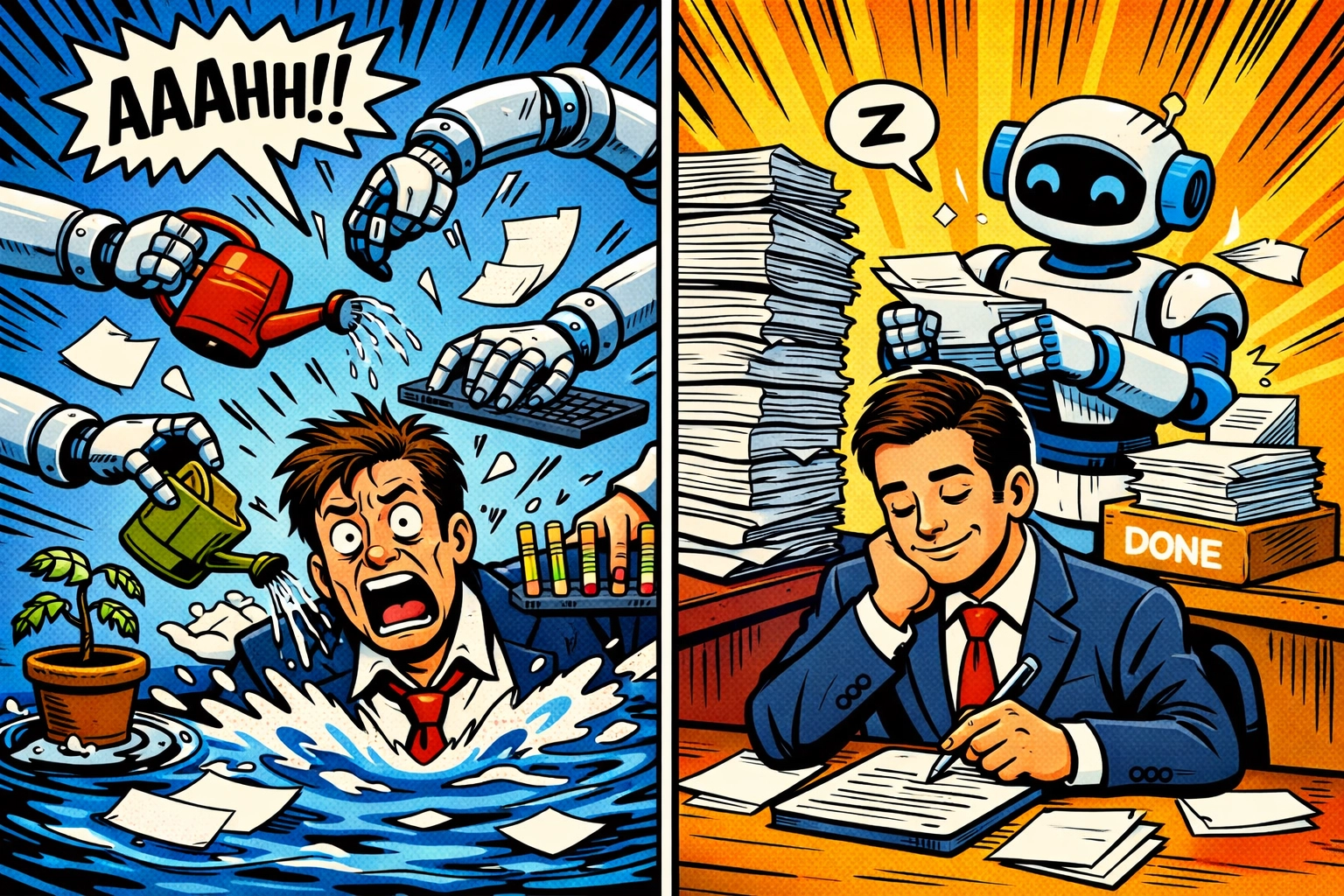
    Mistake #3: Setting It and Forgetting It 😴

    You set up your automation and walked away.

    Two weeks later, your AI has been sending follow-up emails to people who already bought. Your chatbot's giving outdated pricing. Your content calendar's promoting a product you discontinued.

    Automation without oversight is just chaos with better scheduling.

    The fix: Build review checkpoints into every automated process. Before anything goes out the door , an email, a social post, a client proposal , have a human pair of eyes on it.

    Your AI is smart. But it doesn't know that you changed your pricing last Tuesday or that your biggest competitor just launched something similar. You do.
    Think of AI as your incredibly efficient intern. You trust them with tasks… but you're still checking their work before it hits send.

    Business owner overwhelmed by unfocused AI automation versus strategic focused automation with oversight

    Mistake #4: Letting Your Brand Voice Die a Robotic Death

    Your emails used to sound like you. Warm. Witty. Personal.

    Now they sound like every other automated business message clogging up inboxes. "We hope this message finds you well." "Please don't hesitate to reach out." "Thank you for your continued support."

    Your customers can smell AI-generated content from a mile away. And it's killing your authenticity.

    The fix: Train your AI on your actual voice. Feed it your best emails. Your top-performing social posts. The blog articles that got people talking.

    Then : and this is crucial : edit everything. Add your personality back in. Throw in that joke. Use that specific phrase your customers associate with you. Make it sound like a human who actually cares wrote it.

    Because one did. You're just using AI to speed up the first draft.

    Mistake #5: Throwing People Into the Deep End Without Swimming Lessons

    You implemented a new AI system for your team. It's going to change everything. Save hours. Transform workflows.

    You sent one email about it.

    Now half your team is still doing things the old way because they don't understand the new system. The other half is frustrated because they can't figure out how it works. And you're wondering why your expensive AI investment isn't paying off.

    The fix: Onboarding isn't optional. Whether it's you learning a new tool or your team adopting one, you need clear training, simple documentation, and ongoing support.

    Start small. Show quick wins. Make the interface intuitive. Answer the same questions seventeen times if you need to.
    The best business automation tools in the world won't help you if nobody knows how to use them properly.

    Human hand reviewing and correcting AI-generated content showing importance of oversight in business automation

    Mistake #6: Trying to Automate Everything Overnight 🌙

    Last Monday, you were doing everything manually. This Monday, you want 100% automation.

    You're attempting to rebuild Rome in a day.

    Your systems aren't ready. Your team isn't trained. You haven't tested anything. And now everything's broken and you're frantically trying to roll back changes while emails pile up.

    The fix: Start with one process. Perfect it. Then move to the next.

    Maybe you automate lead qualification first. Get that humming smoothly. Then tackle email follow-ups. Then social media scheduling. Then customer onboarding.

    Each successful automation builds your confidence and your team's skills. You learn what works in your specific business. You develop the judgment to know when AI's nailing it and when it's hallucinating nonsense.

    Slow is smooth. Smooth is fast.

    Mistake #7: Winging It Without a Strategy

    You saw a cool AI tool. You signed up. You started using it for… whatever came to mind.

    No plan. No clear objectives. No way to measure if it's actually helping.

    You're essentially throwing AI at your problems and hoping something sticks.

    The fix: Build a strategic roadmap before you implement anything. Define what success looks like. Identify your biggest time-drains and revenue opportunities. Choose tools that solve specific problems.

    Ask yourself:

    • What am I trying to achieve with AI business automation?
    • Which processes will deliver the biggest ROI if automated?
    • How will I measure success?
    • What safeguards do I need to protect quality and brand voice?

    A strategic approach means you're not just collecting AI tools : you're building a system that actually works for your business.

    Side-by-side comparison of robotic AI content versus personalized brand voice in automated business emails

    The Real Secret to AI Automation Success

    Here's what nobody tells you about ai business automation: the tools aren't the hard part.

    The hard part is knowing your business well enough to automate the right things, in the right way, at the right time.

    The best automation strategy combines AI efficiency with human judgment. It saves you time on the repetitive stuff so you can focus on the work that actually requires your brain, your creativity, your personal touch.

    When you get it right? You're not working less : you're working on what matters.

    Your AI handles the routine. You handle the relationships. Your AI manages the logistics. You manage the strategy. Your AI creates the first draft. You add the magic that makes it yours.

    That's when AI business automation stops feeling like a tech headache and starts feeling like the unfair advantage it should be.

    Ready to see how strategic automation actually works? Check out what's possible when you get it right : without the trial-and-error headaches.

    Because the biggest mistake of all? Waiting to automate properly while your competitors figure it out first.