Category: Category 1

Use this description to tell users what kind of blog posts they can find in this category.

  • 7 Mistakes You’re Making with Your Hotel PMS (and How to Fix Them)

    Your hotel PMS should make life easier. Not harder.

    But here's the thing: even the best hotel pms becomes useless if you're not using it right. And most hoteliers? They're making the same seven mistakes over and over again, leaving money on the table and making their staff's lives unnecessarily complicated.

    Let's fix that.

    1. You Rushed Through Setup (And Never Looked Back)

    The mistake: You got your PMS up and running during onboarding, checked a few boxes, and called it done. Now your system is generating wonky rate recommendations, your pricing looks off, and nobody knows why.

    Why it matters: An improperly configured PMS is like a GPS with the wrong starting address. It'll get you somewhere, but probably not where you want to go.

    The fix: Treat configuration as an ongoing conversation with your system, not a one-time task. Set up minimum rates, maximum rates, competitor weights, and restrictions properly during onboarding. Then: and this is crucial: keep revisiting these settings as your business evolves.

    Your property changes. Demand shifts. Competitors adjust. Your PMS should reflect that reality.
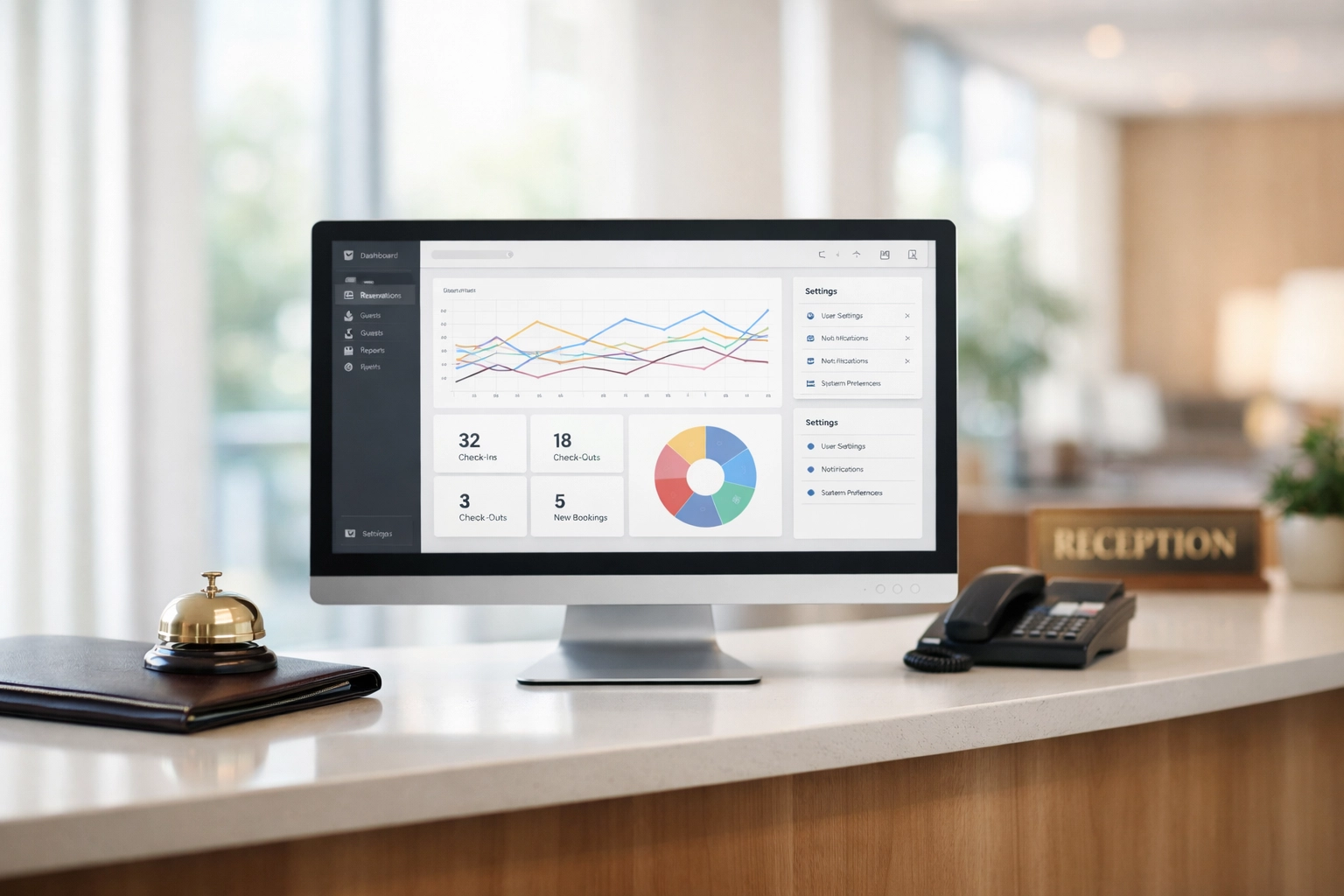
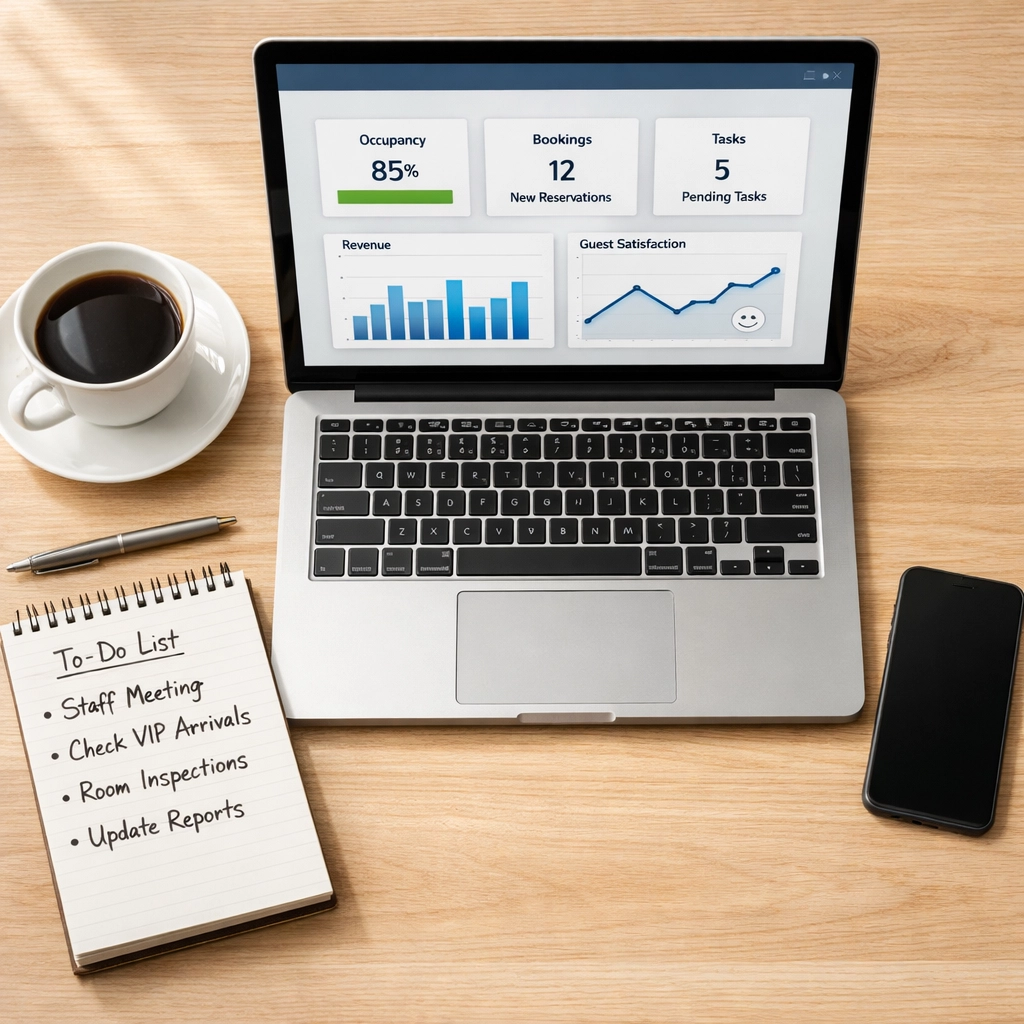
    Hotel PMS dashboard showing configuration settings and performance graphs at reception desk

    2. Your Room Types Are a Mess

    The mistake: Room names don't match across your channel manager, your booking engine, and your PMS. One system calls it "Deluxe Double," another says "Superior King," and your OTA shows "Executive Suite." The result? Pricing chaos, availability nightmares, and automation that just… doesn't work.

    Why it matters: Room types and rate plans are the foundation of your entire tech stack. When they're inconsistent, everything built on top of them crumbles.

    The fix: Standardize. Right now. Map your room types consistently across every platform. Use the same naming conventions, the same rate codes, the same policies everywhere.

    Once everything's aligned, your system can actually automate like it's supposed to: updating prices, syncing availability, and preventing overbookings without you lifting a finger.

    3. You're Ignoring Your Distribution Channels

    The mistake: You set up your channels six months ago and haven't touched them since. Length-of-stay restrictions? Still from last summer. Availability logic? Completely out of sync with demand. Meanwhile, you're hemorrhaging revenue to unnecessary OTA commissions.

    Why it matters: A "set and forget" approach to channel management is like putting your revenue strategy on autopilot and then throwing away the steering wheel.

    The fix: Actively manage your channels. Adjust length-of-stay restrictions based on current demand. Open or close channels dynamically depending on booking patterns. Apply smart restrictions to push bookings toward lower-commission channels when demand is there.

    This isn't busywork: it's revenue management. And it makes a real difference in your bottom line.
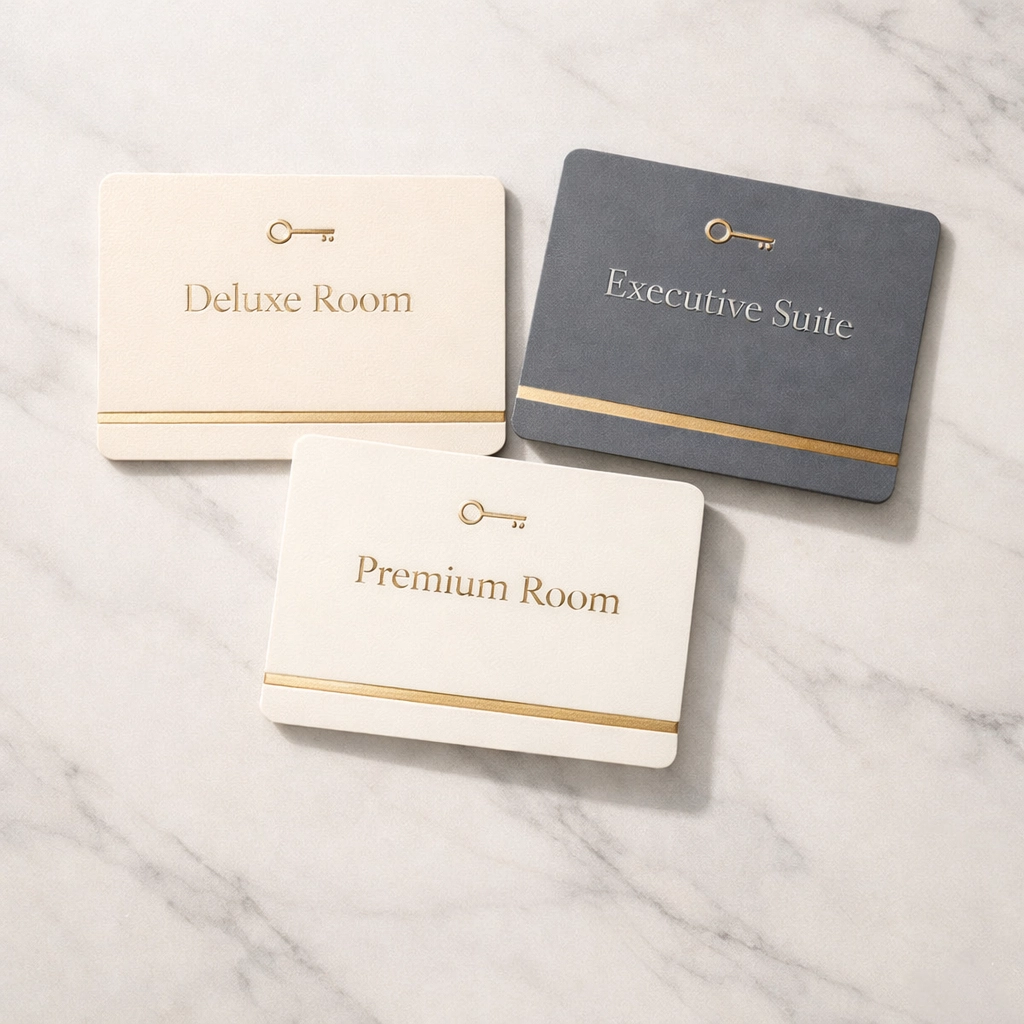
    Hotel room key cards displaying different room types for PMS organization

    4. You Have No Idea What's Happening Right Now

    The mistake: Your availability isn't synchronized in real-time across platforms. Your pricing updates take hours to propagate. You only discover overbookings when a guest shows up and there's no room available.

    Why it matters: Without real-time visibility, you're always reacting to problems instead of preventing them. You're fighting fires instead of running a hotel.

    The fix: Switch to a cloud-native PMS with instant synchronization. When a room is booked on one channel, it should be blocked everywhere else immediately. When you adjust a rate, it should update across all platforms in seconds, not hours.

    Real-time data means you can adjust to demand shifts before your competitors even notice them. That's the difference between chasing occupancy and optimizing revenue.

    Modern systems like Mews handle this automatically: no manual intervention, no delays, no headaches.

    5. You're Flying Blind on Data

    The mistake: You have reports. Somewhere. But you never look at them. Decisions get made based on gut feeling, past habits, or whatever the last person to email you said.

    Why it matters: Data isn't just numbers on a screen: it's the story of your revenue performance. When you ignore it, you miss patterns. You keep prices too low during peak periods. You rely on expensive channels when cheaper alternatives convert just as well.

    The fix: Build reporting into your weekly routine. Set up dashboards tracking pickup rates, channel performance, occupancy trends, and revenue metrics. Then actually review them.

    Ask yourself:

    • Which channels bring the most profitable bookings?
    • Are prices optimized for current demand?
    • Which rate plans convert best?
    • Where are we leaving money on the table?

    Data-driven decisions beat gut feelings every single time.
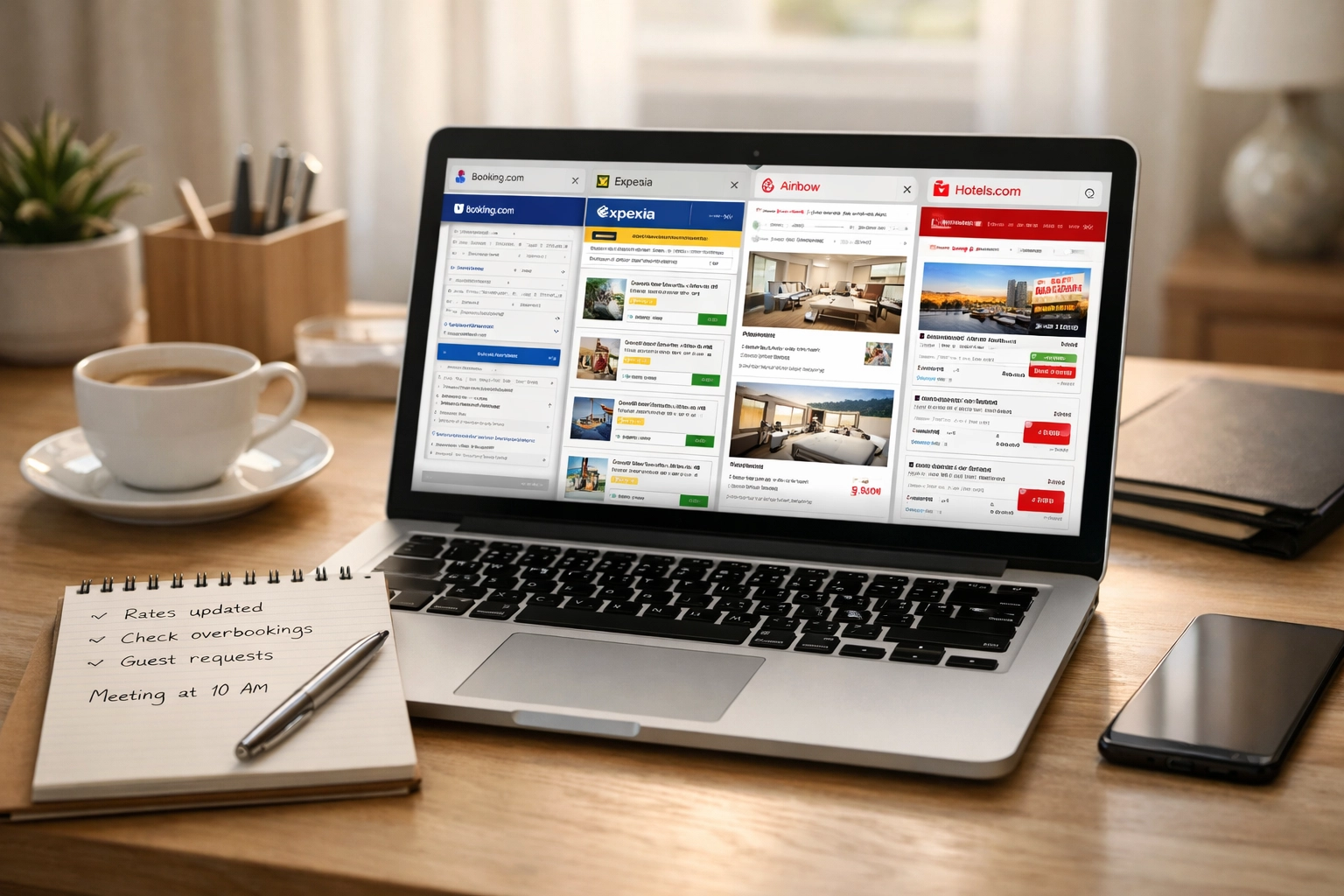
    Hotel manager reviewing OTA bookings and channel performance data on laptop

    6. Guest Feedback Goes Into a Black Hole

    The mistake: Reviews come in. Surveys get completed. Guests send messages highlighting issues. And then… nothing happens. The same problems repeat. The same complaints surface. Nobody connects the dots.

    Why it matters: Your guests are literally telling you where your operations are breaking down. Ignoring that feedback doesn't make the problems disappear: it just ensures they'll keep happening.

    The fix: Make guest feedback review a non-negotiable part of your operations. Look for patterns. If five guests mention confusing check-in instructions, fix the instructions. If cancellation policies cause friction, clarify them everywhere.

    Use your CRM to track these issues systematically. Modern systems can flag recurring complaints and help you address root causes before they become reputation problems.

    7. You're Thinking Short-Term (And Skipping Training)

    The mistake: You chose your PMS to solve one immediate problem without thinking about future growth. You trained staff during onboarding and never again. You ignore software updates because "everything works fine."

    Why it matters: Hotels grow. Needs evolve. Technology improves. A system that can't scale with you becomes a limitation, not a solution.

    The fix: Choose software that supports where you're going, not just where you are. Pick a platform that handles multi-property management, integrates with new tech, and actually improves over time.

    Then commit to ongoing training. When your PMS releases new automation features, make sure your team knows about them. When workflows could be streamlined, take the time to implement those changes.

    Cloud-native systems get better automatically with regular updates: but only if you're paying attention.
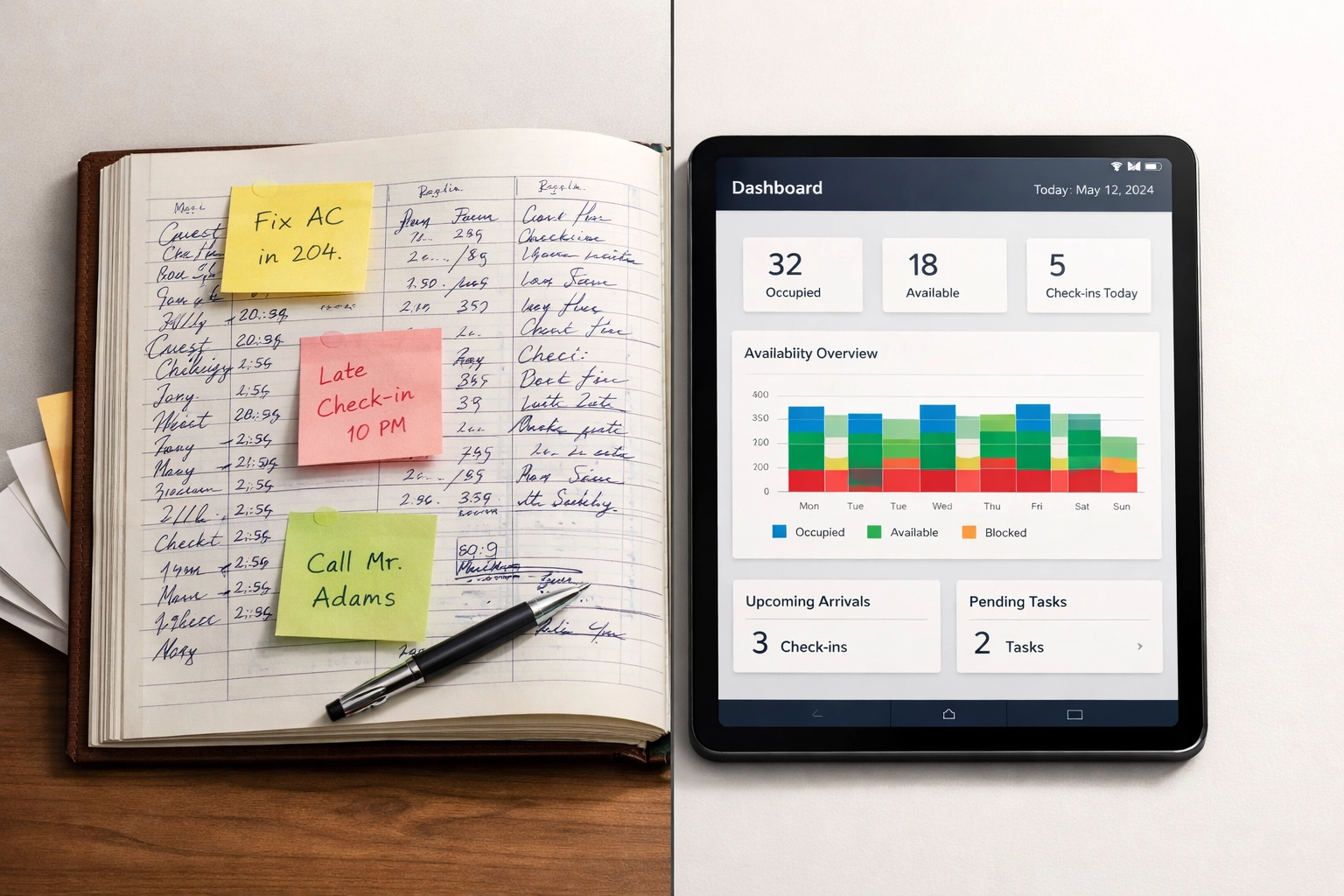
    Comparison of traditional hotel logbook versus modern cloud-based PMS dashboard

    The Integration Bonus Problem

    Here's an eighth mistake that deserves a mention: running a frankenstack of disconnected tools.

    Your PMS doesn't talk to your booking engine. Your channel manager operates in its own universe. Your self-check-in kiosks require manual data entry. Every system is an island.

    This creates manual work, data discrepancies, and missed opportunities. Modern hospitality tech should integrate seamlessly: OTAs, guest messaging platforms, revenue management tools, payment processors, everything.

    When systems communicate automatically, your staff can focus on guests instead of spreadsheets.

    Making It Right

    Look, fixing these mistakes isn't about becoming a tech expert. It's about treating your PMS like what it actually is: the operating system for your entire property.

    Configure it properly. Keep it updated. Train your team. Use the data. Pay attention to what guests are telling you.

    Do these things consistently, and your PMS transforms from a necessary evil into a genuine competitive advantage.

    Because at the end of the day? Technology should make hospitality easier, not harder. It should give you time back, not steal it away. It should help you deliver better guest experiences while running a more profitable operation.

    That's what hospitality tech is supposed to do. If yours isn't doing that, it might be time for a change.

    Want to see what a properly implemented, cloud-native PMS can do for your property? Check out Mews and discover what automation-first hospitality technology actually looks like.
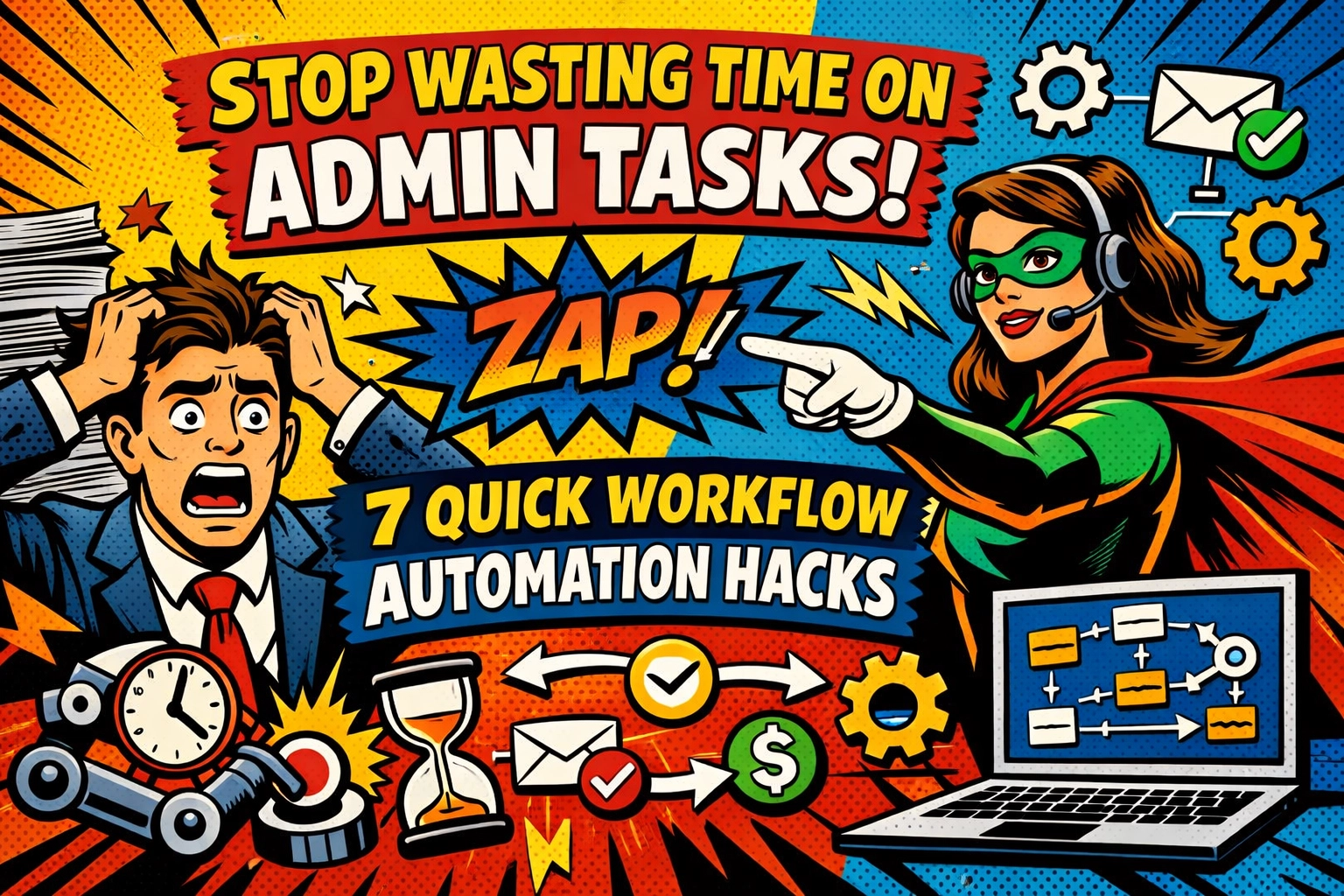

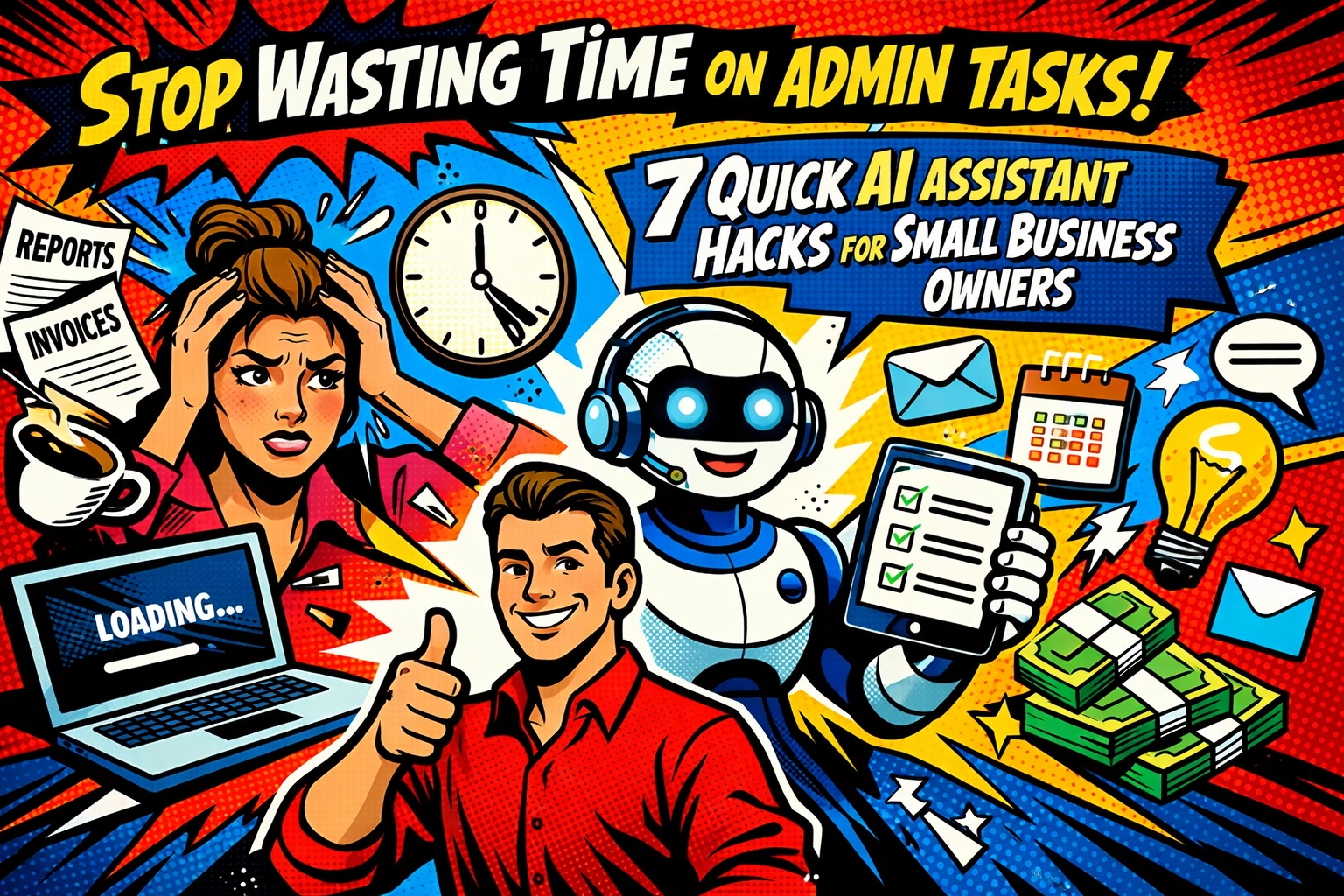
  • Stop Wasting Time on Admin Tasks: 7 Quick Workflow Automation Hacks

    Stop Wasting Time on Admin Tasks: 7 Quick Workflow Automation Hacks

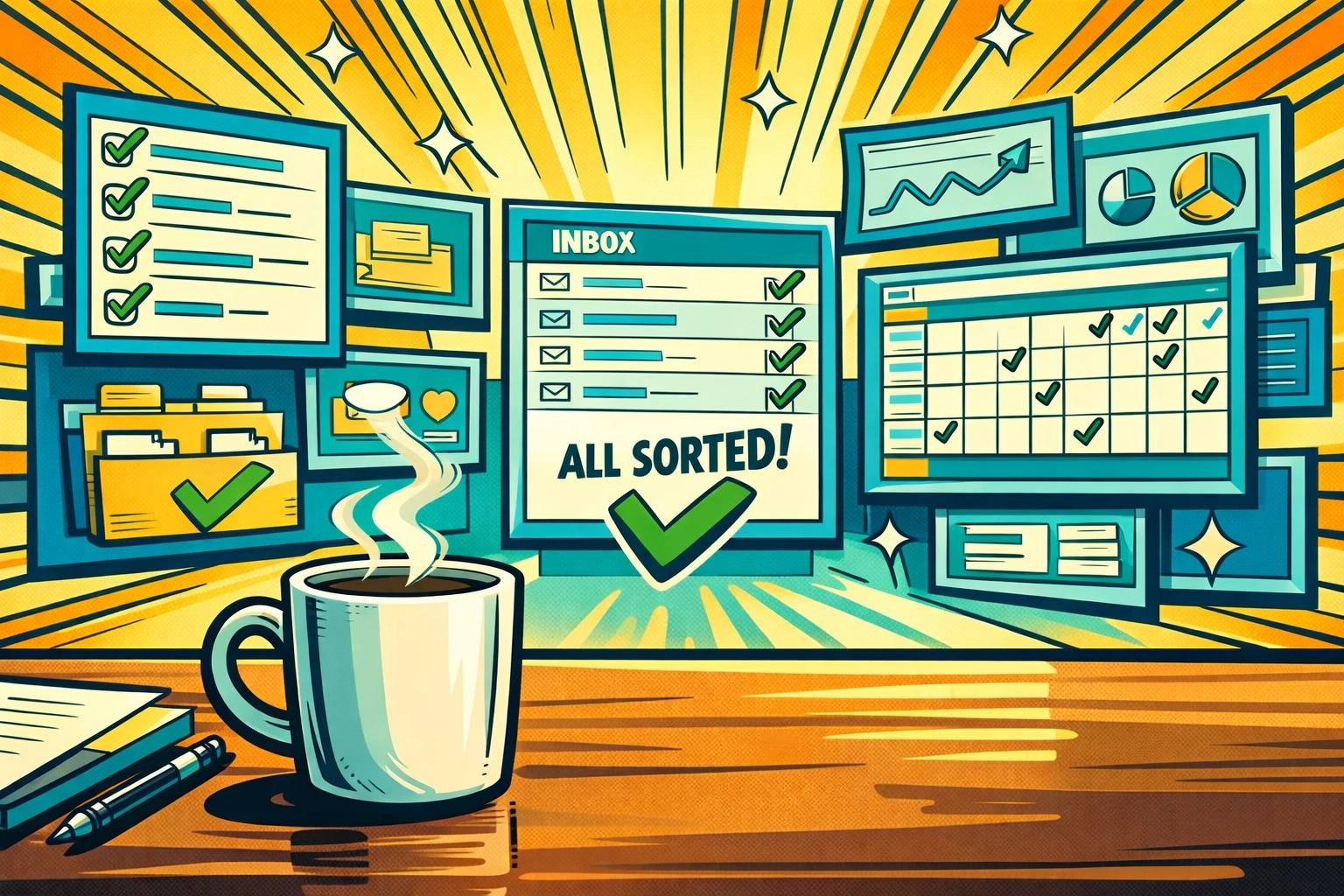
    You start your morning with the best intentions.

    Coffee's hot. Inbox is open. You've got a plan to finally tackle that project you've been putting off for two weeks.

    Then it hits.

    An employee can't remember their password. Again. Another one needs Thursday off but you're not sure if that conflicts with someone else's vacation. A client invoice should've gone out yesterday. Your support inbox is a warzone of tickets that need sorting. And it's only 8:47 AM.

    The "real work" you planned? It's already drowning under admin quicksand.

    Here's the thing: you didn't start your business to become a human task router. But somehow, that's exactly what happened.

    Let's fix that.

    THE ADMIN TAX YOU'RE PAYING (AND DIDN'KNOW ABOUT)

    Every time you manually reset a password, approve a time-off request, or sort through support tickets, you're paying an invisible tax. Not in dollars , in hours.

    Those "quick" 5-minute tasks? They're not 5 minutes.

    There's the context switching. The mental load of remembering who's off when. The decision fatigue of figuring out which team member should handle which ticket. The follow-ups. The checking back later.

    That 5-minute task just became 20 minutes of fragmented focus.

    And you're doing it 15 times a day.

    But here's what most small business owners don't realize: nearly every repetitive admin task you're doing manually can be automated in minutes. Not someday. Not after you hire more staff. Right now.

    HACK #1: SET IT AND FORGET IT , AUTOMATED PASSWORD RESETS

    Overwhelmed business owner surrounded by password reset requests and IT helpdesk tickets

    Your IT helpdesk (which is probably just… you) handles the same request 10 times a week: "I forgot my password."

    Each reset takes what , 5 minutes? That's 50 minutes a week. Over 40 hours a year. Doing password resets.

    The automation: Set up self-service password reset workflows that let employees handle it themselves through verified email or SMS codes. Zero tickets. Zero interruptions.

    You just gave yourself a week back. Every year.

    HACK #2: STOP PLAYING CALENDAR TETRIS , AUTOMATED SCHEDULING

    Here's how employee scheduling works right now:

    Sarah emails asking for Friday off. You check your mental calendar. Wait , is Mark already off that day? You open the spreadsheet. Scroll. Calculate coverage. Reply. Update the sheet. Slack the team.

    Fifteen minutes gone.

    Now multiply that by every schedule request, shift swap, and time-off approval you handle monthly.

    The automation: Deploy scheduling forms that auto-populate based on availability, track days off, calculate hours worked, and flag coverage conflicts before they happen.

    Requests come in. System checks policies. Approves or flags. Updates everyone.

    You just became a spectator to your own scheduling process. And it feels wonderful.

    HACK #3: KILL TIMESHEET CHAOS , AUTOMATED TIME TRACKING

    Manual timesheets are where good intentions go to die.

    Employees forget to log hours. You chase them down. They estimate. You calculate totals. Someone worked overtime but you didn't catch it until payroll. Now you're doing damage control.

    The automation: Replace manual entry with systems that auto-calculate weekly hours, track overtime, and flag discrepancies based on employee clock-ins.

    No more "I think I worked 42 hours?" guessing games. No more spreadsheet archaeology at month-end.

    Just clean data. Automatically.

    Before and after comparison of manual scheduling chaos versus automated workflow organization

    HACK #4: ROUTE SUPPORT TICKETS LIKE A TRAFFIC COP , WITHOUT BEING ONE

    Your support inbox is a mixed bag: billing questions, technical issues, feature requests, complaints, and the occasional "just wanted to say hi."

    Right now, you're the sorting hat. Every morning, you triage tickets, assign them to team members, and hope nothing falls through the cracks.

    The automation: AI-powered ticket categorization instantly sorts incoming requests by type, priority, and department : then routes them to the right person with automatic Slack or email notifications.

    Technical issue? Goes to your developer. Billing question? Finance team gets pinged. Complaint? Your customer success person is notified before you even know it came in.

    The system doesn't forget. Doesn't miss patterns. Doesn't need coffee.

    This is how you automate customer support with ai without losing the human touch. Because your team isn't wasting time sorting : they're spending time solving.

    HACK #5: INVOICE LIKE YOU MEAN IT : AUTOMATED BILLING WORKFLOWS

    You finish a project. Great.

    Now you need to create the invoice. Send it. Log it. Set a reminder to follow up. Check back in two weeks. Send a gentle nudge. Check again.

    That invoice? It's taking up mental real estate for weeks.

    The automation: Set up workflows that generate invoices automatically based on project completion or billing schedules, send them to clients, track payment status, and trigger follow-up reminders for overdue accounts.

    Your invoices go out on time. Every time. Clients get automatic reminders before you even think about it. Overdue invoices get flagged for your review.

    You're not chasing payments anymore. The system is.

    AI-powered support ticket routing system automatically sorting customer requests to departments

    HACK #6: ONBOARD NEW HIRES WHILE YOU SLEEP

    New employee starts Monday. You've got their welcome email drafted. Their software access needs setting up. Training materials need sending. First-day schedule needs coordinating.

    You're spending Sunday night making sure you didn't forget anything.

    The automation: Deploy onboarding workflows that trigger automatically when a new hire is added to your system : sending welcome emails, collecting documents, assigning training modules, and scheduling check-ins without you lifting a finger.

    They get everything they need. On time. In order. With nothing falling through the cracks.

    You're not micromanaging their first week. The workflow is.

    HACK #7: APPROVE LEAVE REQUESTS BY NOT APPROVING THEM (MANUALLY)

    Time-off requests shouldn't require a committee meeting.

    But right now, each request means checking policies, verifying balances, considering team coverage, and manually approving or denying.

    The automation: Build leave management workflows that automatically route requests through company policy checks : flagging issues like insufficient PTO balance or coverage conflicts : and auto-approve simple requests that meet all criteria.

    Standard requests that check all the boxes? Approved instantly. Edge cases that need human judgment? Routed to you with all the context already gathered.

    You're not a bottleneck anymore. You're a reviewer for the exceptions.

    THE REAL WIN ISN'T SAVING TIME : IT'S RECLAIMING FOCUS

    Here's what happens when you automate these seven workflows:

    Your mornings don't start with admin firefighting. Support tickets route themselves. Invoices go out on schedule. Employees get what they need without waiting on you.

    And suddenly… you've got headspace.

    Not just calendar time. Mental bandwidth.

    The kind of focus you need to actually grow your business instead of just running it.

    That's what an ai virtual assistant for business actually does. Not replace humans : free them. From the repetitive tasks that don't need human judgment but keep demanding human time.

    Business owner resting while AI virtual assistant handles automated invoice processing overnight

    YOUR NEXT MOVE

    You don't need to automate everything at once.

    Pick one workflow. The one that's driving you most crazy right now. The password resets. The scheduling chaos. The support ticket sorting.

    Start there.

    Most automation tools let you set up basic workflows in under 10 minutes. No coding. No complicated integrations. Just connect the dots between "when this happens" and "do this automatically."

    And if you want to see how small businesses are using AI to handle customer support, admin tasks, and workflow automation without adding headcount : check this out.

    Because here's the truth most business owners figure out too late:

    Every hour you spend on repetitive admin tasks is an hour you're not spending on strategy, growth, or building something that actually moves the needle.

    You can keep juggling. Keep being the bottleneck. Keep telling yourself you'll "get to it later."

    Or you can let the robots handle the boring stuff.

    Your move. ☕

  • Why Your Next ‘Employee’ Should Be an AI: The Marblism Advantage

    Why Your Next ‘Employee’ Should Be an AI: The Marblism Advantage

    You've been staring at that job posting for three weeks now.

    Virtual assistant. Part-time. $15-20/hour. Must be available for at least 20 hours weekly. Experience with email management, social media, light copywriting…

    The applications keep rolling in. You've interviewed four candidates. Two were promising until you realized the time zone math, one's in the Philippines (12-hour difference), the other in Argentina (4 hours behind). Your morning is their midnight. Your urgent Friday task becomes their "I'll get to it Monday morning."

    And that's before you factor in training time. Onboarding documents. Screen recordings. Slack conversations explaining your brand voice. Again. And again.

    There's a better way. And it doesn't require another Zoom interview.

    THE VA PROBLEM NOBODY TALKS ABOUT

    Chaos of managing virtual assistants across time zones vs organized AI automation

    Let's get real about virtual assistants for a second.

    They're affordable. They're talented. They're hardworking. But they're also… human. Which means:

    Time zones become your new enemy. You need a social post scheduled for 7 AM EST, but your VA logs off at 4 PM their time. So you're either staying up late to brief them or waking up to "Sorry, didn't see this until now."

    Training never really ends. Your brand voice evolves. Your messaging shifts. A new product launches. Every change means another training session, another document, another "Can you update the templates?" request.

    Sick days happen. Family emergencies happen. Vacations happen. And suddenly you're back to doing everything yourself because continuity is a luxury.

    Scope creep is real. You hired them for email management. Now they're also doing customer support, social media, light bookkeeping… and you're paying hourly for all of it. The invoice climbs quietly every month.

    Here's the uncomfortable truth: the cost of a low-cost VA isn't actually that low when you factor in management time, inconsistent availability, and the mental overhead of being someone's boss.

    MEET YOUR AI VIRTUAL ASSISTANT FOR BUSINESS

    What if you had an employee who:

    • Never sleeps (24/7 availability, no time zones)
    • Never needs training (pre-trained on business roles)
    • Never takes breaks (handles unlimited tasks at a fixed cost)
    • Never forgets your brand voice (adapts and remembers automatically)
    • Never asks for a raise (same low price, forever)

    That's not science fiction. That's Marblism's AI Employees, and they're already working for hundreds of businesses who've made the switch from VAs.

    Think of it this way: instead of hiring one virtual assistant to handle bits and pieces, you get six specialized AI employees for less than the cost of a single hour with a freelancer.

    Let's break down what that actually looks like.
    THE SIDE-BY-SIDE COMPARISON

    Traditional VA offline at night vs AI virtual assistant working 24/7

    9:00 PM on a Tuesday.

    Your traditional VA? Offline. Probably asleep. Definitely not checking their email.

    Your AI Employee? Already sorted through 47 new emails, drafted responses for the urgent ones, flagged three that need your personal touch, and scheduled tomorrow's social posts.

    You wake up to… organization. Clarity. A clean slate.

    The math is simple:

    • Virtual Assistant: $15-20/hour × 20 hours/week = $1,200-1,600/month for one person doing multiple roles (inconsistently)
    • Marblism AI Employees: $24/month for six specialized employees working 24/7 across email, social media, content, lead gen, and more

    That's not a typo. Six employees. Twenty-four dollars.

    But let's zoom in on what that actually means in your day-to-day.

    A DAY WITH YOUR AI TEAM

    ☕ 7:00 AM , You Open Your Inbox

    Eva (your AI Executive Assistant) has already triaged everything. The chaos is gone before you even take your first sip of coffee.

    Three emails are marked "Needs Your Response" with drafted replies sitting in your drafts folder. Twelve are filed under "FYI, No Action Needed." Seven are already answered and archived.

    You scan the drafts. They sound like… you. Your tone. Your style. Your typical phrasing.

    You click send three times. Done.

    📱 10:30 AM : Social Media Check-In

    Sophie (your AI Social Media Manager) has posted to Instagram and LinkedIn. The captions feel native to each platform: casual and visual for Insta, professional but conversational for LinkedIn.

    Engagement is already building. Comments are being monitored.

    Your phone buzzes. Sophie's flagged a high-value comment from a potential lead and suggested a response. You edit it slightly, hit send.

    Total time: 90 seconds.

    🔍 2:00 PM : Lead Generation Update

    Stan (your AI Sales Rep) drops you a summary: "Found 23 new qualified leads matching your ICP this week. Drafted personalized outreach for each. Ready to review?"

    You skim through. The personalization is… genuinely personalized. He's referenced their recent LinkedIn posts, company news, specific pain points.

    You approve the batch. Stan handles the sending, follow-ups, and tracking.

    🌙 11:00 PM : Before Bed

    You're winding down. But Penny (your AI Content Writer) isn't.

    She's drafting Monday's blog post based on that voice note you left her during your commute. The outline is already in your Google Docs, waiting for your morning review.

    And Eva? She's already prepping tomorrow's calendar brief: meetings summarized, action items highlighted, prep notes included.

    You don't manage them. They manage themselves. And report back.

    THE AUTOMATE ADMIN TASKS ADVANTAGE

    AI virtual assistant automating admin tasks and organizing emails proactively

    Here's where AI employees become genuinely unfair.

    They don't just complete tasks. They automate admin tasks proactively.

    A traditional VA waits for instructions. "Can you schedule this?" "Can you respond to that?" "Can you draft this post?"

    Your AI employees? They see the patterns and handle them automatically.

    • Recurring client questions get answered immediately with your preferred response framework
    • Meeting requests are evaluated against your calendar rules and accepted/declined without your input
    • Content workflows move forward autonomously: draft, review, schedule, post
    • Lead nurturing sequences trigger based on behavior, not manual intervention

    The average Marblism user reclaims 10+ hours per week not by doing things faster, but by not doing them at all.

    That's two full workdays back. Every single week.

    BUT WHAT ABOUT THE HUMAN TOUCH?

    Valid question. And here's the honest answer:

    AI employees don't replace the human touch. They protect it.

    Think about your current VA relationship. How much of their time is spent on genuinely creative, strategic, relationship-building work? And how much is… repetitive admin?

    The truth is, you're paying human-level rates for robot-level tasks.

    Marblism flips that. The AI handles the repetitive, pattern-based work: email sorting, scheduling, draft creation, data entry. The work that drains you but doesn't require emotional intelligence.

    That frees you up for the work that actually matters: closing deals, building relationships, creating strategy, solving complex problems.

    Your clients still get you. They just get the best version of you: not the exhausted, administrative-task-buried version.

    THE ROI YOU CAN ACTUALLY MEASURE

    Let's do the uncomfortable math.

    Scenario 1: Traditional VA

    • Cost: $1,200/month minimum
    • Availability: 20 hours/week, specific time zones
    • Training: Ongoing (conservatively 2 hours/month of your time)
    • Turnover risk: Moderate to high
    • Scalability: Hire another VA

    Scenario 2: Marblism AI Employees

    • Cost: $24/month (or higher tiers for more features, but still a fraction of VA costs)
    • Availability: 24/7/365
    • Training: Zero after initial setup
    • Turnover risk: None
    • Scalability: Already included: six employees from day one

    The payback period? 60-90 days on average. After that, it's pure productivity gains.

    And here's the kicker: businesses handling 200+ routine tasks monthly see 3-5x better returns with AI employees compared to VAs. Not because VAs aren't good: but because the math just makes more sense.

    YOUR NEXT MOVE

    Here's what happens next if you stick with the traditional hiring route:

    You'll post the job. Interview candidates. Choose someone. Onboard them over two weeks. Spend a month calibrating. Hope they stick around. Manage their schedule. Pay the invoices.

    Or…

    You could have six AI employees working for you by tonight. Pre-trained. Ready to go. Already speaking your language.

    Try Marblism with zero risk → There's a 7-day money-back guarantee if it's not clicking. But based on the 4.8/5 star average from current users, that's not likely.

    The businesses winning in 2026 aren't the ones with the biggest teams. They're the ones with the smartest automation.

    Your next employee should be an AI. Because hiring doesn't have to be this hard anymore.

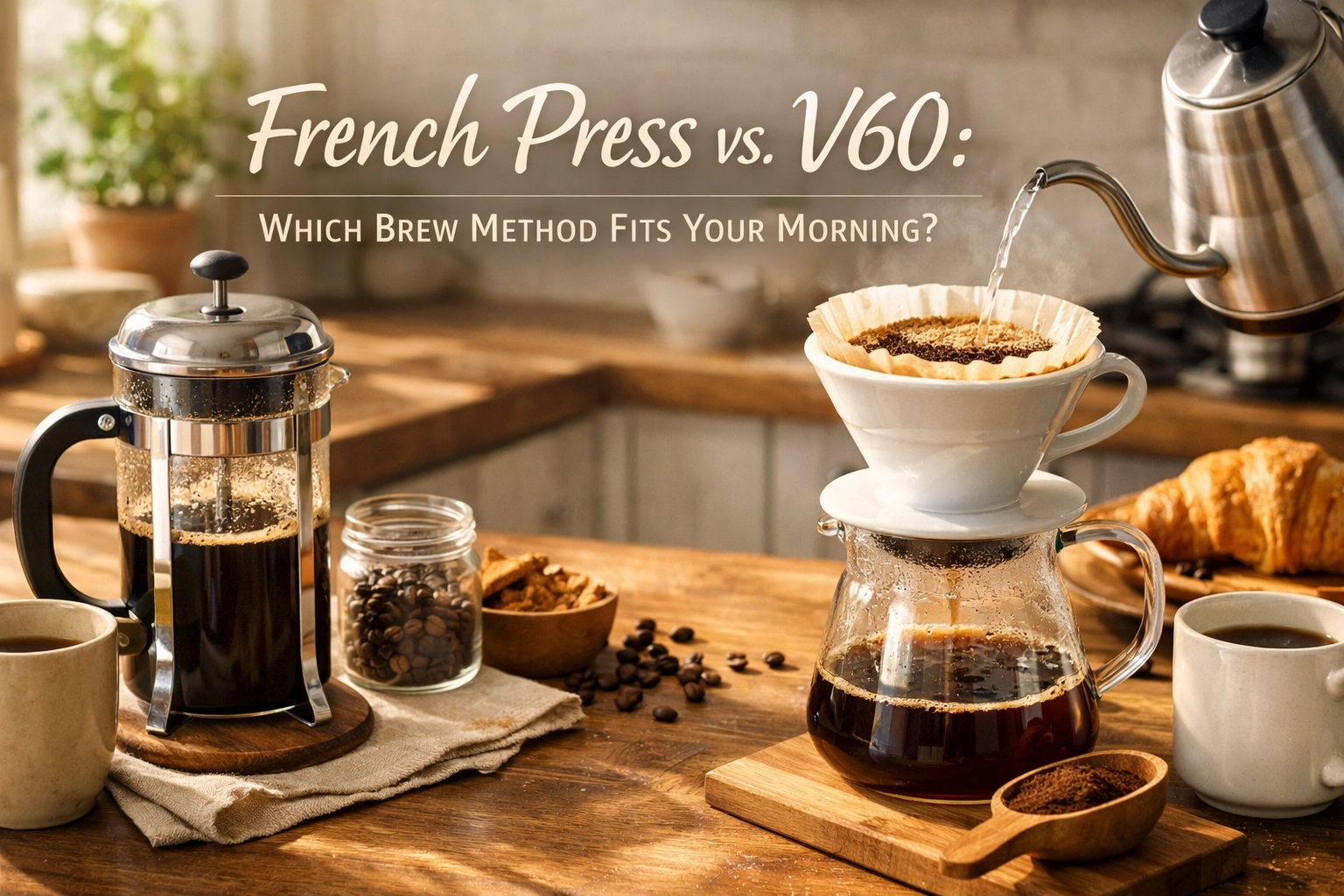
  • French Press vs. V60: Which Brew Method Fits Your Morning?

    French Press vs. V60: Which Brew Method Fits Your Morning?

    Let's be honest: your brewing method shapes your entire coffee experience. And if you've been eyeing both a French Press and a V60, wondering which one deserves precious counter space, you're asking exactly the right question.

    We've spent countless mornings with both brewers, and here's what we've learned: these two methods couldn't be more different. It's not about which one is "better": it's about which one fits your morning routine, your flavor preferences, and how you actually drink coffee.

    So let's break down the real differences, the practical considerations, and help you figure out which brewer will become your daily companion.

    Two Completely Different Philosophies

    Think of it this way: the French Press is like a bath, the V60 is like a shower.

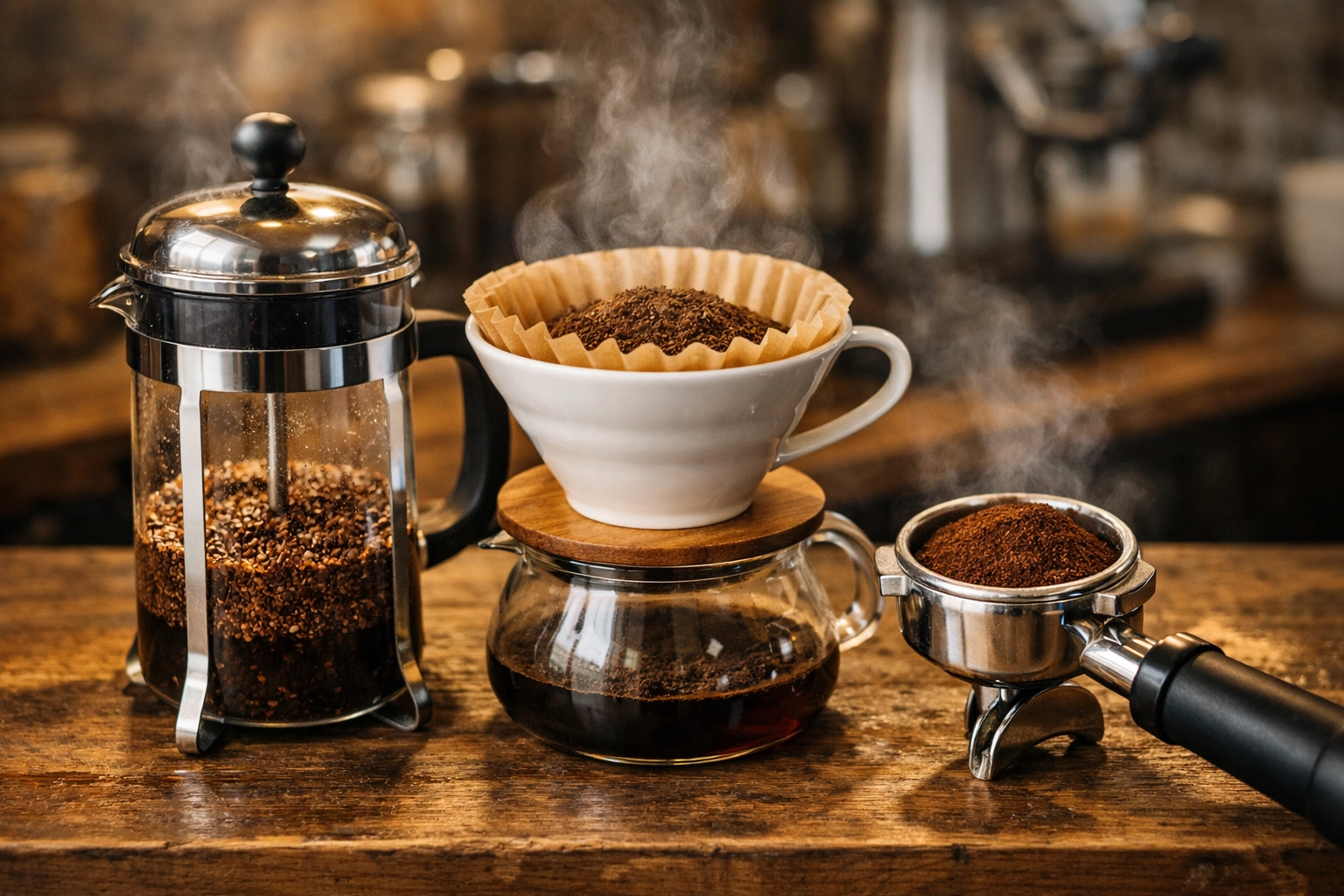
    The French Press uses immersion brewing. You add coarse coffee grounds, pour in hot water, let everything steep together for about 4 minutes, then press down a metal screen to separate the grounds from your coffee. The grounds are literally bathing in water the entire time, extracting continuously.

    French Press and V60 coffee brewers side by side showing immersion vs pour-over brewing methods

    The V60, on the other hand, is a pour-over brewer. Water flows through medium-fine grounds in a cone-shaped filter, extracting as it travels downward, then drips into your cup below. The contact time is much shorter: just 2 to 3 minutes total: and you're actively involved in the pouring process.

    This fundamental difference in how water interacts with coffee creates dramatically different results in your cup.

    The French Press: Bold, Rich, Unapologetic

    When you brew with a French Press, you're getting coffee in its most full-bodied form.

    Because the metal mesh screen can't trap coffee oils the way paper filters do, all those oils end up in your cup. This gives French Press coffee that characteristic heavy mouthfeel: almost thick, definitely textured. You'll notice it coating your tongue in a way that filter coffee simply doesn't.

    The prolonged steeping time extracts deeply from the grounds, which means you get bold, intense flavors. The coffee tends to have more weight, more richness, and frankly, more oomph. If you enjoy your coffee with milk, this heavier body stands up beautifully without getting lost.

    The grind for French Press is coarse: think sea salt or breadcrumbs. This is actually quite forgiving. Even if your grinder isn't perfectly consistent, you'll still get decent results. We recommend a brewing ratio of about 1:15 (coffee to water), so for a standard 750ml French Press, you're looking at roughly 50 grams of coffee.

    One thing to know: you will get sediment in your cup. Some people love this rustic, unfiltered character. Others find it off-putting. There's no right answer: it's purely personal preference.

    Pressing down French Press plunger to brew full-bodied coffee with visible oils and texture

    Cleanup involves unscrewing the plunger, dumping the grounds (compost them if you can), rinsing the carafe, and washing the screen. Not difficult, but definitely more involved than tossing a paper filter.

    The V60: Clean, Bright, Delicate

    The V60 produces coffee that feels like the complete opposite of French Press.

    Because water flows through the grounds rather than steeping with them, and because the paper filter traps oils and fine particles, you get an extraordinarily clean cup. We're talking bright, nuanced, delicate: like drinking liquid clarity.

    This brewing method is brilliant for showcasing the inherent characteristics of high-quality beans. Those fruity notes in an Ethiopian coffee? The chocolate undertones in a Colombian? The V60 lets them shine without any muddiness or heaviness. When you're brewing exceptional beans from Limini Coffee, this clarity is exactly what you want.

    The grind here is medium-fine to fine: think granulated sugar. This is more critical than with French Press. Too coarse and water flows through too quickly, under-extracting. Too fine and you'll clog the filter, over-extracting bitter compounds.

    Your pouring technique actually matters with a V60. You'll typically start with a bloom (pouring just enough water to saturate the grounds, usually about twice the weight of your coffee), wait 30 seconds, then continue pouring in slow, steady spirals. The entire process takes 2 to 3 minutes.

    This does require more attention than French Press. You can't just walk away. But many people find this ritual meditative: a moment of focused calm before the day begins.

    V60 pour-over coffee brewing with gooseneck kettle demonstrating precise pouring technique

    Cleanup is genuinely effortless. Lift the filter with the spent grounds, toss it in compost or bin, rinse the brewer. Done in 20 seconds.

    The Flavor Question

    So what does each method actually taste like?

    French Press delivers bold, full-bodied, rich coffee. Expect deeper, heavier notes: chocolate, nuts, caramel, earth. The texture is substantial. There's weight to each sip. Some describe it as "chewy." This method emphasizes body and depth over clarity.

    V60 produces light, clean, bright coffee. You'll taste more acidity (the pleasant, fruity kind), more floral notes, more delicate sweetness. The texture is almost tea-like in its lightness. This method emphasizes clarity and complexity over body.

    If you add milk to your coffee, French Press handles it better. The heavier body doesn't disappear under milk: it creates a genuinely creamy drink. V60's delicate flavors can get overwhelmed by even a splash of milk.

    Practical Morning Considerations

    Brewing for one or many?

    The V60 excels at single servings: typically 150ml to 400ml. You can brew larger batches, but the method really shines when you're making just one cup. The French Press, however, is brilliant for larger quantities. Got a 1-litre press? You can easily brew for yourself and a partner, or make enough to fill a thermos for the morning.

    How rushed is your morning?

    Despite the V60's shorter brew time, both methods require similar total effort when you factor in grinding, weighing, heating water, and waiting. The real difference is attention. French Press lets you walk away after pressing the plunger. V60 demands your presence for the entire pour.

    If you're stumbling around half-awake at 6am, French Press is more forgiving. Miss your target brew time by 30 seconds? You'll probably be fine. Mess up your V60 pour? You might end up with a weak or bitter cup.

    How particular are you about coffee?

    V60 rewards precision and experimentation. Changing your grind by one notch on your grinder can noticeably alter the cup. Adjusting your pouring speed creates different results. If you're the type who enjoys tinkering and optimizing, you'll love this control.

    French Press is more of a "set it and forget it" brewer. Once you've got your basic ratio and timing down, it's remarkably consistent. Less room for experimentation means less room for error.

    Comparison of French Press and V60 coffee showing difference in clarity and body

    So Which One Fits Your Morning?

    Choose the French Press if:

    • You want bold, rich, full-bodied coffee without fussing over technique
    • You brew for multiple people or like having extra for later
    • You prefer coffee with milk
    • You want minimal decision-making on busy mornings
    • You appreciate texture and weight in your cup
    • You're comfortable with a bit of sediment

    Choose the V60 if:

    • You want the cleanest possible cup that showcases coffee's natural flavors
    • You typically brew just for yourself
    • You value incredibly easy cleanup
    • You enjoy the ritual and precision of manual brewing
    • You drink coffee black and want to taste every nuance
    • You're working with exceptional specialty beans that deserve to be showcased

    Or, Honestly, Get Both

    Here's a slightly controversial take: these brewers aren't really competitors. They serve different purposes.

    We find ourselves reaching for the French Press on lazy weekend mornings when we're making coffee for the household, or when we're craving something rich and comforting. The V60 comes out on busy weekday mornings when it's just one cup, and especially when we've got a particularly exciting single-origin that we want to experience in its purest form.

    Both are relatively inexpensive investments. A decent French Press runs £15-30, a V60 setup (brewer plus filters) is £20-40. If you're serious about coffee at home, owning both gives you flexibility to match your brewer to your mood, your company, and your beans.

    Getting Started

    Whichever direction you choose, start with quality beans. Both methods are honest brewers: they'll reveal everything about your coffee, good and bad. Stale supermarket grounds won't magically taste better in a fancy brewer.

    We roast our beans fresh to order and ship quickly, so you're always working with coffee at its peak flavor. Whether you're highlighting delicate notes with a V60 or building rich body with a French Press, starting with properly sourced, freshly roasted beans makes all the difference. Check out what we've got roasting this week and experiment with both methods using the same coffee: you'll be amazed how different they taste.

    The beauty of home brewing is making coffee exactly how you want it, when you want it. French Press or V60, you're already ahead of the game by taking control of your morning cup.

    Now get brewing.

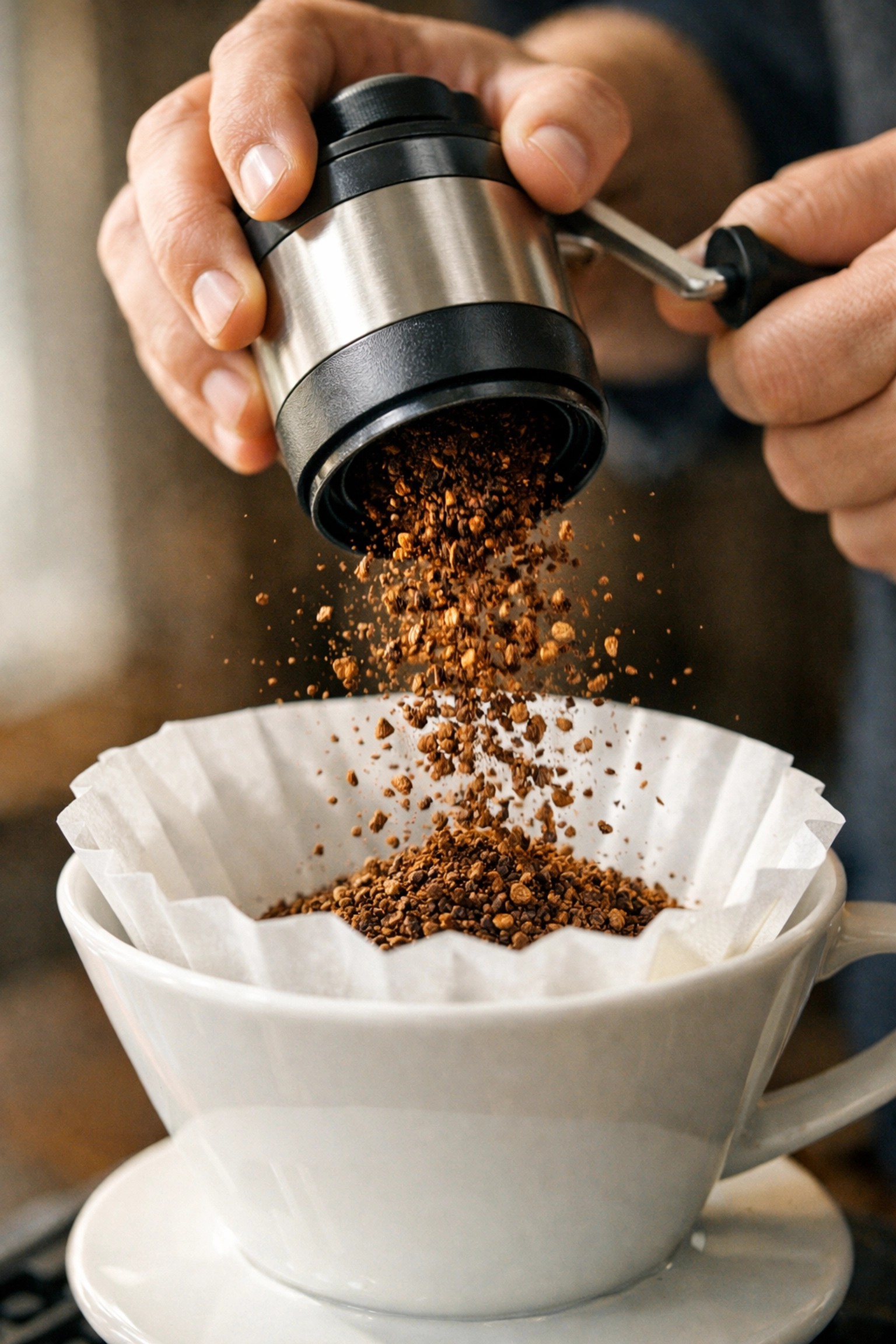
  • The Ultimate Guide to Coffee Grind Sizes: Why It Actually Matters

    The Ultimate Guide to Coffee Grind Sizes: Why It Actually Matters

    If you've ever brewed a cup of coffee that tasted weirdly sour or unpleasantly bitter, chances are your grind size was the culprit. Not the beans, not the water temperature, not even your brewing technique. The grind.

    We know it sounds a bit dramatic, but grind size is genuinely the most important variable in brewing great coffee at home. You can have the most beautiful, freshly roasted beans in the world, but if they're ground incorrectly, you're setting yourself up for disappointment.

    So let's talk about why grind size matters so much, what the different sizes actually are, and how to dial in your brewing to get the most delicious cup possible.

    Why Grind Size Controls Everything

    Here's the science bit (don't worry, we'll keep it simple): grind size directly controls extraction. Extraction is just the process of water pulling all those delicious flavors, oils, and compounds out of your coffee grounds.

    When you change the grind size, you're changing two critical things:

    Surface area. Finer grinds have more surface area exposed to water. More surface area means more extraction happens, faster. Coarser grinds have less surface area, so extraction happens more slowly.

    Water flow. Finer grinds pack together more tightly, which slows down how quickly water can pass through them. Coarser grinds create more gaps, letting water flow through faster.

    This means that grind size affects both how much flavor gets extracted and how quickly it happens. Get it wrong, and you end up with either under-extracted coffee (sour, weak, thin-tasting) or over-extracted coffee (bitter, harsh, burnt-tasting).

    The sweet spot? That's what we're after.

    Coffee grind sizes ranging from fine espresso powder to coarse French press grounds displayed in gradient

    The Grind Size Spectrum: From Powder to Pebbles

    Grind sizes are usually categorized into a spectrum, from super fine (almost like flour) to extra coarse (like chunky sea salt). Here's how we think about them:

    Extra Fine (Turkish Coffee): This is powder territory. It feels like flour between your fingers. Used for Turkish coffee where the grounds are actually suspended in the drink.

    Fine (Espresso): Still powdery but slightly more granular. Think somewhere between flour and table salt. This is what you want for espresso, where high pressure and short brew time demand maximum extraction in minimal time.

    Medium-Fine (Moka Pot, Some Pour Overs): A bit grittier now, like very fine sand. This works well for Moka pots and certain pour over methods like the V60 (depending on your recipe).

    Medium (Drip Coffee, AeroPress): This is regular beach sand texture. Smooth but granular. Great for auto-drip machines and AeroPress (though AeroPress is flexible).

    Medium-Coarse (Chemex, Some Pour Overs): Getting chunkier now. Like rough sand or fine breadcrumbs. Works beautifully for Chemex and slower pour over methods.

    Coarse (French Press, Cold Brew): Think sea salt crystals or coarse breadcrumbs. You can see distinct particles. This is your French press territory, where long steeping time means you need a coarser grind to avoid over-extraction.

    Extra Coarse (Cold Brew, Cowboy Coffee): Like small pebbles or cracked peppercorns. Used for very long brewing methods.

    The problem? Grinder settings don't standardize across brands. Your Baratza "15" isn't the same as another grinder's "15." This is why we recommend thinking in textures and results rather than numbers.

    Seven different coffee grind sizes from Turkish coffee to cold brew shown in white bowls

    Matching Grind Size to Your Brewing Method

    Let's get practical. Here's how to match your grind size to your brewing method:

    French Press: Coarse

    French press needs a coarse grind because the coffee steeps in water for 4-5 minutes. That's a relatively long time. If you use a fine grind, you'll over-extract and end up with bitter, muddy coffee. Plus, finer grounds can slip through the mesh filter and create a gritty cup.

    What to look for: Think sea salt crystals. Distinct, chunky particles.

    Pour Over (V60, Kalita, etc.): Medium to Medium-Fine

    Pour over is where things get interesting. The grind size affects your brew time, and your brew time affects extraction. If water flows through too quickly, you under-extract (sour, weak). Too slowly, you over-extract (bitter, harsh).

    Start with a medium grind: regular sand texture. If your brew time is too fast (under 2:30 for a V60), grind finer. If it's too slow (over 3:30), grind coarser.

    What to look for: Smooth but granular, like beach sand.

    Espresso: Fine

    Espresso is the most demanding brewing method when it comes to grind size. You're forcing water through the coffee at 9 BAR of pressure in just 25-30 seconds. This means you need a fine grind to create enough resistance and allow proper extraction in that short time.

    Even tiny adjustments matter here. We're talking one or two clicks on your grinder can be the difference between sour and perfect.

    What to look for: Powdery but not quite flour. Think table salt or slightly coarser.

    French press, pour over, and espresso brewing methods with their respective grind sizes

    AeroPress: Medium (But Flexible)

    The beauty of the AeroPress is its versatility. Standard recipes usually call for a medium grind, but you can adjust based on your brew time and pressure. Shorter brew time? Grind finer. Longer steep? Go coarser.

    What to look for: Beach sand texture, but experiment from there.

    Moka Pot: Medium-Fine

    The Moka pot sits somewhere between espresso and pour over. You want a medium-fine grind: finer than pour over but coarser than espresso. Too fine and you'll create too much resistance (and possibly a volcanic eruption of coffee). Too coarse and you'll get weak, under-extracted brew.

    What to look for: Fine sand, slightly grittier than espresso.

    Cold Brew: Coarse to Extra Coarse

    Cold brew steeps for 12-24 hours, which is a very long extraction time. You absolutely need a coarse grind to avoid over-extraction. Even with a coarse grind, you'll get plenty of flavor because of the extended contact time.

    What to look for: Chunky, like cracked peppercorns or coarse breadcrumbs.

    The Sour vs. Bitter Balance

    Understanding extraction helps you troubleshoot your coffee. Here's the quick guide:

    Sour, acidic, weak, watery? You're under-extracting. The water isn't pulling enough of the good stuff out of the beans. Solution: Grind finer, brew longer, or use hotter water.

    Bitter, harsh, astringent, burnt-tasting? You're over-extracting. The water is pulling out all the good flavors plus the unpleasant ones. Solution: Grind coarser, brew shorter, or use slightly cooler water.

    Balanced, sweet, complex, delicious? You've nailed it. This is proper extraction, where you're getting all the fruity, sweet, complex flavors without the harsh bitterness or sour acidity.

    The beautiful thing is that once you understand this relationship, you can adjust any brew method to taste better.

    Why You Should Invest in a Good Grinder

    We're going to be honest: if you're serious about great coffee at home, a good grinder is more important than an expensive brewing device.

    Pre-ground coffee starts losing freshness within minutes of grinding. Those aromatic compounds? They're volatile and they evaporate quickly. By the time pre-ground coffee sits on a shelf (or even in your cupboard), it's lost a huge amount of flavor potential.

    Grinding fresh right before you brew makes an enormous difference. We're talking night-and-day improvement in flavor.

    You don't need to spend a fortune, but we do recommend investing in a burr grinder rather than a blade grinder. Blade grinders create inconsistent particle sizes (some powder, some chunks), which leads to uneven extraction. Burr grinders produce uniform particles, which means even extraction and better-tasting coffee.

    Burr grinder grinding fresh coffee beans into pour-over dripper for optimal extraction

    What About Pre-Ground Coffee?

    Look, we get it. Not everyone can invest in a grinder right away. And sometimes convenience matters.

    We can grind your beans to order at Limini Coffee. Just let us know your brewing method and we'll dial it in for you. It's definitely better than buying months-old supermarket coffee that was ground who-knows-when.

    But. And this is a big but.

    If you want the absolute best coffee experience at home, grinding fresh is the way. It's the single biggest upgrade you can make to your daily cup.

    Experiment and Adjust

    Here's the thing about grind size: there's no perfect universal setting. Different beans, different roast levels, different brewing devices, even different water: they all affect the ideal grind size.

    So we encourage you to experiment. Start with the guidelines above, then taste and adjust. Brew a cup, take notes on how it tastes, and make small changes. One click finer, one click coarser. See what happens.

    Coffee is forgiving. You're not going to ruin anything by tweaking and testing. That's actually the fun part.

    Keep your brewing variables consistent (same ratio, same temperature, same timing) and only change the grind size. That way you'll know exactly what's affecting the flavor.

    Final Thoughts

    Grind size might seem like a small detail, but it's genuinely the difference between mediocre coffee and exceptional coffee. It controls extraction, which controls flavor, which controls whether you enjoy your morning cup or pour it down the sink.

    The good news? Once you understand the basics, it becomes intuitive. You'll start to recognize when coffee tastes under-extracted or over-extracted, and you'll instinctively know which way to adjust.

    Start with quality beans (we might know where to find those), grind them fresh if you can, match your grind size to your brewing method, and then taste and adjust from there.

    That's really all there is to it. Happy brewing!

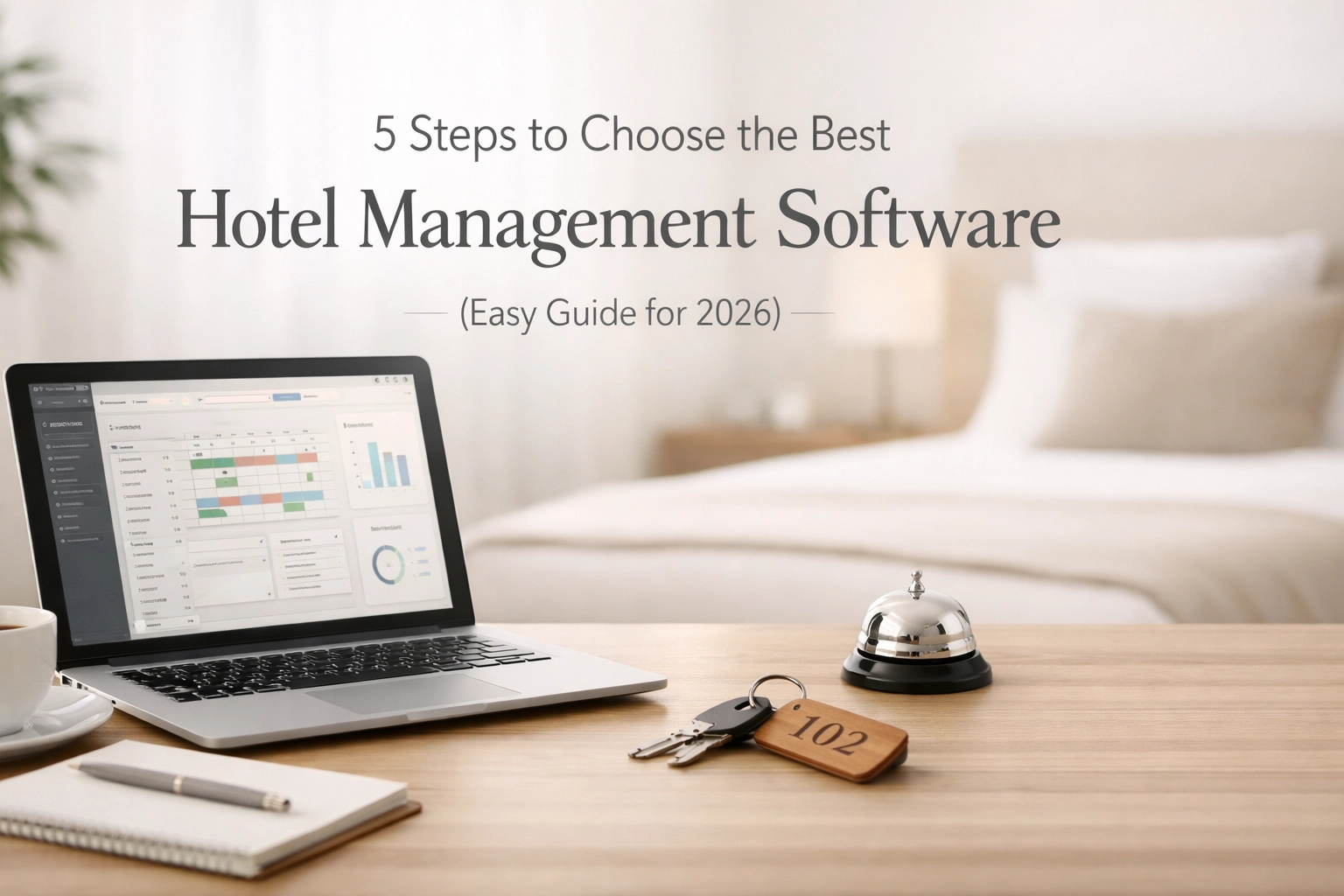
  • 5 Steps to Choose the Best Hotel Management Software (Easy Guide for 2026)

    5 Steps to Choose the Best Hotel Management Software (Easy Guide for 2026)

    Choosing the right hotel PMS shouldn't feel like decoding ancient hieroglyphics. Yet here we are in 2026, and hoteliers are still getting burned by clunky systems, hidden fees, and software that promises the moon but delivers a paperweight.

    The good news? Finding the perfect hotel management software is actually straightforward when you know what to look for. Let's break down the five steps that'll save you from buyer's remorse and get you a system that actually works.

    Step 1: Get Crystal Clear on What You Actually Need

    Before you start drowning in vendor demos and sales pitches, take a hard look at your operation.

    Property size matters. A 20-room boutique hotel doesn't need the same horsepower as a 200-room resort. Know your room count, and be honest about your growth plans for the next 3-5 years.

    Property type shapes everything. Running a traditional hotel? You'll need different features than someone managing vacation rentals or a hostel. Your booking patterns, guest expectations, and operational workflows are unique.

    Geographic reach defines requirements. If you're serving international guests, you'll need multi-currency support and multiple languages. One property in London? Different ballgame than three properties across Europe.

    Distribution strategy dictates priorities. Heavy on OTAs? Your channel manager better be bulletproof. Focused on direct bookings? Your booking engine and CRM become mission-critical.

    Write this stuff down. Seriously. You'll reference it constantly during vendor conversations.

    Step 2: Build Your Feature Wish List (Then Rank It)

    Here's where most people go wrong: they treat every feature as equally important. It's not.

    Must-haves are non-negotiable. Core PMS functionality. Payment processing. Channel management. Reporting. Security compliance. If you can't operate without it, it's a must-have.

    Nice-to-haves are gravy. Guest messaging automation. Advanced revenue management. Self-check-in kiosks. These features add value, but you can live without them initially.

    Deal-breakers are red flags. Long-term contracts with no escape clause. Hidden implementation fees. No integration with your accounting software. Poor customer reviews about support response times. One deal-breaker should end the conversation.

    Hotel manager's workspace with laptop and notes for software selection planning

    Cloud-native architecture isn't a nice-to-have anymore: it's a must-have. Systems built for the cloud from the ground up give you access anywhere, automatic updates, and zero server maintenance. Legacy systems retrofitted for the cloud? That's just old problems with a new URL.

    Step 3: Compare What Actually Matters

    Vendor comparison spreadsheets get overwhelming fast. Focus on factors that impact your daily reality.

    Ease of use trumps feature count. A system with 500 features that requires three weeks of training is worse than a system with 50 features your team masters in three days. Can your night auditor figure it out at 2 AM when you're not available? That's the real test.

    Integration capabilities are everything. Your hotel PMS needs to talk to your booking engine, channel manager, payment processor, accounting software, and CRM. Seamless integrations mean data flows automatically. Manual workarounds mean mistakes and wasted time.

    Pricing transparency separates amateurs from professionals. If a vendor won't show you their pricing structure upfront, walk away. Hidden fees are a red flag. Per-room pricing, implementation costs, training fees, support charges: you need to see it all before signing anything.

    Customer support quality predicts your future pain level. Check response times. Read reviews. Ask about 24/7 availability. Your PMS going down at check-in time with no support? That's a nightmare scenario that happens more often than you'd think.

    Modern solutions like Mews nail all four of these. Intuitive interface that staff learn in hours, not weeks. Native integrations with hundreds of tools. Transparent pricing. And support that actually shows up when you need it.

    Step 4: Lock Down Your Essential PMS Features

    Not all hotel management software is created equal. Here's what separates the winners from the pretenders in 2026.

    Cloud-native architecture. Access your system from anywhere. Automatic updates push new features without downtime. No server maintenance. No IT headaches. This is table stakes now.

    Mobile accessibility. Your staff shouldn't be chained to the front desk. Manage operations from tablets or smartphones. Check guests in from the lobby. Update room status from anywhere.

    Integrated booking engine. Direct bookings are gold: they're commission-free and give you the guest relationship. Your booking engine should be part of your PMS, not a clunky add-on.

    Channel manager that works. Distribute inventory across OTAs without overselling. Real-time updates. Bulk rate changes. If you're manually updating rates on five different platforms, you're doing it wrong.

    Payment processing with PCI compliance. Security matters. Period. Your payment processing should handle everything from deposits to final folios while keeping you compliant with industry standards.

    Reporting and analytics that tell you something useful. Pretty dashboards are nice. Actionable insights are better. RevPAR trends. Occupancy forecasts. Revenue by channel. If your reports don't help you make better decisions, they're decoration.

    Modern hotel lobby reception desk with tablet for seamless guest management

    Multi-property support even if you only have one property now. Growth happens faster than you think. Make sure your system can scale without forcing you to switch platforms later.

    Automation that actually automates things. Pre-arrival emails. Automated upsells. Dynamic pricing. Payment reminders. This isn't future-tech: it's standard practice in 2026. Systems that still require manual intervention for routine tasks are holding you back.

    Step 5: Verify Security, Support, and Implementation Reality

    You're almost there. Don't blow it by skipping the due diligence.

    Security certifications matter more than marketing promises. Look for PCI DSS compliance. GDPR compliance if you're in Europe. SOC 2 certification. Ask vendors to show you their compliance documentation. If they hesitate, that's a problem.

    Implementation timelines should be realistic. Vendors promising "You'll be live tomorrow!" are either lying or setting you up for a disaster. Good implementations take planning. Data migration takes time. Staff training is essential. Ask for a detailed timeline and what's required from your team.

    Training programs reveal vendor commitment. How do they onboard your staff? Self-service videos? Live training sessions? Ongoing education? The best software in the world is useless if your team doesn't know how to use it.

    Scalability isn't just about more rooms. Can the system handle increased transaction volume? New property types? Different business models? You're choosing a partner for years, not months.

    Customer references tell the truth. Ask vendors for references from properties similar to yours. Call them. Ask about the good, the bad, and the ugly. What surprised them? What would they change? What made them choose this vendor?

    Making the Call

    Choosing hotel management software in 2026 shouldn't be complicated. Start with your actual needs. Build a realistic feature list. Compare what matters. Lock down essential capabilities. Verify security and support.

    The right system transforms your operation. Staff spend less time fighting software and more time serving guests. Operations run smoother. Direct bookings increase. Data flows seamlessly between systems. You get insights that drive better decisions.

    The wrong system? It's the anchor dragging down every initiative, frustrating every team member, and costing you money in ways you can't even calculate.

    Cloud-native platforms built for modern hospitality make the difference. Systems designed for ease of use from day one. Automation that actually reduces workload. Integrations that just work.

    Ready to see what modern hotel management software actually looks like? Check out Mews and discover why 5,000+ properties trust a platform that's cloud-native, genuinely easy to use, and built around automation that gives you time back.

    Your future self: and your staff( will thank you for choosing wisely today.)

  • Stop Wasting Time on Admin Tasks: 7 Quick AI Assistant Hacks for Small Business Owners

    Stop Wasting Time on Admin Tasks: 7 Quick AI Assistant Hacks for Small Business Owners

    You start your Tuesday morning with 127 unread emails. Seventeen voicemails. A contract that needs reviewing before noon. Three invoices to process. A customer asking the same question you answered twice last week.

    And that's just before 9 AM.

    You didn't start a business to spend your days copying data from PDFs into spreadsheets. You didn't dream of entrepreneurship so you could manually transcribe meeting notes or write the same email response for the hundredth time.

    But here you are… drowning in admin work while your actual business waits.

    Small businesses using AI tools report a 30% increase in productivity and save an average of 10 hours per week on routine tasks. That's essentially an extra workday. Every single week.

    Here's how to get those hours back.

    1. Stop Writing the Same Emails Over and Over

    📧 You know the emails. The "What's your refund policy?" The "Do you offer bulk discounts?" The "Can you send me that information again?"

    Your fingers could type these responses in their sleep.

    AI business automation tools can handle these for you: maintaining your brand voice while you focus on emails that actually need your brain. Set up personalized email templates powered by AI that recognize common questions and respond instantly.

    The result? You're not chained to your inbox. Your customers still get fast, consistent answers. And you get your mornings back.

    Small business owner before and after using AI email automation to organize inbox

    2. Let AI Take Notes While You Actually Listen

    Ever been in a meeting where you're so busy scribbling notes that you miss half the conversation?

    AI-powered meeting assistants automatically transcribe your calls and pull out the key points and action items. They integrate directly with Zoom, Google Meet, or whatever platform you use.

    The meeting ends. Three minutes later, you have a clean summary in your inbox: complete with timestamps, decisions made, and who's responsible for what.

    No more "Wait, what did they say about the deadline?" moments. No more scrambling to remember who volunteered for which task.

    Just clear documentation… while you were fully present in the actual conversation.

    3. Make Documents Spill Their Secrets Automatically

    You receive an invoice. You manually open it. You copy the vendor name into your spreadsheet. Then the amount. Then the date. Then the payment terms.

    Now multiply that by every contract, receipt, and document that crosses your desk.

    AI document processing extracts all that information automatically. Invoice numbers. Contract dates. Key terms. Payment schedules.

    The data flows straight into your systems: organized, accurate, and searchable. No copying. No errors from misreading handwritten notes. No "Was that a 5 or a 6?"

    Your filing system becomes something you set up once… and then forget about while it runs itself.

    4. Build a FAQ That Actually Answers Questions

    Your customers ask the same ten questions 80% of the time.

    AI-generated FAQs turn those repetitive support inquiries into a self-service resource that works around the clock. The AI pulls from your existing customer interactions, identifies patterns, and creates comprehensive answers that sound like you.

    AI meeting assistant transcribing video conference and capturing key action items

    The result? Customers get instant answers. You get fewer "quick question" emails interrupting your focus. And your support quality stays consistent whether someone reaches out at 2 PM or 2 AM.

    Business automation tools like this don't just save time: they scale your expertise without cloning yourself.

    5. Know What Customers Really Think (Without Reading Every Review)

    You're trying to improve your business. But you're spread across Google reviews, Yelp, social media comments, email feedback, and survey responses.

    Reading all of it would take hours you don't have. Ignoring it means you miss the patterns that matter.

    AI feedback analysis monitors what customers are saying everywhere and identifies the trends: the repeated complaints you need to fix, the features people love, the confusion that's costing you sales.

    It even suggests follow-ups based on patterns. "Three customers mentioned slow shipping this week" becomes actionable intelligence… instead of scattered comments you might never connect.

    You stay responsive. You catch problems early. And you don't spend your evenings reading through hundreds of reviews trying to spot the signal in the noise.

    6. Turn Forms Into Organized Data While You Sleep

    Someone fills out your contact form. You copy their info into your CRM. Then your spreadsheet. Then you create an invoice if they're a new client.

    Every. Single. Time.

    AI business automation converts form responses into organized spreadsheets automatically. It manages invoicing. It categorizes expenses. It even identifies potential tax write-offs you might otherwise miss.

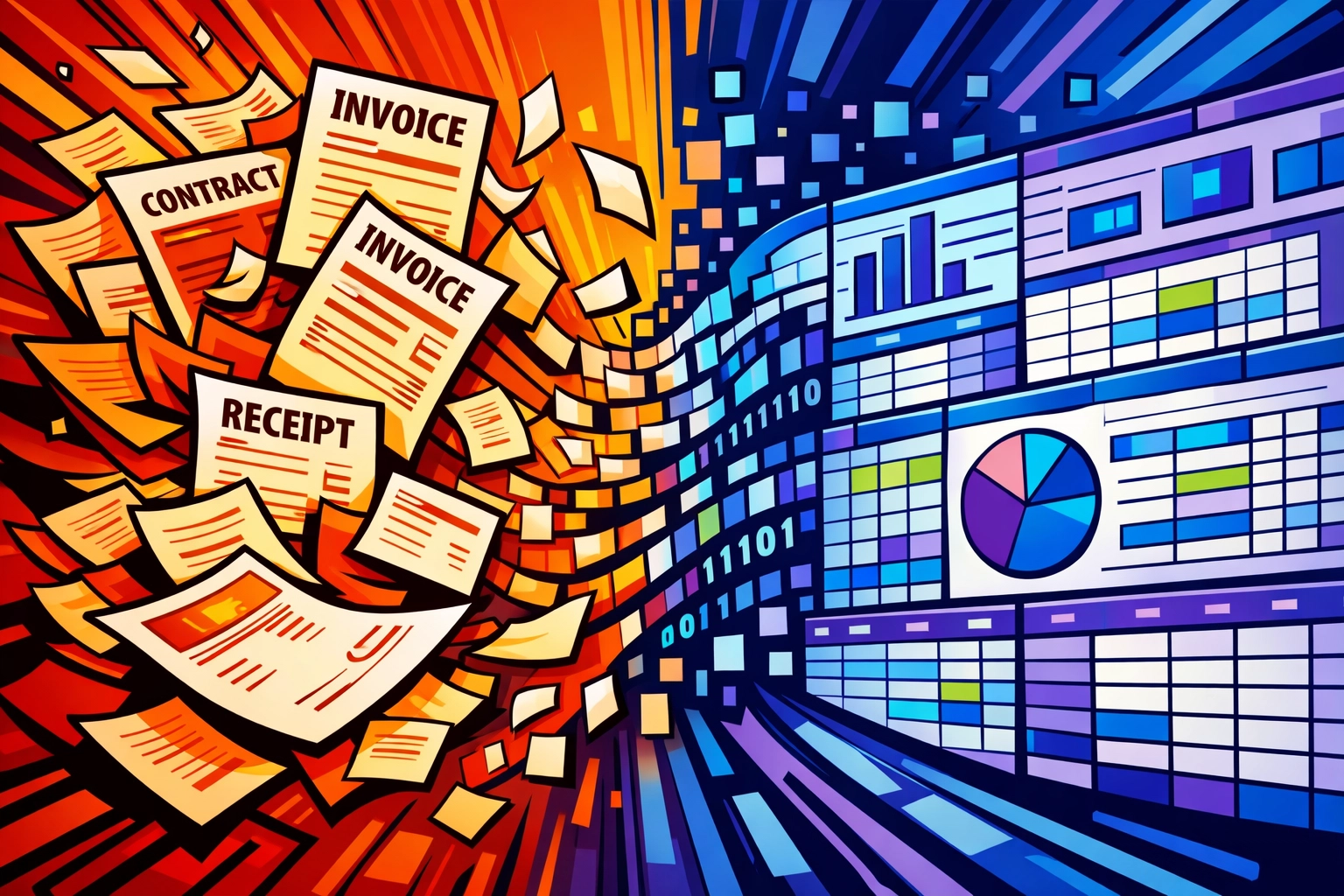
    Business invoices and documents transforming into automated digital data with AI

    Financial platforms with AI capabilities handle the repetitive accounting tasks that eat your afternoons: leaving you with clean books and zero manual data entry.

    Your accountant will wonder why your records suddenly look so organized.

    7. Research Your Market in Minutes, Not Days

    You need to understand your competitors. Track industry trends. Identify new opportunities.

    Doing this manually means hours scrolling through websites, reading reports, and trying to synthesize information from a dozen sources.

    AI research assistants analyze market trends and compile competitor information in minutes: providing data-backed insights without the research rabbit hole.

    Want to know what your top three competitors are doing with pricing? Done. Need to understand the latest trends in your industry? Here's a summary. Curious about a new market opportunity? Here's what the data says.

    Strategic decisions that used to take days of research now happen over coffee.

    Getting Started Without the Overwhelm

    You don't need to automate everything tomorrow.

    Pick the one task that steals the most hours from your week. Maybe it's email. Maybe it's data entry. Maybe it's trying to remember what happened in meetings.

    Start there.

    Most small businesses spend under $50 per month on AI tools by starting with free tiers and expanding only what they actually use.

    Test it for a few weeks. Watch the hours come back. Then add the next automation.

    AI business automation tools FAQ interface helping small business owners get started

    The goal isn't to replace you: it's to free you for the work that actually needs your brain, your creativity, your decision-making.

    The admin stuff? Let ai business automation tools handle that.

    Ready to see what 10 extra hours per week feels like? See how Marblism's AI assistants handle the tasks stealing your time: https://marblism.link/scott-bowen


    Your competitors are already doing this. The ones who aren't? They're still drowning in their inboxes… wondering why they can't find time to actually grow.

    You know which side you'd rather be on.

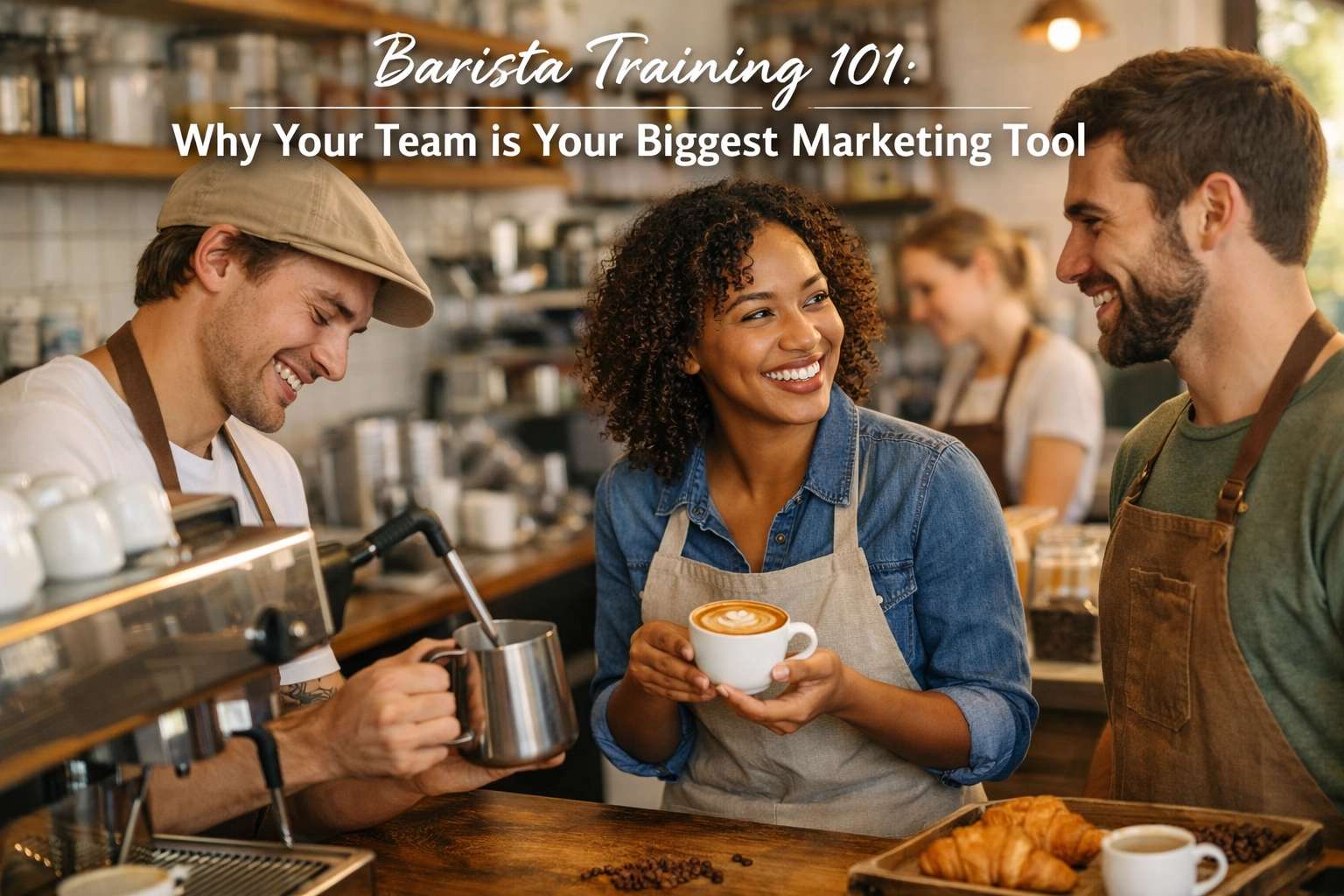
  • Barista Training 101: Why Your Team is Your Biggest Marketing Tool

    Barista Training 101: Why Your Team is Your Biggest Marketing Tool

    Let's talk about something that doesn't show up on your P&L as clearly as it should: your baristas.

    You've probably spent hours agonizing over your café's Instagram strategy, debating whether to invest in paid ads, or redesigning your menu boards. And sure, those things matter. But here's what we've learned after years working with wholesale partners across the UK: your best marketing asset isn't your social media manager or your fancy signage.

    It's the person standing behind your espresso machine.

    The Front Line of Your Brand

    Think about it. Every single customer who walks through your door will interact with your barista before they interact with anything else. Not your carefully curated playlist. Not your artfully arranged retail shelves. Your barista.

    That interaction: those thirty seconds of greeting, ordering, and conversation: shapes everything that follows. A skilled barista doesn't just pull shots and steam milk. They set the tone for the entire customer experience. They answer questions about your seasonal blend. They remember that Sarah takes an extra shot in her flat white. They explain why your Ethiopian natural process coffee tastes like blueberries (because it genuinely does, and that's brilliant).

    This is marketing in its purest form. It's authentic, it's personal, and it happens in real time.

    No Instagram ad can replicate the moment when a barista recommends the perfect pastry pairing, or takes time to explain your sourcing philosophy to a curious customer. That's storytelling. That's brand building. That's the kind of genuine connection that turns a one-time visitor into a regular who brings their friends.

    Skilled barista pouring latte art demonstrating professional coffee-making technique

    The Numbers Don't Lie

    Here's something that might surprise you: increasing customer retention by just 5% can boost your profits by anywhere from 25% to 95%. Think about that for a second.

    We're not talking about elaborate loyalty programs or expensive marketing campaigns. We're talking about the compound effect of customers who come back because they trust your team to deliver consistently excellent coffee and service.

    And here's the thing: acquiring new customers costs significantly more than keeping the ones you already have. So when your barista greets a regular by name, remembers their order, and delivers it perfectly every single time? That's not just good service. That's extremely cost-effective marketing.

    Well-trained baristas also drive revenue in ways that might not be immediately obvious. They upsell naturally: not in a pushy way, but by genuinely suggesting things customers will enjoy. "Have you tried our new single origin with your usual croissant? The flavour pairing is fantastic." That's an extra £4 right there, and it feels like a recommendation from a friend rather than a sales pitch.

    They also reduce waste. A barista who understands extraction, who can dial in espresso properly, who knows how to texture milk without burning through litres of the stuff: that barista is saving you money every single shift. The cost of poor technique adds up faster than you might think.

    What Proper Training Actually Looks like

    So what does it mean to properly train a barista? Because we're not talking about a quick twenty-minute demo on day one and then throwing them on bar during the morning rush.

    Proper training is comprehensive. It covers the fundamentals of espresso extraction: understanding why we extract at 9 BAR of pressure, why temperature stability matters (we're talking 88°C to 95°C range), and how grind size affects everything. It teaches milk technique properly, so your team can create consistently silky microfoam rather than that bubbly, thin stuff that collapses before the customer reaches their table.

    But technical skills are only part of it. Training should also cover your specific menu, your coffee's origin stories, how to handle rush periods without sacrificing quality, and how to engage with customers in a way that reflects your brand.

    At Limini Coffee, this is something we take seriously with our wholesale partners. We don't just deliver excellent coffee and walk away. We provide comprehensive barista training because we know that even the best beans in the world can't shine without skilled hands preparing them.

    Barista engaging with customer at espresso machine creating positive café experience

    The Hidden Benefits

    Beyond the obvious improvements in coffee quality and customer satisfaction, proper training does something else that's incredibly valuable: it creates team culture and reduces turnover.

    Baristas who feel competent and confident in their skills are happier at work. They take pride in what they do. They're less likely to leave for another job. And in an industry with notoriously high turnover rates, that stability is worth its weight in gold (or single origin Gesha, depending on your priorities).

    When you invest in training, you're sending a clear message to your team: you matter, your skills matter, and we're committed to helping you grow. That builds loyalty. It builds morale. And it creates a positive feedback loop where experienced staff naturally mentor newer team members, spreading that culture of excellence without you having to micromanage every shift.

    There's also the matter of consistency, which is absolutely crucial for building trust with regulars. A customer shouldn't receive a perfect flat white on Monday morning and then something that tastes completely different on Wednesday. Proper training ensures that every member of your team can execute your standards reliably, shift after shift.

    This consistency protects your brand reputation. It means that when someone posts about your café on social media, they're sharing a genuinely great experience: not a lucky one-off when your best barista happened to be working.

    Viewing Training as Investment, Not Cost

    We get it. Training takes time. It costs money. When you're running a busy café and watching your margins, it's tempting to view training as an expense you can minimize.

    But let's reframe that thinking for a moment.

    What does poor training actually cost you? There's the wasted coffee and milk from mistakes. The lost revenue from customers who don't return because their experience was mediocre. The cost of constantly recruiting and onboarding new staff because people leave after they've been thrown in the deep end without proper support. The damage to your reputation from inconsistent quality.

    Add all that up, and suddenly comprehensive training starts looking like a bargain.

    Think of it this way: if you spent £500 on a Facebook ad campaign, you'd expect to measure the return on that investment. Training has ROI too: it's just distributed across improved retention, higher average transaction values, reduced waste, and better online reviews. All of which directly impact your bottom line.

    Professional barista training session showing espresso extraction technique instruction

    The Limini Approach to Partnership

    When you partner with Limini Coffee for wholesale, you're not just buying beans (though our beans are pretty special, if we do say so ourselves). You're gaining a partner who understands that your success depends on more than just quality coffee.

    That's why we include professional training and ongoing support as part of our wholesale relationships. We want to see your baristas succeed because when they succeed, you succeed: and that means we all succeed. It's that simple.

    Our training programmes cover everything from foundational espresso technique to advanced brewing methods, equipment maintenance, and customer engagement. We can train your team on-site, work with your specific equipment and menu, and provide ongoing support as questions arise.

    Because here's what we believe: the best coffee in the world deserves to be prepared by skilled, confident baristas who can showcase those flavours properly and share that passion with customers. Anything less is just a real shame: both for the coffee and for your business.

    Making It Happen

    So where do you start? If you're reading this and realizing your team's training might need attention, here's the good news: it's never too late to invest in your people.

    Start by honestly assessing where your team is now. Are they confident with your equipment? Can they consistently pull excellent shots? Do they understand the coffee you're serving well enough to explain it to curious customers? Can they handle peak periods without quality slipping?

    Then, consider what support you need. Maybe it's foundational skills training for newer baristas. Maybe it's advanced techniques for experienced staff who want to level up. Maybe it's specific menu training for a new seasonal offering.

    Whatever it is, remember that this isn't an expense: it's one of the smartest investments you can make in your café's future.

    Your baristas are already doing marketing for you every single day, whether you've trained them properly or not. The only question is: are they telling the story you want them to tell?

    Give them the skills, knowledge, and confidence to be brilliant brand ambassadors, and watch what happens to your customer loyalty, your online reviews, your average transaction value, and yes, your profit margins.

    If you'd like to discuss how Limini Coffee can support your team's development as part of a wholesale partnership, we'd genuinely love to chat. Because we're not just passionate about roasting excellent coffee: we're passionate about seeing that coffee prepared and served brilliantly.

    Your baristas are your biggest marketing tool. It's time to treat them that way.

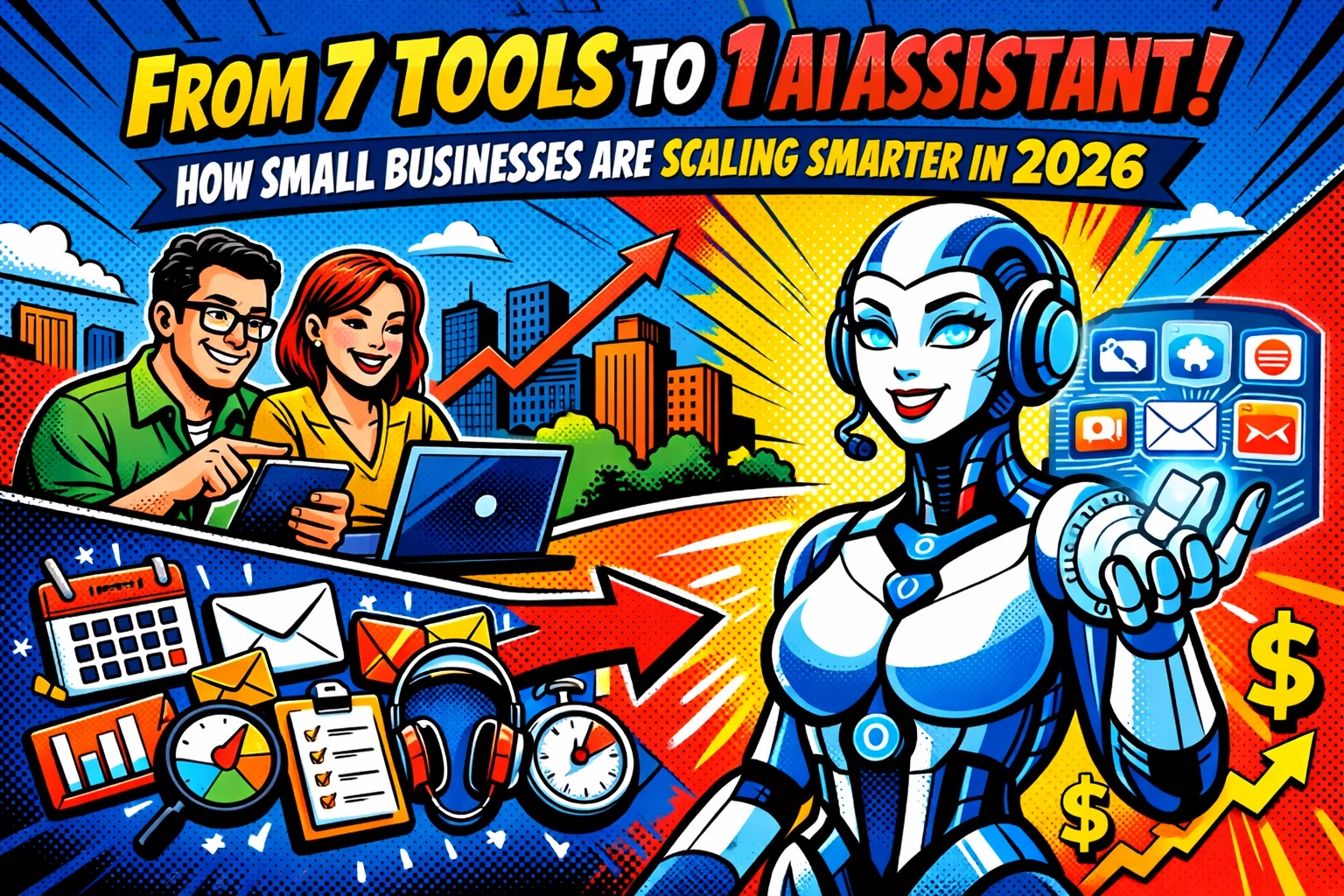
  • From 7 Tools to 1 AI Assistant: How Small Businesses Are Scaling Smarter in 2026

    From 7 Tools to 1 AI Assistant: How Small Businesses Are Scaling Smarter in 2026

    You know that feeling when you open your laptop in the morning?

    Twelve browser tabs. Seven different logins. One tool for email. Another for social media. A third for content writing. A fourth for analytics. A fifth for project management. A sixth for customer support. A seventh for… what was that one even for?

    Your monthly subscriptions look like a CVS receipt.

    And somehow, despite having a tool for everything, nothing talks to each other. You're copy-pasting between apps like it's 2015. Your brand voice sounds different across every platform because each tool has its own AI that knows nothing about the others.

    Welcome to SaaS sprawl. Population: you.

    THE FRANKENSTACK IS KILLING YOUR FOCUS

    Here's what nobody tells you about building a business in 2026.

    The problem isn't that you don't have the right tools. It's that you have too many of them.

    Chaotic desk with multiple overlapping apps showing SaaS sprawl problem for small businesses

    Small businesses used to think the answer was finding the "best" tool for each job. Best email tool. Best social scheduler. Best SEO analyzer. Best customer support platform. Stack them all together and you'd have the perfect setup, right?

    Wrong.

    What you actually created was a Frankenstack , a monster cobbled together from pieces that were never meant to work together. And now you're the one keeping it alive, manually stitching context between platforms, remembering which tool does what, and wondering why "streamlining your workflow" feels like a part-time job.

    The cognitive load is the real killer here.

    Every time you switch between tools, your brain has to reload context. What were you working on? Where did you save that file? Which brand guidelines live in this platform? Did you already post that content or just draft it?

    It's not just time. It's mental energy you can't get back.

    WHAT CONSOLIDATION ACTUALLY MEANS

    Smart businesses in 2026 aren't playing the "best individual tool" game anymore.

    They're asking a different question: What if one AI assistant could handle all of it?

    Not seven subscriptions. Not twelve browser tabs. Not constant context-switching that turns your brain into mush by 2 PM.

    One platform. Multiple AI assistants working inside it. All pulling from the same knowledge base, understanding your brand, talking to each other behind the scenes.

    This is workflow automation for small business that actually makes sense.

    Split view comparing seven separate business tools versus one unified AI assistant platform

    Here's what changes when you consolidate:

    Your AI actually knows your brand. Upload your guidelines once. Store your documents, tone of voice, past campaigns, customer insights, all in one place. Now when you ask for a social post, email sequence, or blog outline, the AI isn't starting from scratch. It knows who you are.

    You stop paying for redundancy. Five to seven subscriptions replaced with one integrated platform. The math is simple. The savings are real.

    Work happens while you sleep. Instead of logging into seven tools to check seven things, your AI assistant for business runs proactive suggestions overnight. You wake up to drafted content, organized tasks, and prioritized leads.

    Scaling doesn't require headcount. When everything's connected, automation compounds. The AI that writes your email can also schedule your social post, update your CRM, and prep your analytics report, because it's all in one place.

    HOW THIS ACTUALLY WORKS (NOT THEORY , REALITY)

    Let me paint you a picture.

    8:00 AM. You open one workspace. Not seven tabs, one.

    Your AI marketing assistant has already drafted three LinkedIn posts based on your recent blog. Your sales assistant pulled overnight leads and ranked them by priority. Your content assistant noticed a trending topic in your industry and outlined a response article.

    All pulling from your shared knowledge base. All on-brand. All waiting for your thumbs-up.

    You review everything in 15 minutes. Send a few edits. Hit publish.

    11:00 AM. A customer question comes in. Your support assistant has already checked past conversations, pulled relevant documentation, and drafted a personalized reply. You glance at it. It's perfect. You click send.

    No switching to your support tool. No searching through old tickets in another platform. No wondering if the response matches your brand tone.

    It does. Because the AI knows.

    Organized workspace with single laptop showing streamlined workflow automation for small business

    2:00 PM. You need to write a proposal. Your business assistant has already gathered your past successful proposals, identified patterns in what works, and created a template with your client's specific needs filled in.

    You just personalize the details. The heavy lifting is done.

    5:00 PM. Your analytics assistant drops a report in your workspace. Not raw data, insights. What's working. What's not. What to double down on tomorrow.

    No logging into Google Analytics. No exporting CSV files. No building dashboards.

    Just answers.

    This isn't science fiction. This is how small businesses are operating right now.

    THE MONEY MATH THAT MAKES SENSE

    Let's be honest about costs.

    Your current setup probably looks something like this:

    • Writing AI: $29/month
    • Social media scheduler: $39/month
    • Email marketing: $49/month
    • CRM: $45/month
    • Analytics platform: $35/month
    • Project management: $25/month
    • Customer support tool: $59/month

    Total: $281/month. Or $3,372/year.

    And that's if you're being conservative. Many small businesses are pushing $500+/month across their entire stack.

    An all-in-one AI assistant platform? You're looking at a fraction of that. Often $99-199/month for everything.

    But the real savings isn't in subscription costs.

    It's in your time. The hours you're not spending switching contexts, copying data between tools, remembering passwords, reconciling inconsistencies, and generally playing IT manager for your own business.

    Time you could spend actually building your business.

    WHAT YOU SHOULD LOOK FOR

    Not all consolidation is created equal.

    Here's what actually matters when you're evaluating an AI assistant for business:

    Shared knowledge. Can all the AI assistants access the same information about your business? If not, you're just recreating the Frankenstack inside one tool.

    Proactive assistance. Does it suggest actions, or do you have to prompt everything manually? The best systems work while you're offline.

    Real workflow integration. Can tasks actually flow between different AI assistants, or is it just a bunch of chatbots in the same interface?

    Brand consistency. When you update your brand guidelines, does it cascade everywhere instantly?

    If the answer to these is no, you're just rearranging deck chairs.

    Visual comparison of multiple subscription costs versus consolidated AI assistant savings

    THE HIDDEN BENEFIT NOBODY TALKS ABOUT

    There's something that happens when you consolidate that the feature lists don't capture.

    You get your brain back.

    That low-level anxiety of "what am I forgetting?" starts to fade. The mental tab management of which tool does what: gone. The decision fatigue of "should I check this platform or that platform first?": over.

    You're not managing tools anymore. You're running a business.

    And that shift is worth more than any subscription savings.

    Your focus returns. Your creativity comes back. You stop feeling like an administrator of your own operation and start feeling like the founder again.

    MAKING THE SWITCH

    I know what you're thinking.

    "This sounds great, but migrating from seven tools to one sounds like a nightmare."

    Fair.

    But here's the thing: you don't have to rip everything out on day one.

    Start with your biggest pain point. The tool you hate logging into. The workflow that makes you want to throw your laptop out a window.

    Consolidate that first.

    See how it feels to have one less tab open. One less subscription to manage. One less login to remember.

    Then expand from there.

    Most businesses find that once they experience the relief of consolidation in one area, they can't go back. The Frankenstack suddenly feels absurd.

    Small business owner relaxing while AI assistant handles tasks in background

    THE FUTURE IS ALREADY HERE

    Small businesses in 2026 aren't trying to compete with enterprise budgets anymore.

    They're using AI to do what big companies do: with a fraction of the headcount and a fraction of the complexity.

    The companies winning aren't the ones with the most tools. They're the ones with the smartest systems.

    One workspace. Multiple specialized AI assistants. Shared intelligence. Proactive automation.

    That's workflow automation for small business that actually scales.

    And it's available right now. Not coming soon. Not in beta. Now.

    If you're tired of tool sprawl and ready to see what consolidation actually looks like, check out what's possible here. The difference between juggling seven tools and working with one intelligent system? You'll feel it immediately.

    The businesses scaling smartest in 2026 aren't working harder.

    They're working with better systems.

    Your move.

  • Why Quality Equipment is Your Coffee Shop’s Best Employee

    Why Quality Equipment is Your Coffee Shop’s Best Employee

    Here's a thought: what if your best employee never called in sick, never had an off day, and delivered perfectly consistent results every single time?

    That employee exists. It's your equipment.

    We know the temptation when you're setting up or upgrading a coffee shop. Budget pressures mount, and suddenly that cheaper grinder or entry-level machine starts looking appealing. We've seen it happen countless times. And we've also seen the hidden costs that follow.

    Quality equipment isn't an expense, it's an investment that pays dividends every single day. Let's talk about why.

    The Consistency No Human Can Match

    Your morning barista might be brilliant. Your afternoon shift worker might be pretty good. But even your best team member has variables, mood, fatigue, distractions, training gaps.

    A high-quality espresso machine doesn't have those variables.

    Professional espresso machine extracting consistent double shots into glass cups

    Premium equipment delivers shot after shot with mathematical precision. Temperature stays locked in. Pressure remains constant at 9 BAR. Extraction times don't drift. This means your customer gets the same exceptional espresso at 7am on Monday morning as they do at 3pm on Saturday afternoon.

    The programmable features on modern commercial machines, volumetric dosing, temperature profiling, pressure control, essentially remove human error from the equation. Your barista can focus on milk texture and customer connection whilst the machine handles the technical precision.

    And here's what that consistency actually means for your business: customers know what to expect. They don't play Russian roulette with their morning coffee. They get the drink they love, reliably, which is precisely why they become regulars rather than one-time visitors.

    Operational Speed That Drives Revenue

    During morning rush, every second counts. Literally.

    We've watched coffee shops struggle with underpowered equipment during peak hours. The machine can't keep up. Temperature recovery between shots takes too long. The grinder bottlenecks the entire workflow. Suddenly you've got a queue out the door and frustrated customers checking their watches.

    Quality equipment changes that equation entirely.

    Commercial-grade machines with multiple group heads, powerful boilers, and rapid heat recovery can handle sustained high-volume service without breaking stride. A professional grinder with commercial burrs processes beans quickly whilst maintaining grind consistency, no clumping, no channeling, just reliable performance.

    Barista working with commercial coffee equipment during busy morning rush hour

    This isn't just about convenience. It's about capacity and revenue. If quality equipment lets you serve 50 customers per hour instead of 35, that's 15 additional transactions every hour during your busiest periods. Over a month, those numbers become genuinely significant.

    So when you're doing the math on equipment costs, factor in the opportunity cost of slower service. That budget machine might save you £2,000 upfront but cost you £10,000 in lost revenue over a year.

    The Customer Satisfaction Multiplier

    Studies show that coffee shops with premium equipment see customer satisfaction ratings increase by roughly 20%. That's not a marginal improvement, that's transformational.

    Why? Because customers can taste the difference.

    A quality grinder produces uniform particle distribution, which means balanced extractions and cleaner flavour profiles. A properly maintained commercial machine maintains stable brew temperatures, which protects the delicate flavour compounds in specialty coffee. These aren't abstract technical points, they translate directly into what ends up in the cup.

    And when customers consistently receive exceptional coffee, they tell people. They leave five-star reviews. They bring friends. They become your unpaid marketing team.

    The inverse is equally true. Inconsistent coffee from unreliable equipment creates disappointed customers who simply don't return. They don't necessarily complain, they just quietly take their business elsewhere. That's the silent killer of coffee shops.

    If you're investing in quality beans, whether that's sourcing exceptional coffees like we do or buying from another reputable roaster, you owe it to those beans to extract them properly. The best coffee in the world tastes mediocre when extracted with poor equipment.

    Downtime Is Dead Time

    Here's a scenario we see too often: A coffee shop owner buys budget equipment to save money. Six months later, the grinder motor burns out during Saturday morning service. They're down for three days waiting for parts. They've just lost an entire weekend's revenue, easily £3,000 or more depending on location.

    Quality equipment fails less. When it does need maintenance, parts are readily available and service is straightforward.

    Commercial coffee grinder with satisfied customers in specialty coffee shop

    Professional-grade machines are built for commercial environments. They're designed to handle thousands of shots per week. The components are robust. The engineering is proven. Yes, they cost more initially, but the total cost of ownership, factoring in reliability, longevity, and minimal downtime, is often significantly lower than cheaper alternatives.

    We've spoken with coffee shop owners who are still running the same commercial machine after 10+ years of daily service. Try getting that from entry-level equipment.

    And there's another angle here: when your equipment is reliable, your staff can focus on what matters, making great coffee and connecting with customers, rather than troubleshooting temperamental machines or working around equipment limitations.

    Your Brand Is On Display

    Walk into a specialty coffee shop with gleaming, professional equipment behind the bar. Now walk into one with domestic-grade or visibly worn machines. The perception is immediate and undeniable.

    Quality equipment signals commitment. It tells customers that you take coffee seriously, that you've invested in delivering excellence, that this isn't a side project or budget operation.

    That perception matters more than you might think. We're in an era where customers photograph their coffee experiences and share them on social media. That shiny La Spaziale or pristine Mazzer grinder in the background of their latte art photo? That's brand reinforcement you didn't have to pay for.

    Premium equipment positions you as a destination rather than just another coffee shop. It creates differentiation in a crowded market. And it justifies premium pricing, because customers understand that quality requires investment.

    Empowering Your Team

    Good baristas want to work with good equipment. It's that simple.

    Quality machines are easier to use, more intuitive, and more forgiving. They help new staff learn faster and enable experienced baristas to push their skills further. The difference between wrestling with temperamental equipment and working with responsive, reliable machines is the difference between frustration and flow state.

    Quality professional espresso machine compared to worn budget equipment

    When your team has tools they can trust, they take more pride in their work. They experiment with technique. They develop their craft. And that elevated skill level translates directly into better customer experiences.

    We offer comprehensive barista training because we believe in empowering coffee professionals. But even the best training can't overcome inadequate equipment. Your team needs tools that match their ambition.

    Making The Investment

    Look, we understand budget realities. Opening or upgrading a coffee shop requires significant capital, and equipment is just one line item among many.

    But here's what we'd encourage you to consider: your equipment touches every single transaction. It influences every cup you sell. It affects customer satisfaction, staff efficiency, brand perception, and operational costs. There's perhaps no other investment in your business with such broad impact.

    When coffee shops partner with us for wholesale supply, we often discuss equipment alongside coffee sourcing. Why? Because the two are inseparable. The best beans in the world can't overcome poor extraction, and quality equipment without quality coffee is equally pointless.

    If you're serious about specialty coffee: about building a sustainable business that delivers consistent excellence: the equipment decision isn't really a decision at all.

    Barista adjusting settings on premium commercial espresso machine

    We've seen too many promising coffee shops hamstrung by inadequate equipment. And we've seen established shops transform their operations, customer satisfaction, and profitability by upgrading to commercial-grade machines and grinders.

    Your equipment is an employee that works every hour you're open, never asks for a raise, and compounds in value over time through reliability and performance. When you look at it that way, the investment case becomes pretty clear.


    If you're setting up a new coffee shop or considering equipment upgrades, we're always happy to chat through options. You can explore our full range of equipment and coffee at https://www.liminicoffee.co.uk/?af=1471531379787: and if you've got questions about what makes sense for your specific situation, just reach out. We've helped dozens of coffee shops navigate these decisions, and we're here to help you build something excellent.

    Because at the end of the day, quality equipment isn't about having the shiniest toys behind your bar. It's about having the tools to deliver on your promises, day after day, cup after cup. That's what builds a coffee business that lasts.