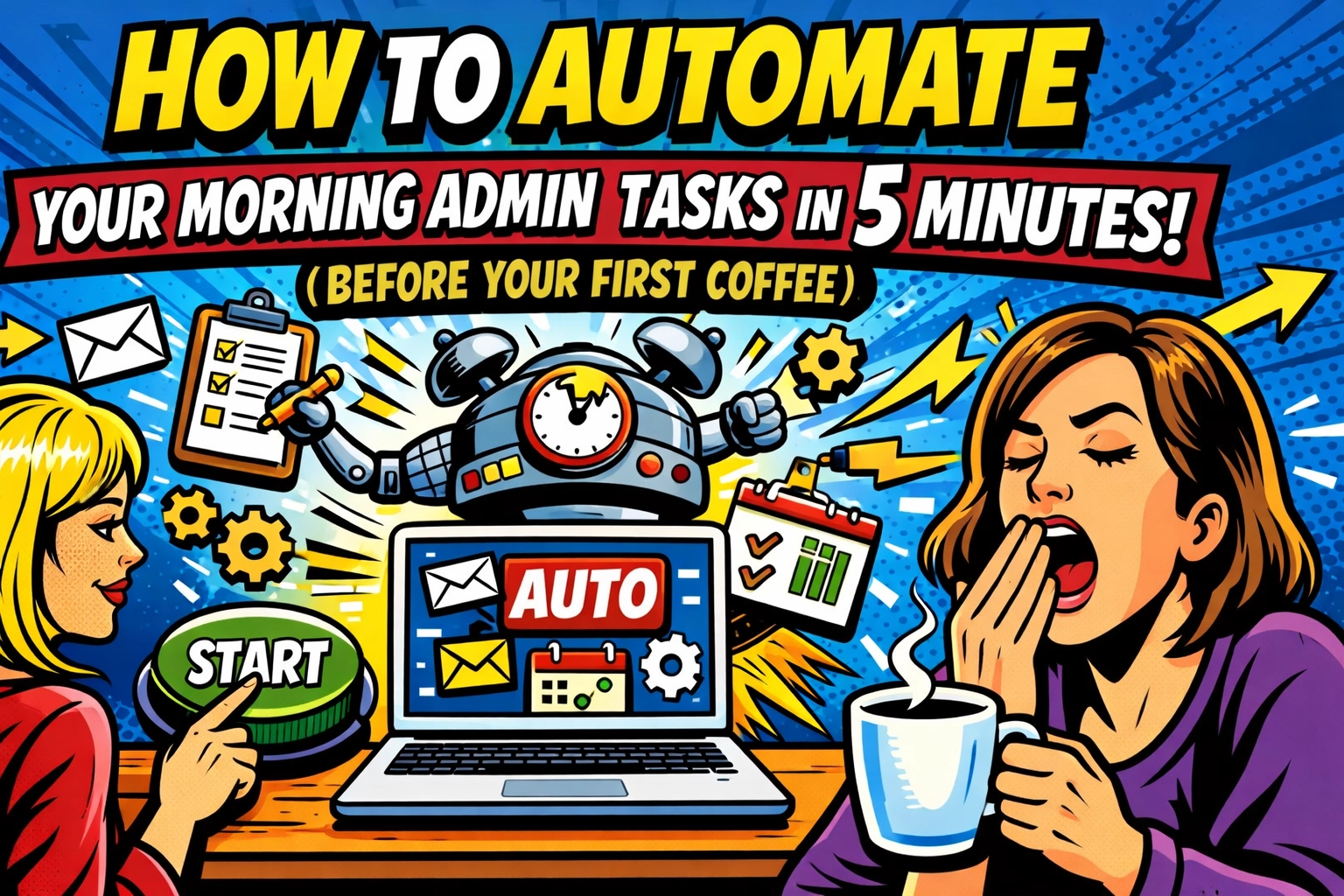
You open your laptop.
Before you've even tasted your coffee, you're staring at 47 unread emails. Three meeting requests that conflict with each other. A Slack thread with 89 messages. Someone needs last month's report… which is buried somewhere in Google Drive.
It's 7:15 AM.
You haven't even started your actual work yet.
THE MORNING TAX YOU PAY EVERY DAY
Most small business owners spend the first 90 minutes of their day doing the same repetitive tasks. Sorting emails. Updating calendars. Moving tasks around. Responding to the same questions you answered yesterday.
It's called "morning admin", and it's quietly stealing your most productive hours.
By the time you actually get to real work, you're already exhausted. Your best thinking hours? Gone. Spent on digital housekeeping that could've been automated while you slept.
But here's what nobody tells you…
You don't need a complicated system to fix this. You don't need to spend three hours watching YouTube tutorials or hire a VA.
You need five minutes. And maybe not even your first cup of coffee.
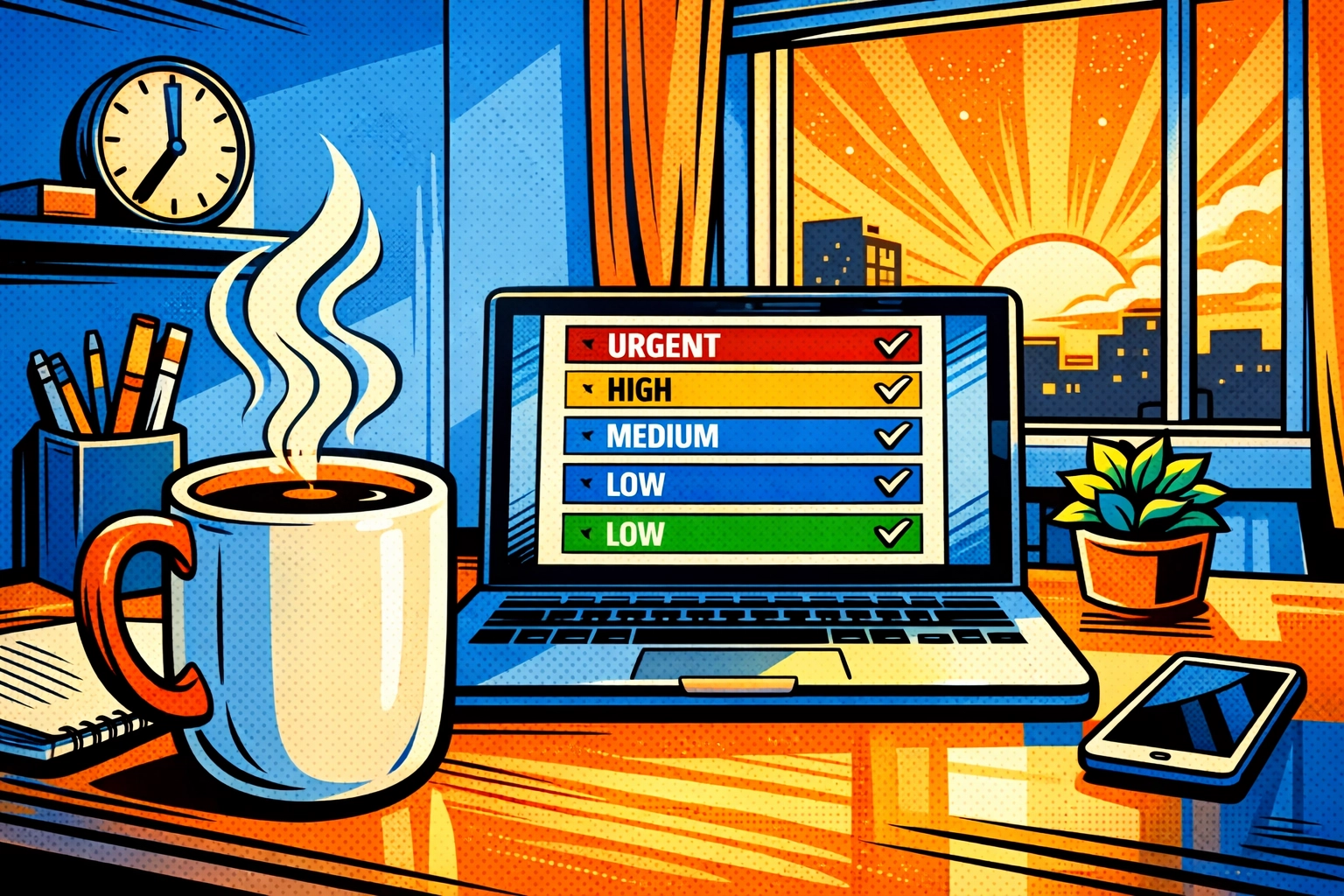
THE 5-MINUTE SETUP THAT CHANGES EVERYTHING
Stop trying to revolutionize your entire workflow in one afternoon. That's where most people fail, they build these elaborate automation systems that take longer to maintain than just doing the work manually.
Instead, start lean. Automate just three things that eat your morning alive.
Here's the exact setup:
Minute 1-2: Pick your task capture tool
Use something stupid-simple. Todoist or Google Tasks both understand natural language, you can literally type "Email John tomorrow at 10 am" and they'll schedule it automatically. No dropdown menus. No clicking through calendars.
If you're on iPhone and you want zero learning curve, Apple Reminders does the same thing. Type like you're texting a friend. The AI figures out the rest.
The goal here isn't to find the perfect tool. It's to pick one that won't make you think.
Minute 3-4: Connect one automation
This is where ai business automation actually saves you time instead of creating more work.
Connect your task tool to IFTTT or use something like Reclaim that automatically drops your tasks onto your calendar. Reclaim's particularly clever, it doesn't just add tasks, it defends them. When someone tries to book a meeting during your focus time, it automatically suggests alternative slots.
Your calendar becomes a bouncer. It protects your time without you lifting a finger.
Minute 5: Set one recurring pattern
This is the secret most business automation tools don't tell you about.
Type "Check quarterly reports every third Monday" in natural language. Tools like Morgen's AI translate that into a recurring task automatically. You never have to remember it again.
No more "Oh crap, I forgot to send the monthly update" moments at 11 PM.
One sentence. Five seconds. Never think about it again.
WHAT YOUR MORNING LOOKS LIKE NOW
☕ 7:00 AM: You open your laptop with your coffee.
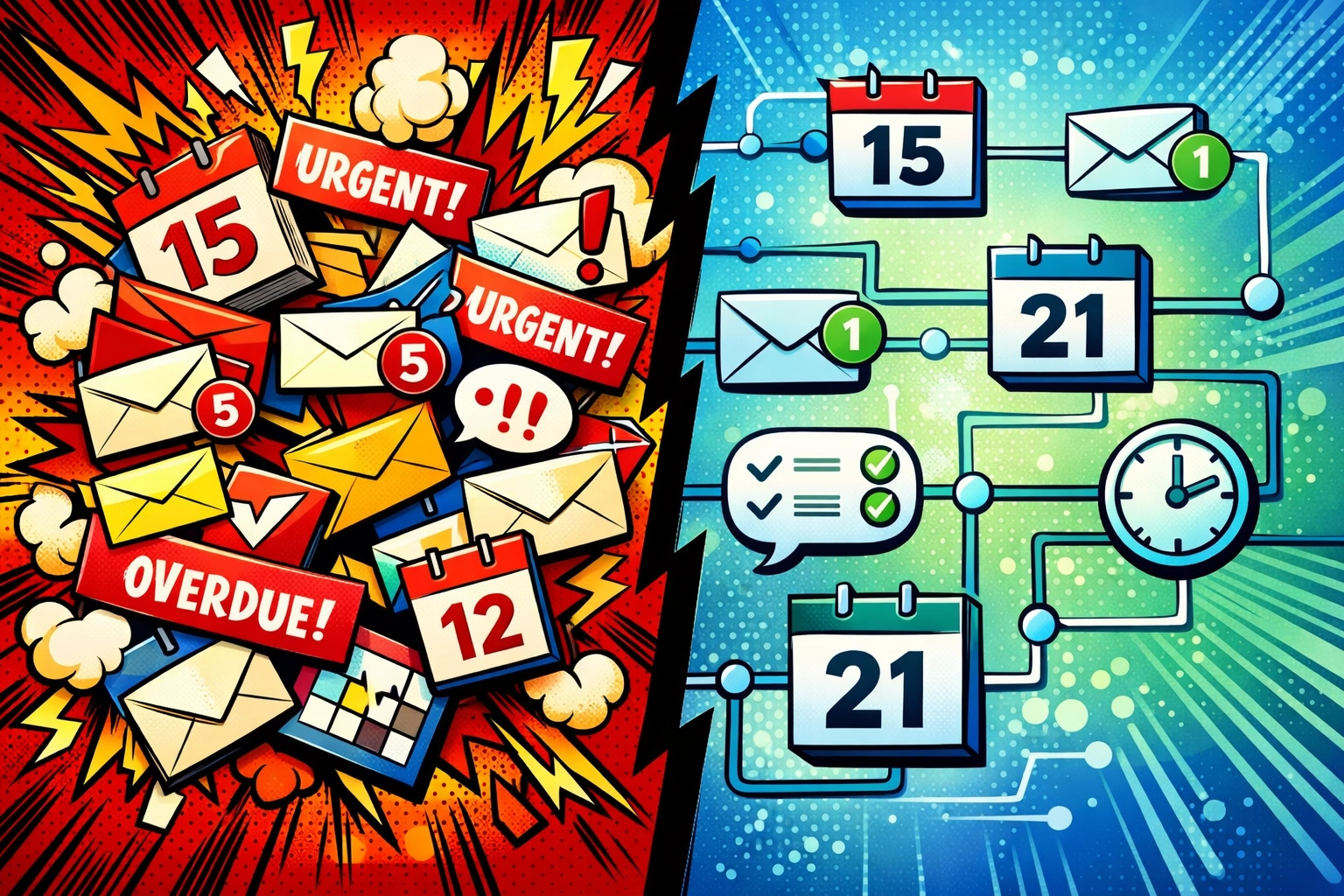
Your inbox is already sorted. AI has categorized urgent emails from noise, drafted responses to routine questions, and flagged the three things that actually need your attention.
The calendar conflicts? Already resolved. Your AI scheduling tool moved that 9 AM call to Thursday (when both of you are actually free) and sent the updated invite while you were asleep.
The chaos is gone before you even take your first sip.
7:15 AM: You check your task list.
Everything from yesterday that you didn't finish is already rescheduled for today: but not randomly. Your AI looked at your calendar, found your open blocks, and dropped them in during your most productive hours.
You didn't move a single task manually.
7:20 AM: You start actual work.
Not email. Not admin. Not "getting organized."
The work that actually grows your business.

THE PART NOBODY TALKS ABOUT
Here's what happens after a week of this setup…
You stop checking your phone every five minutes. Because you know the important stuff is handled. The urgent emails get answered. The meetings get scheduled. The recurring tasks happen without you remembering them.
Your mornings become weirdly… quiet.
Not in a boring way. In an "I can finally think" way.
You start noticing how much mental energy you were burning on task management. On remembering what needs to happen when. On manually moving calendar blocks around like you're playing Tetris.
All that energy? It's yours again.
WHY MOST AUTOMATION FAILS (AND HOW TO AVOID IT)
Most people try to automate everything at once. They connect 47 different apps, build elaborate Zapier workflows, and create systems so complex they need a manual to remember how they work.
Three weeks later, they're back to doing everything manually because the automation broke and they don't remember how to fix it.
Here's the move: Start with these three morning tasks. Just tasks, calendar, and email sorting.
Get comfortable with that for two weeks. Let it become invisible.
Then add more.
The best business automation tools are the ones you forget you're using. They just work. In the background. While you're doing the stuff that actually matters.
WHAT THIS ACTUALLY COSTS YOU
Let's do the math.
If you spend 90 minutes every morning on admin tasks, that's 7.5 hours per week. 30 hours per month.
At a modest $100/hour value of your time, you're burning $3,000 monthly on digital housekeeping.
These tools? Most cost less than $50/month combined. Some are free.
The ROI is embarrassing. In a good way.
But here's the real cost nobody talks about: your best thinking hours disappear into task management. By the time you get to strategy, creativity, or actual business growth, you're running on fumes.
You can't get those hours back.
THE SETUP THAT ACTUALLY WORKS
You want the honest truth? The fancy five-app automation setup you're picturing… you don't need it.
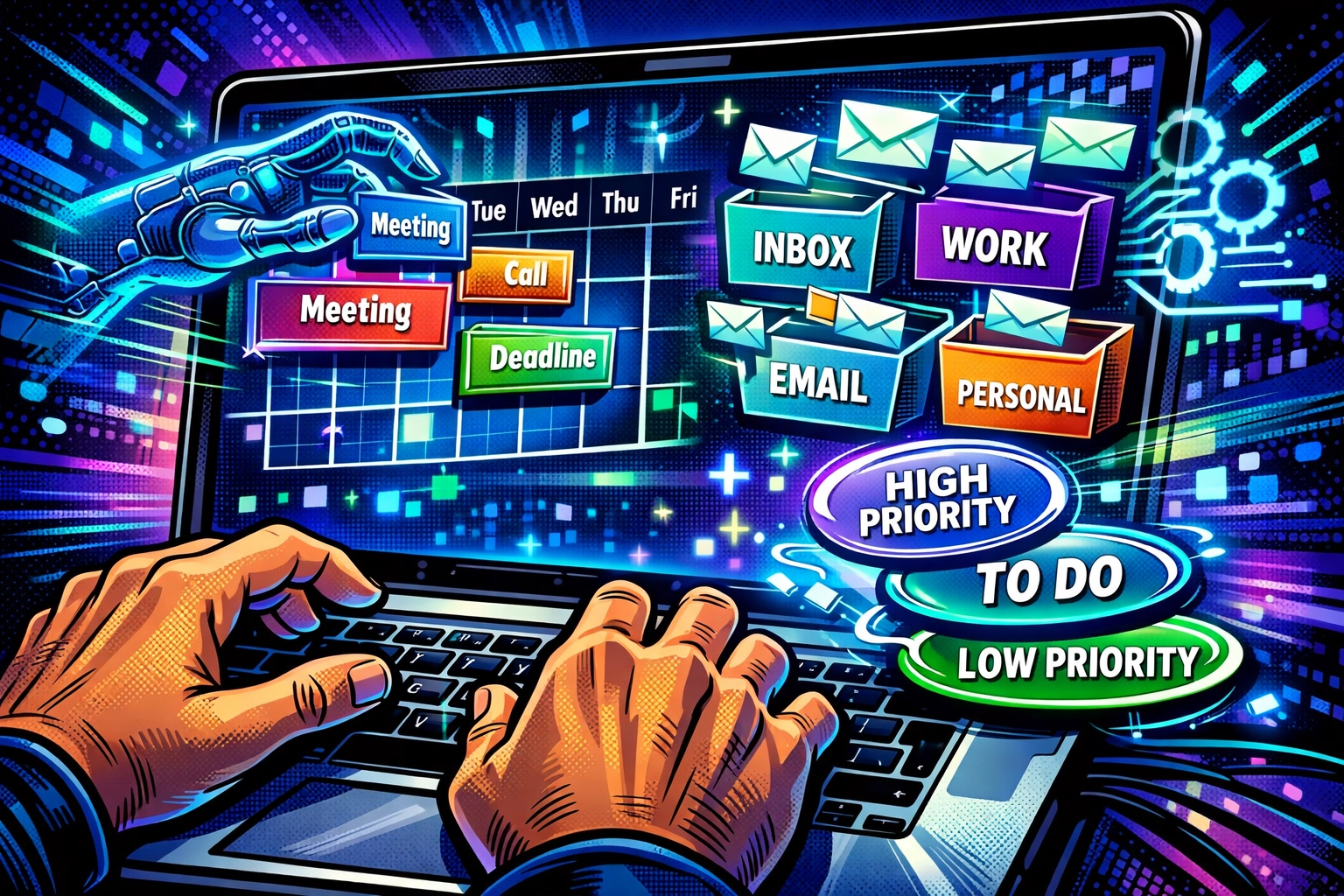
You need one good task manager that understands natural language. One calendar tool that auto-schedules. And maybe one email sorter if you're drowning in messages.
That's it.
Everything else is optimization theater: it makes you feel productive while actually adding complexity.
The companies killing it with ai business automation? They're not using 47 different tools. They're using three tools really well.
Start there.
If you want to see how this looks when it's properly integrated (without spending your weekend building Zapier workflows), check out what we've built at Marblism. It's the kind of setup that handles morning admin before you're even awake: without the complexity that makes most automation systems fall apart.
Five-minute setup. Zero maintenance. Your mornings back.
THE QUIET PART OUT LOUD
Here's what nobody wants to admit…
Most morning admin tasks exist because we haven't figured out a better system. We're still managing our businesses like it's 2010, manually moving information from one place to another.
Email to calendar. Calendar to task list. Task list to notes. Notes back to email.
It's digital busywork dressed up as productivity.
The business automation tools that actually matter? They eliminate the busywork entirely. They don't help you manage tasks faster: they handle the tasks while you're doing something else.
That's the difference between automation that saves time and automation that gives you your life back.
YOUR MOVE
Tomorrow morning, before your first coffee, try this:
Open your task manager. Type one sentence in natural language about what you need to do. Let the AI schedule it.
That's it.
Don't overthink it. Don't build the perfect system. Just automate one morning task and see what happens.
By next week, you might not recognize your mornings.
In a really good way.
The smart business owners aren't working harder. They're automating smarter. And their mornings look suspiciously relaxed.
Leave a Reply