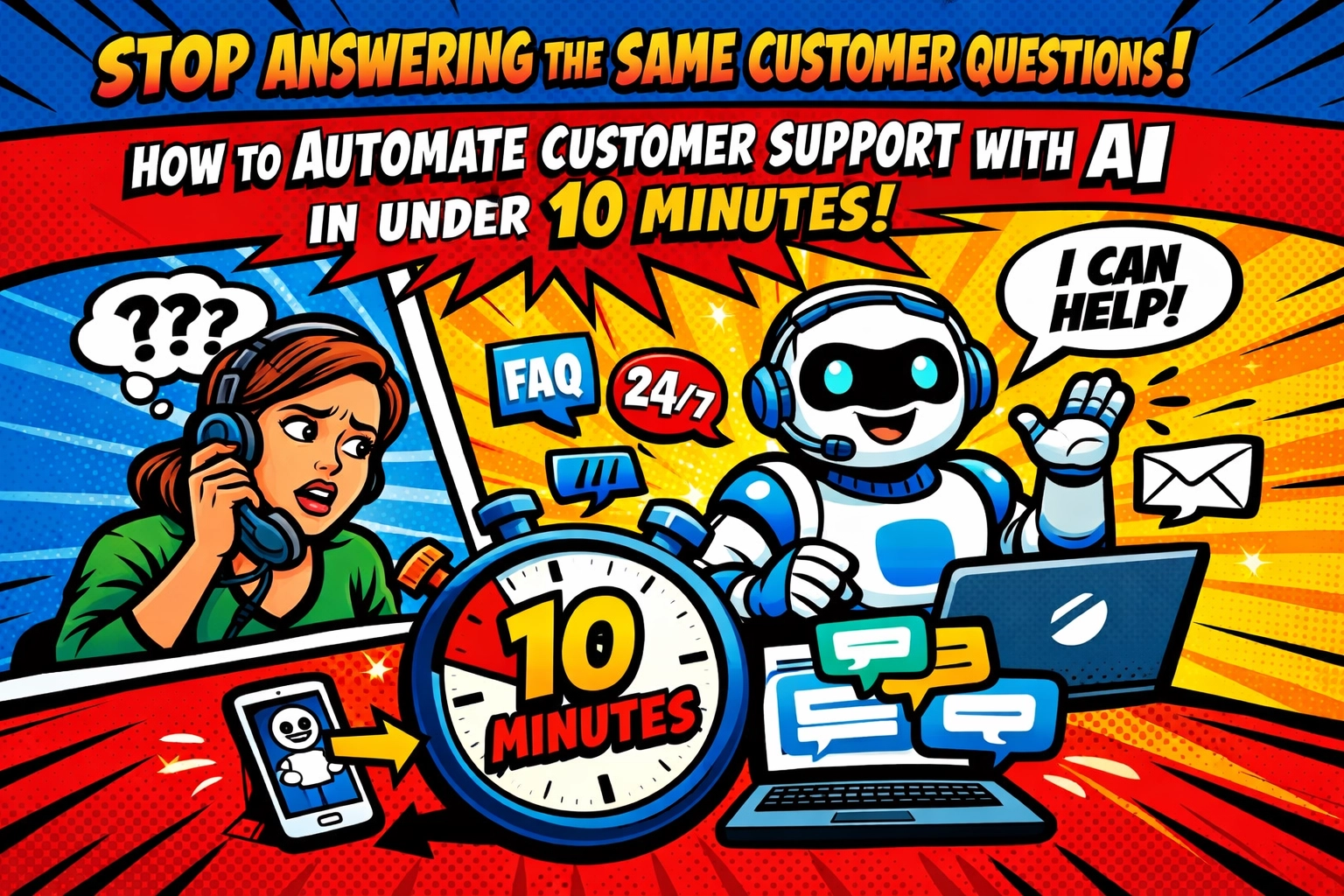
☕ Monday morning. 9:47 AM.
Your inbox has 67 unread messages.
Forty-three of them ask the same three questions you answered last week. And the week before. And every single week since you launched.
"What are your business hours?"
"How do I reset my password?"
"Where's my order?"
You copy. You paste. You personalize just enough to not sound like a robot.
Then your phone buzzes. A customer on live chat asking… the same question you just answered via email.
This is your Tuesday. And Wednesday. And every single day after that.
The Hidden Cost of Being "Helpful"
Here's what nobody tells you about running a small business: customer support isn't the hard part. It's the repetitive part.
You're not solving complex problems. You're answering the same questions on loop while your actual business , the strategy, the growth, the things that move the needle , sits waiting in another browser tab.
You know you need help. But hiring someone costs thousands per month. And training them? That's another week you don't have.
Meanwhile, your competitors are responding in seconds. Their customers rave about "instant" support. You're over here manually typing the same response for the 47th time…
There has to be a better way.

What if Your Support Team Never Slept?
Imagine this instead.
A customer emails at 11 PM asking about your return policy. Before you even wake up, they've received a complete answer with links to the exact documentation they need. No copy-paste from you. No waiting until morning.
Another customer hits your website chat at 2 PM. "How do I upgrade my plan?" Within 15 seconds, they're looking at upgrade options with personalized recommendations based on their current usage. You didn't lift a finger.
That's not science fiction. That's an ai virtual assistant for business doing what it does best , handling the repetitive stuff so you can focus on the work that actually needs your brain.
The best part? You're about to set this up in roughly the time it takes to drink your coffee.
The 10-Minute Setup (Yes, Really)
Let's walk through this. No technical degree required. No coding. Just you, a laptop, and ten minutes of focused effort.
Minutes 1-2: Pick Your Platform
You need a tool that connects to where your customers already talk to you : your website, email, or both.
Here's the truth: most AI support platforms want to impress you with features you'll never use. You need three things:
- Fast setup
- Works with what you already have
- Doesn't cost as much as hiring a person
Start with platforms offering free trials. Tidio gets you running in minutes. Gorgias works brilliantly if you're on Shopify. Zendesk has the depth if you want room to grow.
For most small businesses, simple beats sophisticated. Choose something you can deploy this afternoon, not next quarter.
Minutes 3-7: Feed It Your Knowledge
This is the secret sauce. Your AI virtual assistant for business is only as good as what it knows.
Grab your FAQ page. Your help center. Those email templates you've been copy-pasting for months. Even your product documentation.
Most platforms let you upload or link directly to this content. The AI reads it, learns it, and starts using it to answer questions.
This isn't programming. This is pointing your new assistant to the manual.
Pro tip: if you don't have an FAQ page yet, spend these five minutes creating one. List the ten questions you answer most often. Write clear, simple answers. That's your training data right there.

Minutes 8-10: Deploy and Test
Add the chat widget to your website. Connect it to your email. Most platforms give you a simple code snippet or plugin.
Then test it. Ask it the questions your customers ask. "What are your hours?" "How do I return something?"
Watch it work.
If an answer isn't quite right, adjust the source material. The AI will learn from the update instantly.
That's it. You just built an automated customer support system while your coffee was still hot.
What Happens Next (The Part Nobody Mentions)
Here's where it gets interesting.
📱 Your first automated resolution happens within hours.
Someone visits your site at 7 PM. They ask about shipping times. Your AI assistant answers instantly with accurate information pulled directly from your shipping policy. The customer is satisfied. You were probably eating dinner.
You don't even know this interaction happened. But it happened. And you didn't spend three minutes typing a response.
The next morning, you check the dashboard.
Overnight, your AI assistant handled 12 conversations. Nine of them were fully resolved without human intervention. The other three got escalated to you because they required actual human judgment : a refund request, a custom order inquiry, a complaint.
You handle those three conversations in fifteen minutes. Without the AI, you would've handled all twelve. And taken an hour.
That's forty-five minutes back in your day. Every single day.
Not All Questions Are Created Equal
Let's be real: AI won't replace you for everything. Nor should it.
Your AI virtual assistant excels at:
- Order status checks
- FAQ responses
- Basic troubleshooting
- Business hours, shipping info, return policies
- Creating support tickets for complex issues
You're still needed for:
- Angry customers who need empathy
- Complex technical problems
- Refund decisions
- Custom requests that fall outside standard procedures
But here's the game-changer: you're only seeing the questions that actually need you.
The routine stuff? Handled. The repetitive questions that make you question your life choices? Gone.
You're left with the interesting problems. The ones where your expertise matters.

The Real Cost of Doing Nothing
Let's do the math.
Say you spend 90 minutes per day on customer support. That's 7.5 hours per week. Thirty hours per month.
If your time is worth $50/hour (and it probably should be), that's $1,500 of your time every month spent answering the same questions over and over.
An ai virtual assistant for business costs anywhere from $25 to $100 per month depending on your volume.
Even if it only saves you 50% of that support time, you're still getting back 15 hours per month. That's almost two full workdays.
What would you do with two extra days every month?
Stop Answering. Start Building.
You started your business to build something. To create. To grow.
Not to answer "What are your hours?" for the 400th time.
The technology exists. The setup takes ten minutes. The cost is less than you spend on coffee.
The question isn't whether you can automate customer support with AI.
It's why you haven't done it yet.
Ready to get those hours back? See exactly how this works for your business : no commitment, just clarity on what's possible when you stop being your own help desk.
Because the best use of your time isn't answering the same question twice.
It's building the business that makes those questions worth asking in the first place.
Leave a Reply