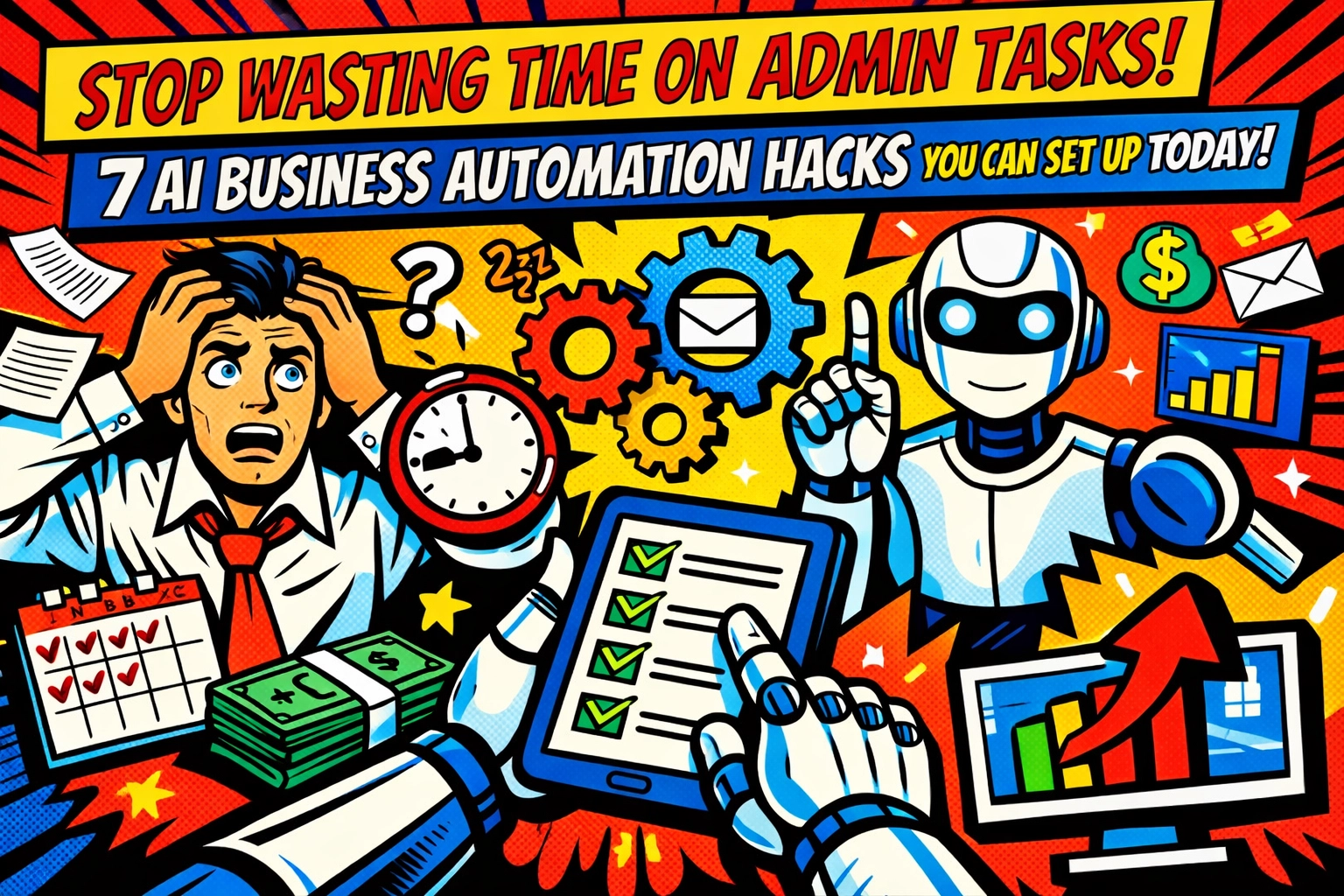
You know the drill.
It's 9:47 AM. You've got three browser tabs open, two spreadsheets crying for attention, and your inbox just hit 147 unread. That "strategic planning session" you scheduled for yourself? Yeah, it got bumped. Again.
Because someone needs to copy data from the CRM to the project tracker. Someone needs to follow up on those client emails. Someone needs to turn last week's meeting notes into actual action items.
That someone is you.
But here's the thing , it doesn't have to be.
The ai business automation revolution isn't coming. It's already here. And I'm about to show you seven business automation tools you can set up before lunch, freeing up hours of your week for… well, literally anything else.
1. Let ChatGPT Handle Your Email Inbox (Without Sounding Like a Robot)
Your inbox is a time vampire. Every templated response, every "just checking in" email, every data entry request that somehow ends up in your Gmail , it's death by a thousand paper cuts.
ChatGPT Enterprise can draft all those responses for you.
Train it on your email style once. Show it your standard templates for customer inquiries, internal updates, and follow-ups. Then let it generate contextual responses based on incoming messages.
The setup takes 30 minutes. The time saved? Hours every single week.
You'll still review and approve before sending (because you're not reckless). But instead of staring at a blinking cursor trying to politely say "no" for the fifteenth time today, you've got a draft ready in seconds.

2. Turn Meeting Rambles Into Action Items Automatically
Meetings generate information. Then that information… just sits there. In recordings. In scattered notes. In someone's illegible handwriting.
You know you should turn those notes into tasks and SOPs. You also know you won't, because who has time to transcribe and organize an hour-long conversation?
Notion AI does.
Upload your meeting recording or paste your notes. It extracts every action item, assigns ownership (if you've mentioned names), organizes by priority, and even formats it into clean standard operating procedures.
What used to take an hour of post-meeting admin work now takes three minutes of reviewing an AI-generated task list.
The meetings are still boring. But at least you're not manually creating to-do lists from them anymore.
3. Repurpose Your Content Without Hiring a Voice Actor
You wrote that killer blog post. Now marketing wants it as a podcast. And a YouTube voiceover. And translated into three languages for international clients.
Cool. When exactly are you supposed to do that?
ElevenLabs turns text into studio-quality audio in minutes. Upload your written content, choose a voice that doesn't sound like a GPS from 2009, and you've got professional audio content ready to go.
One blog post becomes six pieces of content across multiple formats and languages. While you're in another meeting pretending to pay attention.
This is the kind of ai business automation that feels like cheating. It's not. It's just smart.

4. Set Workflows on Autopilot with Zapier AI Agents
You've got apps. So many apps. And they all need to talk to each other, but they don't speak the same language.
So you play translator. Moving data from your email to your CRM. Updating spreadsheets when forms are submitted. Sending Slack notifications when deals close.
Manually.
Like it's 2015.
Zapier AI Agents watch you do a workflow once, then automate it forever. You show it how to sync data between your apps, and it handles every instance after that. No coding. No complex setup. Just "here's what I do" and the AI takes over.
It runs in the background while you do literally anything else. Including taking that lunch break you keep skipping.
5. Make Microsoft 365 Actually Work For You
You're already paying for Microsoft 365. Most people use about 12% of what it can do.
Microsoft Copilot lives inside the tools you already use : Outlook, PowerPoint, Excel, Word : and handles the tedious stuff automatically.
Summarize a 47-email thread into three bullet points. Generate a PowerPoint presentation from a Word doc. Clean messy Excel data without hunting for the right formula. Rewrite that passive-aggressive email draft into something your HR department won't flag.
It's already integrated into your existing workflow. You don't need to learn a new platform or migrate data or convince your team to adopt another tool.
You just… use the tools you have, but with an AI assistant doing the grunt work.

6. Stop Guessing About Project Timelines
Your project management is reactive. Something falls behind schedule, and you scramble to fix it. Tasks pile up on team members who are already drowning. Deadlines get missed because nobody saw the bottleneck coming.
ClickUp Brain predicts project delays before they happen.
It analyzes your team's capacity, automatically assigns tasks based on who has bandwidth, and optimizes timelines so work flows smoothly instead of piling up.
You're not manually shuffling tasks at 6 PM on a Friday anymore. The system handles resource allocation. You just approve the plan and watch your projects actually stay on track.
These business automation tools don't just save time. They save your sanity.
7. Tame Your Messy Data Without a Computer Science Degree
You've got data everywhere. In emails. In PDFs. In business systems that export files in formats nobody asked for.
And you need to turn that chaos into something useful. Financial reports. Digitized documents. Inventory management that doesn't require three people and a prayer.
Parabola handles the messy data work with a visual, drag-and-drop interface. No coding required. No technical team needed.
It pulls data from your emails, PDFs, and business systems, then processes it automatically. Financial audits run themselves. Documents get digitized. Inventory updates happen in the background.
You set up the workflow once. It runs forever.

The Real Secret? Just Pick One
Here's where most people stall. They read about seven ai business automation hacks and think "I should implement all of these!"
Then they implement none of them.
Because it feels overwhelming. Because they're not sure which one to start with. Because they'll "do it next week when things slow down."
Things will not slow down next week.
Start with one. Whichever automation addresses your biggest current pain point. Spend 30 minutes setting it up today. Let it run for a week. Watch hours of admin work disappear.
Then add another one.
This isn't about revolutionizing your entire business overnight. It's about reclaiming one hour today. Then another tomorrow. Then realizing you've automated away 15 hours of admin work and you're actually focusing on strategy for once.
Ready to see how ai business automation could transform your specific workflow? Check out what's possible when you stop doing admin work manually and start building systems that actually scale.
The admin tasks aren't going away. But you don't have to be the one doing them anymore.
Your move.
Leave a Reply