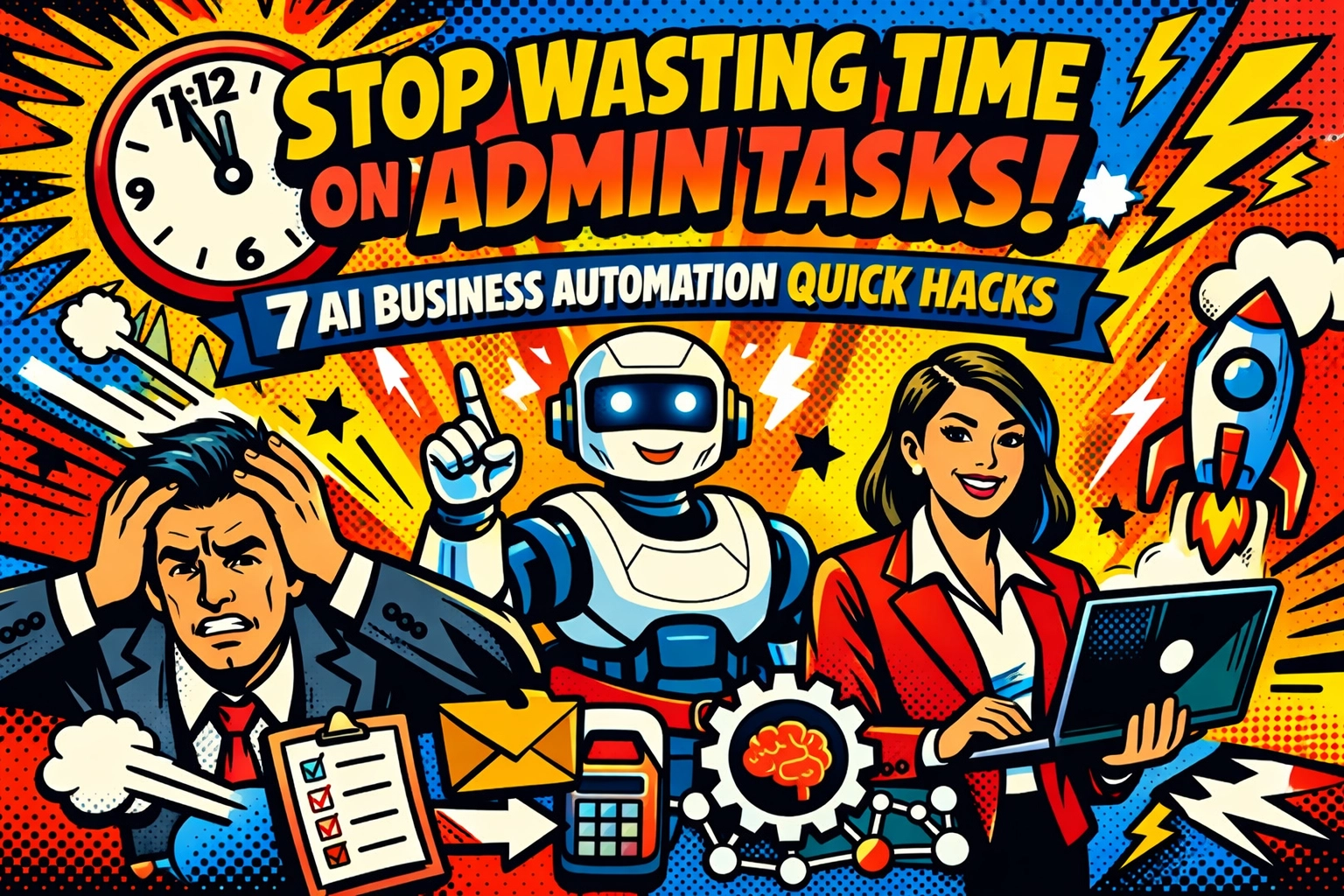
You're drowning in admin work.
Every morning, it's the same story. Invoices pile up. Expense reports sit in your inbox like little time bombs. Someone needs approval for time off. The CRM looks like it hasn't been updated since 2019. And somehow… you're the one doing all of it.
This isn't what you signed up for when you started your business.
You wanted to build something. Instead, you're stuck processing paperwork, chasing receipts, and manually entering data that should've automated itself years ago.
Here's the truth: AI business automation isn't just for tech giants with unlimited budgets anymore. Small business owners are using simple automation hacks to reclaim hours every single day, without hiring an admin team or learning to code.
Let me show you seven quick wins that'll get you out of the admin trap and back to what actually matters.
1. Stop Creating Invoices By Hand
You know that feeling when you realize you forgot to invoice a client three weeks ago?
Yeah. That stops now.

Set up automated invoice generation that pulls data straight from your project management tool or time tracker. The second a job's complete, the invoice gets created, sent, and, here's the magic part, automatically followed up if payment's late.
Connect your bank account, and the system reconciles payments in real time. No more spreadsheets. No more "did they pay me?" panic at 11 PM.
Business automation tools handle the entire cycle while you sleep. You just check your account and watch the deposits roll in.
2. End the Time-Off Email Tennis Match
"Can I take next Friday off?"
"Let me check with the team…"
"Did you check?"
"Oh sorry, yes that's fine: "
Stop. Just… stop.
Replace that entire nightmare with an AI-powered approval workflow. Your team requests time off through a simple chat interface. The system checks team capacity, flags any conflicts, routes the request to you, and updates everyone automatically.
You get a notification. You tap "approve." Done.
Your team gets instant confirmation. The calendar updates. HR records it. And nobody sends seventeen emails about a single day off.
3. Automate Expense Reimbursements (Before You Lose Another Receipt)
Expenses are where admin work goes to die.
Someone submits a crumpled receipt. You try to read the faded print. You check if it's within policy. You manually enter it into accounting. You send it for approval. You wait. You follow up. You finally process payment.
Three weeks have passed.

AI changes everything here. Employees snap a photo of their receipt through an app. The system automatically reads it, categorizes the expense, checks compliance with your company policy, and routes it for approval: all without you touching it.
For routine expenses under your threshold? Auto-approved and paid within 24 hours.
You're not processing receipts anymore. You're just getting quick notifications and watching your team actually get reimbursed on time.
4. Let AI Handle Your Support Tickets
Password resets. "How do I access the shared drive?" Someone locked themselves out. Again.
These tickets don't need you. They just think they do.
Deploy an intelligent routing system that classifies every ticket instantly, assigns priority levels, and sends complex issues to the right person while handling routine requests automatically.
Password reset? Done in 30 seconds without human involvement.
Access question? AI pulls up the documentation and walks them through it.
Actual problem that needs expertise? Routed to your most qualified team member immediately, with all context already attached.
Your IT person goes from drowning in tickets to only handling the stuff that actually requires their brain.
5. Make Your CRM Update Itself
Your CRM is supposed to help you sell more.
Instead, it's a ghost town of outdated information and missed opportunities because nobody has time to update it.
Here's what happens when you automate lead scoring and CRM updates: AI monitors every interaction, assigns scores based on prospect behavior, and updates records automatically whenever new information comes in.
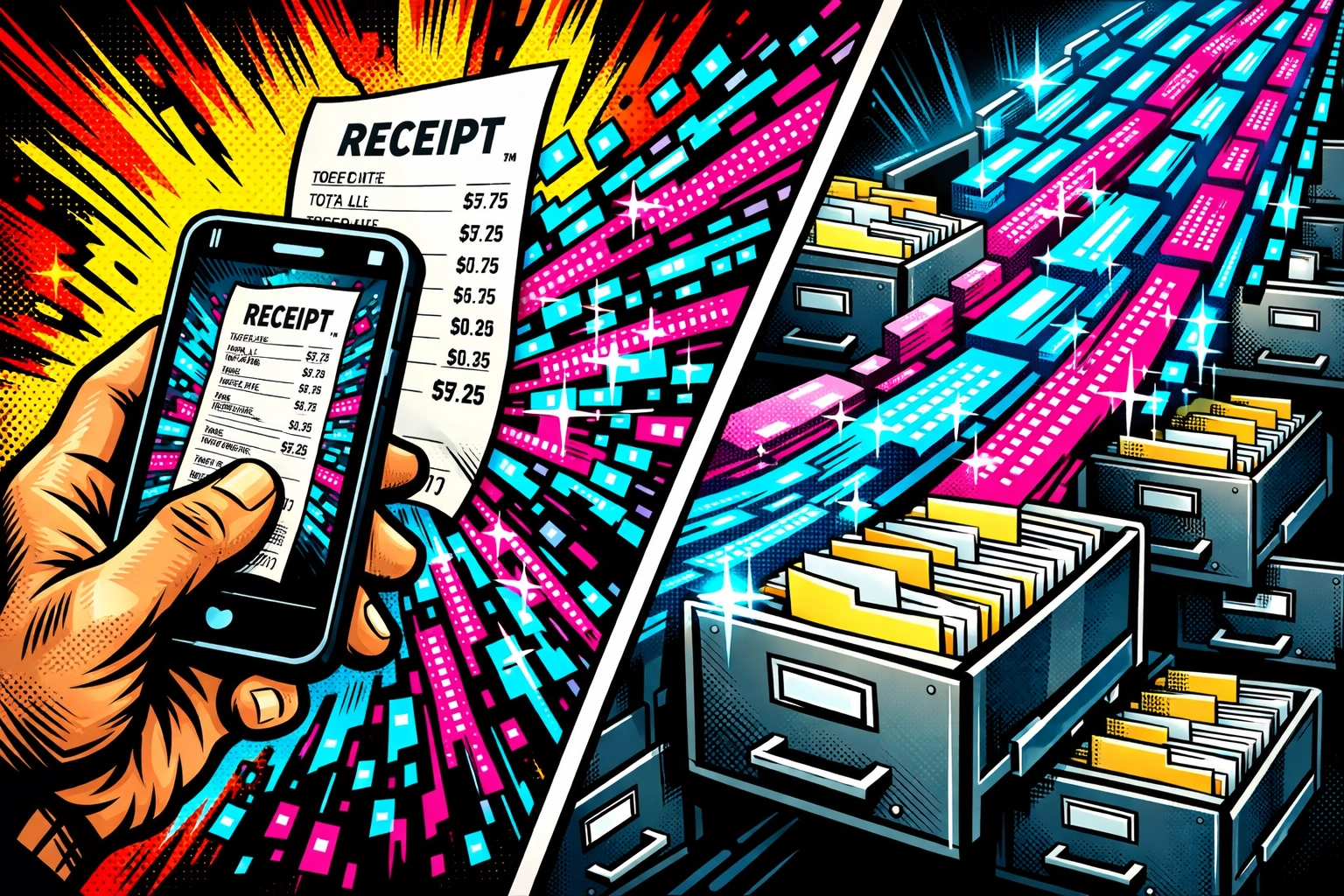
Someone downloads your guide? Scored and logged.
They visit your pricing page three times? Priority bumped and sales team notified.
Email bounces? Record cleaned automatically.
Your sales team stops doing data entry and starts having actual conversations with qualified leads who are ready to buy. The CRM becomes the tool it was supposed to be: not another admin burden.
6. Speed Up Every Approval Process
Contracts sitting on someone's desk. Purchase requests lost in email. Expense reports waiting for signatures.
Approvals shouldn't take weeks. They shouldn't require you to hunt people down.
Set up automated approval workflows that route every document to the right person based on your business rules. Need legal review? It goes there first. Over $5,000? Finance gets it next. Standard contract? Straight to the decision maker.
The system tracks everything, sends reminders automatically, and keeps a complete audit trail without you doing anything.
Documents stop falling through the cracks. Decisions happen in hours, not weeks. And you stop being the bottleneck for everything that needs a signature.
7. Tame Your Email Inbox With AI Triage
You open your inbox in the morning and immediately regret your life choices.
173 unread emails. Half are noise. A quarter need responses. Three are actually urgent but buried somewhere in the middle.
This is not a sustainable way to run a business.
AI email triage classifies every incoming message, flags urgent items, moves noise out of your way, and even drafts response suggestions based on how you've handled similar emails before.
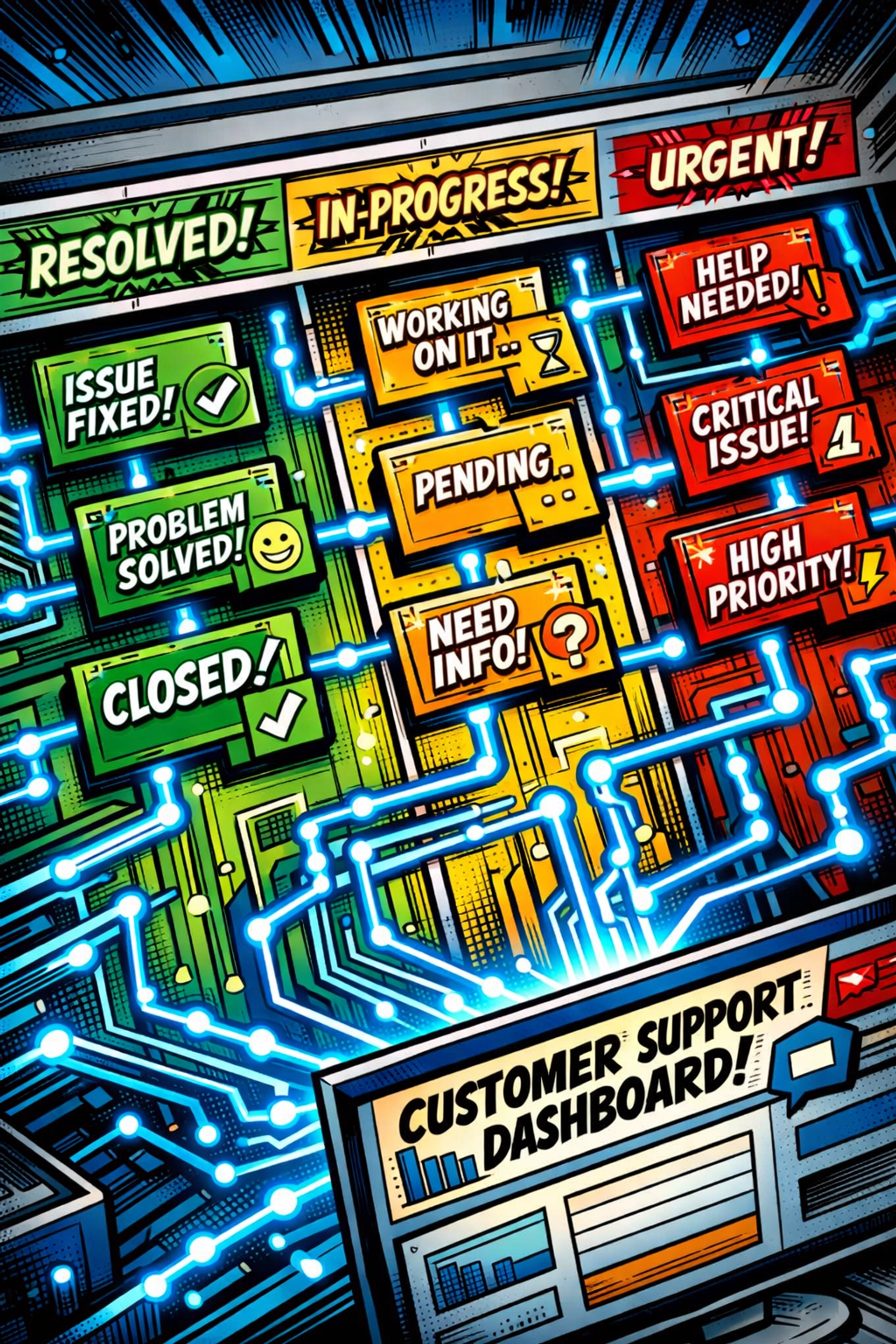
You see what actually matters. The urgent stuff is already at the top. Routine questions get auto-responses. And you're not spending two hours every morning just figuring out what to read first.
Your inbox becomes a tool again instead of a source of constant anxiety.
The Pattern You're Probably Noticing
These seven hacks have something in common: they target high-volume, low-complexity tasks that eat your time without adding real value.
That's the secret.
You're not automating the strategic decisions. You're automating the repetitive nonsense that keeps you from making those decisions in the first place.
Invoice generation, expense processing, ticket routing, CRM updates, approvals, email triage: none of these need your brilliant brain. They just need consistency and speed.
AI business automation tools excel at exactly that.
Start With One (Then Watch What Happens)
You don't need to implement all seven tomorrow.
Pick the one that hurts most. The admin task that makes you want to throw your laptop out the window. The thing you've been meaning to fix for months but never had time.
Start there.
Get that one process automated. Feel what it's like to have those hours back. Watch how much clearer your mind gets when you're not drowning in admin work.
Then do the next one.
Before you know it, you're running a business that actually runs itself: at least for all the stuff that should've been automatic years ago.
Ready to see what AI automation actually looks like in action? Check out what's possible here and stop wasting another week on admin tasks that shouldn't exist.
The future of small business isn't about working harder. It's about working on the right things while AI handles the rest.
Your competitors are already figuring this out. Don't let them get too far ahead.
Leave a Reply