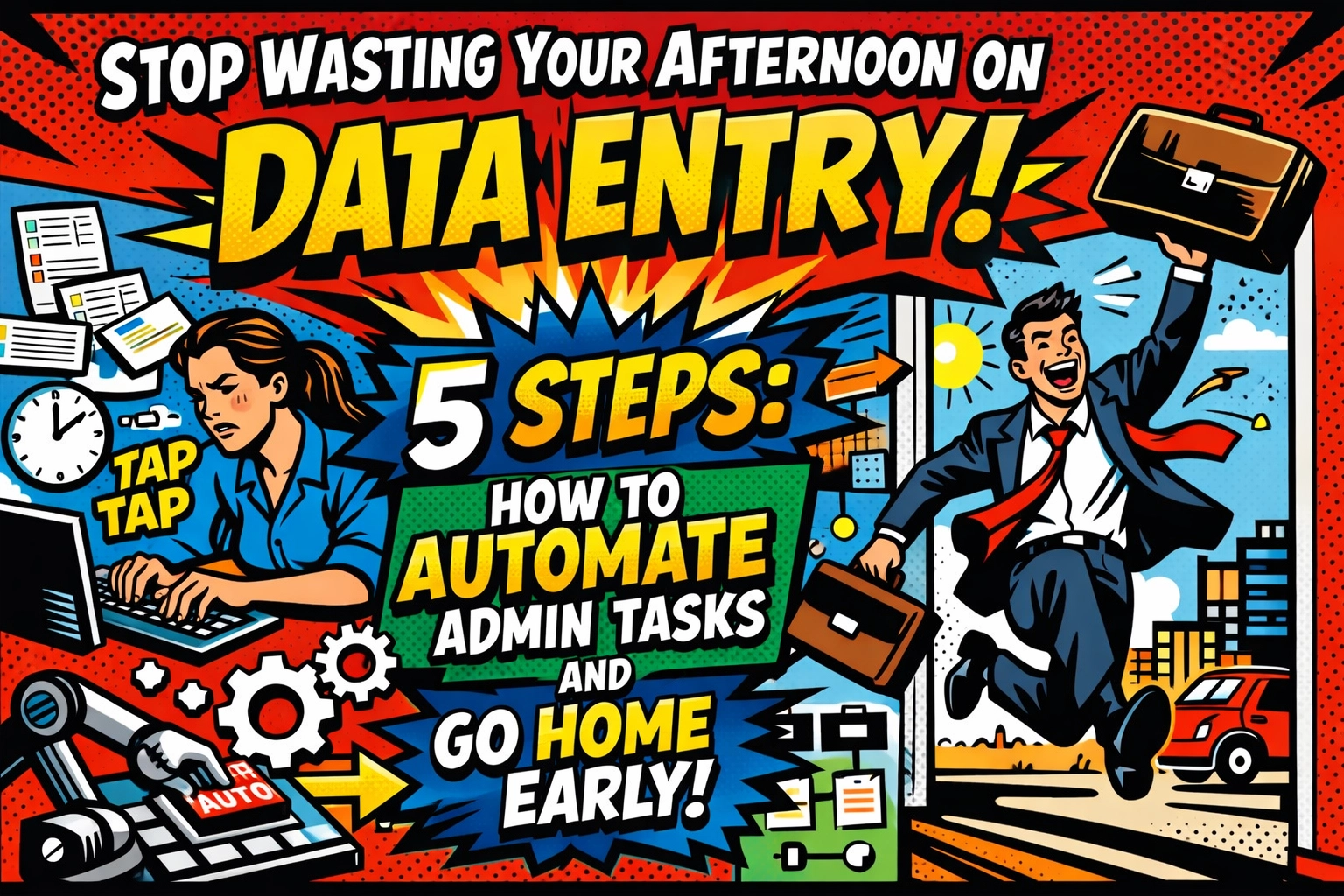
It’s 2:42 PM.
The sun is hitting your monitor at that awkward angle that makes you squint, and you’re currently staring at a stack of digital invoices that need to be "manually reconciled."
You know the drill…
Highlight name. Copy. Alt-Tab. Paste. Highlight amount. Copy. Alt-Tab. Paste.
Your neck is stiff. Your third coffee of the day has gone cold. And the worst part? You’re a business owner, not a professional copy-paster. Every minute you spend moving data from Point A to Point B is a minute you’re not growing your empire, talking to customers, or, heaven forbid, actually enjoying your life.
But it doesn't have to be this way.
Imagine a world where the data moves itself while you’re out grabbing a lunch that doesn't involve a keyboard. That’s the power of an ai virtual assistant for business.
Let's break down the five steps to stop the madness and start automating.
STEP 1: STOP PLAYING "MIDDLEMAN" WITH YOUR DATA
☕ 7:15 AM: The day begins.
You’re scrolling through your inbox while the kettle boils. There are three new leads. That’s great news, right? Except now you have to manually enter their details into your CRM.
Why? Because you’re still using a "Contact Us" email instead of a smart form.
The first step to freedom is connecting your intake forms directly to your spreadsheets or database. If a customer is willing to type their name and email into a box on your website, that data should never touch your clipboard.
Use tools like Google Forms or Typeform and link them directly to Google Sheets. The moment they hit "Submit," the row populates. No human intervention required.

You just saved ten minutes. That’s enough time to actually drink your coffee while it’s hot.
STEP 2: LET AI CLEAN UP THE MESS
🔍 10:30 AM: The data is… messy.
Someone typed their phone number as (555) 123-4567. Someone else typed 5551234567. Another person forgot to capitalize their own last name.
If you’re the one going in and fixing those little errors, you’re losing the war. This is where you automate customer support with ai.
Modern AI tools (like the ones we specialize in at Marblism) can act as your digital janitor. You can set up logic that says: "Hey, look at this column. If it looks like a phone number, format it like this. If a name isn't capitalized, fix it."
Instead of cell-by-cell editing, you’re just supervising.
"Is this right?" the AI asks.
"Yes," you say.
Done. Hundreds of rows cleaned in seconds.
If you want to see how this looks in the real world, check out what we're building over at https://marblism.link/scott-bowen. It’s basically magic, but with more logic and less top hats.
STEP 3: CONNECT YOUR APPS (THE "GLUE" STRATEGY)
📱 1:15 PM: Your phone buzzes.
It’s a notification from Shopify. A new order.
Then a notification from Slack. A team member asking about the order.
Then an email from the customer asking for a tracking number.
You’re currently the "Glue" holding these apps together. You’re manually moving info from Shopify to Slack to Gmail.
Stop. Just stop.
Use automation platforms like Zapier or Make to build "Zaps." Think of them as simple If/Then statements for your business.
- IF a new order comes in on Shopify…
- THEN send a message to Slack…
- AND add the customer to our mailing list…
- AND create a draft reply in Gmail.
Most of these setups take about ten minutes to build. Once they’re live, they run 24/7. They don’t take lunch breaks. They don’t get bored. They just work.
STEP 4: USE THE "BRAIN" INSIDE THE SPREADSHEET
📊 3:00 PM: The afternoon slump hits.
This is usually when you start making mistakes. You miss a digit. You skip a row.
But spreadsheets have built-in brains you’re probably not using. Functions like ARRAYFORMULA() or IMPORTRANGE() can move data across different sheets automatically.
Instead of typing "Pending" next to 50 different orders, you can write one formula that looks at the payment status and fills the column for you.

It feels like cheating. It’s not. It’s just being smart. When you combine these formulas with an ai virtual assistant for business, you aren't just managing data, you're presiding over an automated kingdom.
STEP 5: DEPLOY THE HEAVY LIFTERS (RPA)
🌙 4:45 PM: The lights are almost off.
For the really complex stuff, like moving data between old-school software that doesn't "talk" to other apps, you need Robotic Process Automation (RPA).
This sounds fancy, but it just means a script that records your mouse movements and clicks. It mimics exactly what you do.
- Open the ERP.
- Click the "Export" button.
- Wait for the download.
- Upload to the CRM.
You record it once, and then you tell the robot to do it every day at 5:00 PM.
While the robot is grinding away at the system-to-system transfers, you’re already in your car. You’re heading home. You’re actually going to see your family or hit the gym or finally watch that show everyone’s talking about.
WHY DOES THIS MATTER RIGHT NOW?
The world is moving fast. Your competitors aren't hiring more people to type faster; they’re building systems to type for them.
If you stay stuck in the "manual" lane, you’ll eventually run out of gas.
Automating your admin tasks isn't just about "saving time." It's about mental bandwidth. When you stop worrying about data entry, you start thinking about strategy. You start thinking about scale.
"I used to spend three hours a day just moving lead info from our site to our sales tracker," says Mark, a small business owner. "Now, I don't even look at the tracker until it's time to make calls. The AI handles the rest. I feel like I got my life back."
Scaling shouldn't be this easy. But here we are.
YOUR NEW AFTERNOON ROUTINE
🤝 5:00 PM: You step back into your day.
The chaos is gone before you even take your first sip of water.
You look at your to-do list. Everything is checked off. Not because you worked harder, but because you worked smarter.
Your customer support is being handled. Your data is structured. Your apps are talking to each other.
You smile.
You don't have to be a tech genius to make this happen. You just need to decide that your time is worth more than $15 an hour (which is what you’re effectively paying yourself when you do manual data entry).
Ready to see how an ai virtual assistant for business can transform your workflow? We’ve got the tools to help you build your own automated dream team.

Check out the future of business automation here: https://marblism.link/scott-bowen.
FREQUENTLY ASKED QUESTIONS
Q: Is automation expensive to set up?
No. Many of the tools mentioned, like Google Sheets and basic Zapier tiers, have free versions. You can start small and scale as you grow.
Q: Do I need to know how to code?
Not at all. Most modern automation is "no-code." If you can drag and drop an icon, you can automate a workflow.
Q: Will AI replace my assistants?
No. It will free them up to do more important work. Instead of your assistant spending 4 hours on data entry, they can spend 4 hours talking to high-value clients.
Q: How long does it take to see results?
Immediately. The moment your first "Zap" or formula goes live, you’ve saved time that you’ll never have to spend again.
THE FINAL WORD
Stop fighting the spreadsheets. They’re winning, and they don’t even have feelings.
Take your afternoons back. Build a business that runs while you sleep. The tools are ready. The question is… are you?
Go home early today. You’ve earned it.
START AUTOMATING NOW
https://marblism.link/scott-bowen
Leave a Reply