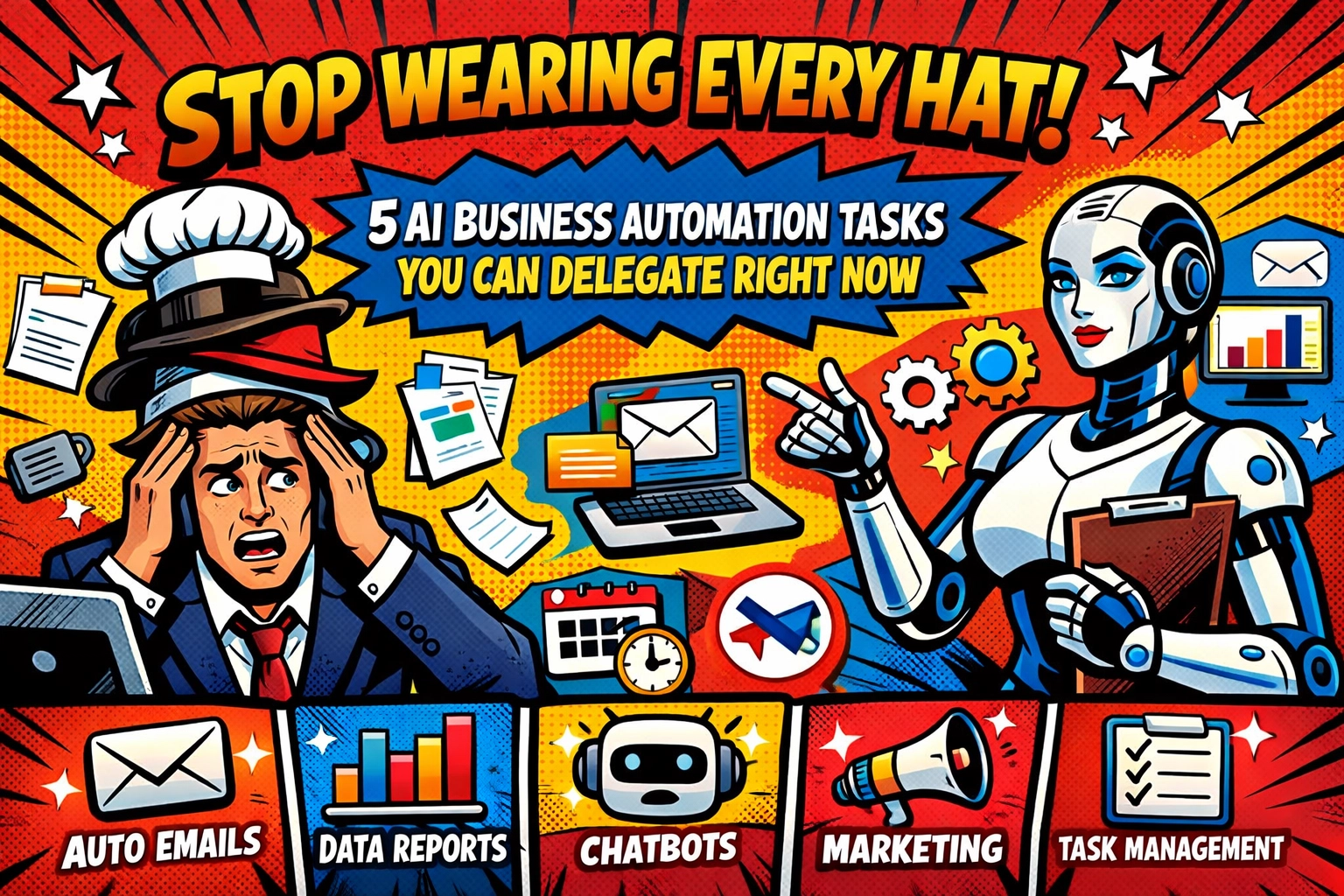
You wake up to 73 unread emails.
Three are from clients asking "quick questions" that'll take 45 minutes each to answer. Seven are invoices that don't match the purchase orders. Five are support tickets that somehow ended up in your personal inbox. And somewhere in that mess is an urgent approval request that's been sitting there since yesterday.
Before you've had coffee, you're already behind.
This is what happens when you're the CEO, CFO, customer service manager, and admin assistant all rolled into one. You're not running a business: you're juggling chainsaws while someone keeps tossing you more.
But here's the thing: most of what's drowning you doesn't actually need you. It needs doing, sure. But the tedious validation work? The routine follow-ups? The endless back-and-forth coordination?
AI business automation can handle that.
Not someday. Right now.
Let's talk about five specific tasks you can hand off today: tasks that are eating your time but don't require your judgment, your expertise, or your personal touch.
1. Invoice Processing (Or: Stop Playing Detective With Receipts)
📋 You're staring at an invoice for $4,237.50.
The purchase order says $4,500. The delivery receipt shows a different quantity. And now you're manually cross-referencing three documents to figure out if this is legitimate or if someone made a mistake.
This is what you're doing instead of closing deals.
AI-powered invoice processing doesn't just scan documents: it thinks. It compares invoices to purchase orders automatically. It spots mismatches. It flags exceptions. And here's the beautiful part: it prepares those exception packets and routes them to the right person without you touching a thing.

McKinsey found that AI-driven invoice validation systems hit over 90% accuracy and caught millions in value leakage that humans missed. Because humans get tired. Humans skim. Humans have 73 other emails waiting.
What AI handles: Detecting mismatches, validating amounts, preparing exception reports, routing issues.
What you handle: Approving the actual credits or adjustments when something's genuinely wrong.
You're not removed from the process. You're just not buried in it.
2. Lead Scoring and Follow-Up (Because You Can't Babysit Every Prospect)
🎯 Someone downloads your lead magnet at 11 PM on a Tuesday.
They visit your pricing page twice. They open three of your emails. They're clearly interested.
But by the time you notice and follow up? It's Friday afternoon. They've already talked to your competitor.
Lead scoring automation tracks all of this in real-time. It assigns points based on behavior. It sends personalized follow-up emails automatically. It knows when someone's hot and when they're just browsing.
And here's what changes everything: it does this for every single lead, not just the ones you remember to check on.
What AI handles: Scoring leads based on behavior, sending timely follow-ups, recommending personalized content, flagging high-value prospects.
What you handle: The actual conversations with qualified leads who are ready to buy.
Your response time goes from "whenever you get around to it" to "within minutes." And that's the difference between winning and losing deals.
3. Client Onboarding (The Chaos Before the Relationship)
🤝 You just closed a new client.
Now comes the fun part: collecting W-9s, signed contracts, payment information, project specifications, and seventeen other documents. Half of them come back incomplete. You're sending reminder emails. They're apologizing for forgetting. Everyone's frustrated before you've even started working together.
Client and vendor onboarding workflows turn this mess into a smooth, automated sequence. AI validates document completeness. It assembles onboarding packets. It sends automatic reminders when information is missing. It routes tasks to the right team members.

Companies using AI-driven onboarding cut cycle times by 30-50%. Not because they're rushing: because they're eliminating the manual follow-up work that usually creates delays.
What AI handles: Validating documents, sending reminders, routing tasks, tracking completion.
What you handle: The relationship-building conversations and final approvals.
Your clients get started faster. You get paid faster. And nobody's chasing paperwork at 9 PM.
4. Support Ticket Triage (Stop Being the First Responder to Everything)
☎️ Your phone buzzes. A customer needs help resetting their password.
Then another email arrives. Someone can't find their invoice from three months ago.
Then another. A legitimate technical issue that actually needs your attention.
You're treating every ticket the same because you're the one seeing them all. But they're not the same. Password resets don't need your brain. Neither do routine "where's my invoice?" questions.
AI-powered support ticket triage reads incoming emails, categorizes them by priority, routes routine issues to automated solutions, and escalates complex problems to you immediately.
What AI handles: Processing tickets, routing by priority, resolving routine issues with predefined solutions, escalating urgent problems.
What you handle: The complex problem-solving and relationship management that actually requires human judgment.
You stop being interrupted 40 times a day. Your response time for actual emergencies improves. And your customers get instant answers for simple questions instead of waiting for you to work through your queue.
5. Expense and Approval Workflows (The Bottleneck That's Slowing Everyone Down)
💳 Someone on your team needs approval for a $200 software subscription.
They email you. You're in meetings. It sits in your inbox. They email again. You forward it to accounting. Accounting has questions. Everyone's waiting on everyone else. What should take five minutes takes three days.
Meanwhile, your team member can't do their job because they're waiting for access to the tool they need.
Business automation tools handle expense workflows end-to-end. They automatically categorize transactions. They validate submissions against your policies. They route approvals to the right people. They flag exceptions that need your attention.

What AI handles: Categorizing expenses, validating against policies, routing approvals, preparing exception packets.
What you handle: Final approval decisions and genuine policy exceptions.
You're not removed from spending oversight. You're just not manually coordinating every single transaction anymore.
The Real Cost of Wearing Every Hat
Here's what nobody tells you about doing everything yourself: you're not saving money. You're costing yourself opportunities.
Every hour you spend cross-referencing invoices is an hour you're not spending with clients. Every routine support ticket you personally answer is a strategic partnership conversation you're not having. Every manual approval workflow you're coordinating is a product improvement you're not implementing.
You can't scale yourself.
But you can scale AI business automation.
The five tasks above aren't the only things you can automate: they're just the highest-impact starting points. The ones that give you immediate time back. The ones that stop the bleeding so you can actually breathe.
And here's the thing about Marblism: we're not selling you a complicated enterprise system that takes six months to implement. We're talking about automation you can start using this week. The kind that actually works in small business environments where you don't have a dedicated IT team to manage everything.
Want to see what this looks like in practice? Check out how businesses like yours are using AI automation to get their time back and actually focus on growth instead of maintenance.
Stop Juggling. Start Delegating.
You started your business to build something, not to drown in administrative work.
The invoices, the follow-ups, the onboarding packets, the support tickets, the approval workflows: none of this is why you got into this. These are just the tasks that pile up when you're too small for a full team but too busy to handle everything yourself.
AI business automation isn't about replacing humans. It's about replacing the busywork that's keeping you from doing actual human work. The strategy. The relationships. The decisions that actually require your judgment and expertise.
Those five tasks above? They're still running in the background of your business right now, eating hours you don't have. The question isn't whether you should automate them.
It's why you're still doing them manually.
Leave a Reply