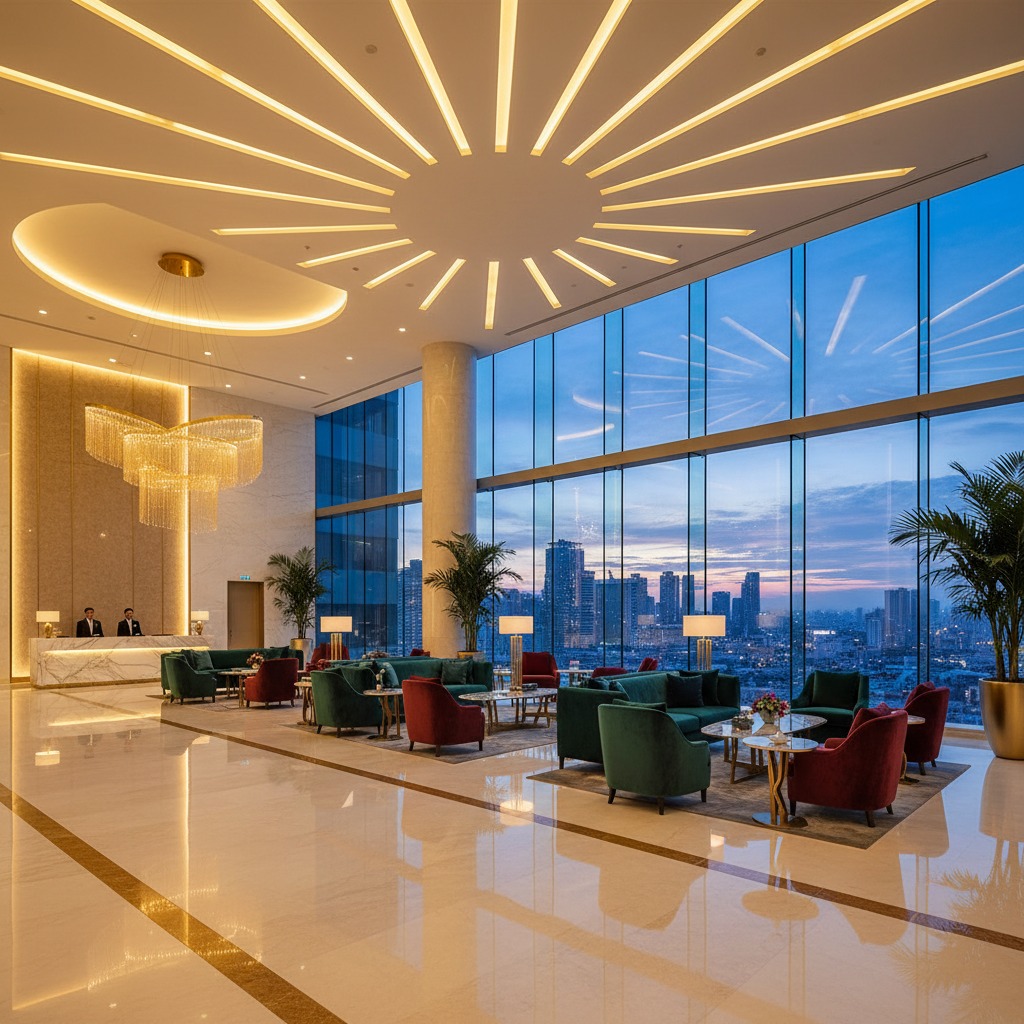
You need a system that keeps bookings, billing, housekeeping, and guest communication running smoothly so your team can focus on service. A hotel management system centralizes reservations, automates routine tasks, and helps you increase revenue while cutting operational work.
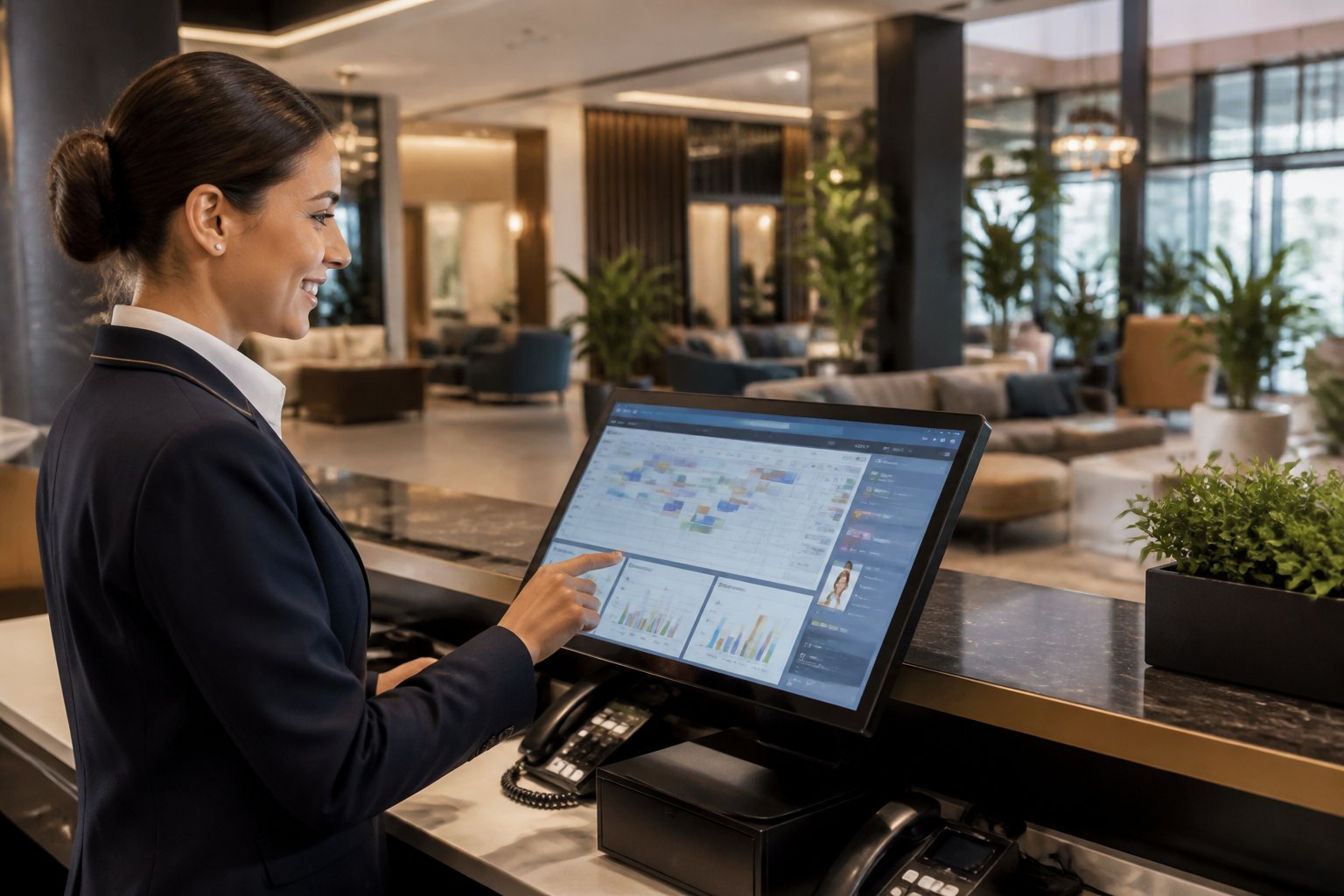
This article shows how a good PMS works, which features matter most, and how to pick software that fits your property and budget. Expect clear comparisons and practical tips so you can decide faster and avoid costly mistakes.
Key Takeaways
- Choose a system that simplifies daily operations and saves staff time.
- Prioritize features and integrations that match your hotel size and tech needs.
- Focus on platforms that boost revenue and scale with your business.
Core Features and Capabilities
A strong hotel management system centralizes daily operations, guest data, and payments so you run rooms, staff, and revenue from one place. It reduces double work, speeds check-in, and keeps records accurate across properties.
Reservation and Front Desk Management
Your property management system (PMS) handles reservations, check-in/check-out, and room inventory in real time. Use a booking engine that syncs with OTAs and your direct website to prevent overbookings and show accurate availability. Your front desk sees guest profiles, payment status, and stay history on a single screen, so staff can confirm special requests or apply promotions instantly.
Key functions to expect:
- Live calendar with rate rules and blackout dates.
- Guest profile storage with preferences and loyalty status.
- One-click check-in, mobile key issuance, and express checkout.
- Channel management integration to push rates and pull bookings.
These features cut manual updates and make front desk shifts faster and less error-prone, especially when you run multiple properties.
Automated Housekeeping and Maintenance
Housekeeping management links room status, staff assignments, and maintenance tickets to reservations. When a guest checks out, the PMS updates room status to “dirty” and auto-assigns tasks to available housekeepers based on location and workload. You can prioritize rooms for VIPs, early arrivals, or same-day turnarounds.
Maintenance workflows should include:
- Automated ticket creation from staff or guest reports.
- Scheduled preventive maintenance linked to room or asset records.
- Real-time status updates visible to front desk and operations.
- Reporting on task completion times and staff productivity.
Automation reduces lost rooms, speeds turnover, and lowers guest complaints by getting cleaning and fixes done on time.
Guest Experience and Communication
Guest messaging and CRM tools let you send targeted, timed communications across email, SMS, and in-app chat. Automate pre-arrival instructions, upsell offers (upgrades, late checkout), and post-stay review requests using data from the PMS. Personalize messages with stay history and preferences to boost conversions and repeat visits.
Practical features include:
- Segmented campaigns tied to stay type or length.
- Two-way messaging for requests and concierge services.
- In-stay touchpoints: housekeeping requests, F&B orders, activity bookings.
- Centralized guest profile with spend history and special needs.
This integration helps you deliver consistent service, faster responses, and higher ancillary revenue.
Billing, Invoicing, and Payment Processing
Your PMS should handle folios, split billing, and automated invoicing while integrating with payment gateways and POS systems. Capture pre-authorizations at booking, post incidental charges to the correct folio, and reconcile payments automatically to reduce manual accounting.
Look for these capabilities:
- Secure card tokenization and PCI-compliant processing.
- Automatic routing of charges from POS, spa, and F&B to guest folios.
- Multi-currency support and tax configuration per property.
- Batch reconciliation and exportable financial reports.
Tight integration between billing, the PMS, and payment processing cuts errors, speeds check-out, and gives you clear financial records for each property.
Integrations, Scalability, and Technology
You need systems that move data fast, keep guest touchpoints smooth, and scale as your portfolio grows. Focus on real two-way connections, reliable uptime, and clear paths for migrating data when you add properties.
Channel Management and Direct Booking Engines
A channel manager keeps your room rates and availability synchronized across online travel agencies and your website. It must support bi-directional updates so cancellations, payments, and allotments reflect immediately. Choose a channel manager that offers real-time pushes and has prebuilt connectors to major OTAs to reduce mapping work.
Your web booking engine should be mobile-friendly and convert at every stage. A good direct booking engine integrates with your PMS and payment gateways to allow instant reservations, upsells, and secure card handling. Look for support for promo codes, packages, and localized payment methods.
Prioritize a setup that tracks attribution so you can measure direct bookings versus OTA channels. This helps justify investment in your web booking engine and guides rate parity decisions.
Third-Party Integrations and APIs
APIs let you connect revenue management, CRM, keyless entry, and housekeeping tools to your hotel management system. Use RESTful, well-documented APIs with clear field mappings to avoid data loss during transfers. Confirm the PMS supports webhook events for near-real-time notifications like new reservations or payment captures.
Integrations should cover payment processors, mobile check-in vendors, and analytics platforms. Verify PCI compliance for any payment gateway integration and tokenization support for recurring charges. For mobile and contactless check-in, ensure the API syncs guest status and room assignments so front-desk workflows stay accurate.
Document each integration with expected data flows, error handling, and retry logic. That lowers support time and ensures you can swap vendors without breaking core operations.
Cloud vs On-Premise Solutions
A cloud-based PMS removes on-site servers and delivers updates through the vendor. You gain automatic backups, global access, and easier scaling when you add rooms or hotels. Cloud systems often integrate faster via API ecosystems designed for SaaS platforms.
On-premise setups give you more control over hardware and may suit properties with strict local compliance needs. But they add maintenance, slower upgrade cycles, and harder integrations with modern cloud-native tools like revenue automation or AI-driven analytics.
Compare uptime SLAs, data residency rules, and monthly vs capital costs. If you run multiple properties or plan quick growth, a cloud hotel PMS usually lowers time-to-market for new integrations and reduces IT overhead.
Data Migration and Scalability
Plan migrations in phases: export master data (rates, rate rules, room types), map fields, run test imports, and reconcile with live bookings.
Clean your dataset before migrating. Remove duplicate profiles, standardize rate codes, and reconcile AR balances. Use a sandbox to validate edge cases like group bookings, package mapping, and split bills.
For scalability, design the stack around stateless services and API rate limits. Monitor performance metrics such as API latency, booking engine conversion, and peak check-in throughput. Implement horizontal scaling for front-end booking systems and ensure your payment processor can handle spikes during promotions.
Keep rollback plans and data snapshots at each step. That protects revenue and guest records if a migration needs to be reverted. Also, document growth triggers—number of rooms, properties, or transaction volume—that will prompt architecture upgrades.
Revenue Management and Operational Optimization
You need systems that set prices, manage rooms, track performance, and keep guests returning. These tools must work together to lift revenue, control costs, and improve guest satisfaction.
Dynamic Pricing and Revenue Management
Dynamic pricing adjusts room rates automatically based on demand, competitor pricing, and booking pace. Your revenue management system should pull live data from your PMS and channel manager, compare competitor rates, and update prices in real time. Use rules for minimum and maximum rates to protect margins and set length-of-stay controls for high-demand dates.
Forecasts matter: the system should use historical pickup, local events, and lead-time patterns to predict demand and suggest rate moves. Monitor RevPAR and ADR daily. Combine automation with manual overrides so you can act on specific market intel or group business that needs negotiation.
Inventory, Rate, and Group Booking Control
Inventory control stops overbooking and protects high-value rooms. Your system must tag room types, allotments, and closed-out dates across all channels. Use allotments for group bookings and set release rules so inventory returns to transient sale at the right time.
Rate management ties to channel parity and package rules. Create rate plans for promotions, non-refundable offers, and corporate contracts. For groups, set block holds, pickup schedules, and cut-off dates. Track pick-up velocity and convert slow-moving blocks into retail inventory when profitable.
Reporting, Analytics, and Revenue Optimization
Reporting should give you clear metrics: occupancy, ADR, RevPAR, TRevPAR, and GOPPAR. Build dashboards that show pace vs. budget, channel profitability, and competitor rate gaps. Use segmentation reports to see which guest types produce the best margins.
Run A/B tests on rate plans and promotions to find what lifts net revenue. Combine analytics with action: set automated alerts for rate gaps versus competitors and for low pickup on flagged dates. Regularly audit OTA commissions and channel costs to drive optimization.
Loyalty Programs and Guest Satisfaction
Loyalty programs boost direct bookings and repeat stays. Design tiers with clear benefits—room upgrades, late checkout, or points convertible to nights. Link loyalty data to your RMS so you can offer targeted packages and personalized pricing that increase lifetime value.
Measure guest satisfaction through post-stay surveys, NPS, and review score trends. Feed feedback into operations: reduce friction points that lower upsell conversion. Reward guests promptly and make redemption simple to keep loyalty active.
Leading Solutions and Software Comparison
This section focuses on vendors, key buying factors, integration options, and real examples you can use when picking and testing a hotel management system. Expect concrete notes on functionality, typical property fit, and integration patterns.
Top Hotel Management Software Providers
You will find different leaders depending on property size and needs. For small B&Bs and inns, Little Hotelier and RoomRaccoon offer simple booking engines, channel management, and easy onboarding. They keep interfaces clean and pricing predictable for single-site owners.
For mid-size hotels and groups, Cloudbeds and Mews provide stronger automation, built-in payments, and richer reporting. Cloudbeds pairs a booking engine with channel management and a marketplace of integrations. Mews emphasizes guest self-service and workflow automation.
Enterprise properties often use Oracle Hospitality (Opera Cloud) or RoomMaster for deep integrations with POS, revenue systems, and loyalty platforms. These handle multi-property setups, complex rate rules, and advanced reporting.
You can trial multiple platforms. Look for demos that let you test booking flows, housekeeping, and reporting.
Choosing the Best Hotel Management Software
First, match software to your property type and volume. Check room count, OTA mix, and whether you need multi-property control. Small properties need simple PMS + booking engine; larger operations need advanced revenue management and custom workflows.
Second, evaluate core features: reservation calendar, channel manager, payment processing, housekeeping, and reporting. Ask for live demos that show real bookings and night audits. Verify pricing: subscription, per-room fees, and transaction charges.
Third, test support and onboarding. Faster setup and clear documentation reduce downtime. Confirm data export formats and contract length. If you use loyalty, POS, or RMS, ensure the PMS can sync bookings, rates, and guest profiles.
Integration Ecosystem and Vendor Landscape
Your PMS should connect to channel managers, POS, payment gateways, RMS, and guest messaging. Cloudbeds and Mews maintain large app marketplaces with prebuilt connectors. Oracle Hospitality (Opera Cloud) supports enterprise middleware and longstanding POS integrations.
Look for open APIs, webhook support, and certified partner lists. Certified partners speed implementation for features like dynamic pricing, keyless entry, and local tax engines. Smaller vendors like Hotelogix provide flexible API options for independent hotels that want custom tools.
Also check who maintains the connector. Vendor-maintained integrations usually reduce breakages during updates. Third-party integrators can add features fast but add another support layer.
Real-World Case Studies
You should evaluate real deployments similar to your property. A boutique hotel using Cloudbeds often reports faster direct bookings after switching to its booking engine and revenue tools. A multi-site chain using Opera Cloud gains consistent rate rules and centralized reporting across properties.
Small inns that moved to Little Hotelier or RoomRaccoon typically see simpler daily operations and fewer double bookings due to built-in channel syncing. Properties that prioritized automation chose Mews for self check-in and streamlined housekeeping workflows.
When you review case studies, focus on measurable outcomes: occupancy lift, reduced OTA commissions, faster check-in times, or fewer reconciliation errors. Request references from hotels with the same size and tech stack before you commit.
Frequently Asked Questions
This section answers practical questions about features, selection, deployment, open-source choices, UI testing, and project planning. Read the short, specific steps and checks you can use to compare systems and reduce risk.
What core features should a modern property management platform include?
Make sure the system handles reservations, front-desk check-in/out, housekeeping status, and billing in one place. It should also include a channel manager or easy integration with one to keep OTA inventory accurate.
Look for payment processing that is PCI-compliant and supports refunds and pre-authorizations. Real-time reporting, rate management or revenue tools, and an open API for third-party integrations matter too.
Mobile access for staff and a guest-facing booking engine or direct-booking widget help operations and reduce OTA fees. Multi-property management and user role controls become essential as you scale.
How do I choose the best software for a small independent hotel?
List your must-have daily tasks first: reservations, invoicing, and housekeeping alerts. Then shortlist vendors that match those tasks and fit your budget.
Pick a solution that offers fast onboarding and phone or chat support in your region. Test the booking engine conversion and check commission or per-booking fees to avoid surprise costs.
Ask about optional modules so you can add features later, such as payments, POS, or upsell tools. Prioritize simplicity and a clean UI over feature overload for small teams.
What are the key differences between cloud-based and on-premise hotel software?
Cloud systems host your data offsite and push updates automatically. They usually lower upfront costs and let you access the system from anywhere.
On-premise systems keep data on your servers and can work offline if your internet is unreliable. They often require higher upfront fees and an internal IT plan for backups and maintenance.
Consider compliance rules, internet reliability, and total cost of ownership when choosing between cloud and on-premise.
Which open-source options are reliable, and what trade-offs should I expect?
Open-source projects can reduce licensing costs and let you customize code. Reliable community projects exist, but they often need internal IT or a paid integrator for stable production use.
Expect slower formal support and fewer built-in integrations than commercial vendors. You also should budget for security reviews, regular updates, and possible feature development.
If you lack in-house tech resources, consider a commercial cloud PMS that offers support and a ready integration ecosystem instead.
How can I evaluate the user interface and workflow before committing to a vendor?
Request a trial account or a guided demo using real tasks from your property. Run scenarios: a group booking, a late check-in, a room change, and a billing correction.
Check how many clicks each task takes and whether staff mobile tasks work on your devices. Have frontline staff test the system and give feedback about speed and clarity.
Ask for a sandbox that mirrors your rate structure and room types so you can test day-to-day operations, not just canned demos.
What should a hotel software implementation project plan include to avoid disruption?
Create a timeline with milestones: data migration, staff training, parallel run, and go-live date. Assign an internal project lead and a vendor implementation contact.
Plan data cleanup before migration and a full backup of legacy systems. Schedule staff training sessions staggered by role and run a parallel period where both old and new systems operate.
Include contingency measures: rollback steps, extra staffing on go-live days, and vendor support hours. Document tasks, responsible people, and expected outcomes for each milestone.