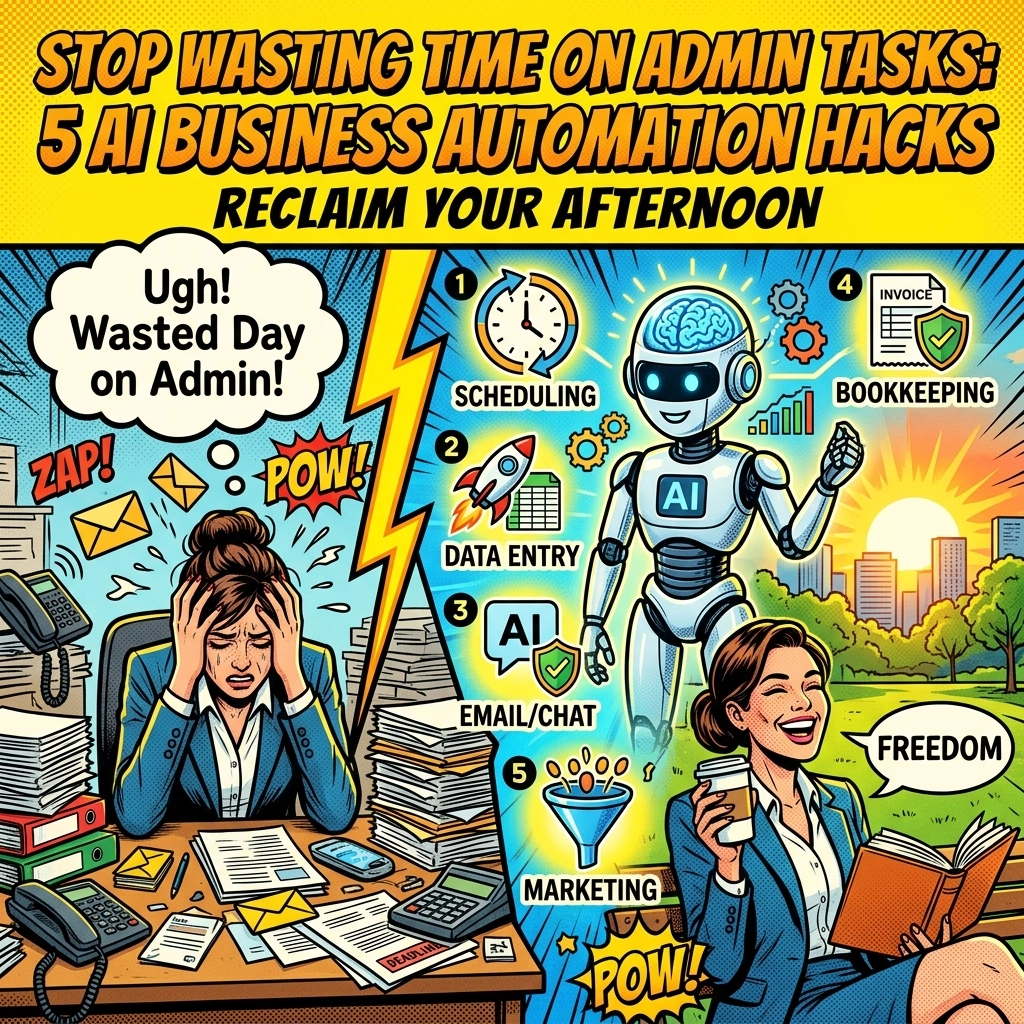
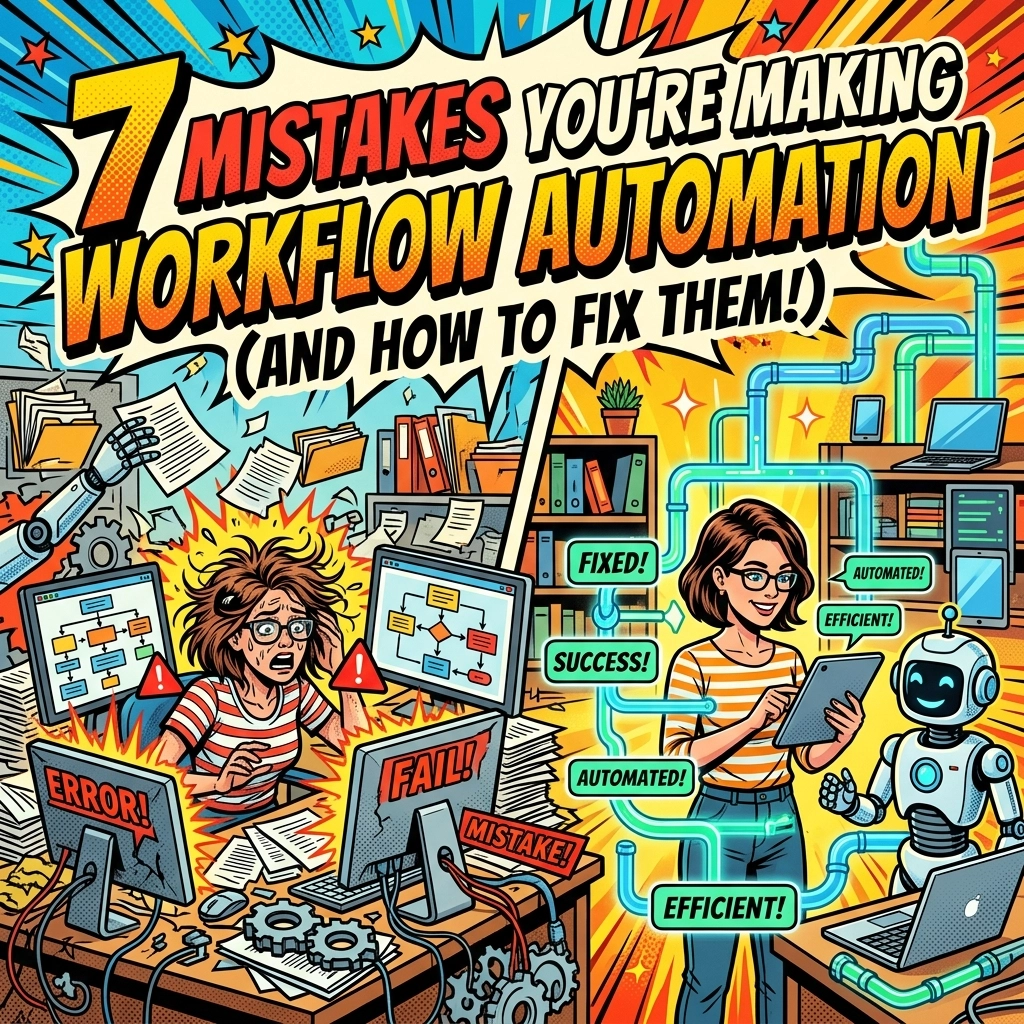
You wake up. ☕ The sun is barely up, but your brain is already running a marathon. Your inbox has 43 new messages. Three clients are asking for the same invoice. Your "to-do" list looks more like a "wish-I-could" list.
You’ve heard about workflow automation for small business. You’ve probably even tried to set up a few "Zaps" or automated emails. But instead of feeling like a high-powered CEO, you feel like a mechanic trying to fix a plane while it’s in mid-air.
The truth? You’re likely making some classic mistakes that are actually adding more work to your plate.
Let's fix that.
1. YOU’RE AUTOMATING A HOT MESS
You have a process that’s already broken. Maybe your lead intake is a chaotic mix of sticky notes and DMs. You think, "I’ll just automate it!"
Bad move. 🛑
When you automate a broken process, you just get a faster, louder, more expensive broken process. You’re essentially paving over a cow path. It’s still a winding, inefficient mess, just now it’s permanent.
THE FIX: Stop. Map it out. Before you touch a single tool, write down every step of the task. If a step feels redundant or annoying, kill it. Only once the process is lean and clean should you let the robots take over.
2. YOU’RE TRYING TO AUTOMATE EMPATHY
You’ve seen those LinkedIn bots that send "Congrats on the new role!" messages two seconds after someone updates their profile. It’s creepy. It’s robotic. It’s… well, a mistake. 🤖
Automation is for predictable, repeatable, "brain-dead" tasks. Data entry? Yes. Invoice reminders? Absolutely. Nuanced client apologies or creative brainstorming? Never.
THE FIX: Keep the "human" in human business. Use workflow automation for the grunt work so you have more time to actually talk to your customers. If a task requires judgment or a personal touch, keep it manual. Check out how Scott Bowen at Marblism handles the balance between tech and touch.

3. YOU BOUGHT THE FANCY SHINY OBJECT
You saw a 30-second ad for a "revolutionary" AI tool and signed up for the Pro Plan immediately. Now you have six different subscriptions, and none of them talk to each other. 💸
Choosing a platform based on hype rather than fit is the fastest way to drain your budget and your patience.
THE FIX: Evaluate before you escalate. Does the tool integrate with what you already use? Is it simple enough for your team to actually use? If it takes a PhD to set up a simple auto-reply, it’s the wrong tool. Start with integrated solutions like those found at Marblism.
4. YOU’VE CREATED "ISLANDS" OF TECH
You automated your emails. Great. You automated your billing. Awesome. But your billing system doesn't know what your email system is doing. 🏝️
These are technology silos. They lead to "data drift," where you have three different versions of a client's phone number across three different apps.
THE FIX: Think horizontally. When you set up a new automation, ask: "How does this data get to the next step?" Your goal is a cohesive ecosystem where information flows like water, not a bunch of isolated puddles.
5. YOU’RE TRYING TO EAT THE WHOLE ELEPHANT
You want to automate your entire business by Friday. You’re building 50-step workflows that resemble a spiderweb on caffeine. 🕷️
Small businesses don't have the IT departments of Fortune 500s. When these giant "mega-automations" break (and they will), your whole business grinds to a halt because nobody knows how to fix the "Master Script."
THE FIX: Go modular. Break big workflows into tiny, independent pieces. If one piece breaks, the rest of the machine keeps humming. Start small, like automating your appointment scheduling, and build from there.
6. YOUR DATA IS TRASH
"Garbage in, garbage out." It’s an old saying because it’s true. If your CRM is full of duplicate entries and misspelled names, your automated "Personalized" emails will go out addressed to "Dear {Fname_Error}." 🗑️
Bad data costs businesses trillions. Don't let it cost you your reputation.
THE FIX: Clean your room. Before you hit "Go" on any automation, ensure your data is standardized and clean. Set up validation rules so that new data coming in is checked for errors before it hits your workflow.

7. THE "SET IT AND FORGET IT" MYTH
You built the automation six months ago. You haven't checked it since. Meanwhile, your API keys expired, the software updated its interface, and you’ve been sending broken links to leads for three weeks. 📉
THE FIX: Establish a "check-up" schedule. Spend 15 minutes a week reviewing your automation logs. Are things running? Are there errors? Governance isn't just for big corporations, it’s how small businesses stay professional.
Ready to stop doing the busy work? See how Scott can help you automate the right way.
Why Your Business Needs an AI Virtual Assistant (Before Your Competitors Get One)
Let's talk about your competitor, "Efficient Steve."
Steve seems to be everywhere. He’s posting on LinkedIn at 8:00 AM, replying to leads at 11:00 AM, and somehow still manages to play golf on Tuesday afternoons. Is Steve a wizard? No. 🧙♂️
Steve has an AI virtual assistant for business. And while you’re buried under a mountain of "just checking in" emails, Steve is scaling.
The gap between businesses using AI and those "waiting to see" is becoming a canyon. Here’s what a day looks like when you stop being the bottleneck and start using an AI VA.
7:00 AM , THE SILENT SCANNERS
☕ Your day begins. Usually, you’d open your phone to a wall of anxiety. But today? Your AI VA has already scanned your inbox.
It’s archived the newsletters you never read, flagged the high-priority invoice from your top vendor, and drafted three replies to common FAQs. You look at your phone, see the "All Clear" summary, and actually enjoy your coffee.
11:00 AM , THE SCHEDULING DANCE IS DEAD
📱 You’re in a meeting. A potential lead DMs you: "Hey, can we chat later this week?"
In the old days, this would trigger a 10-email thread of "Does Thursday at 2 work?" "No, how about Friday?" By the time you agree on a time, the lead has cooled off.
Now? Your AI VA sees the request, checks your calendar, sends a link, and confirms the booking. You didn't even have to put down your pen. The lead is impressed. You are relieved.

1:00 PM : DATA ENTRY IS FOR ROBOTS
🤝 You just finished a great networking lunch. You have a stack of business cards (or LinkedIn profiles). Normally, these would sit on your desk until 2027.
Instead, you snap a photo. Your AI virtual assistant extracts the info, adds them to your CRM, tags them as "Networking – April," and sends a "Great meeting you!" email.
It’s not magic. It’s just smart business. And it's exactly what Marblism helps you set up.
4:00 PM : THE RESEARCHER
🔍 You need to know how your competitors are pricing their new service. Instead of spending two hours digging through messy websites, you ask your AI assistant to compile a summary.
Ten minutes later, you have a bulleted list. You’re making data-driven decisions while your competitors are still trying to figure out how to use ChatGPT for more than just writing poems about their cats.
6:00 PM : THE CLEAN BREAK
🌙 The day is over. Truly over.
You aren't "catching up" on admin work. You aren't filing expenses. You aren't wondering if you missed a lead. Your AI VA has logged everything, filed the digital paperwork, and prepared a briefing for tomorrow morning.
You turn off the lights. The house is quiet. Your business is running while you sleep.

WHY NOW?
Because the "first-mover advantage" is real. Businesses using an AI virtual assistant for business aren't just saving time: they’re lowering their overhead. They can afford to be more competitive on price because their "admin" costs are pennies on the dollar.
Don't let "Efficient Steve" take your market share because he was faster to adopt the future.
Stop juggling. Start scaling.
See how Scott Bowen and Marblism can build your AI team today.
Scaling shouldn't be this hard. But with the right tools, it's actually pretty quiet.
Go take that Tuesday afternoon off. You've earned it.